
AI-generated video · TikTok trend
The It's My Life dog, starring your pet, from one photo
Updated
AI-generated scruffy grey dog, singing in the front seat of a made-up car. AI-generated black Labrador, singing in the front seat of a made-up car. The original, by Alaska & Zeus (@alaska.zeus.dogs). Not made with or affiliated with angles.video. Watch it on TikTok
Samples made with this generator from AI-generated pet photos, not real pets. The newest was made on . No sound on purpose: you add the trend sound on TikTok when you post.
Up top, a sunny highway through the windscreen. Down below, your pet, buckled into the front seat and singing its heart out. Someone steps into the lane ahead, a horn blares, and suddenly the road is empty; your pet stares into the camera dead serious, then slides on a pair of sunglasses for the last line. Upload one photo of your dog or cat and get the whole split-screen clip back as a 14-second vertical video, cut to the trend sound for you to add when you post.
- 1 photo
- 14.2 seconds
- Vertical 9:16
- No sound: add the trend sound when you post
- Ready in a few minutes
- 80 credits
Make your It's My Life dog video
Upload one clear photo of your pet. You get all five shots cut into one split-screen video in a few minutes, ready to post.
- 1Upload one clear photo.
- 2We make the video in a few minutes.
- 3Download it and add the trend sound on TikTok.
Checking your credit balance…
One It's My Life dog video costs 80 credits. Credits are refunded if generation fails.
Your pet
A dog or a cat, its face clear and looking at the camera, head and chest in view. This is who rides in the front seat and sings.
80 credits per video · refunded if it fails
What the It's My Life dog trend is
It is a split-screen clip from a road trip that never happened. The top half is a dashcam view of a sunny highway; the bottom half is a camera on the dashboard looking back at a dog buckled into the front seat, singing along to Bon Jovi's "It's My Life" with its mouth wide open. A car has stopped on the bend ahead and someone walks out into the lane; a horn blares, the dog's mouth snaps shut, and the clip jump-cuts to the same bend with the lane empty. The dog is jolted in its seat, settles, stares into the camera dead serious for five long seconds, then slides on a pair of black sunglasses and belts out the last line.
The first post went up on 28 October 2026 from a small pet account, a German shepherd made with AI, and passed forty thousand views on an account with fewer than a hundred followers. Within days other accounts were posting the same fourteen seconds beat for beat over the same sound with their own dogs, and by 11 November three AI video sites had a template for it. The joke is the pet's total calm: whatever happened on that bend, it is its life.
What your It's My Life dog video looks like
The video is made as five shots from one photo of your pet, each a whole split-screen picture: singing on the ramp, someone in the lane, the empty road and the stare, the sunglasses, and the last line. The first shot is drawn from your photo, and the other four from your photo and that first shot, so your pet's face, fur and markings, the car and the seat stay the same from the first frame to the last; a video model then sets each one moving, the road rolling by up top and your pet singing or staring below.
Each finished video runs 14.2 seconds at 1080 by 1920, as long as the trend sound, with a small AI-generated label in the corner and no captions burned in. It has no sound of its own, on purpose: the trend sound goes on when you post. It takes a few minutes and costs 80 credits from a credit pack or paid plan. Dogs are what the trend is known for, but a cat sings it just as well.
The 5 scenes
0–3.8s · Singing in the front seat
Up top, a sunny highway ramp through the windscreen; below, your pet buckled into the front seat, singing along with its mouth wide open.
3.8–5.4s · Someone in the lane
A car has stopped on the bend and someone walks out into the lane ahead. Your pet keeps singing, noticing nothing, until the horn stops it dead.
5.4–10.3s · The empty road
Jump cut: the lane is empty. Your pet is jolted in its seat, settles, and stares into the camera dead serious, mouth shut.
10.3–11.5s · The sunglasses
Still dead serious, your pet slides a pair of black sunglasses on with its paw as the open highway rolls by up top.
11.5–14.2s · The last line
Sunglasses on and head back, your pet belts out the last line as the open highway stretches ahead.
The sound, the cuts and the empty road
The sound is not in the file. The song belongs to Bon Jovi and their label, so we do not put it, or the first post's sound with the song in it, in a video we make for you, and we did not make a sound-alike. You add the trend sound on TikTok when you post, as everyone on the trend does, which also lists your post under it. Every cut falls where the sound has it: the horn blares just before the jump cut at 5.4 seconds, and the sunglasses come up at 10.3.
Nothing on the road is hit, here or in the first post: the walker is in the lane in one shot and gone in the next, and the cut is the whole joke. Your pet keeps its own face, fur and markings and its own animal mouth, and nothing in the car has a badge, a number plate or a road sign with writing on it. angles.video is not affiliated with Bon Jovi, their label, or the accounts that started the trend.
How to post it on TikTok with the trend sound
Step 1
Download your video
Save the MP4 to your phone. It is already vertical, 1080 by 1920, so TikTok will not crop it.
Step 2
Start from the trend sound
Open an It's My Life dog video on TikTok, tap the sound name at the bottom, then tap Use this sound and pick your video from Upload. Most posts on the trend share the first post's sound or a copy of it, the song with the horn in it.
Step 3
Line up the horn
The video has no sound of its own, so there is nothing to turn down. Let the sound play from its very start: the horn should blare just before the road goes empty at 5.4 seconds, and the singing should come back as the sunglasses go on. If it drifts, tap the scissors by the sound and nudge its start until the horn lands on the cut.
Step 4
Label it as AI-generated
Before posting, open More options and switch on the AI-generated content label. TikTok asks creators to label realistic AI-generated video, and viewers trust a post that says so.
How to make an It's My Life dog video yourself
You do not need this page to make one. This is how the video is put together, with the prompts for every shot, so you can build it with any picture model and image-to-video model you like.
Step 1
Draw the first still as one split-screen picture
Use a picture model that takes a reference photo and draw the opening still as a single vertical picture split across the middle: the road through the windscreen on top, your pet buckled into the front seat below, singing with its mouth wide open. Make its head and chest fill the bottom half so its face is big and clear.
Step 2
Draw the other four from the first one
For the walker in the lane, the empty road, the sunglasses and the last line, give the picture model your photo and the first still as a second reference, and ask it to keep the pet, the car and the seat from that still but draw the new road up top and the new moment below: jolted to one side, then holding the sunglasses, then wearing them.
Step 3
Animate each still and cut to the sound
Give each still to an image-to-video model, say in every prompt that the picture stays split in two with the line fixed, and spell out the road rolling by up top. Trim the shots to 3.8, 1.6, 4.9, 1.2 and 2.7 seconds, lay them end to end at 9:16 with hard cuts, and add the sound from its start on TikTok.
The shots, second by second
| Time | Shot |
|---|---|
| 0–3.8s | Singing in the front seat A split screen of the road ahead over your pet in the front seat, buckled in and singing with pure joy, head bobbing, eyes half closed. |
| 3.8–5.4s | Someone in the lane Someone walks out into the lane ahead while your pet keeps singing, then its mouth snaps shut and its head jerks toward the road. |
| 5.4–10.3s | The empty road Jump cut to the same bend with the lane empty, your pet jolted in its seat, then settling and staring into the lens dead serious, mouth shut. |
| 10.3–11.5s | The sunglasses Your pet, still deadpan, slides a pair of plain black sunglasses on over its eyes with one paw. |
| 11.5–14.2s | The last line Your pet in its sunglasses, head tipped back, belting out the last line at the top of its voice over the open highway. |
The prompts, shot by shot
Each shot is made in two steps. Give its still prompt to a picture model with your pet's photo as the reference, then give the picture it draws to an image-to-video model with the motion prompt. Add these endings to every prompt: they set the look and keep your pet the same from shot to shot.
End of every still prompt
Keep each animal's species, breed, face, markings, fur colour and pattern, eye colour, ears and size exactly as in its reference photo, so it is instantly recognisable as the same pet; never swap who is who. It stays a real animal: paws, not human hands, no human body, and no clothes it is not wearing in its photo unless the scene puts it in them. A frame from an everyday split-screen dashcam video on a bright sunny day: natural daylight, slightly soft focus, a little video compression, an everyday look rather than a cinematic one, vertical 9:16. The two halves fill the whole frame edge to edge: no screen, bezel or border, and no timestamp, speed or numbers on the picture. No text, no captions, no watermark, no logos.
End of every motion prompt
One continuous shot with no cuts. Keep the animal looking exactly as in the first frame. No text.
0–3.8sSinging in the front seat
Still prompt
A split-screen frame cut straight across the middle by a thin black line, the top half and the bottom half the same height. Top half: a dashcam view through the windscreen of a car on a sunny afternoon, the edge of the dashboard along its bottom, a wide highway ramp curving ahead between tall green trees, two ordinary cars far ahead seen from behind. Bottom half: a camera on the dashboard of the same car looks back at the front seat, dark grey fabric seats and a bright side window with trees going by behind, where the pet in the reference photo sits upright like a person, buckled in with a grey seatbelt across its chest, front paws resting in front of it. Its head and chest fill the bottom half, the tips of its ears just below the black line, face in full view. It is singing along with pure joy, mouth wide open, eyes half closed, head tipped back a little. No road signs, number plates, badges or writing anywhere.
Motion prompt
The picture stays split in two the whole time, the thin black line across the middle fixed in place. In the top half the road rolls toward the camera as the car drives on round the curve. In the bottom half the pet sings along with pure joy, its own animal mouth and jaw opening wide and closing again on every line, as if belting out a song, head bobbing and swaying, eyes half closed. Both cameras stay fixed to the car, and it stays the same sunny afternoon throughout.
3.8–5.4sSomeone in the lane
Still prompt
A split-screen frame cut straight across the middle by a thin black line, the top half and the bottom half the same height. Top half: a dashcam view through the windscreen of a car on a sunny afternoon, the edge of the dashboard along its bottom, the same sunny ramp: a car has stopped on the bend ahead and a pedestrian in a plain grey T-shirt is walking out into our lane, a few car lengths in front. Bottom half: the pet in the reference photo, in the same front seat as in the other frame, buckled in, its head and chest filling the bottom half, still singing with joy, mouth wide open, eyes half closed, noticing nothing. No road signs, number plates, badges or writing anywhere.
Motion prompt
The picture stays split in two the whole time, the thin black line across the middle fixed in place. In the top half the car rolls on toward the pedestrian walking across the lane. In the bottom half the pet keeps singing for a second, its own animal mouth and jaw opening wide and closing again on every line, as if belting out a song; then it stops dead, its mouth snapping shut and its head jerking toward the road. Both cameras stay fixed to the car, and it stays the same sunny afternoon throughout.
5.4–10.3sThe empty road
Still prompt
A split-screen frame cut straight across the middle by a thin black line, the top half and the bottom half the same height. Top half: a dashcam view through the windscreen of a car on a sunny afternoon, the edge of the dashboard along its bottom, the same sunny bend, the lane ahead now empty: no people and no cars on it. Bottom half: the pet in the reference photo, in the same front seat as in the other frame, buckled in, its head and chest filling the bottom half, jolted to one side as if the car has just swerved, one front paw thrown out, eyes wide, mouth shut. No road signs, number plates, badges or writing anywhere.
Motion prompt
The picture stays split in two the whole time, the thin black line across the middle fixed in place. In the top half the empty road rolls on and opens onto a wide, open highway. In the bottom half the pet rocks back upright and settles in its seat, glances off to the side once, then turns its face to the camera and stares straight into the lens, dead serious, mouth shut, not blinking, holding perfectly still to the end. It does not sing. Both cameras stay fixed to the car, and it stays the same sunny afternoon throughout.
10.3–11.5sThe sunglasses
Still prompt
A split-screen frame cut straight across the middle by a thin black line, the top half and the bottom half the same height. Top half: a dashcam view through the windscreen of a car on a sunny afternoon, the edge of the dashboard along its bottom, a wide, open sunny highway ahead, a few cars far off. Bottom half: the pet in the reference photo, in the same front seat as in the other frame, buckled in, its head and chest filling the bottom half, staring straight into the lens, dead serious, mouth shut, holding a pair of plain black sunglasses up beside its face in one front paw. No road signs, number plates, badges or writing anywhere.
Motion prompt
The picture stays split in two the whole time, the thin black line across the middle fixed in place. In the top half the open highway rolls toward the camera. In the bottom half the pet slides the black sunglasses on over its eyes with its paw in one smooth move and lowers the paw, cool, its mouth still shut. Both cameras stay fixed to the car, and it stays the same sunny afternoon throughout.
11.5–14.2sThe last line
Still prompt
A split-screen frame cut straight across the middle by a thin black line, the top half and the bottom half the same height. Top half: a dashcam view through the windscreen of a car on a sunny afternoon, the edge of the dashboard along its bottom, a wide, open sunny highway stretching ahead, a few cars far off. Bottom half: the pet in the reference photo, in the same front seat as in the other frame, buckled in, its head and chest filling the bottom half, now wearing plain black sunglasses, head tipped back, singing at the top of its voice, mouth wide open. No road signs, number plates, badges or writing anywhere.
Motion prompt
The picture stays split in two the whole time, the thin black line across the middle fixed in place. In the top half the open highway rolls toward the camera. In the bottom half the pet belts out the last line in its sunglasses, its own animal mouth and jaw opening wide and closing again on every line, as if belting out a song, head tipped back and bobbing, full of itself. The sunglasses stay on. Both cameras stay fixed to the car, and it stays the same sunny afternoon throughout.
Where it goes wrong
Say the split screen in every prompt
Describe the split only in the still and a video model may treat the picture as one scene: it pans across the line, or lets the road leak into the car. Say in every motion prompt that the picture stays split in two with the thin line fixed, and say what each half does.
Give it its own animal mouth
Ask a pet to sing with its lips and teeth and a model draws a person's mouth on it. Ask for its own animal mouth and jaw opening wide and closing on every line, and say in the stare that its mouth stays shut, or the jaw flaps all the way through.
Put the sunglasses in its paw first
The sunglasses have barely a second before the singing comes back. Draw that still with the pair already held up beside the face in one paw, so the clip only has to slide them on, and say in the last still that they stay on.
Keep the road free of writing
Road signs, number plates and badges are where a model writes words and car makers' names. Say there are none anywhere, and leave the steering wheel out of it: named, it gets drawn between the camera and your pet.
Only pets whose owners agreed
Use your own dog or cat, or a pet whose owner agreed. Do not use a celebrity’s pet, a famous animal account or the dog from the first post, and do not put people in the seat: the walker on the road stays a small, made-up figure far ahead.
Label it as AI-generated
Switch on TikTok's AI-generated content label before you post. A dog singing in a car and putting on sunglasses is exactly the kind of clip people ask about, and viewers trust a post that says so.
Or skip all of it
Upload one photo above and get the finished video back in a few minutes: drawn, animated and cut, with the AI label already on it.
Questions about the It's My Life dog generator
What is the It's My Life dog trend?
An AI pet meme from late October 2026: a split screen with a sunny highway on top and a dog buckled into the front seat below, singing along to "It's My Life". Someone walks into the lane ahead, a horn blares, the road is suddenly empty, and the dog stares into the camera dead serious before putting on sunglasses and singing the last line.
How do I make an It's My Life dog AI video?
Upload one photo of your dog or cat on this page. The AI draws your pet in the front seat in five split-screen shots, from the singing to the sunglasses, sets each one moving and cuts them into a 14-second vertical video at the beats of the trend sound. You add the sound on TikTok when you post.
What song is the It's My Life dog singing?
Bon Jovi's "It's My Life", from its chorus. On TikTok the trend runs on the first post's sound, the song with a car horn in it, shared again under many accounts' names. It is not in your file: the video comes without sound, and you add it on TikTok with Use this sound.
Does it work with a cat?
Yes. The trend is known for dogs, but a cat in the front seat sings, stares and puts on its sunglasses just the same, and the AI keeps its own face, fur and markings. Any pet that sits up with its face clear works; the clearer the face in your photo, the more it looks like yours.
What happens to the person in the road?
Nothing is shown. Someone walks out into the lane in one shot, and in the next the lane is empty; nothing is hit on screen, here or in the first post. The jump cut and your pet's calm stare are the whole joke. The walker is a small made-up figure far ahead, never anyone real.
Does my pet’s mouth move with the song?
Roughly, yes. In the singing shots your pet's mouth opens wide and closes again as if it is singing, and in the stare and the sunglasses it stays shut, and each shot is cut to where it falls in the sound. It is not word-for-word lip-sync, because the song is not in the file when the video is made, but with the sound started from the top the singing lands where the mouth moves.
How much does an It's My Life dog video cost?
80 credits for one finished video, from a credit pack or paid plan. If a video fails to generate, the credits go straight back to your balance.
Can I use a photo of someone else’s pet?
Only with the owner’s consent. Before you generate, you confirm that the photo is of your own pet or that its owner agreed. Do not upload photos of celebrities’ pets, famous animal accounts or the dog from the first post, and do not upload photos of people: this template is written for a cat or a dog in the front seat.
What photo works best?
One pet, its face fully visible and looking roughly at the camera, in good light, with its eyes and the markings on its face clear. A head-and-chest photo works better than a whole animal seen from far away. Avoid blurry action shots, costumes and photos with several pets in them.
What happens to my photo?
It is used only to draw the five shots, and we delete it from our storage as soon as your video is finished or fails. The finished video stays in your account so you can download it again.
Every video on this page, and every video made here, is AI-generated: the pets in it are drawn by an AI model from the photos uploaded, and nothing in it was filmed.
Make your It's My Life dog video
Upload one clear photo of your pet. You get all five shots cut into one split-screen video in a few minutes, ready to post.
Each sample also has its own page: It's My Life dog AI video (sample 1) · It's My Life dog AI video (sample 2)
More trends
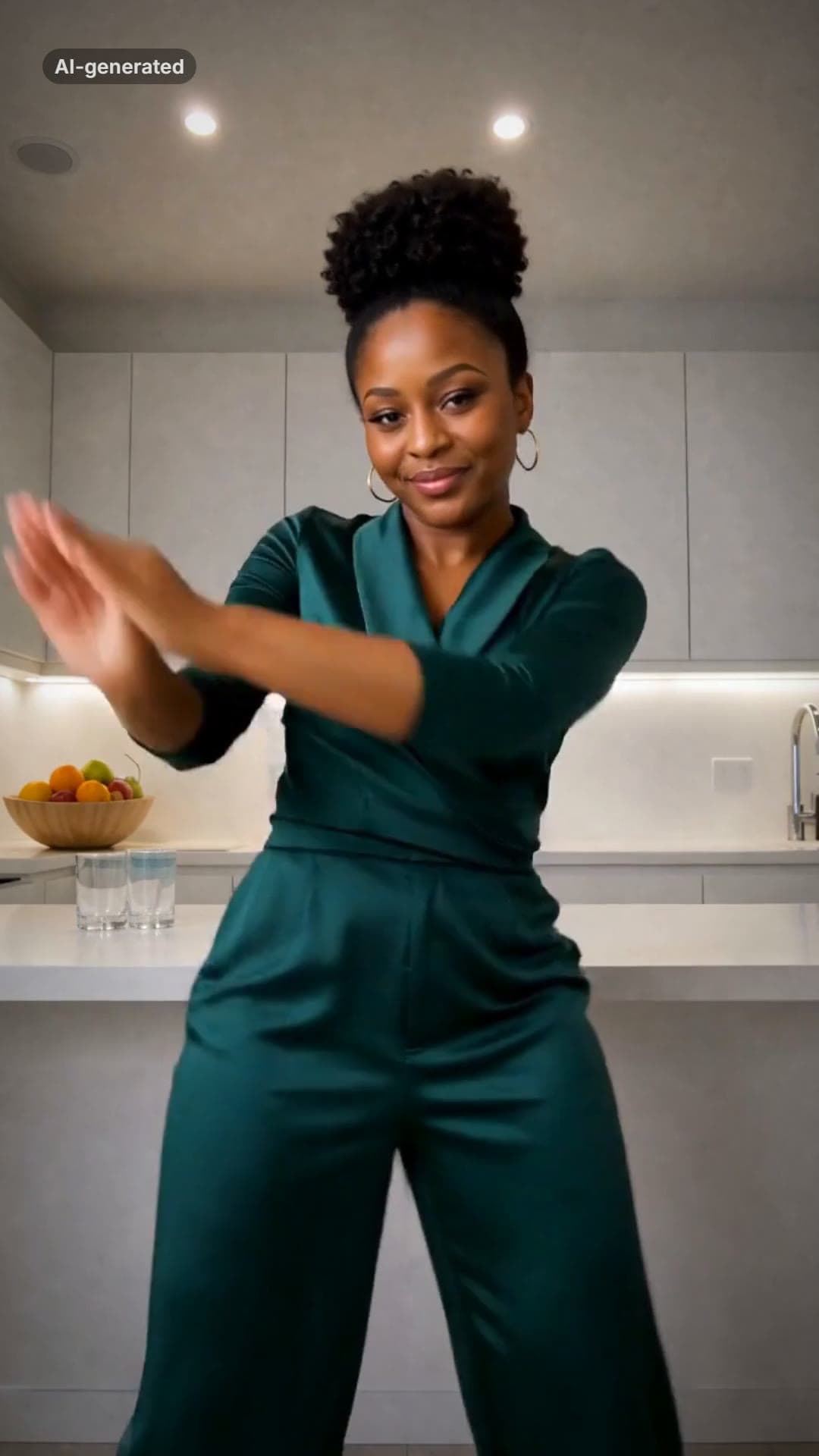 AI-generated sample
La Mujer del Pelotero AI Dance Video
One photo. The sway, the bat swing and the claps, in a kitchen at night.
1 photo · 10s · 80 credits
Make yours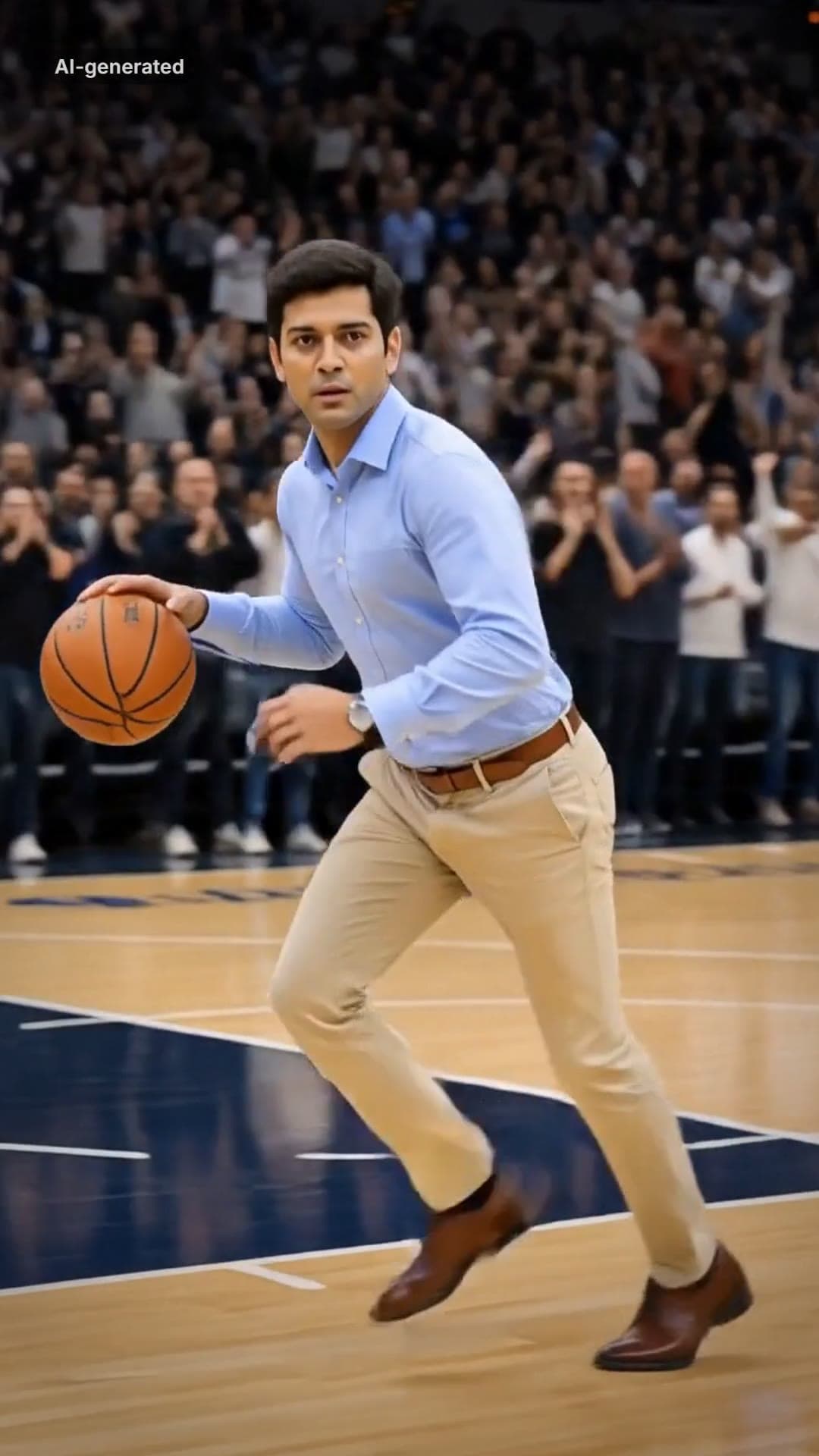 AI-generated sample
AI Dunk Video Generator: Dunk in a Pro Game
One full-body photo. Everyday clothes, a packed pro arena, a one-handed dunk and a roar.
1 photo · 16s · 80 credits
Make yours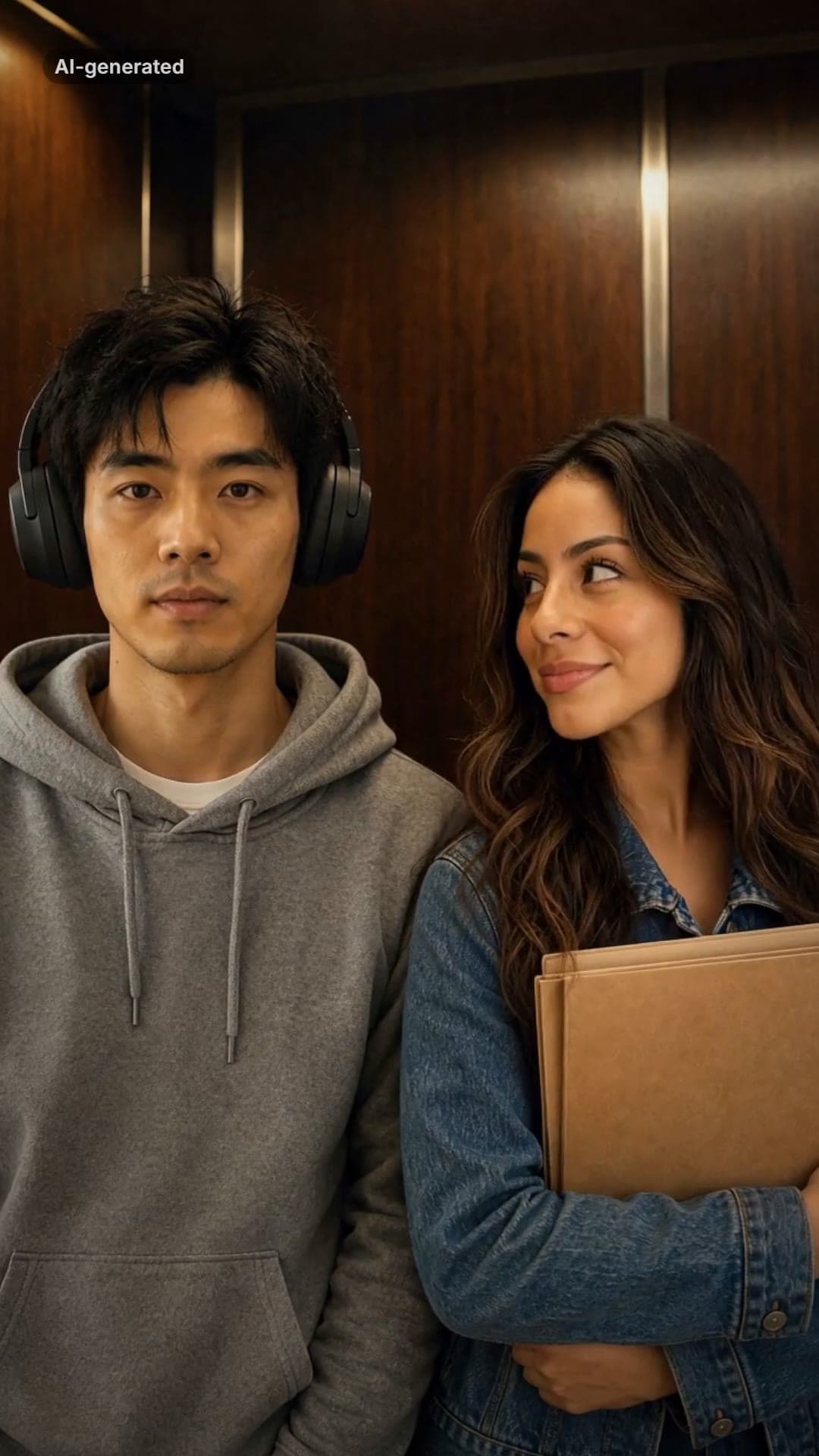 AI-generated sample
I Love The Smiths Trend: Meaning + Make Yours
Two photos. Big headphones, an old elevator and the line that leaves them speechless.
2 photos · 16s · 80 credits
Make yours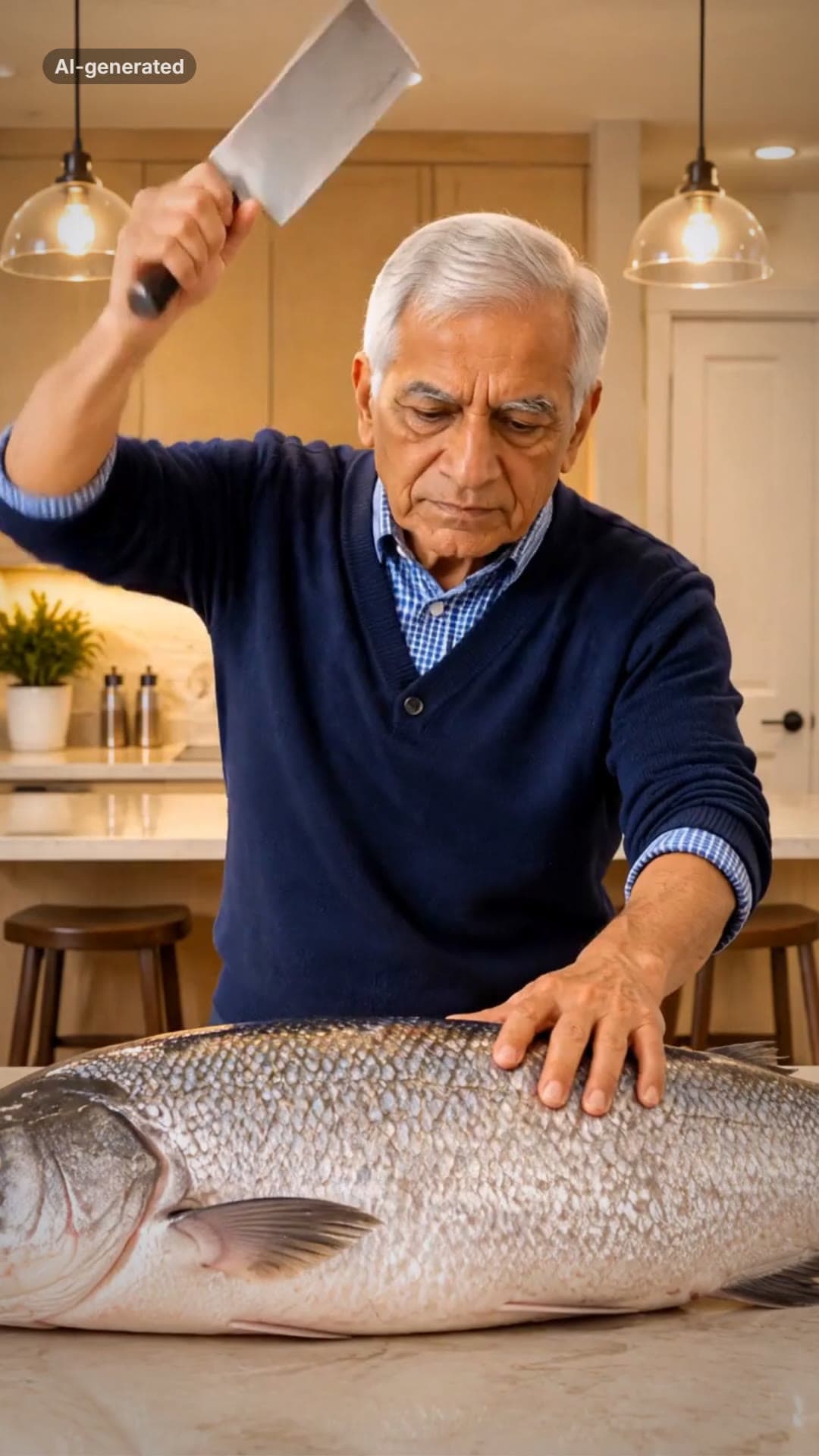 AI-generated sample
Grandpa Said He'd Handle Dinner AI Video
One photo. A fish bigger than you, a kitchen cleaver and a dead-serious face.
1 photo · 16s · 80 credits
Make yours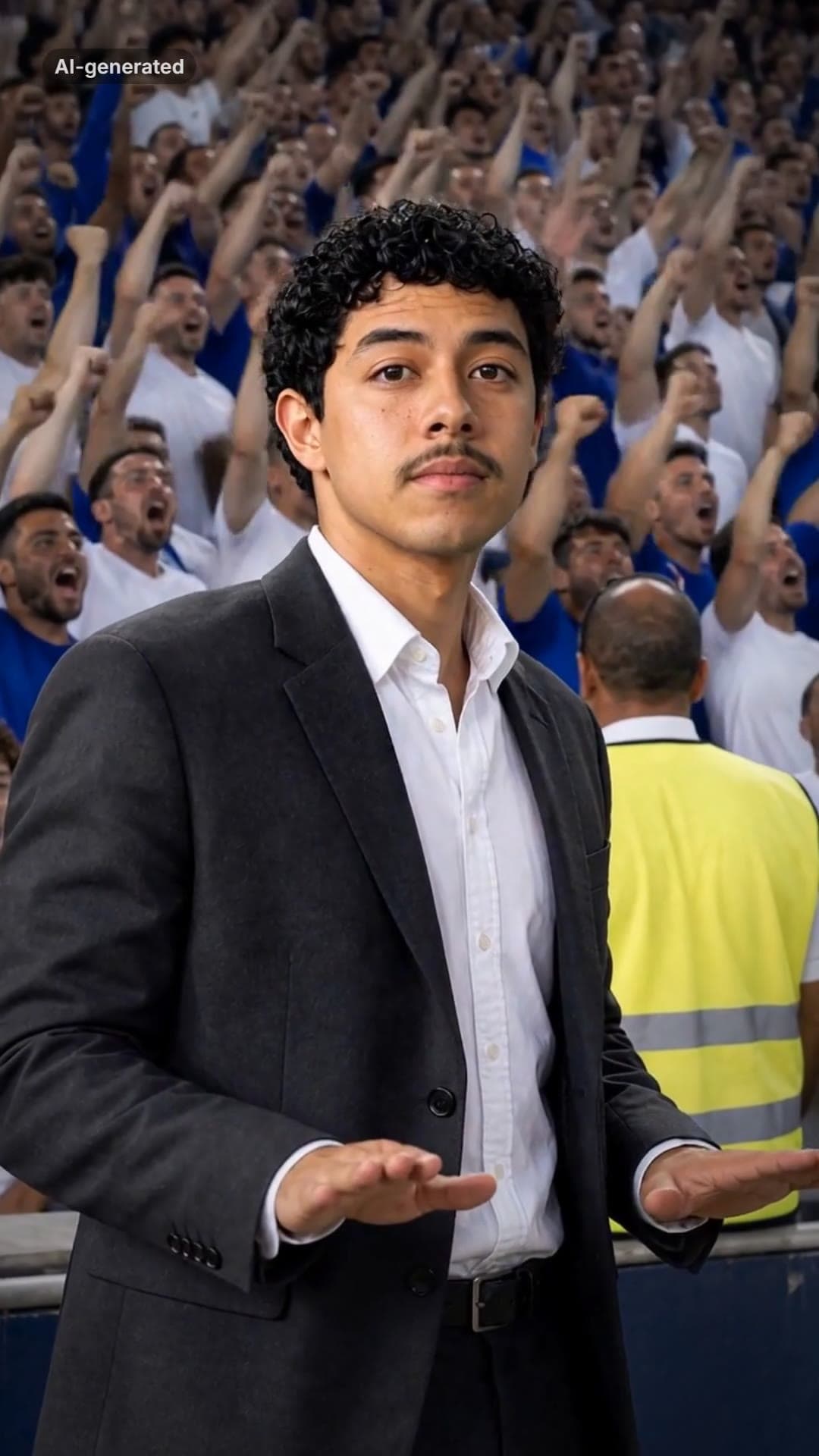 AI-generated sample
Stadium Calm Down AI Video Template
One photo. A roaring stadium, a dark suit, and you pressing both palms down: calm down.
1 photo · 16s · 80 credits
Make yours AI-generated sample
I Just Beat The Case AI Video Template
One full-body photo. Out of the courthouse doors, a flex, a roar and a victory skip.
1 photo · 13.8s · 80 credits
Make yours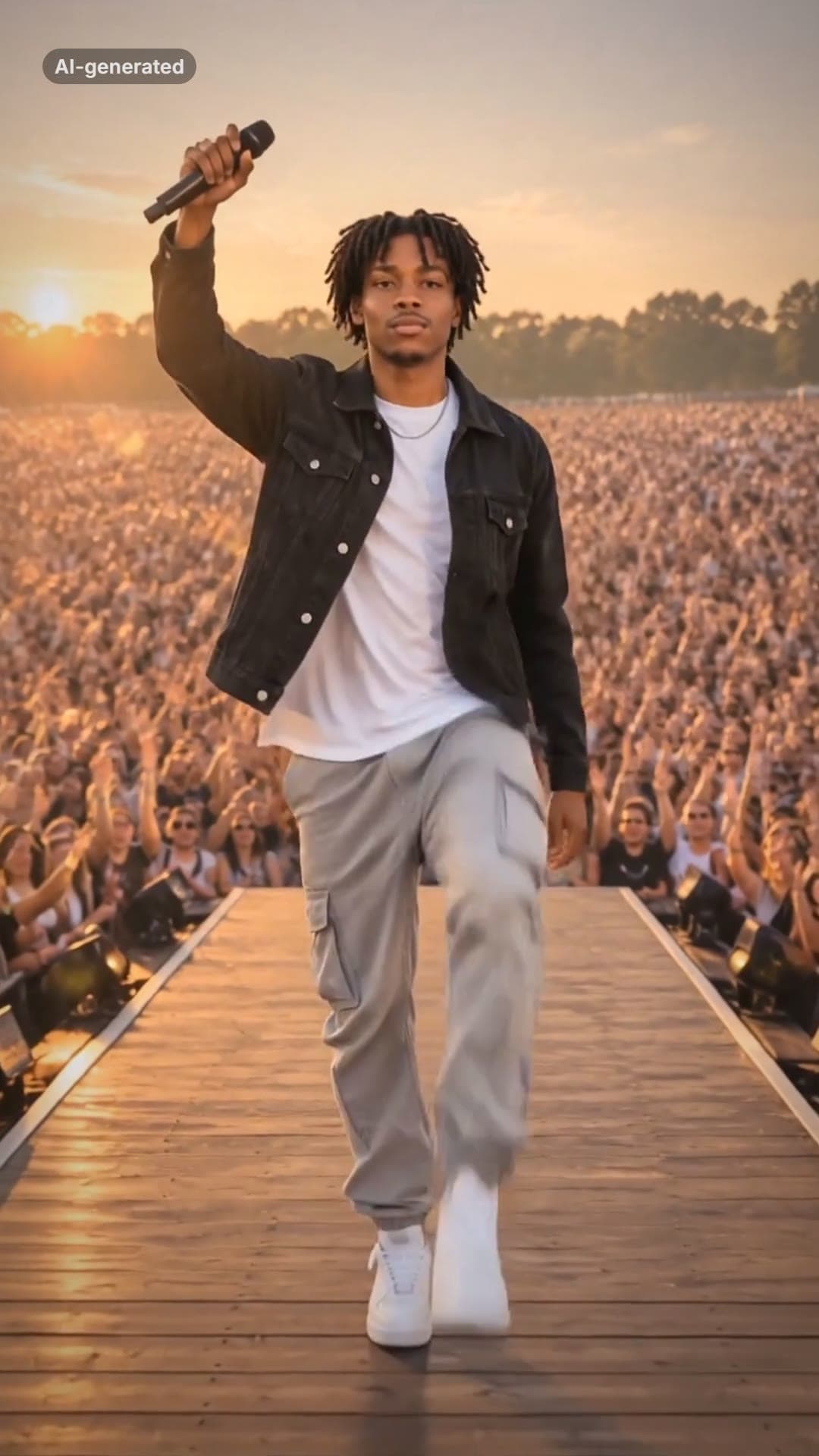 AI-generated sample
Lil Yachty Walkout AI Video Generator
One photo. Backstage, the crowd, then the high-step down the catwalk.
1 photo · 16s · 80 credits
Make yours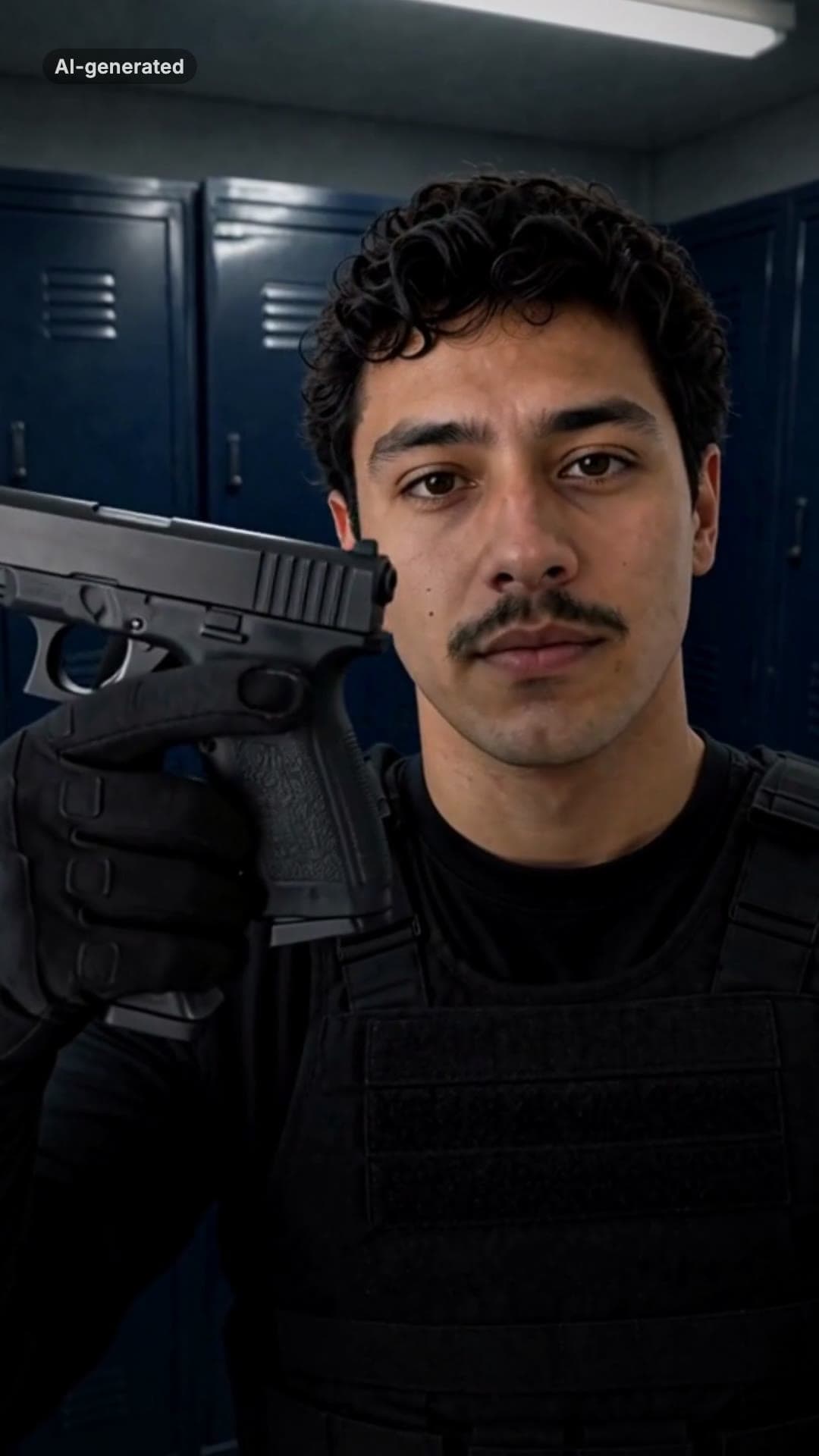 AI-generated sample
End of Watch AI Template: Locker Room Scene
One photo puts you in the locker scene: the gear, the flash, the partner behind you.
1 photo · 10s · 80 credits
Make yours