






























AI viral videos in minutes
Pick an angle that's taking off on TikTok and get your own version.
Pick an angleTaking off on TikTok
See all 20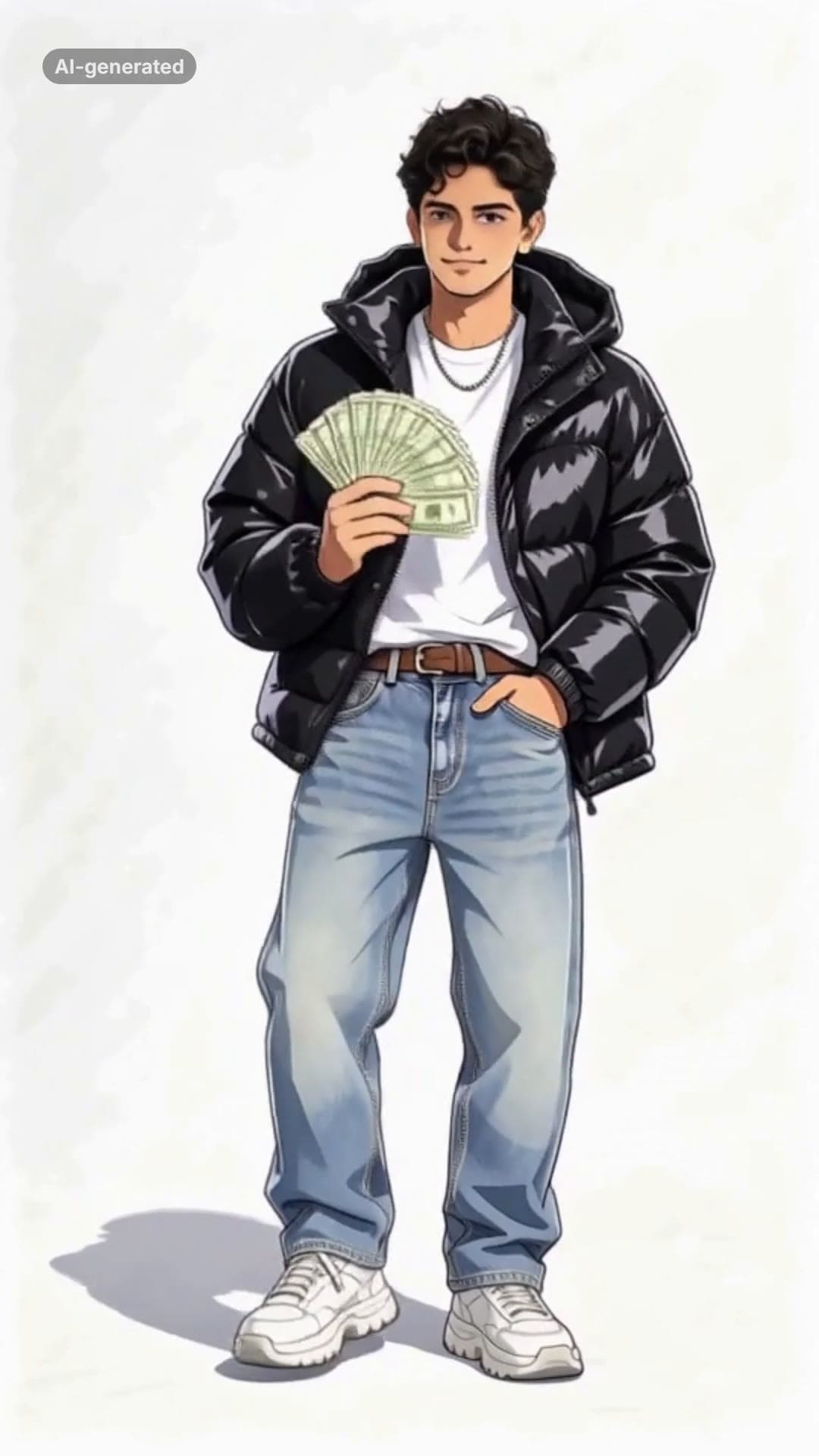 AI-generated sample
Wassup in a Minute AI: Your Anime Sway Edit
One photo. You as an anime character in streetwear, swaying on white in four poses.
1 photo · 14.12s · 80 credits
Make yours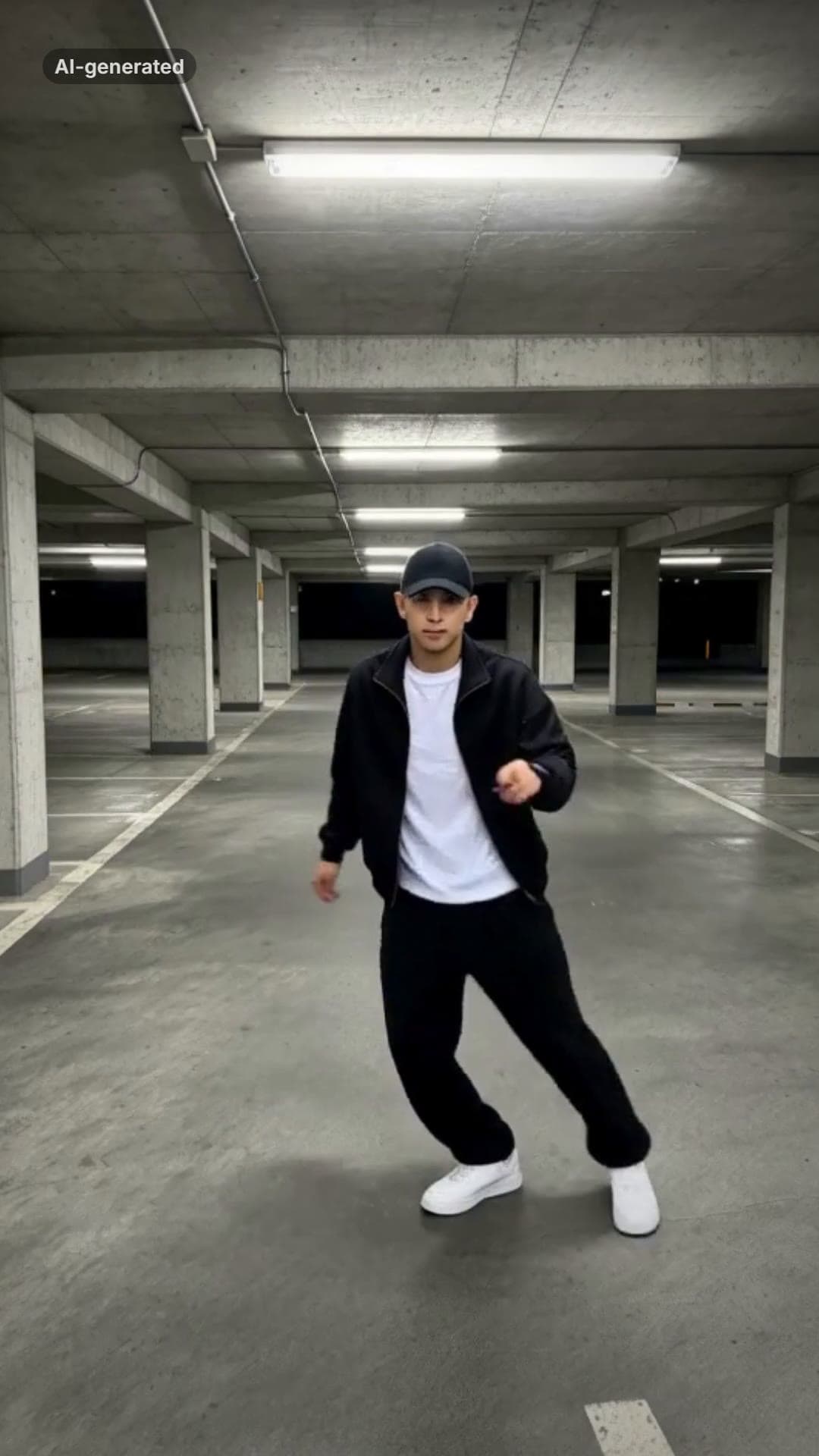 AI-generated sample
Smooth Criminal AI Dance Trend Video Maker
One full-body photo. A brim flick, a glide, the pops and a freeze in a night car park.
1 photo · 15s · 80 credits
Make yours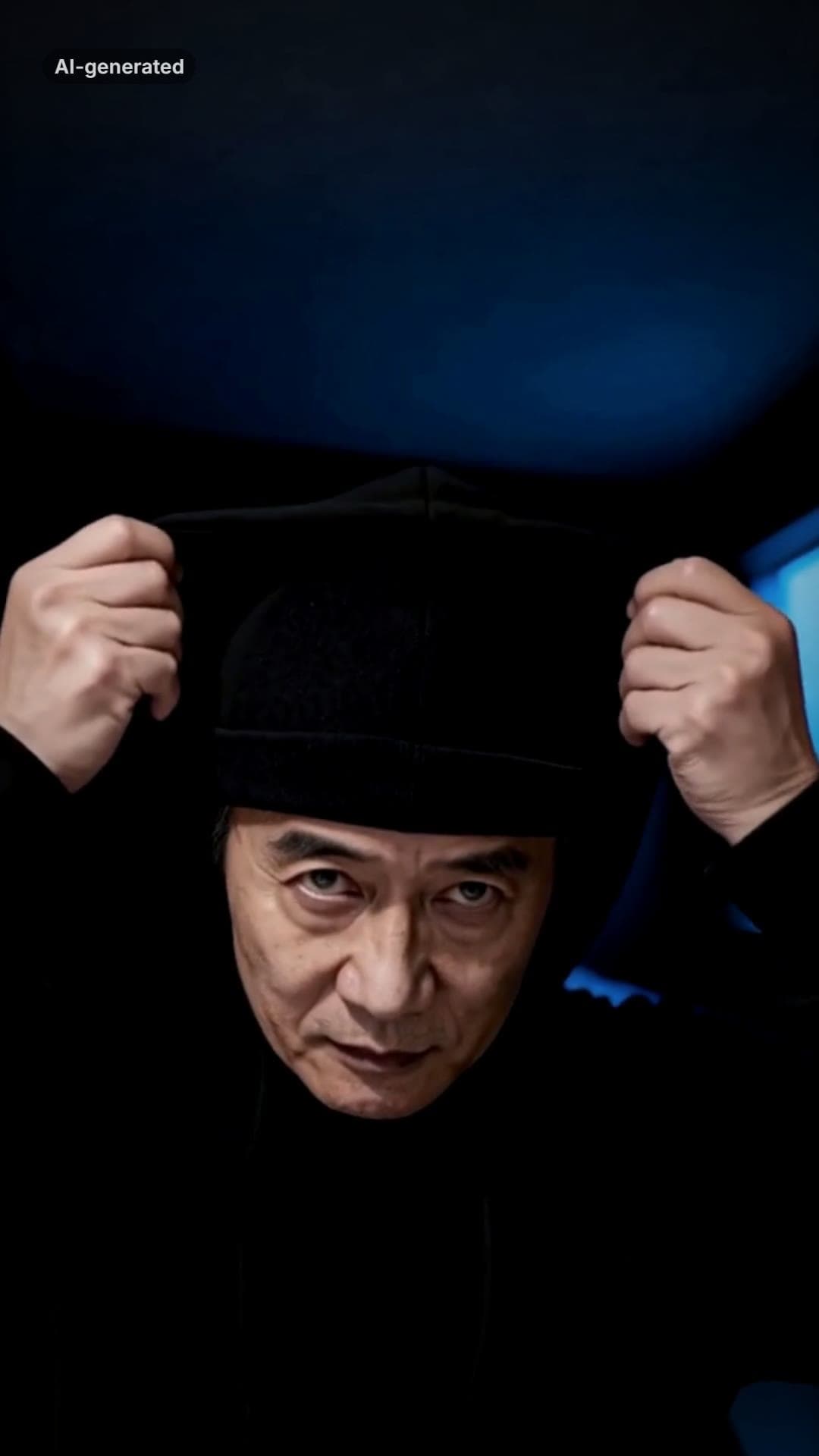 AI-generated sample
Skull Cap Trend AI: Glow-Up Video Maker
One photo. A goofy before, the cap goes on, the lights go down and the stare comes out.
1 photo · 13.5s · 80 credits
Make yours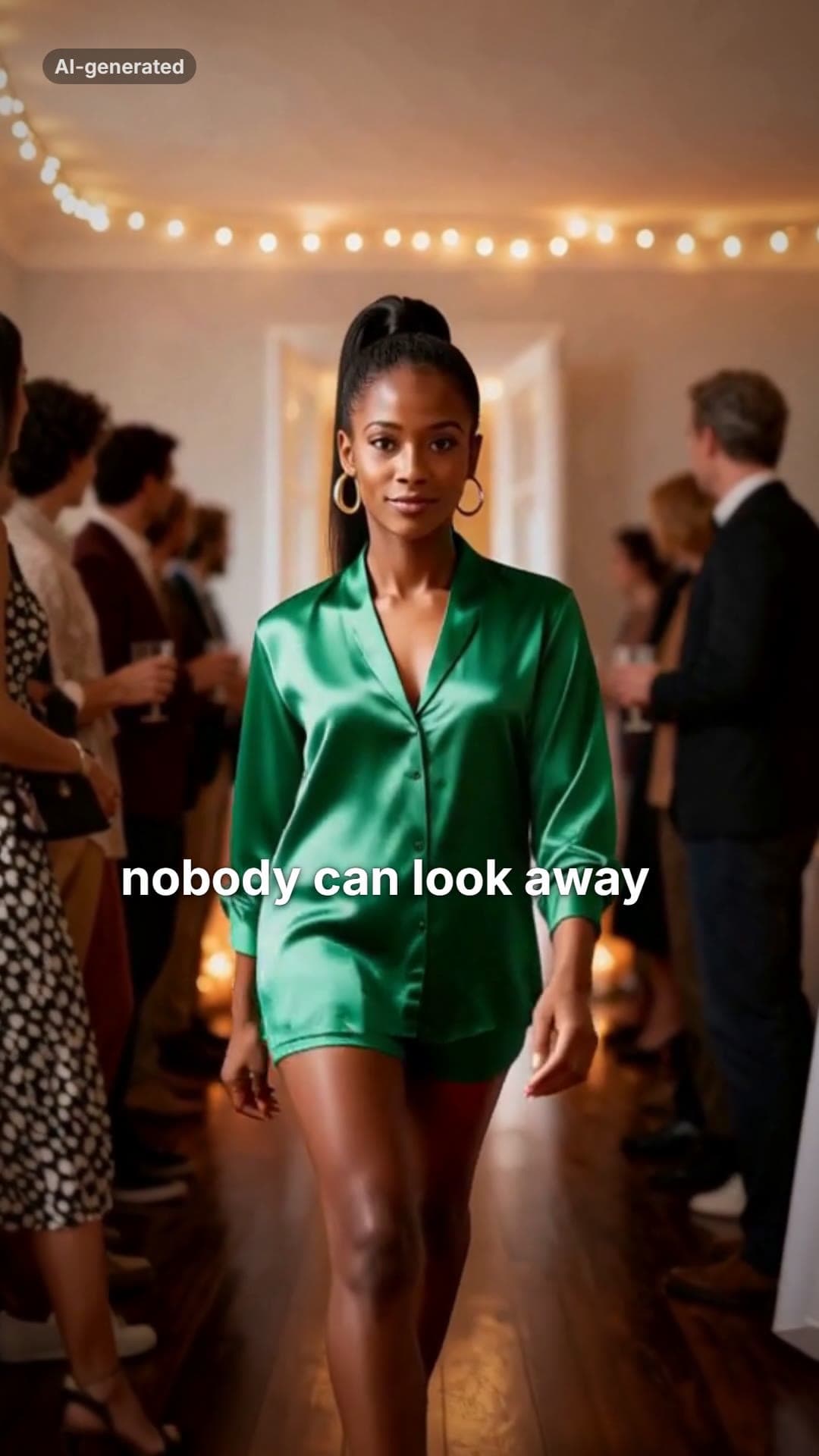 AI-generated sample
Then I Walk In Meme AI Video Maker
One photo. The doors open, the party goes quiet, and you walk in with a straight face.
1 photo · 16s · 80 credits
Make yours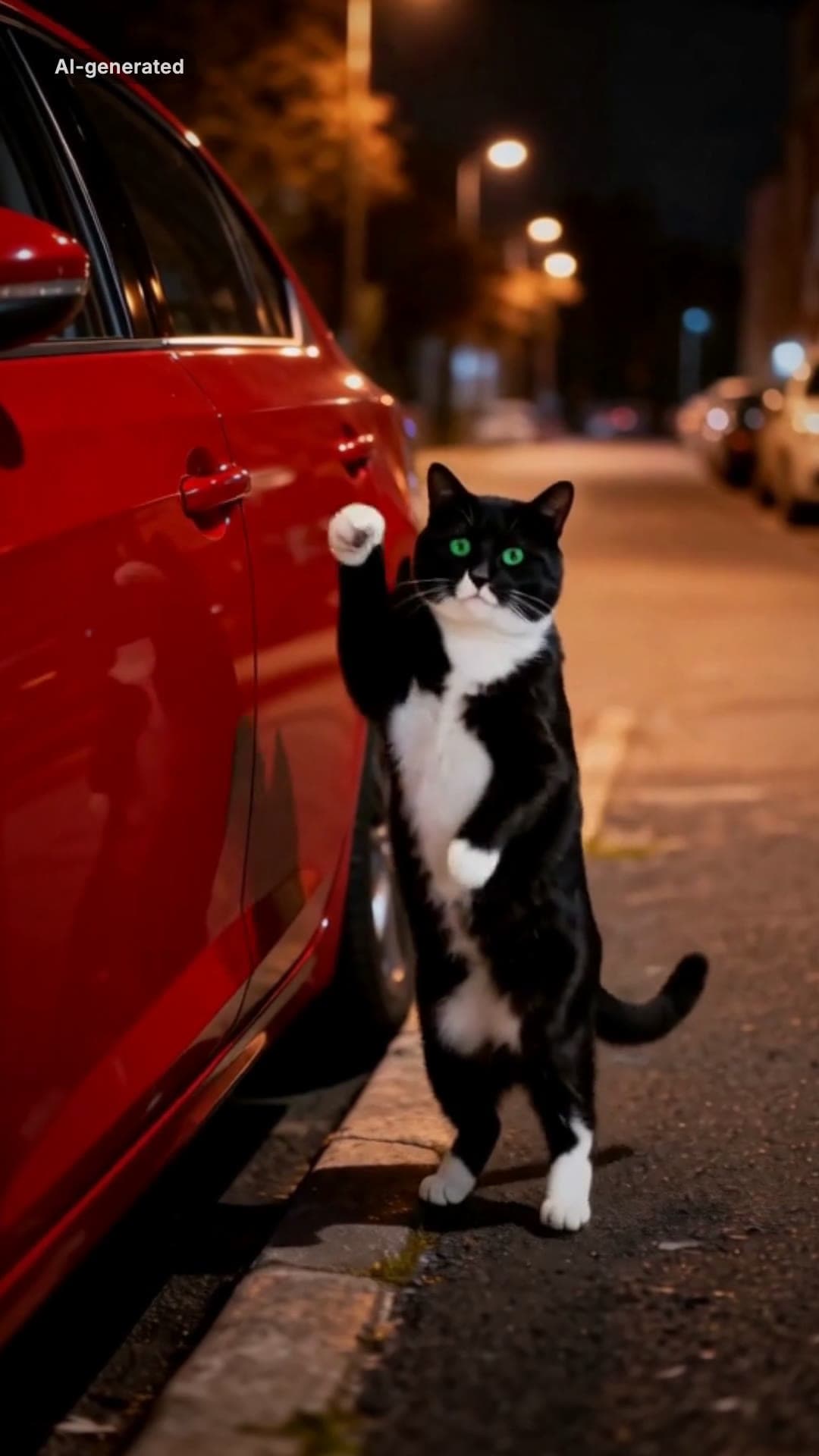 AI-generated sample
Car Alarm Dance AI Video Template for Pets
One pet photo. A red car, a night street and a very serious little dancer.
1 photo · 12s · 80 credits
Make yours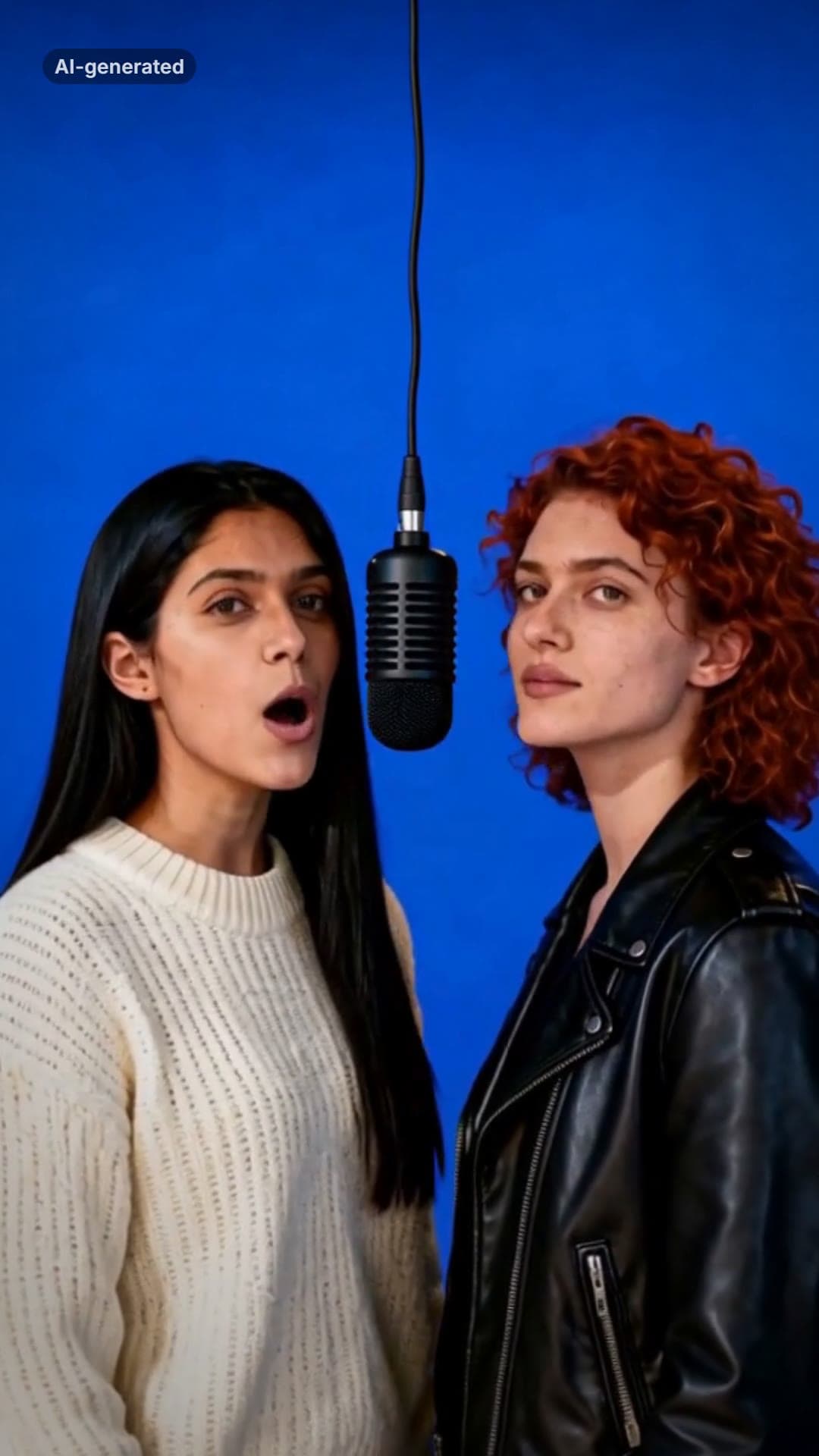 AI-generated sample
AI Rap Duo Generator: Two Photos, One Verse
Two photos. The two of you trade bars of an original verse at one hanging mic.
2 photos · 12s · 80 credits
Make yoursHow to make a viral video
Start from an angle that's already going viral, then make it yours.
- 01
Pick an angle that's taking off
Each one is a format already spreading on TikTok, rebuilt as its own template: the shots, the timing and the cut are already worked out.
- 02
Upload a photo
One to three photos, depending on the angle: you, your friends or your pet. Every shot is drawn from them, so the same face is in each one.
- 03
Get your video in a few minutes
A vertical video ready to post. Add the trend sound on TikTok, write your caption, and turn on the AI-generated label when you post.
What you get
Your photos are used only to make your video, and we delete them as soon as it is finished or fails. Only upload photos of yourself or of people who said yes.
- Format
- Vertical 9:16, 1080 × 1920
- Length
- 10 to 19 seconds, depending on the angle
- Time
- A few minutes from upload to finished video
- Price
- 80 credits per video, refunded if it fails
- Sound
- Original audio made for each angle, never a copyrighted song
- Label
- A small AI-generated label in the corner of every video
Questions
What is angles.video?+
angles.video is an AI viral video maker: pick a video format that's taking off on TikTok and get your own version, made from your photos. Each format is rebuilt shot by shot as its own template.
How much does a video cost?+
80 credits for one finished video, from a credit pack or a paid plan. Packs start at $15 for 200 credits, enough for 2 videos. If a video fails to generate, the credits go straight back to your balance.
Is the trend's song in the video?+
No. Each video comes with original audio made for that angle, which you can turn down, and you add the trend sound on TikTok. The AI rap angles are the exception: the rap, the voice and the beat are generated with the picture and are in the file.
Can I make one with my pet?+
Yes. Some angles are made for a pet photo; each card says how many photos it needs and of whom.
What happens to my photos?+
They are used only to make your video, and we delete them from our storage as soon as it is finished or fails. The finished video stays in your account so you can download it again.
Do I have to label it as AI?+
Every video already has a small AI-generated label in the corner. When you post it on TikTok, turn on its AI-generated content label as well.
Is angles.video affiliated with TikTok?+
No. angles.video has nothing to do with TikTok or with the creators who started each trend. No footage from the original videos is used: every shot is drawn by AI from the photos you upload.
Can I make videos for a software product?+
Yes. angles.video also turns a product page or a screen recording into short videos that show what your product does, each with its own hook, script, voice-over and captions.
Every video on this page, and every video made here, is AI-generated: the people in it are drawn by an AI model from the photos uploaded.
Making videos for a software product?
Paste a product page or upload a screen recording and get short videos that show what it does.