
AI-generated video · TikTok trend
The AI zombie couple trend, made from your two photos
Updated
One of you has turned. The other raises a gun and cannot do it. Upload a photo of each of you and get the whole love story as a vertical video, four scenes cut together with captions and an original score.
80 credits · about 18s, 9:16
Make your zombie couple video
Upload a photo of each person. You get the whole 4-scene story back in a few minutes, ready to post.
Checking your credit balance…
One zombie couple video costs 80 credits. Credits are refunded if generation fails.
1. Who turned
This person becomes the zombie in the first three scenes.
2. Who holds the gun
This person raises the gun, cannot fire, and holds them.
80 credits per video · refunded if it fails
The 4 scenes
1. Now
“Day 47. You came back.”
An empty street at dusk. The first person stands in the fog, pale and lost, and starts walking toward the camera.
2. The gun
“I promised I'd end it if you turned.”
A close-up of the second person, gun raised in both hands, shaking, unable to pull the trigger.
3. The hug
“I lied.”
The gun is on the ground. They hold each other in the middle of the street, and the zombie goes calm.
4. Before
“Still you. Always you.”
A flash of white, then the two of you in a sunlit field, laughing, before any of it happened.
More samples
Made with this generator from AI-generated portraits, not real people. The newest was made on .
What the zombie couple trend is
The zombie couple trend is a short love story told in four beats. One half of a couple has turned into a zombie, and the other finds them in an empty street with a gun in their hands. They aim, they shake, and they cannot do it. The gun drops, they hold each other, and the video cuts to a warm memory of the two of them from before. It started spreading on TikTok in October 2026 and is played for tears, not for scares.
What makes it work is that the people in it are you. The zombie is not a monster from a film; it is your partner, your best friend or your sister, still recognisable under the pale skin. That is why the trend is made from photos rather than footage: anyone can be in it without filming anything, and it lands hardest when the two faces are ones the people watching know.
How this generator makes yours
Most zombie couple generators make one eight-second clip at low resolution. This one makes the whole story as four separate scenes and cuts them together. Each scene starts as a still picture drawn from both of your photos, so the same two people appear in every shot, and then a video model sets that picture moving. The four clips are cut into one vertical video with a crossfade, a flash into the memory, a cold grade for the present and a warm one for the past.
Each finished video runs about 18 seconds at 1080 by 1920, with one line of caption per scene placed where TikTok's buttons and caption do not cover it, an original instrumental score made for this template, and a small AI-generated label in the corner. It takes a few minutes and costs 80 credits from a credit pack or paid plan.
Why the video comes without the trend sound
The song people use on this trend belongs to its artist and label, so we cannot put it in a video we make for you. What we put in instead is an instrumental score made for this template, which you are free to keep or to turn down. On TikTok you add the trend sound yourself when you post, the same way every creator on the trend does, and TikTok handles the licence for sounds in its own library.
Adding the sound on TikTok also means your post is counted under that sound, so it appears with every other video on the trend. That is how a trend post gets found, and it is something a sound baked into the file cannot do: TikTok treats a file with music already in it as an original sound with no link back to the trend.
How to make a zombie couple video yourself
You do not need this page to make one. This is how the video is put together, with the prompts for every shot, so you can build it with any picture model and image-to-video model you like.
Step 1
Draw one still per scene from your two photos
Use a picture model that takes reference photos and draw four stills, one for each scene, from the same two photos. Drawing every still from the photos is what keeps the same two faces from the first shot to the last: ask a video model to invent them four times and you get four different couples.
Step 2
Turn each still into a few seconds of video
Give each still to an image-to-video model with one line about what moves in it: the stagger, the shaking hands, the sway, the spin. Ask for one continuous shot with no cuts, so every clip stays in its own scene and the cuts are yours to make.
Step 3
Cut the four into one vertical video
Lay the clips end to end at 9:16 and trim each to four or five seconds. Grade the street cold and the memory warm, put a flash of white before the memory, add one line of caption per scene, and use music you have the right to use, or none.
The shots, second by second
| Time | Shot |
|---|---|
| 0–4.5s | Now A wide shot of an empty, foggy street at dusk, the first person pale and clouded-eyed but unhurt, staggering slowly toward the camera. |
| 4.5–8.5s | The gun A close-up of the second person aiming a handgun just past the lens with both hands, crying, the gun shaking and never fired. |
| 8.5–13s | The hug A medium shot of the two holding each other in the street with the gun at their feet, the zombie resting calm on the other one’s shoulder. |
| 13–18s | Before A flash of white into a golden-hour field where the two of them, healthy again, laugh and spin with their foreheads close together. |
The prompts, shot by shot
Each shot is made in two steps. Give its still prompt to a picture model with the photos listed for that shot as references, then give the picture it draws to an image-to-video model with the motion prompt. Add these endings to every prompt: they set the look and keep the faces the same from shot to shot.
End of every still prompt
Keep each person's face, facial features, skin tone, hairstyle and build exactly as in their reference photo, so they are instantly recognisable. Keep each person the same gender and age as in their photo; never swap who is who. Photorealistic cinematic film still, vertical 9:16 frame, 35mm film look, shallow depth of field. No text, no captions, no watermark, no logos.
End of every motion prompt
One continuous shot with no cuts. Keep the people looking exactly as in the first frame. No text.
0–4.5sNow
Photo to attachWho turnedStill prompt
A deserted city street at dusk after an outbreak: abandoned cars, scattered papers, light fog, overcast cold blue-grey light. In the middle of the street stands the person in the reference photo, turned into a zombie in a tender, gentle way: very pale grey-tinged skin, faint dark veins at the temples, clouded pale eyes, messy hair, their own clothes from the photo now dusty and torn. No blood and no wounds. Medium-wide shot, they face the camera with their head slightly tilted, lost and sad.
Motion prompt
The zombie slowly staggers forward toward the camera, head tilting, arms hanging loose. Fog drifts across the empty street. Slow handheld push-in. Melancholic and cinematic, no blood.
4.5–8.5sThe gun
Photo to attachWho holds the gunStill prompt
The same deserted street at dusk, cold blue-grey light, background softly blurred. Close-up of the person in the reference photo gripping a handgun with both hands, arms extended straight forward, aiming at someone just off camera; the gun points ahead past the lens, never upward. Their eyes are wet with tears and their jaw is clenched; a smudge of dust on one cheek, their own clothes from the photo under a worn jacket. No blood.
Motion prompt
Their hands tremble and the gun shakes. A tear runs down their cheek; they breathe hard and blink, unable to pull the trigger. Very slow push-in on their face. The gun is not fired: no muzzle flash, no shot.
8.5–13sThe hug
Photos to attach, in orderImage 1: Who turnedImage 2: Who holds the gunStill prompt
The same deserted street at dusk, cold light with a faint warm glow from a streetlamp. The person in image 2 holds the zombie version of the person in image 1 in a tight embrace; a handgun lies on the asphalt at their feet. The zombie (pale grey skin, clouded eyes, dusty torn clothes, no blood) rests their head on the other one’s shoulder, eyes half closed, calm. Both faces visible. Medium shot.
Motion prompt
They hold each other closer and sway gently. The zombie's hand slowly relaxes and comes to rest on the other one's back. Fog drifts past as the camera slowly circles them. Tender and quiet, no blood.
13–18sBefore
Photos to attach, in orderImage 1: Who turnedImage 2: Who holds the gunStill prompt
A memory: a grassy field of wildflowers at golden hour, the low sun flaring behind them. The person in image 1 and the person in image 2, both healthy and happy in their own everyday clothes from the photos, laughing with their foreheads close together. Warm golden light, soft lens flare, gentle film grain.
Motion prompt
They laugh and spin slowly together, hair moving in the breeze, the sun flaring behind them. Dreamy slow motion, gentle handheld camera. Warm and joyful.
Where it goes wrong
Say who is who, shot by shot
Given both photos at once, a picture model swaps the two people, most of all when they look alike, and the one who turned ends up holding the gun. Give a shot with one person in it only that person's photo, and say each person keeps the gender and age of their photo.
Keep it a love story
Ask for pale skin and clouded eyes, not blood or wounds, and say outright that the gun is never fired. Gore gets the request refused by the model or the post taken down, and it is not what the trend is about.
Use clear photos, one person each
Face fully visible, in good light, looking roughly at the camera. Sunglasses, heavy filters, group photos and faces taken from far away leave the model too little to keep each person recognisable.
Only people who said yes
Do not use celebrities or anyone who has not agreed to be in the video. A realistic video of a real person made without their consent can hurt them, and platforms take it down.
Label it as AI-generated
Switch on TikTok's AI-generated content label before you post. Realistic AI video of people is expected to carry it, and viewers trust a post that says so.
Or skip all of it
Upload a photo of each person above and get the finished video back in a few minutes: drawn, animated, cut and scored, with the AI label already on it.
How to post it on TikTok with the trend sound
Step 1
Download your video
Save the MP4 to your phone. It is already vertical, 1080 by 1920, so TikTok will not crop it.
Step 2
Start from the trend sound
Open any zombie couple video on TikTok, tap the sound name at the bottom, then tap Use this sound. Or search for the sound under Add sound when you upload.
Step 3
Upload and turn our score down
Pick your video from Upload. In Volume, turn Original sound to zero so only the trend sound plays, or keep a little of the score under it.
Step 4
Label it as AI-generated
Before posting, open More options and switch on the AI-generated content label. TikTok asks creators to label realistic AI-generated video, and viewers trust a post that says so.
Questions about the zombie couple generator
How much does a zombie couple video cost?
80 credits for one finished video, from a credit pack or paid plan. If a video fails to generate, the credits go straight back to your balance.
Can I use photos of other people?
Only people who have agreed to be in the video. Before you generate, you confirm that the photos are of you or of people who said yes. Do not upload photos of celebrities or of anyone who has not agreed: a realistic video of a real person made without their consent can hurt them, and it breaks our terms.
What happens to my photos?
They are used only to draw the four scenes, and we delete them from our storage as soon as your video is finished or fails. The finished video stays in your account so you can download it again.
What photos work best?
One person per photo, face clearly visible and looking roughly at the camera, in good light. A head-and-shoulders photo works better than a full-body one taken from far away. Avoid sunglasses, heavy filters and group photos.
How long does it take?
Usually three to six minutes: about a minute to draw the four scenes, a few minutes for the video model to animate them, and under a minute to cut them together. You can leave the page open and the video appears when it is ready.
Is it gory?
No. The trend is a love story, so the zombie is pale and lost rather than wounded: there is no blood, no biting, and the gun is never fired.
Every video on this page, and every video made here, is AI-generated: the people in it are drawn by an AI model from the photos uploaded.
More trends
All AI video trends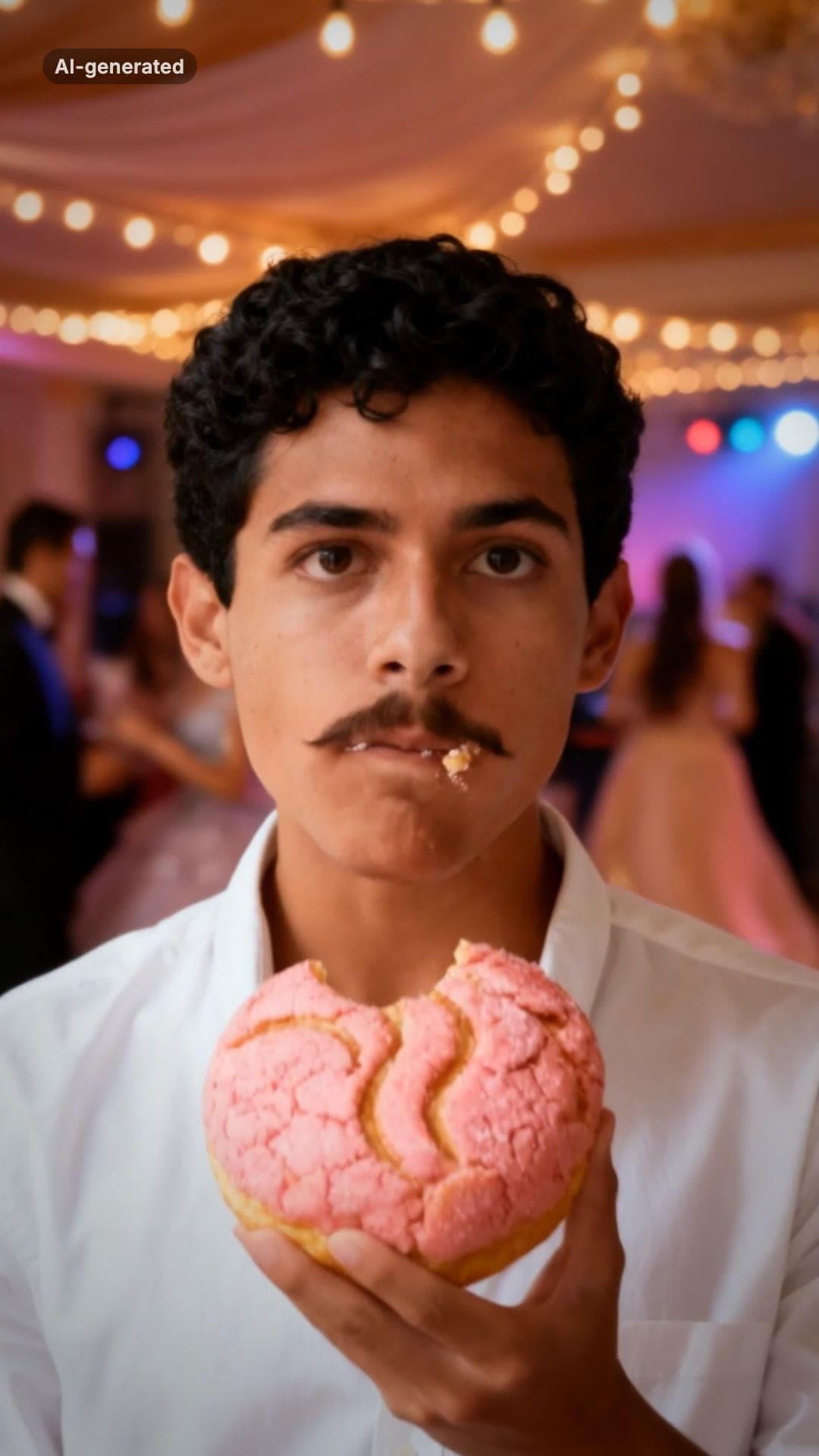 AI-generated sample
Baby Wow Guy Meme AI Video Maker
One photo. Dance up to the camera, bite the concha, stare, dance back.
1 photo · 15s · 80 credits
Make yours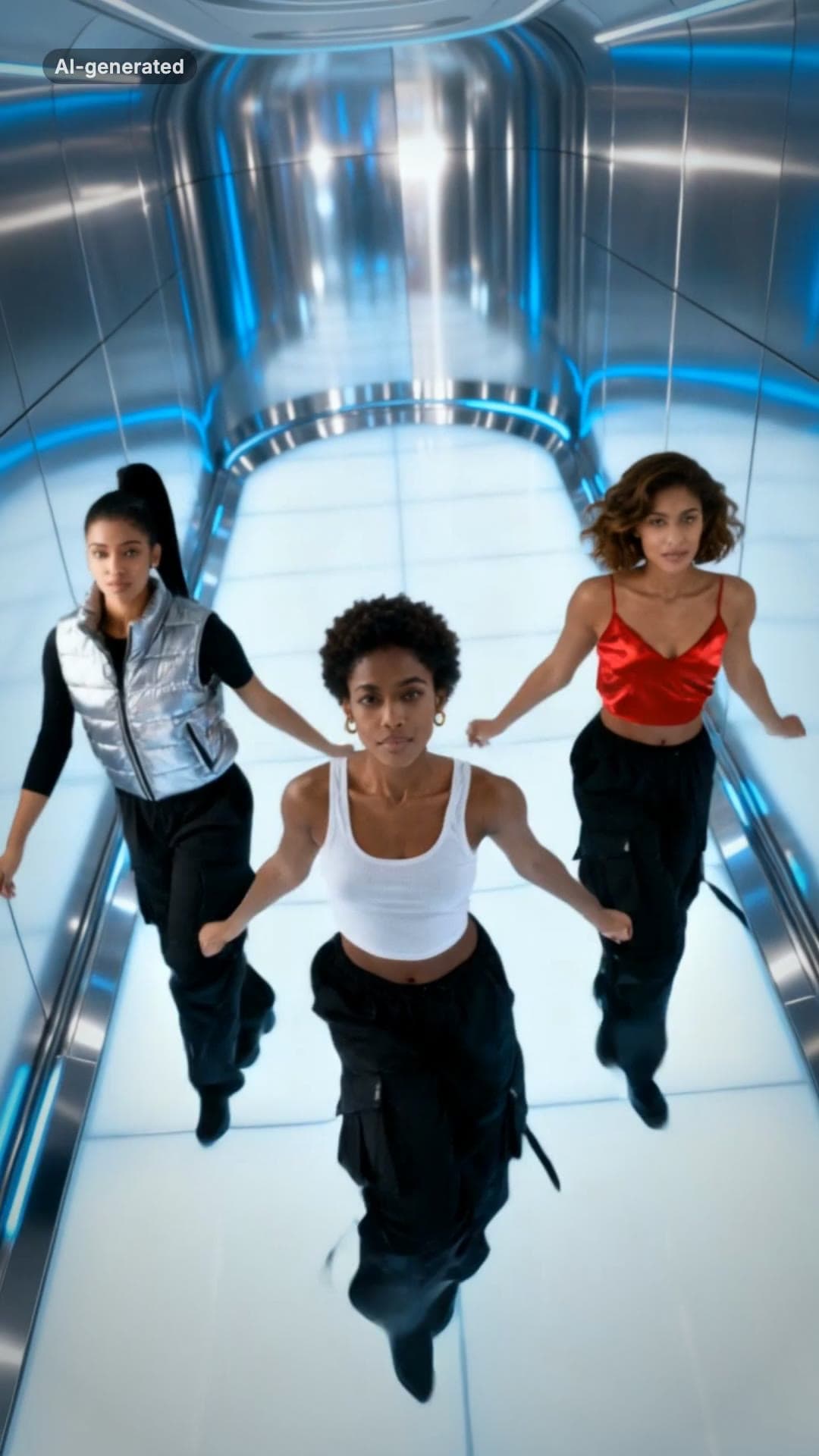 AI-generated sample
No Scrubs TikTok Trend AI Video Maker
Three photos. Elevator intro, two close-ups, then all three of you dancing in sync.
3 photos · 17s · 80 credits
Make yours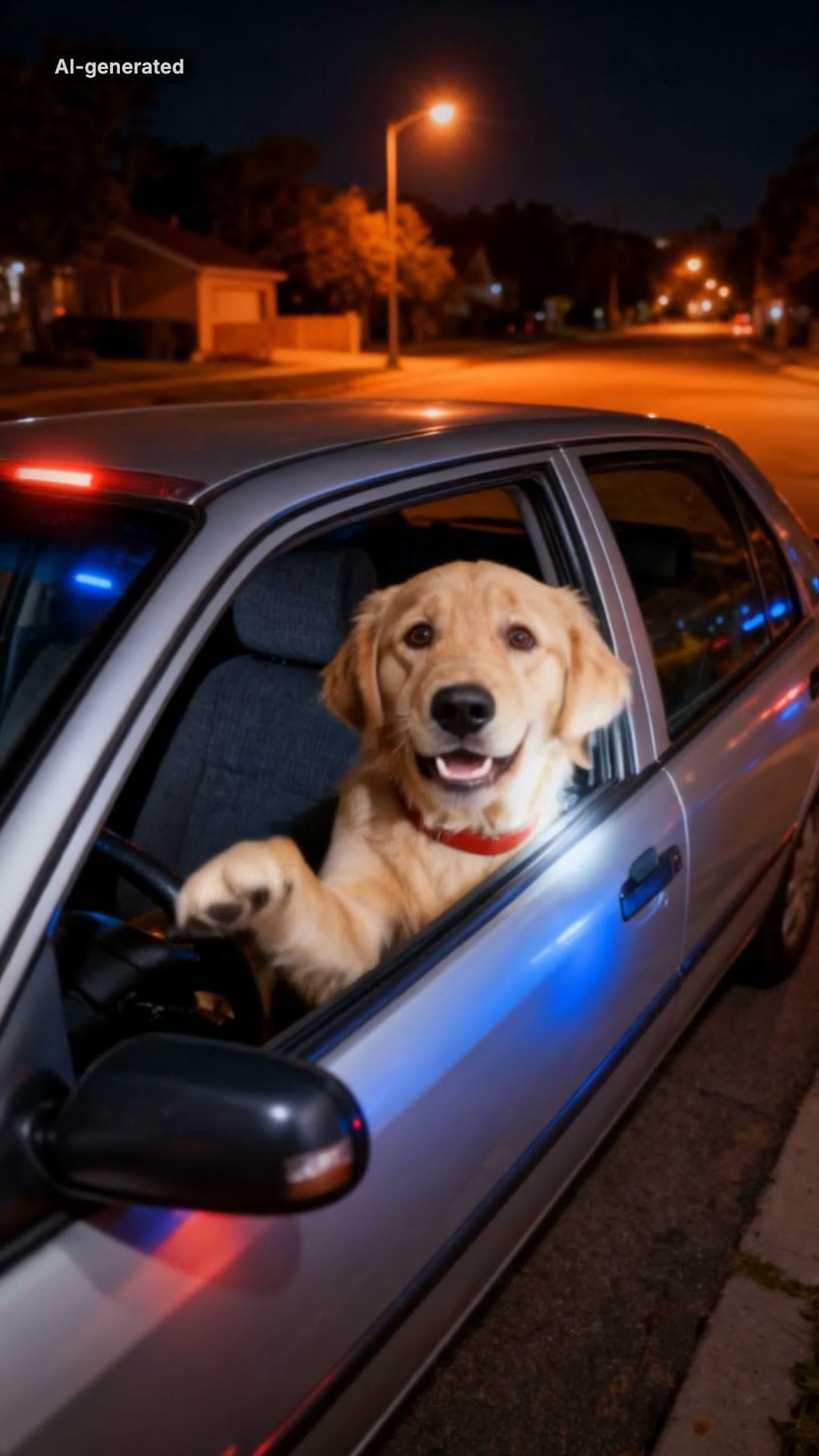 AI-generated sample
What Stop Sign Meme AI Video Maker for Pets
One pet photo. Pulled over, window down: "Stop sign? What stop sign?"
1 photo · 11s · 80 credits
Make yours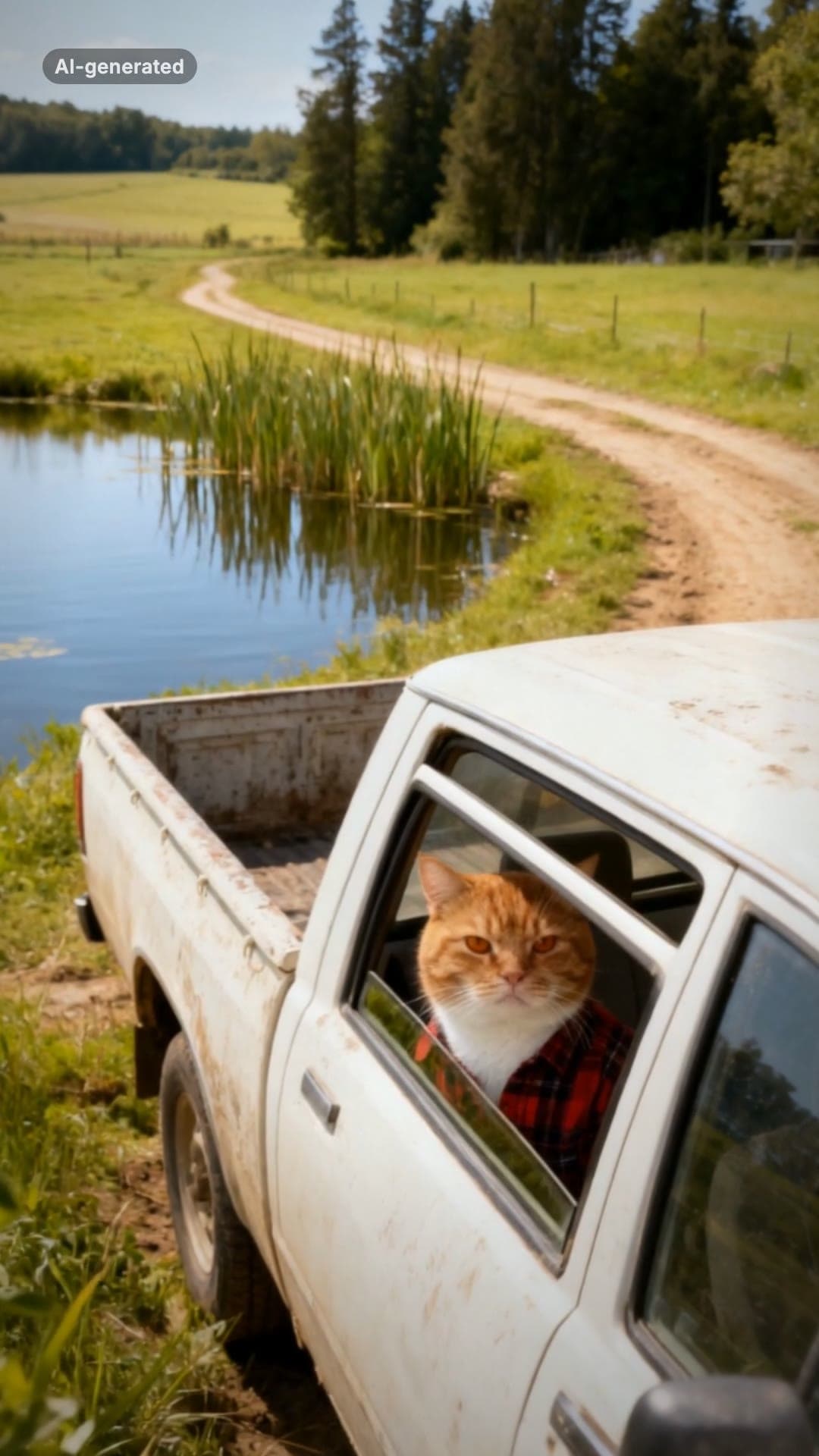 AI-generated sample
Hit the Road Dude AI Video Template for Pets
One pet photo. Pull up, roll the window down, stare, then hit the road.
1 photo · 16s · 80 credits
Make yours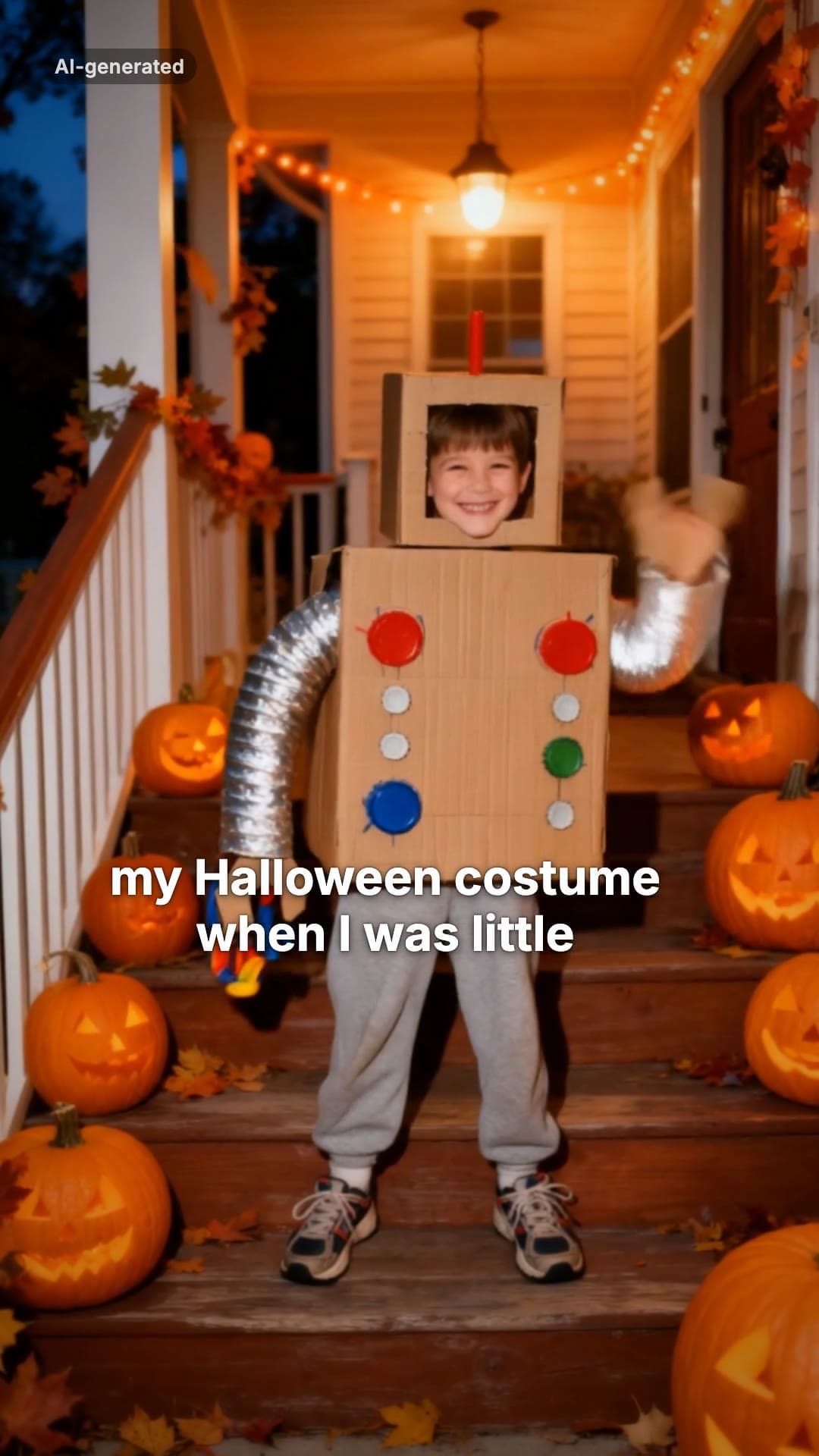 AI-generated sample
I'm Sorry I Lied AI Halloween Costume Trend
One childhood photo. The perfect costume, the apology, then the real one.
1 photo · 16s · 80 credits
Make yours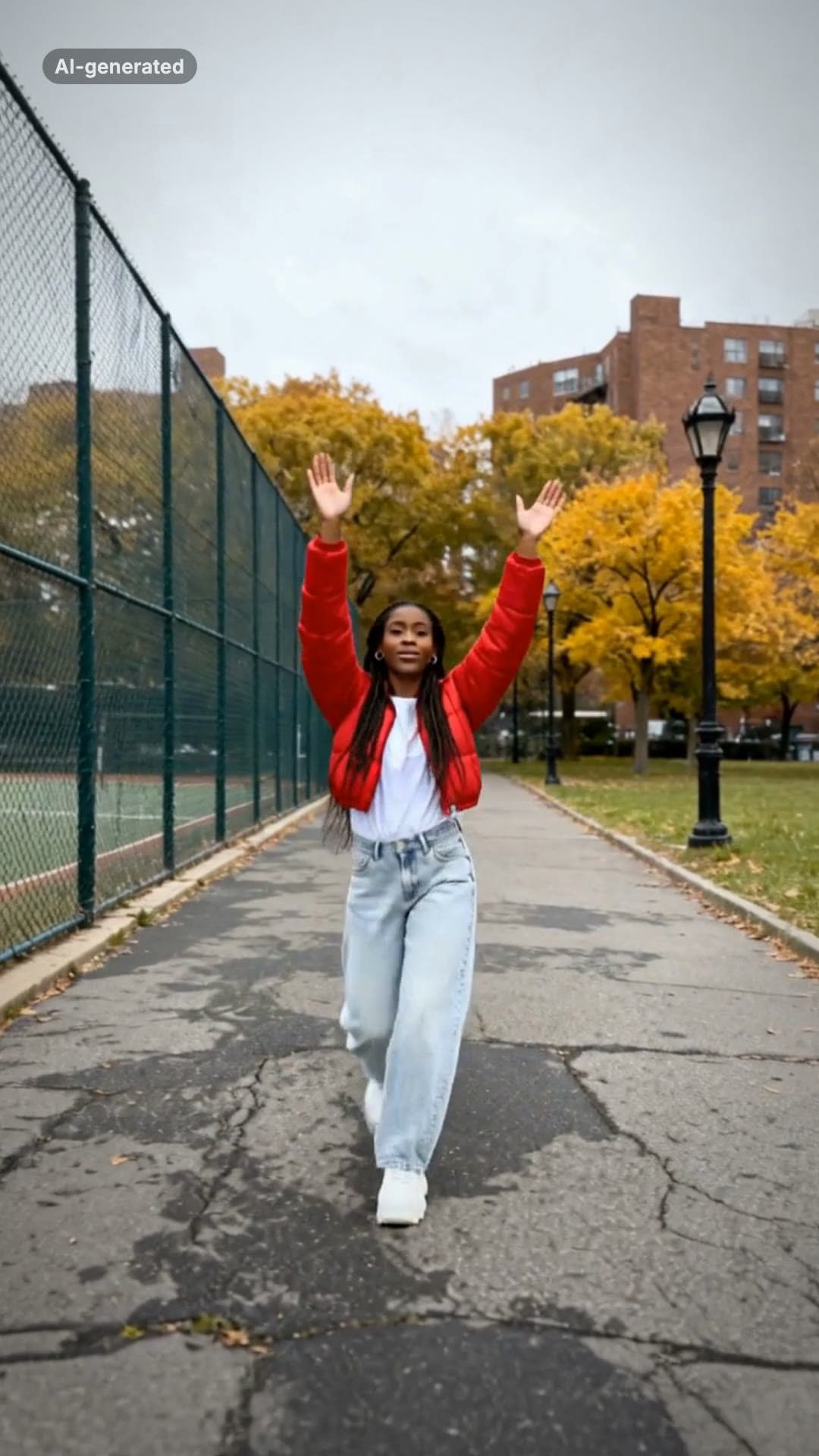 AI-generated sample
Fergie Baby AI Trend: Gate Walk Video Maker
One full-body photo. Out of the park gate, down the path on the beat, arms up, freeze.
1 photo · 16s · 80 credits
Make yours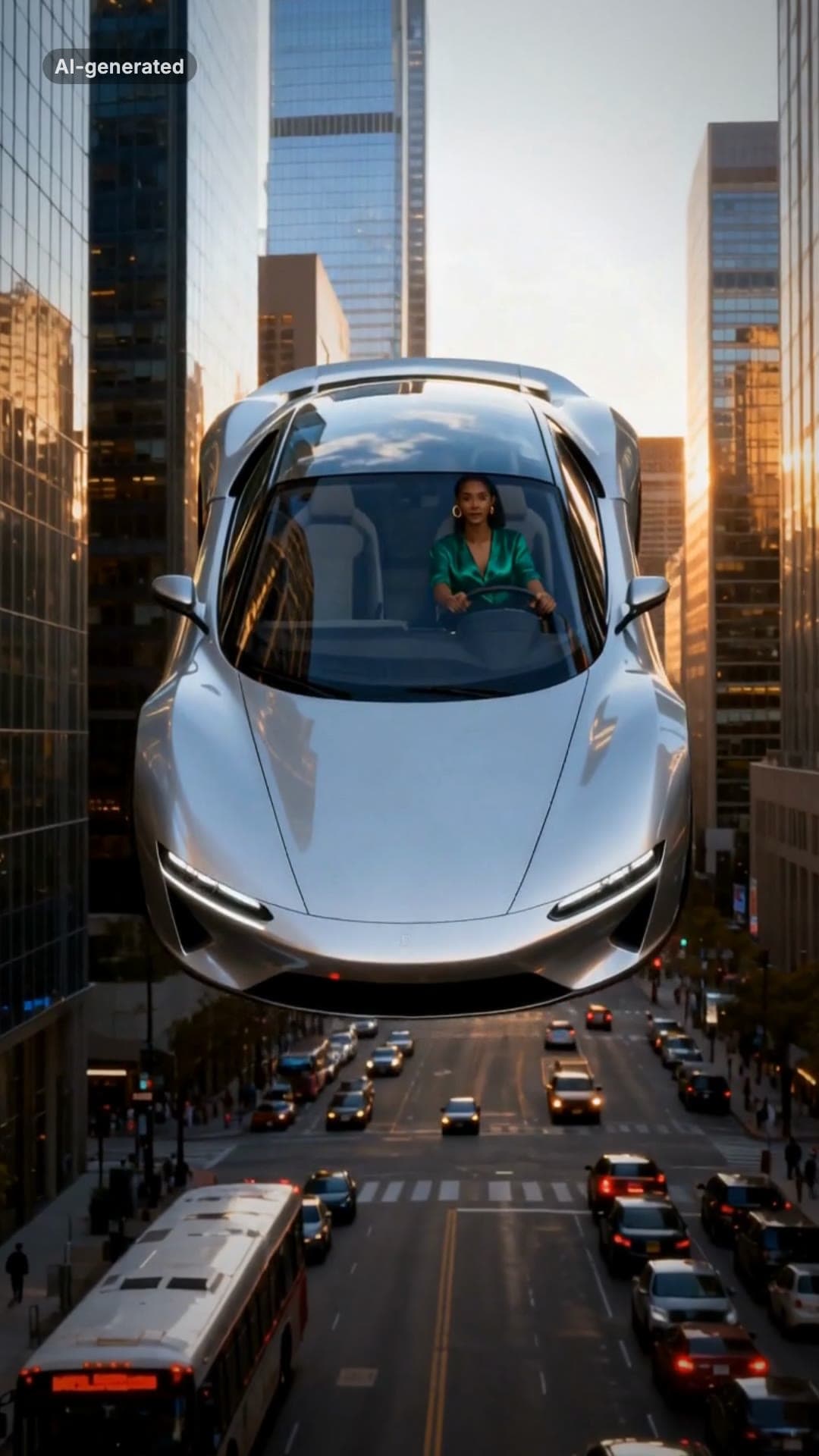 AI-generated sample
Flying Car AI Video: Day 1 of Owning Trend
One photo. Stuck in traffic, press a button, lift off over the city.
1 photo · 16s · 80 credits
Make yours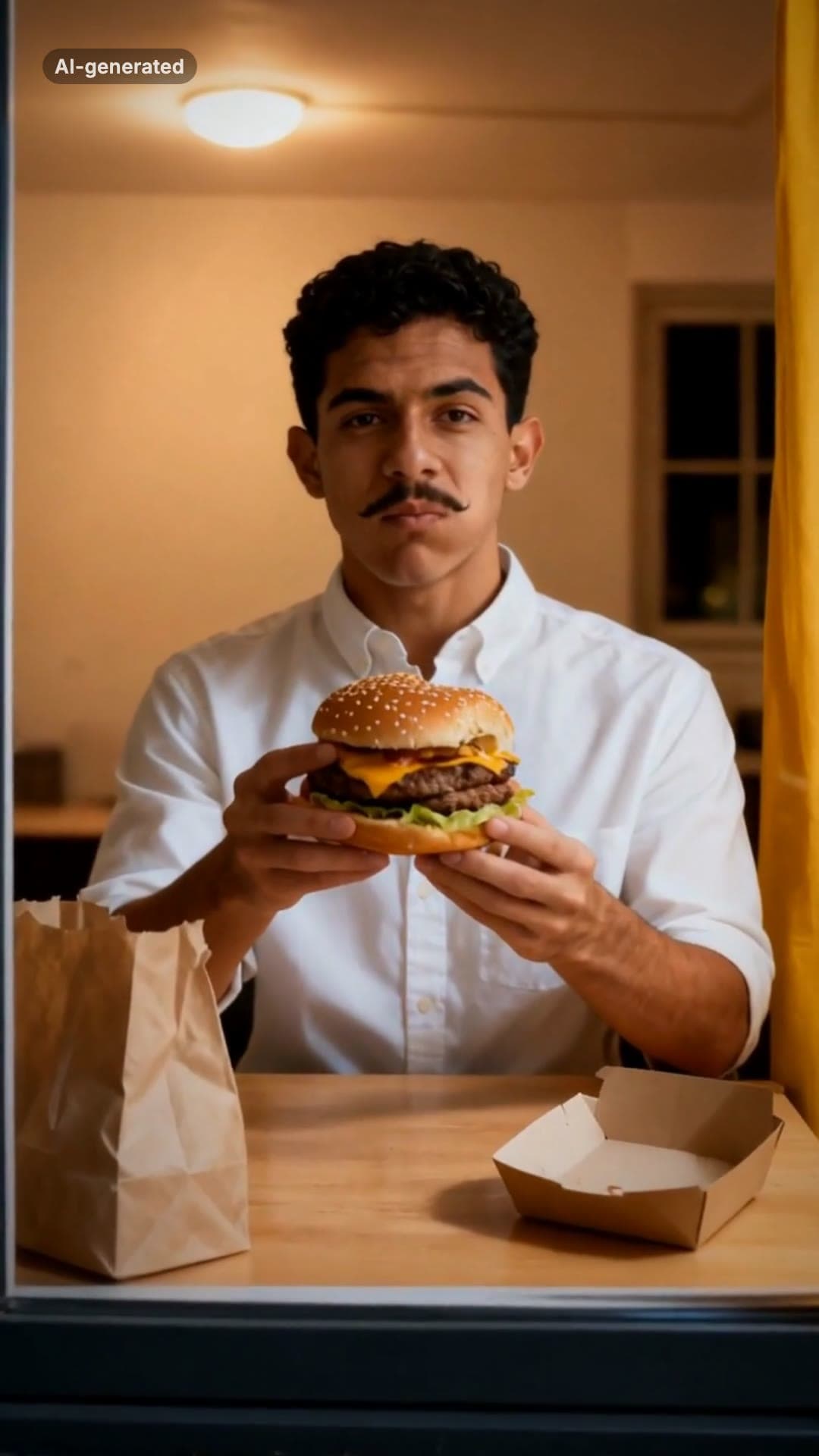 AI-generated sample
Window Peeper AI Filter Video Maker
One photo. Caught mid-burger in a lit window, you stare back and shut the curtain.
1 photo · 16s · 80 credits
Make yours