
AI-generated video · TikTok trend
I Love The Smiths: the elevator scene, starring you and your person
Updated
Two people in an old wood-panelled elevator. One of you is lost in a pair of big headphones; the other leans over and says it: "I love the Smiths." "Sorry?" It comes again, a little louder, and the one in the headphones is left speechless. Upload a photo of each of you and get the whole moment back as a 16-second vertical video, five shots cut on the lines of the scene, with the sound left for you to add when you post.
80 credits · about 16s, 9:16
Make your I Love The Smiths video
Upload a photo of each of you: the one in the headphones first, then the one who says the line. You get all five shots, cut on the lines of the scene into one video in a few minutes, ready to post.
Checking your credit balance…
One I Love The Smiths video costs 80 credits. Credits are refunded if generation fails.
1. In the headphones
Stands on the left in big headphones, lifts one off to ask "Sorry?" and ends up speechless. One face, clear and looking at the camera; they keep the clothes in the photo, so one that shows their top works best.
2. Says the line
Stands on the right holding a few folders, says the line twice and sings along. One face, clear and looking at the camera: you, or a friend, partner or crush who agreed to be in it.
80 credits per video · refunded if it fails
The 5 scenes
1. The line
Side by side in the elevator: the one in the headphones stares ahead, and the other turns to them and says the line.
2. "Sorry?"
Close on the one in the headphones: they lift one ear cup off and ask, frowning.
3. Again
Close on the other one: they say it again, a little louder, with a warm smile, then glance down.
4. Speechless
Back on the first one, the headphones now round their neck: frozen, lips parted, stunned.
5. The song
Both of them again: one says a little more, then closes their eyes and softly sings along, while the other just stares.
What the I Love The Smiths trend is
It is the elevator scene from (500) Days of Summer, the 2009 romantic comedy. One character rides the office elevator with big headphones on, playing The Smiths; the new colleague who steps in hears it leaking out and says "I love the Smiths." The one in the headphones does not catch it ("Sorry?"), so it comes again, with a word about their good taste in music, a line of the song sung softly, and a walk out that leaves them speechless. The film's studio posted the scene on TikTok in February 2024.
In early November 2026 it turned into an AI trend: people restage the scene with themselves and a friend, partner or crush in the two parts, and post it over the scene's own sound under #ilovethesmithstrend. The meaning people attach to it is the music-taste flirt: someone notices the song you love, and that is all it takes. An older live-action version, where couples act out the line in real life, has been around since 2025.
The original
I LOVE THE SMITHS 🎧 #500DaysOfSummer (2009)
The whole elevator scene, posted by the film's studio. The remakes start about 24 seconds in, just before the line.
Posted by Searchlight Pictures (@searchlightpics) on TikTok. It was not made with this generator, and angles.video is not affiliated with Searchlight Pictures (@searchlightpics).
See the remakes on TikTok
How this generator makes yours
The video is made as five shots from your two photos, cut where the lines fall in the scene's sound: the two of you side by side as the line is said, the one in the headphones lifting a cup off to ask "Sorry?", the other saying it again, the first one left stunned with the headphones round their neck, and the two of you together as one sings along. Each person is drawn from their own photo, and the later shots from the earlier ones, so faces, clothes and the elevator stay the same.
Each finished video runs 16 seconds at 1080 by 1920, with a small AI-generated label in the corner and no captions burned in. It has no sound of its own, on purpose: you add the scene's sound when you post, and the cuts land on its lines. It takes a few minutes and costs 80 credits from a credit pack or paid plan.
The elevator, the parts and the sound
The elevator is made up: an old office lift with dark wood-panelled walls, brushed-steel strips and warm, dim light, and nothing written anywhere. The parts go by place and prop, not by gender: the first photo stands on the left in big black headphones, the second on the right holding a few plain folders, so two friends, two girlfriends or a couple can play it either way round. Both of you keep your own faces, hair and clothes; nothing of the actors in the film is copied.
The sound is not in the file. The trend runs over the scene's own audio, which is not ours to put in your video, and you add it with Use this sound, which also lists your post with every other remake. Start it from the beginning: in the sound most remakes use, the line comes half a second in and "Sorry?" at about 2.6 seconds, and the cuts are timed to that. angles.video is not affiliated with the film, its studio, the band or any template maker.
How to make an I Love The Smiths video yourself
You do not need this page to make one. This is how the video is put together, with the prompts for every shot, so you can build it with any picture model and image-to-video model you like.
Step 1
Draw the two of them side by side
Use a picture model that takes reference photos and draw the opening two-shot from the waist up: the first person on the left in big black headphones, the second on the right holding a few folders, both faces large. Describe the elevator in full and say there are no buttons, numbers or writing in it.
Step 2
Draw the close shots, then the later ones from the earlier
Draw each close shot from that person's photo alone. For the stunned close shot, add the first close shot of the same person as a second reference, and for the last two-shot, add the opening one, asking the model to keep the clothes and the elevator but put the headphones round the neck.
Step 3
Animate, trim to the lines and cut
Give each still to an image-to-video model. Trim the shots to 2.1, 1.3, 2.8, 2.8 and 7 seconds, lay them end to end at 9:16 with hard cuts, and add the scene's sound on TikTok from its beginning, so the line lands half a second in and "Sorry?" at about 2.6 seconds.
The shots, second by second
| Time | Shot |
|---|---|
| 0–2.1s | The line A waist-up two-shot, headphones on the left, folders on the right; the one on the right turns and says a few words, unheard. |
| 2.1–3.4s | "Sorry?" A close shot of the one in the headphones, hand already on the right ear cup, lifting it off and asking one puzzled word. |
| 3.4–6.2s | Again A close shot of the one with the folders, turned to the left, saying one short sentence slowly with a warm smile, then glancing down shyly. |
| 6.2–9s | Speechless A close shot of the first one with the headphones round their neck, staring to the right, stunned, one slow blink and a swallow. |
| 9–16s | The song The waist-up two-shot again: a few more words and a nod, then eyes closed, softly singing and swaying, the other one staring, stunned. |
The prompts, shot by shot
Each shot is made in two steps. Give its still prompt to a picture model with the photos listed for that shot as references, then give the picture it draws to an image-to-video model with the motion prompt. Add these endings to every prompt: they set the look and keep the faces the same from shot to shot.
End of every still prompt
Keep each person's face, facial features, skin tone, hairstyle and build exactly as in their reference photo, so they are instantly recognisable. Keep each person the same gender and age as in their photo; never swap who is who. Everyone is dressed: where their photo shows no clothes or only bare shoulders, they wear a plain crew-neck T-shirt that covers their shoulders. Photorealistic cinematic film still, vertical 9:16 frame, 35mm film look, warm amber light, soft grain, shallow depth of field. No text, no captions, no watermark, no logos.
End of every motion prompt
One continuous shot with no cuts. Keep the people looking exactly as in the first frame. No text.
0–2.1sThe line
Photos to attach, in orderImage 1: In the headphonesImage 2: Says the lineStill prompt
A medium two-shot from the waist up: two people stand side by side close together, their heads in the upper half of the frame, both faces large and fully in view. On the left, the person in image 1, wearing exactly the clothes they wear in image 1, every layer of them, down to the collar, with big black over-ear headphones with a thick padded band and no logo on their ears, stares straight ahead with a blank, faraway look, mouth closed. On the right, the person in image 2, wearing exactly the clothes they wear in image 2, every layer of them, down to the collar, with a few plain beige cardboard folders held against their chest, faces the camera with their eyes glancing sideways at the one in the headphones, a small curious smile. They are inside a small old office elevator: dark polished wood-panelled walls with thin brushed-steel strips between the panels, warm dim light from the ceiling. No buttons, floor numbers, signs or writing anywhere. Nobody else is in the elevator.
Motion prompt
Immediately the one on the right turns their head to the one on the left and says a few short words to them with a warm little smile. The one on the left keeps staring straight ahead and does not hear, the headphones on their ears. The camera holds still. It stays the same elevator under the same warm, dim light throughout.
2.1–3.4s"Sorry?"
Photo to attachIn the headphonesStill prompt
A close shot from the chest up: their head and shoulders fill the frame. The person in the reference photo, wearing exactly the clothes they wear in the photo, every layer of them, down to the collar, with big black over-ear headphones with a thick padded band and no logo on their ears, one hand raised to the ear cup on the right, about to lift it off. Their head is turned toward the right edge of the picture, eyebrows drawn together in a puzzled frown, face in full view. Behind them is a small old office elevator: dark polished wood-panelled walls with thin brushed-steel strips between the panels, warm dim light from the ceiling. No buttons, floor numbers, signs or writing anywhere.
Motion prompt
Immediately they lift the ear cup off their ear and ask a one-word question toward the right of the picture, frowning, puzzled. Then they hold still, listening. The camera holds still. It stays the same elevator under the same warm, dim light throughout.
3.4–6.2sAgain
Photo to attachSays the lineStill prompt
A close shot from the chest up: their head and shoulders fill the frame. The person in the reference photo, wearing exactly the clothes they wear in the photo, every layer of them, down to the collar, with a few plain beige cardboard folders held against their chest, is turned toward the left edge of the picture with a warm, amused smile, mouth closed, face in full view. Behind them is a small old office elevator: dark polished wood-panelled walls with thin brushed-steel strips between the panels, warm dim light from the ceiling. No buttons, floor numbers, signs or writing anywhere.
Motion prompt
Immediately they say one short sentence toward the left of the picture, a little louder and slower, with a warm smile, then hold the smile and glance down shyly. The camera holds still. It stays the same elevator under the same warm, dim light throughout.
6.2–9sSpeechless
Photo to attachIn the headphonesStill prompt
A close shot from the chest up: their head and shoulders fill the frame. The person in the reference photo, wearing exactly the clothes they wear in the photo and in the other frame, every layer of them, down to the collar, the same headphones now hanging around their neck, not on their ears. Their head is turned toward the right edge of the picture, lips parted and eyebrows raised, stunned, face in full view. Behind them is the same elevator as in the other frame, with nothing written anywhere.
Motion prompt
They stay frozen, staring toward the right of the picture, stunned and charmed, lips parted; they blink slowly once and swallow. They do not talk. The camera holds still. It stays the same elevator under the same warm, dim light throughout.
9–16sThe song
Photos to attach, in orderImage 1: In the headphonesImage 2: Says the lineStill prompt
A medium two-shot from the waist up, the two side by side as in the other frame, both faces fully in view. On the left, the person in image 1, in the same clothes as in the other frame, the headphones now hanging around their neck, is turned toward the one on the right, staring at them, stunned, lips parted. On the right, the person in image 2, in the same clothes as in the other frame, with a few plain beige cardboard folders held against their chest, half turned toward the one on the left with a warm smile. They are inside the same elevator as in the other frame, with nothing written anywhere. Nobody else is in the elevator.
Motion prompt
The one on the right says a few more words to the one on the left with a warm smile and a small nod, then faces ahead, closes their eyes and softly mouths the words of a song, swaying gently from side to side, a dreamy smile on their face. The one on the left keeps staring at them, stunned and charmed, lips parted. The camera holds still. It stays the same elevator under the same warm, dim light throughout.
Where it goes wrong
Go by place and prop, not gender
Write "the person on the left in the headphones" and "the person on the right with the folders", never "the man" and "the woman". Gendered parts break the moment two friends of the same gender play it, and they invite the model to swap who is who.
Send only one photo to a one-person shot
Sent both photos for a close-up of one person, a picture model can mix the two faces or draw the wrong one. Give each close shot only the photo of the person in it, and keep both photos for the two-shots, with each person's place said.
Start the "Sorry?" with the hand on the cup
That shot lasts just over a second, and a clip that starts with the hands down spends it reaching up. Draw the hand already on the ear cup and start the motion with "Immediately", so the cup comes off on the first frames.
Do not name the band, the song or the film
A picture model draws what it is told about: names bring record sleeves, posters, lettering and lookalikes of the actors. Describe the moment instead, someone saying a few words with a smile, and leave the words themselves to the sound.
Only people who said yes
Use your own photo and one of someone who agreed. The trend is full of celebrity pairs; do not use celebrities, the actors from the film, or anyone who has not agreed to be in it: a realistic video of real people in a moment they never had, made without their consent, can hurt them, and platforms take it down.
Label it as AI-generated
Switch on TikTok's AI-generated content label before you post. A flirty elevator moment between two real people is exactly the kind of clip viewers take at face value, and they trust a post that says it is AI.
Or skip all of it
Upload a photo of each person above and get the finished video back in a few minutes: drawn, animated and cut, with the AI label already on it.
How to post it on TikTok with the trend sound
Step 1
Download your video
Save the MP4 to your phone. It is already vertical, 1080 by 1920, so TikTok will not crop it.
Step 2
Add the scene's sound
The video has no sound of its own, so there is nothing to turn down. Open an I Love The Smiths video, tap the sound name at the bottom, then tap Use this sound and pick your video from Upload. Start the sound from its beginning: in the sound most remakes use, the line comes half a second in and "Sorry?" at about 2.6 seconds, right where the cuts are.
Step 3
Tag it
Add #ilovethesmithstrend so it sits with the other remakes, and tag the person who plays the other part if they want to be tagged.
Step 4
Label it as AI-generated
Before posting, open More options and switch on the AI-generated content label. TikTok asks creators to label realistic AI-generated video, and viewers trust a post that says so.
Questions about the I Love The Smiths generator
What is the I Love The Smiths trend?
A restage of the elevator scene from (500) Days of Summer: one person in big headphones, the other hears the song and says "I love the Smiths", gets a "Sorry?", says it again and leaves them speechless. Since early November 2026 people make AI versions with themselves and a friend or partner in the two parts, posted over the scene's sound.
How do I make the I Love The Smiths AI video?
Upload two photos on this page: the one in the headphones, then the one who says the line. The AI draws the scene shot by shot, from the line to the song, and cuts it into a 16-second vertical video. You add the scene's sound on TikTok when you post.
Where is the I Love The Smiths scene from?
From (500) Days of Summer, a 2009 romantic comedy. The film's studio posted the elevator scene on TikTok in February 2024, and the link to it is on this page. Nothing from the film is in your video: the elevator is made up, and the two people in it are you and whoever you made it with.
Do we have to be a couple?
No. The parts go by place and prop, not by gender or relationship: the first photo wears the headphones on the left, the second holds the folders on the right. Best friends, two girlfriends, siblings or a couple all work, either way round.
Is there a prompt for the I Love The Smiths AI video?
Yes, on this page: in the section on making one yourself, each of the five shots has the prompt for its still and the prompt that sets it moving, with the trims for each. Here you do not need them: upload two photos and the five shots are already written.
What is the sound in the I Love The Smiths video?
It is the scene's own audio, the line, the "Sorry?" and the song, and nearly every remake uses it. It is not in your file: the video comes without sound, so you add it on TikTok with Use this sound and start it from the beginning, and the cuts land on the lines.
How much does an I Love The Smiths video cost?
80 credits for one finished video, from a credit pack or paid plan. If a video fails to generate, the credits go straight back to your balance.
Can I use a photo of someone else?
Only of someone who has agreed to be in the video. Before you generate, you confirm that each photo is of you or of someone who said yes. Do not upload photos of celebrities, of the actors from the film, or of anyone who has not agreed: a realistic video of real people in a moment they never had, made without their consent, can hurt them, and it breaks our terms.
What photos work best?
One person per photo, face clearly visible and looking roughly at the camera, in good light, with their top in the picture, since they keep the clothes from the photo. Avoid sunglasses, hats that hide the face, heavy filters and group photos.
What happens to my photos?
They are used only to draw the five shots, and we delete them from our storage as soon as your video is finished or fails. The finished video stays in your account so you can download it again.
Every video on this page, and every video made here, is AI-generated: the people in it are drawn by an AI model from the photos uploaded.
More trends
 AI-generated sample
AI Zombie Couple Video Maker
Two photos. One of you has turned, the other cannot pull the trigger.
2 photos · 18s · 80 credits
Make yours AI-generated sample
Baby Wow Guy Meme: What It Is + Make Yours
One photo. Dance up to the camera, bite the concha, stare, dance back.
1 photo · 15s · 80 credits
Make yours AI-generated sample
No Scrubs TikTok Trend AI Video Maker
Three photos. Elevator intro, two close-ups, then all three of you dancing in sync.
3 photos · 17s · 80 credits
Make yours AI-generated sample
What Stop Sign Meme AI Video Maker for Pets
One pet photo. Pulled over, window down: "Stop sign? What stop sign?"
1 photo · 11s · 80 credits
Make yours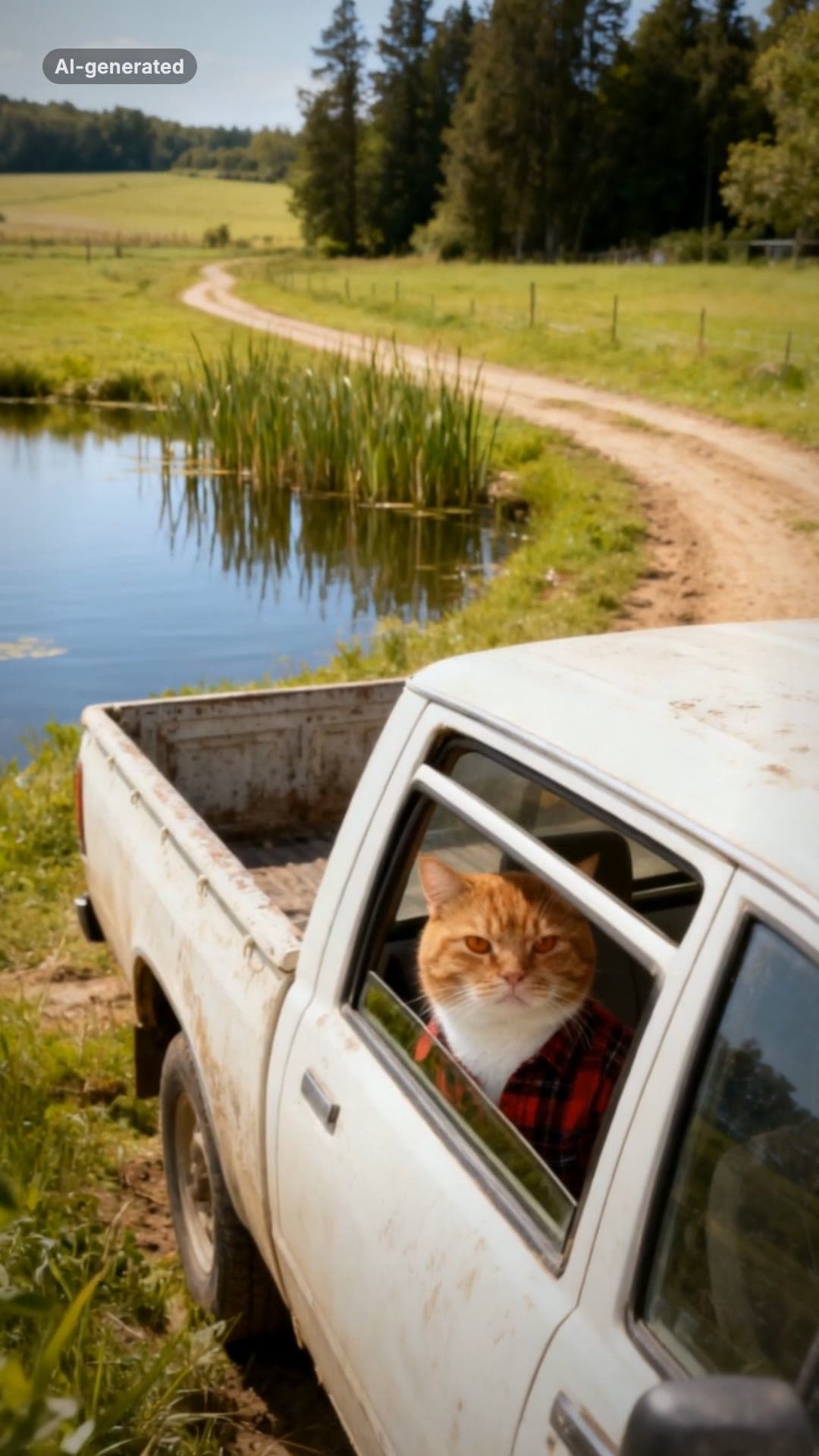 AI-generated sample
Hit the Road Dude AI Video Template for Pets
One pet photo. Pull up, roll the window down, stare, then hit the road.
1 photo · 16s · 80 credits
Make yours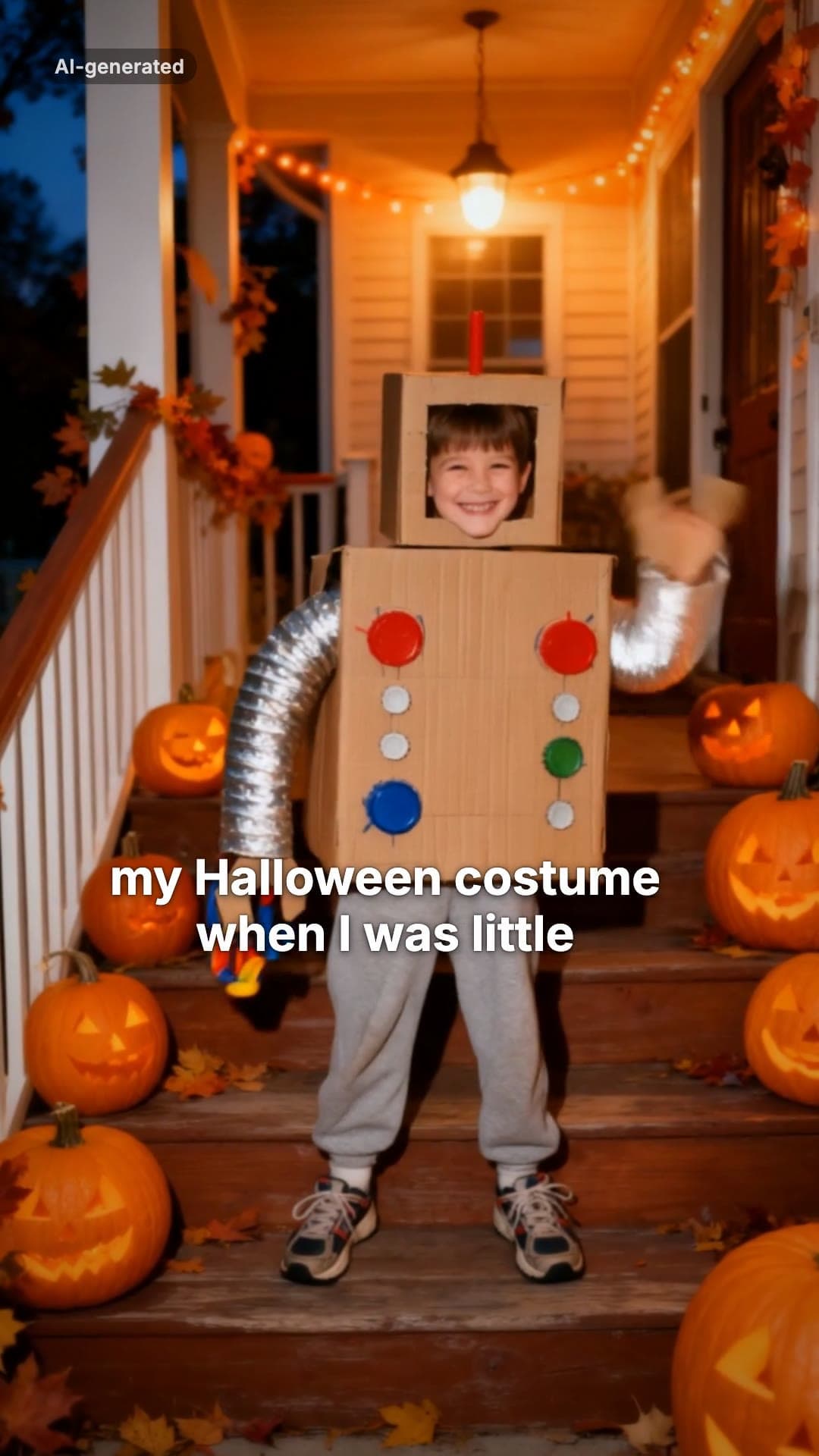 AI-generated sample
I'm Sorry I Lied Costume Trend: Make Yours
One childhood photo. The perfect costume, the apology, then the real one.
1 photo · 16s · 80 credits
Make yours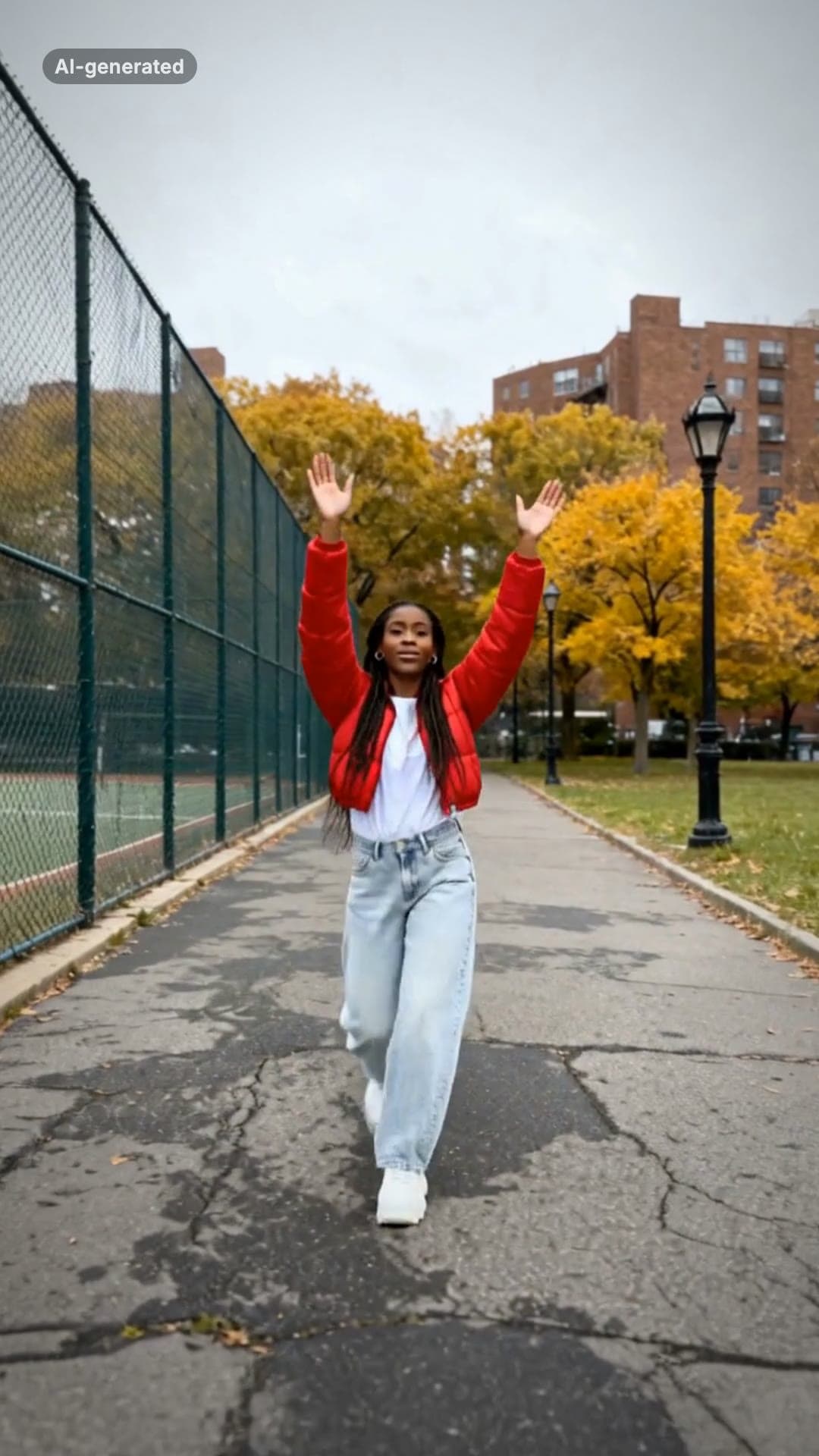 AI-generated sample
Fergie Baby AI Trend: Gate Walk Video Maker
One full-body photo. Out of the park gate, down the path on the beat, arms up, freeze.
1 photo · 16s · 80 credits
Make yours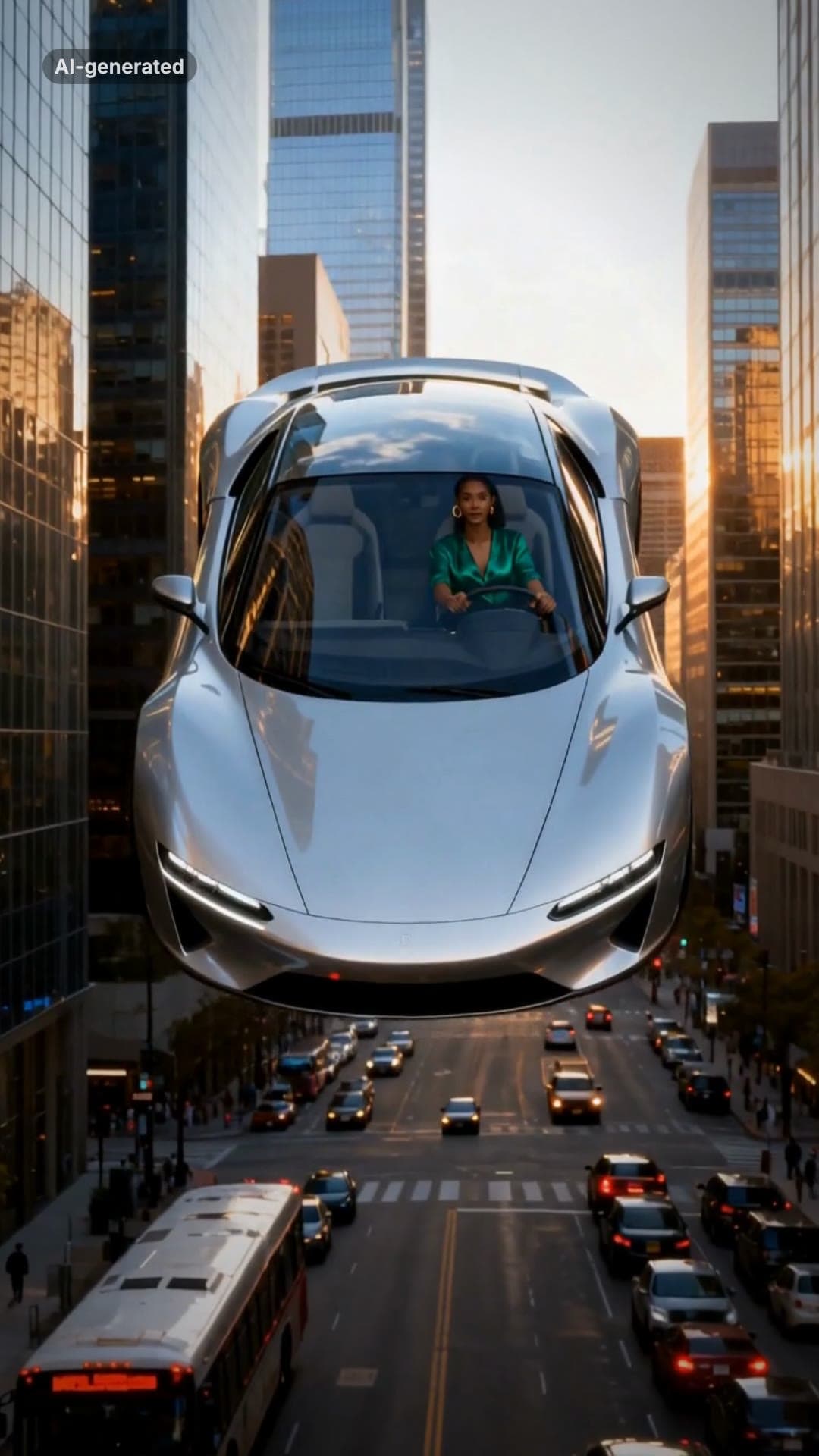 AI-generated sample
Flying Car AI Video: Day 1 of Owning Trend
One photo. Stuck in traffic, press a button, lift off over the city.
1 photo · 16s · 80 credits
Make yours AI-generated sample
Window Peeper AI Filter Video Maker
One photo. Caught mid-burger in a lit window, you stare back and shut the curtain.
1 photo · 16s · 80 credits
Make yours AI-generated sample
Outstanding AI Video Meme Maker
Three photos. A desk concert: belt it, crack up, take the sax solo, fists up.
3 photos · 18.75s · 80 credits
Make yours AI-generated sample
Mop Dance AI Trend: Car Meet Video Maker
One full-body photo. Out of the car at a late-night car meet and straight into the Mop.
1 photo · 16s · 80 credits
Make yours AI-generated sample
Gangnam Style AI Video With Your Friends
Three photos. A night-street selfie, a dance solo each, then all three back in.
3 photos · 18s · 80 credits
Make yours AI-generated sample
Your Dinner Is Ready Meme: Make Your Own
Two photos. One of you hand-feeds the other a giant spicy cheese stick in long red nails.
2 photos · 16s · 80 credits
Make yours AI-generated sample
AI Cat Rap Video: Make Your Cat or Dog Rap
One pet photo. Your cat or dog raps four bars into a hanging studio mic.
1 photo · 10s · 80 credits
Make yours AI-generated sample
AI Rap Duo Generator: Two Photos, One Verse
Two photos. The two of you trade bars of an original verse at one hanging mic.
2 photos · 12s · 80 credits
Make yours AI-generated sample
Car Alarm Dance AI Video Template for Pets
One pet photo. A red car, a night street and a very serious little dancer.
1 photo · 12s · 80 credits
Make yours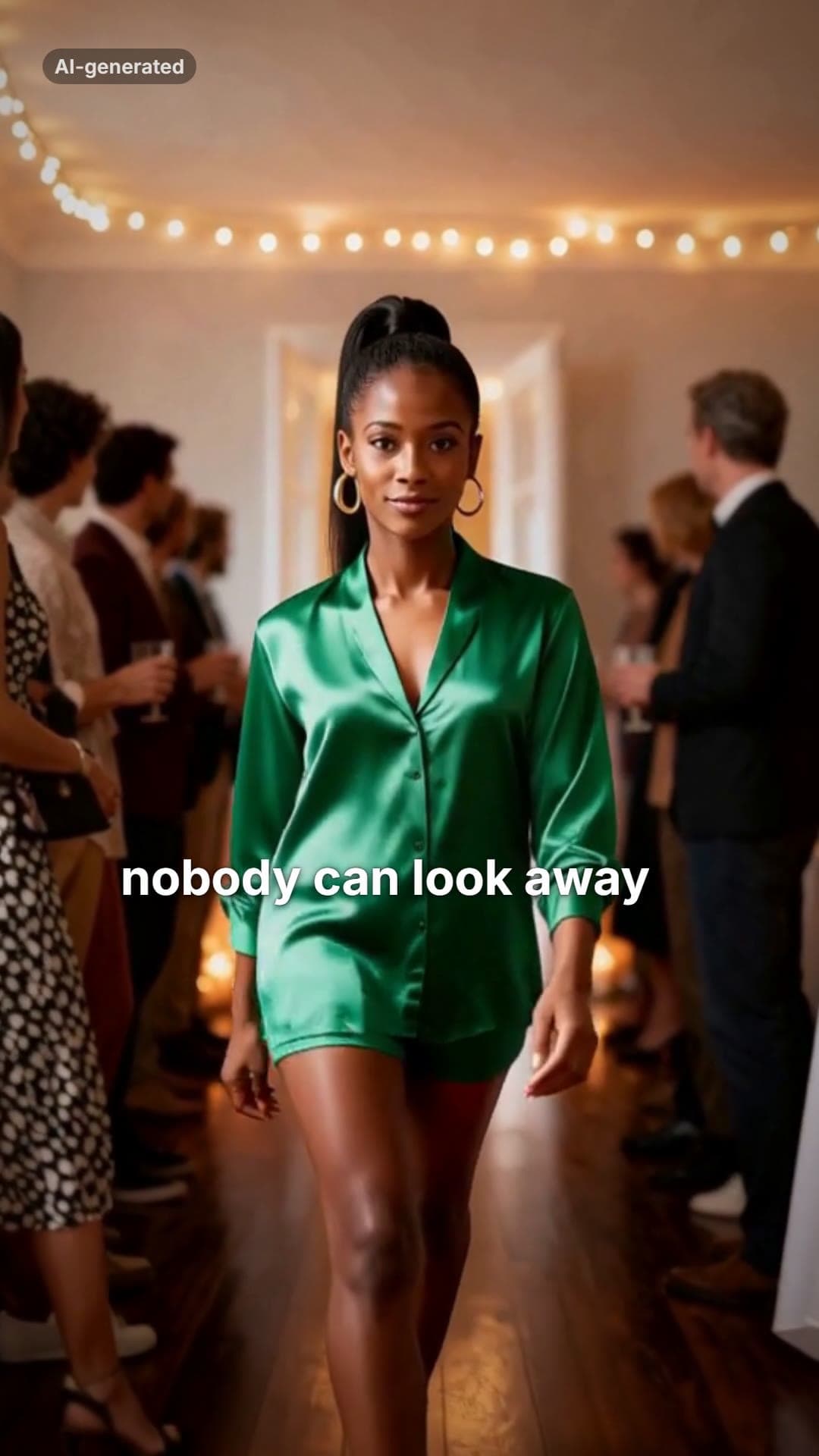 AI-generated sample
Then I Walk In Meme: Meaning + Make Yours
One photo. The doors open, the party goes quiet, and you walk in with a straight face.
1 photo · 16s · 80 credits
Make yours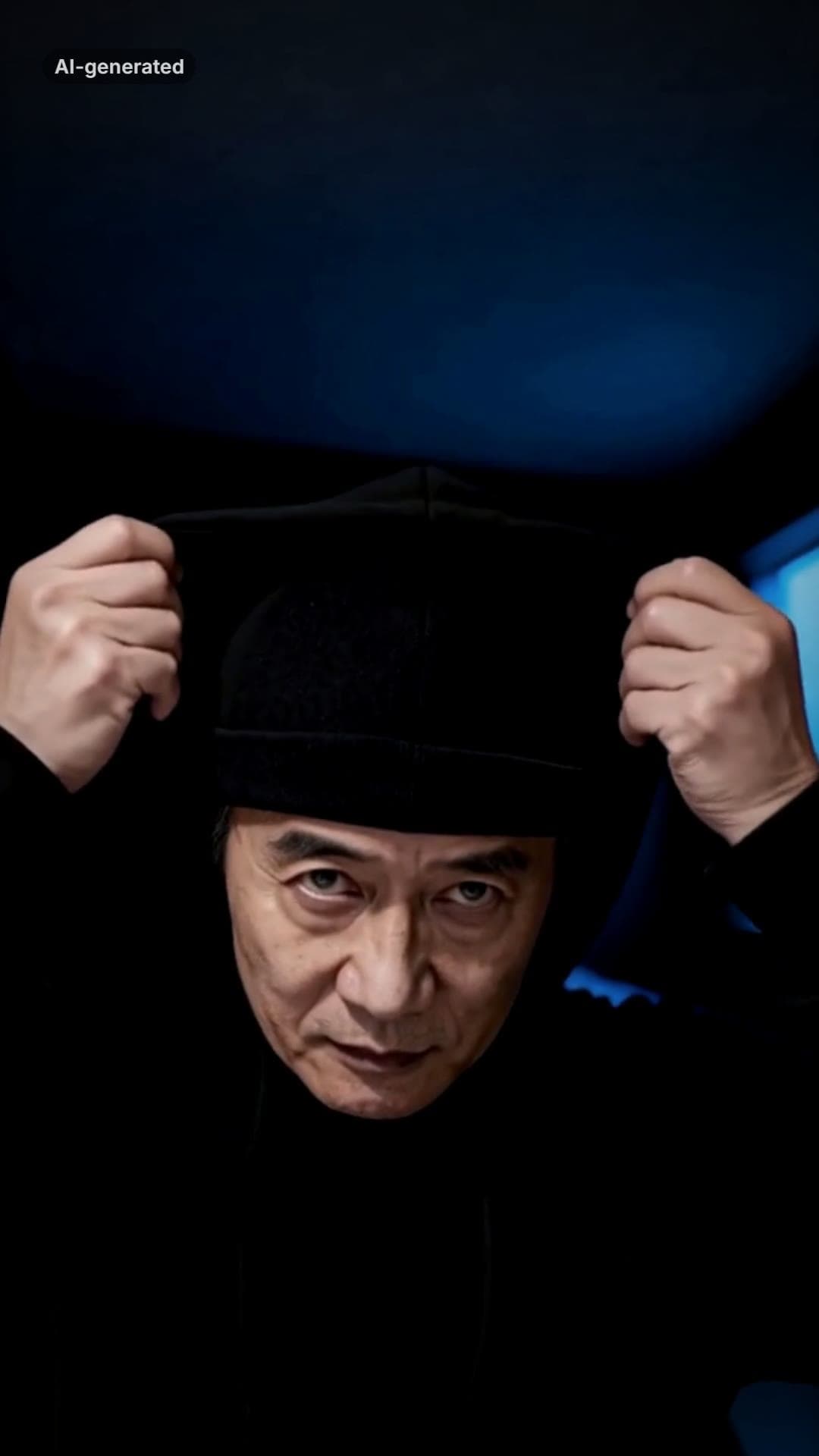 AI-generated sample
Skull Cap Trend AI: Glow-Up Video Maker
One photo. A goofy before, the cap goes on, the lights go down and the stare comes out.
1 photo · 13.5s · 80 credits
Make yours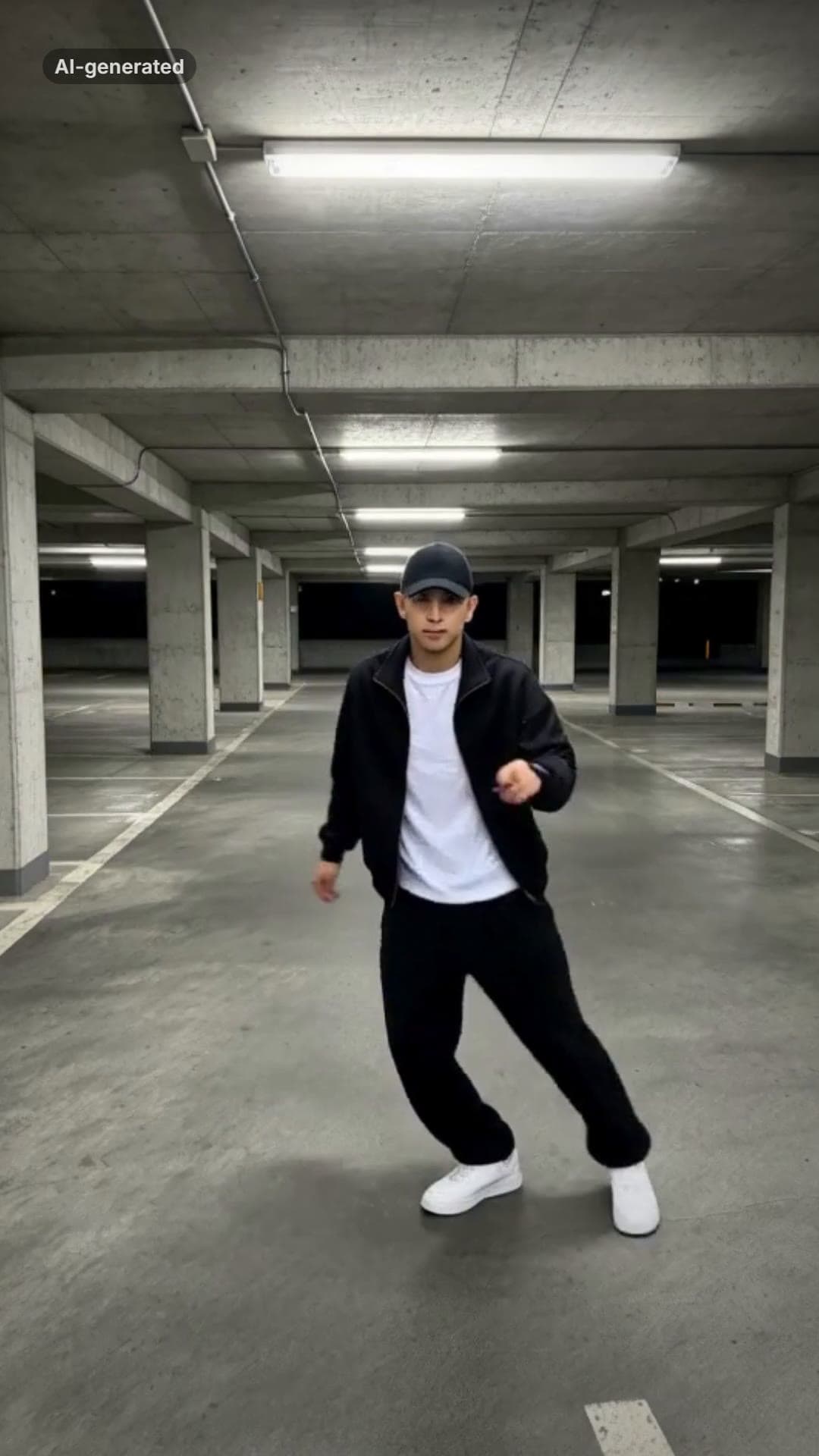 AI-generated sample
Smooth Criminal AI Dance Trend Video Maker
One full-body photo. A brim flick, a glide, the pops and a freeze in a night car park.
1 photo · 15s · 80 credits
Make yours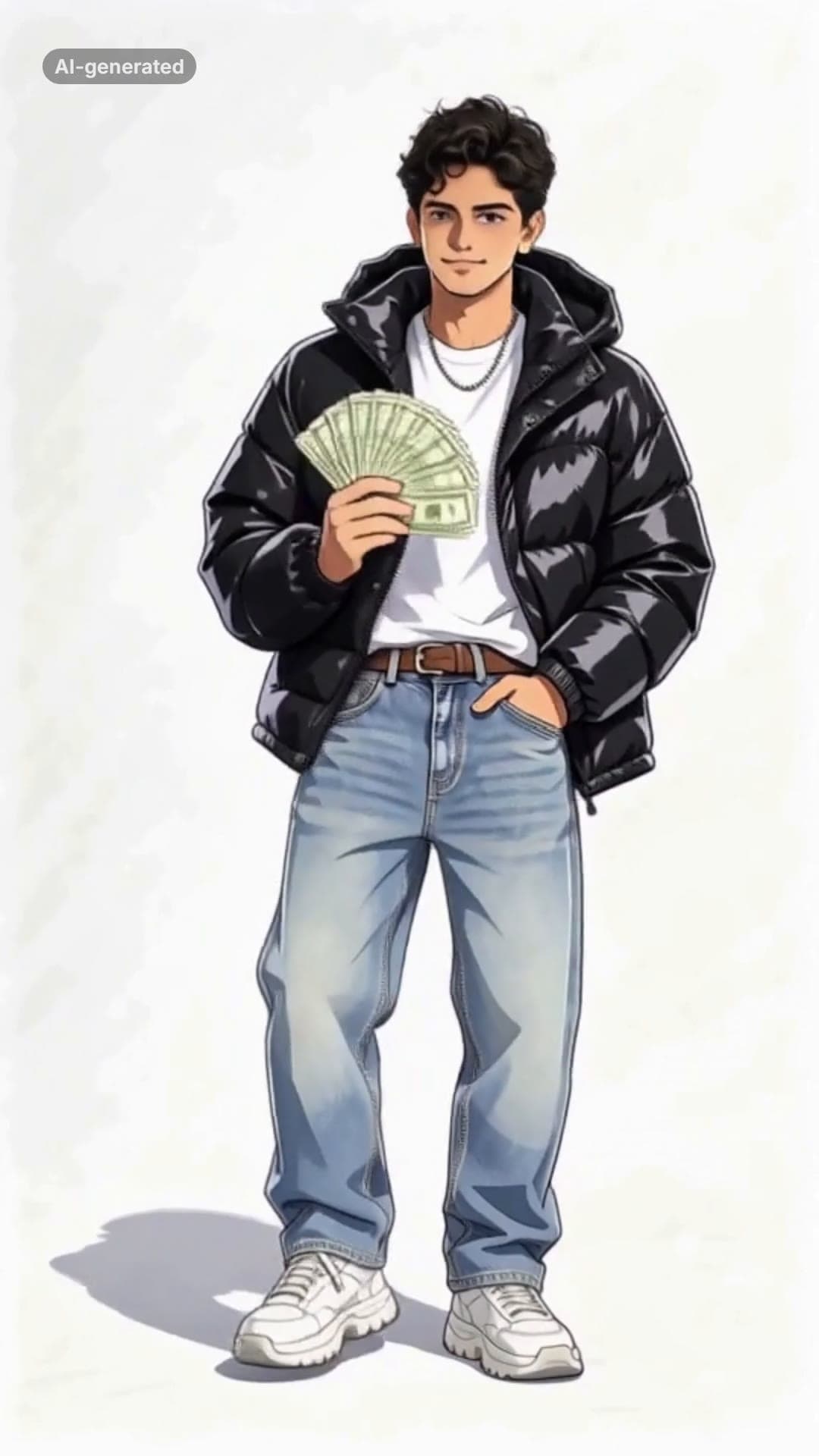 AI-generated sample
Wassup in a Minute AI: Your Anime Sway Edit
One photo. You as an anime character in streetwear, swaying on white in four poses.
1 photo · 14.12s · 80 credits
Make yours AI-generated sample
ATEEZ BAD AI Dance Generator From One Photo
One photo. You on a red-lit stage: the routine, the chest pop, the closing look.
1 photo · 15.8s · 80 credits
Make yours AI-generated sample
Fancy Cafe AI Video Generator
One photo. The wrong seat, the slow realisation, the very casual recovery.
1 photo · 15s · 80 credits
Make yours AI-generated sample
End of Watch AI Template: Locker Room Scene
One photo puts you in the locker scene: the gear, the flash, the partner behind you.
1 photo · 10s · 80 credits
Make yours AI-generated sample
Lil Yachty Walkout AI Video Generator
One photo. Backstage, the crowd, then the high-step down the catwalk.
1 photo · 16s · 80 credits
Make yours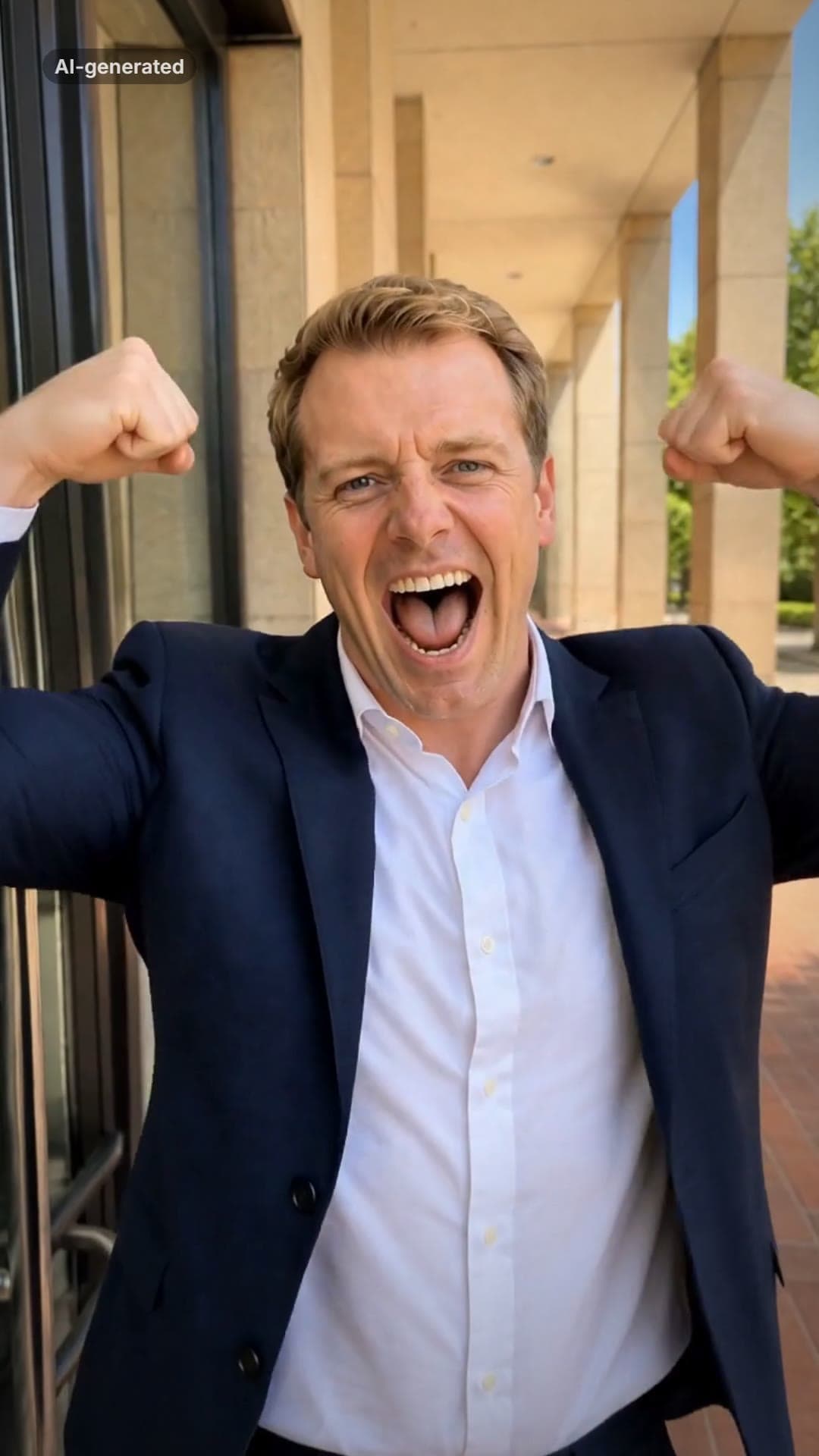 AI-generated sample
I Just Beat The Case AI Video Template
One full-body photo. Out of the courthouse doors, a flex, a roar and a victory skip.
1 photo · 13.8s · 80 credits
Make yours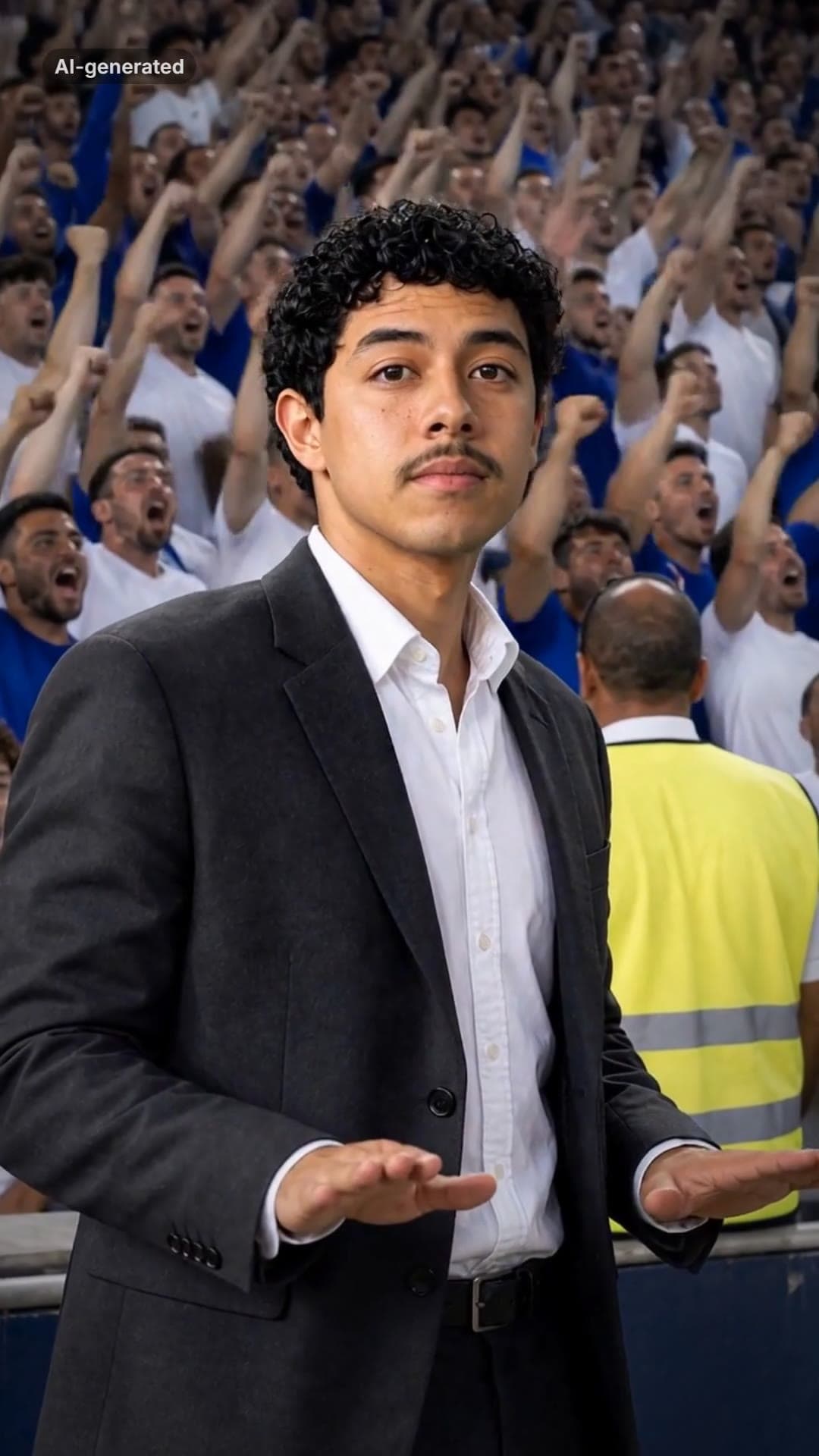 AI-generated sample
Stadium Calm Down AI Video Template
One photo. A roaring stadium, a dark suit, and you pressing both palms down: calm down.
1 photo · 16s · 80 credits
Make yours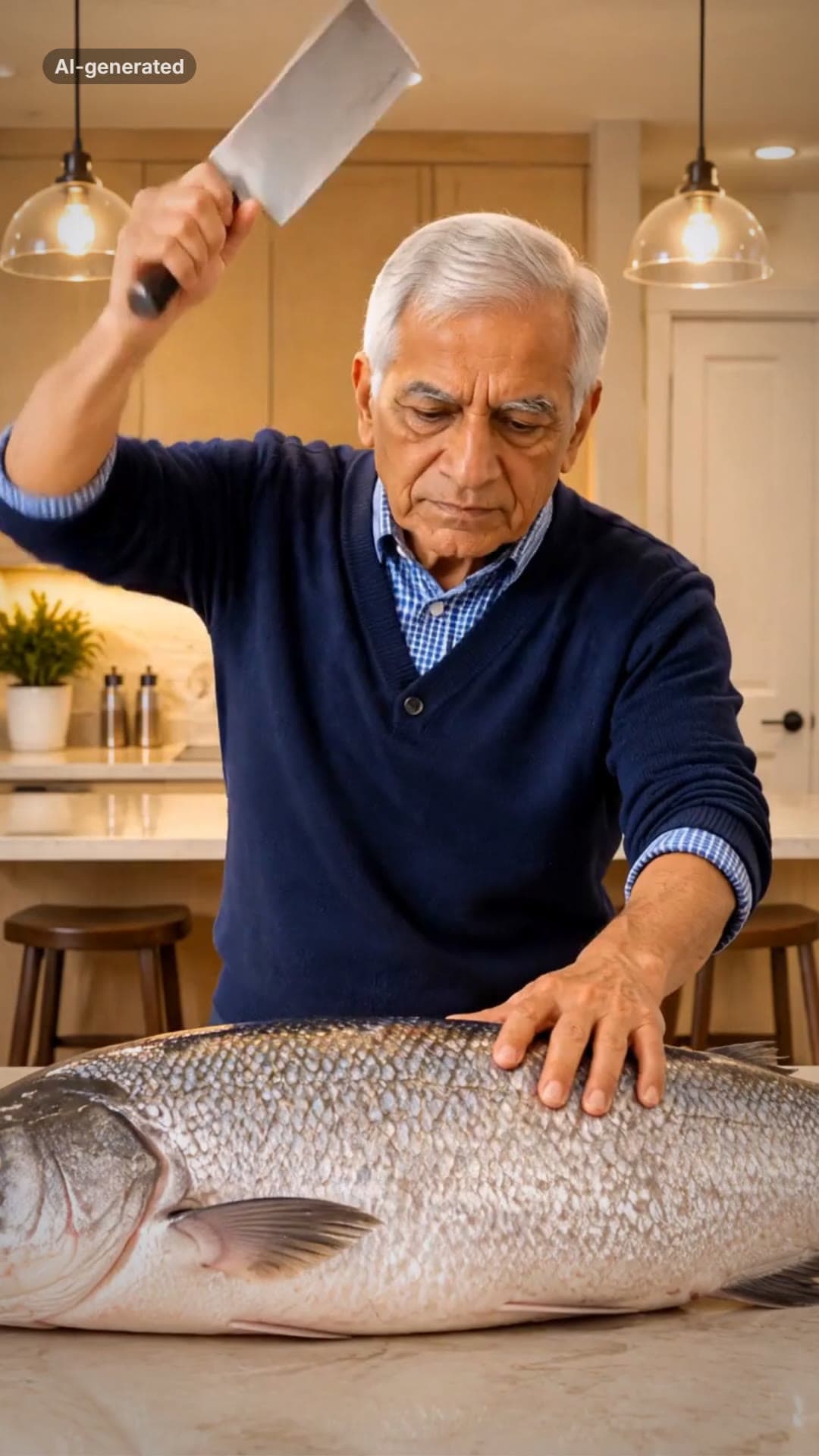 AI-generated sample
Grandpa Said He'd Handle Dinner AI Video
One photo. A fish bigger than you, a kitchen cleaver and a dead-serious face.
1 photo · 16s · 80 credits
Make yours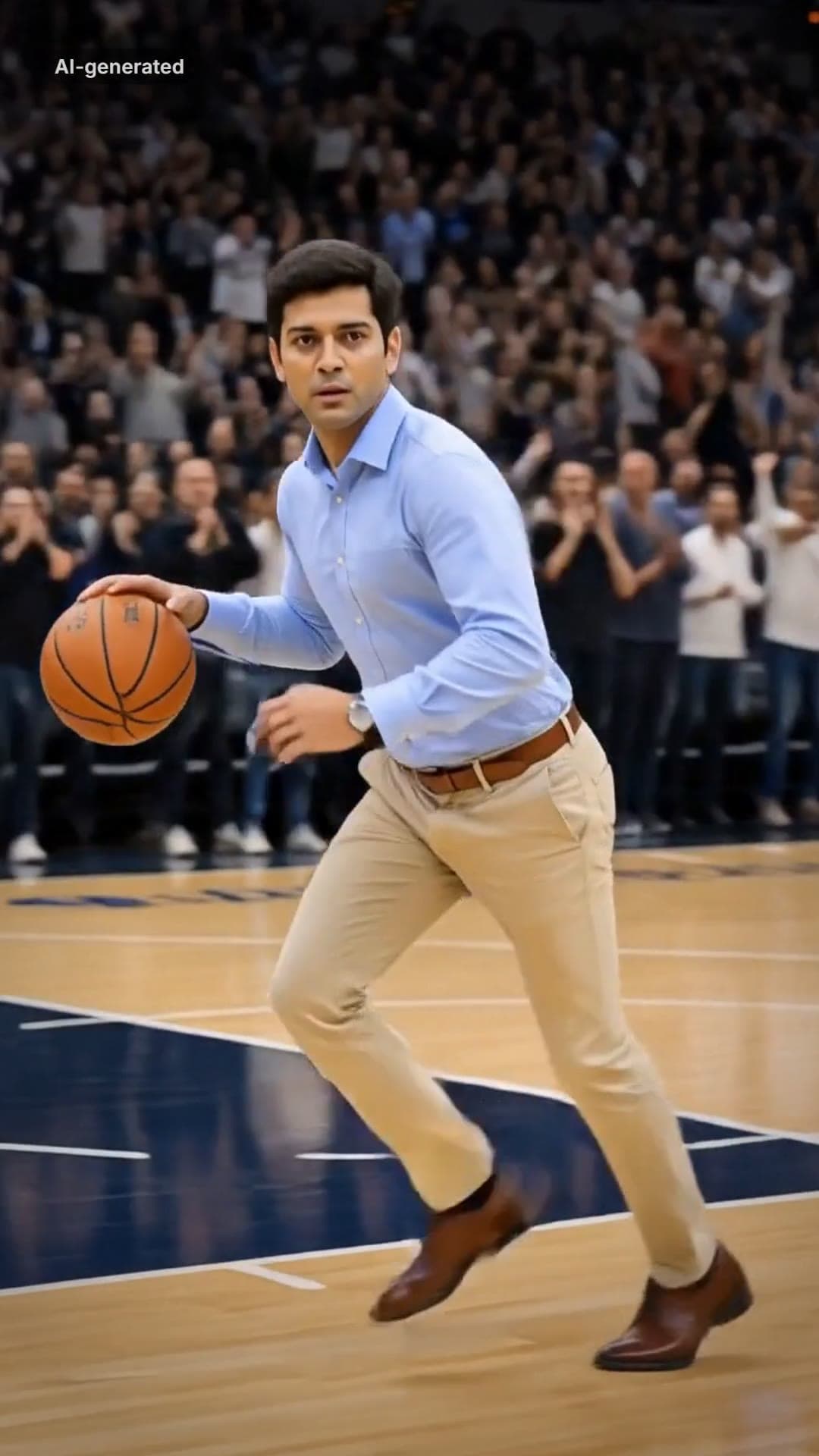 AI-generated sample
AI Dunk Video Generator: Dunk in a Pro Game
One full-body photo. Everyday clothes, a packed pro arena, a one-handed dunk and a roar.
1 photo · 16s · 80 credits
Make yours AI-generated sample
La Mujer del Pelotero AI Dance Video
One photo. The sway, the bat swing and the claps, in a kitchen at night.
1 photo · 10s · 80 credits
Make yours AI-generated sample
It's My Life Dog AI Video Generator
One pet photo. It sings in the front seat, stares, and puts on its sunglasses.
1 photo · 14.2s · 80 credits
Make yours