
AI-generated video · TikTok trend
I just beat the case: walk out of court free, starring you
Updated
The glass doors swing open and out you come, free. A grin and a few words for the camera, a finger jabbed straight down the lens, a double-bicep flex with a roar, then off down the courthouse walkway past the pillars, skipping and kicking your knees up on every beat, before you bounce back to the camera and drop into a low squat. Upload one full-body photo and get the whole walkout back as a 13.8-second vertical video, cut to the trend sound for you to add when you post.
80 credits · about 13.8s, 9:16
Make your I Just Beat The Case video
Upload one full-body photo of yourself. See your opening scene free in about a minute, then get all five shots cut into one video, ready to post.
You, head to toe
One person, the whole body in frame from head to shoes, face clear. This is who walks out of the courthouse.
Takes about a minute · nothing to pay to see it
The 5 scenes
1. Out the doors
You shove the glass doors of the courthouse wide open and stride out toward the camera, grinning, with a few words for it.
2. The finger point
Close up, you jab a pointed finger straight down the lens three times, thumb flicking, on the three quick words of the sound.
3. The flex
Both arms up in a double-bicep flex, you lean into the camera and roar.
4. The skips
The beat comes in: you skip sideways along the walkway past the pillars, kicking a knee up high on every beat.
5. The bounce back
Facing the camera, you pump one arm at the sky, bounce back toward it on bent knees and drop into a wide, low squat.
What the I just beat the case meme is
It is a real, handheld clip that went round TikTok in autumn 2026: a young man pushes out through the glass doors of a courthouse, tells the camera he just beat the case and he is back, fires off finger guns with three quick "bow" sounds, throws a roaring double-bicep flex, then skips off down the covered walkway past the pillars, kicking his knees up, before bouncing back to the camera. The upload that spread it went up at the end of August 2026 and passed nine million views.
In October a CapCut template cut it to its first thirteen seconds and swapped in someone else, and the AI remakes took off from there: people put themselves, their friends, their boss or a famous face in the walkout, and Google started finishing "i just beat the case" with "ai template" and "ai video". Most remakes keep the clip's own sound, because the line is the joke, and post it as #ijustbeatthecase.
See the remakes on TikTok
How this generator makes yours
The video is made as five shots from one full-body photo: out of the doors, the finger point, the flex and the roar, the skips down the walkway, and the bounce back to a low squat. The first shot is drawn from your photo, and the other four are drawn from your photo and that first shot, so your face, your outfit and the courthouse stay the same from the first frame to the last; a video model then sets each one moving. They are drawn to look like a friend filmed you on the way out, walking backwards in front of you, not like a film.
Each finished video runs 13.8 seconds at 1080 by 1920, with a small AI-generated label in the corner and no captions burned in. It has no sound of its own, on purpose: the trend sound goes on when you post. You see the opening scene free first; the whole video takes a few minutes and costs 80 credits from a credit pack or paid plan.
The sound, the cuts and the courthouse
The sound is not in the file. The line and the clip it comes from belong to the people in it, so we do not put them in a video we make for you, and nobody in your video is made to say it in a voice of ours. You add the sound on TikTok when you post, as the remakes do. Every cut is timed to it, played from its start: the first words come at about 1.6 seconds as you come out of the doors, the three quick words land on the finger point, the roar on the flex, and the beat comes in at 5.4 seconds, right on the cut to the skips.
The courthouse is made up: tall glass doors, a red-brick walkway and a row of stone pillars, with no name, sign, seal or flag anywhere, and nothing of the real building the clip was filmed at. Your mouth moves where the words are, but it is not lip-synced to them. The original is one unbroken take; here it is five shots, framed close for the point and the flex and wide for the skips, so each cut reads as an edit. angles.video is not affiliated with anyone in the original clip or with the template makers.
How to make an I Just Beat The Case video yourself
You do not need this page to make one. This is how the video is put together, with the prompts for every shot, so you can build it with any picture model and image-to-video model you like.
Step 1
Draw the opening at the doors from a full-body photo
Use a picture model that takes a reference photo and draw the opening still from one full-body photo: close up, in the doorway of a big stone courthouse, one hand on the glass door, grinning. Ask for exactly the clothes in the photo, every layer of them: told less, one of our test stills this close swapped a suit jacket for a T-shirt. Describe the doors, the brick walkway and the pillars in full, and say there is no sign, lettering, seal or flag anywhere.
Step 2
Draw the other four from the first one
For the finger point, the flex, the skips and the bounce back, give the picture model your photo and the opening still as a second reference, and ask it to keep the clothes and the courthouse from that still but draw the framing and the pose you describe. Name the clothes every time, every layer down to the collar: our close stills of the point and the flex took a suit jacket off, or swapped the shirt under it for a T-shirt, until they did. Drawn on their own, each still makes up a different building and different shoes.
Step 3
Animate each still and cut on the sound
Give each still to an image-to-video model with the move spelt out at the start of the prompt. Trim the doors to 2.7 seconds, the finger point to 1.4, the flex to 1.3, the skips to 4.1 and the bounce back to 4.3, lay them end to end at 9:16 with hard cuts, and add the trend sound from its start on TikTok: the beat lands on the cut to the skips.
The shots, second by second
| Time | Shot |
|---|---|
| 0–2.7s | Out the doors A close shot of you at the courthouse doors, then shoving them open and striding out toward the camera as it backs away. |
| 2.7–4.1s | The finger point A close shot of you jabbing a pointed finger at the lens three times, thumb flicking down with each jab. |
| 4.1–5.4s | The flex A waist-up shot of you in a double-bicep flex, leaning toward the lens and roaring with your mouth wide open. |
| 5.4–9.5s | The skips A full-body shot of you skipping sideways down the walkway past the pillars, a knee kicked up high on every beat, face to the camera. |
| 9.5–13.8s | The bounce back A full-body shot of you pumping one arm overhead, bouncing back toward the camera on bent knees and dropping into a wide, low squat. |
The prompts, shot by shot
Each shot is made in two steps. Give its still prompt to a picture model with your photo as the reference, then give the picture it draws to an image-to-video model with the motion prompt. Add these endings to every prompt: they set the look and keep the faces the same from shot to shot.
End of every still prompt
Keep each person's face, facial features, skin tone, hairstyle and build exactly as in their reference photo, so they are instantly recognisable. Keep each person the same gender and age as in their photo; never swap who is who. Everyone is dressed: where their photo shows no clothes or only bare shoulders, they wear a plain crew-neck T-shirt that covers their shoulders. A candid still from a handheld video filmed by a friend walking backwards in front of them on a bright afternoon: natural sunlight, slightly soft focus, an everyday look rather than a cinematic one, vertical 9:16. The scene fills the whole frame edge to edge: no screen, viewfinder, bezel, notch or border in the picture. No text, no captions, no watermark, no logos.
End of every motion prompt
One continuous shot with no cuts. Keep the people looking exactly as in the first frame. No text.
0–2.7sOut the doors
Still prompt
A close shot from the chest up: the head and shoulders of the person in the reference photo, wearing exactly the clothes they wear in the photo, every layer of them down to the collar, fill the frame as they stand in the doorway of the front of a big modern stone courthouse on a bright, sunny afternoon: tall glass doors in dark metal frames, a wide covered walkway paved with red brick, a row of tall square pale stone pillars holding up its flat roof, trees beyond. Nothing anywhere has a sign, lettering, seal, flag or logo on it, and the glass has nothing printed on it. One hand is flat on the edge of the tall glass door beside them at shoulder height, pushing it wide open, as they are about to step out toward the camera. Their face is in full view, their eyes about a third of the way down the picture, chin up, with a huge, cocky, triumphant grin, teeth showing. Nobody else is on the walkway.
Motion prompt
They shove the glass door wide open, stride out through it toward the camera with a swagger, arms swinging, and call out a few words to the camera, grinning. The camera backs away in front of them at the same pace, a little shaky. It stays the same sunny afternoon at the same building throughout: the light does not change.
2.7–4.1sThe finger point
Still prompt
A close shot from the chest up: the head and shoulders of the person in the reference photo fill the frame, wearing exactly the clothes they wear in the photo and in the other frame, every layer of them down to the collar, just outside the open glass doors of the front of a big modern stone courthouse on a bright, sunny afternoon: tall glass doors in dark metal frames, a wide covered walkway paved with red brick, a row of tall square pale stone pillars holding up its flat roof, trees beyond. Nothing anywhere has a sign, lettering, seal, flag or logo on it, and the glass has nothing printed on it. One hand is raised beside their face, index finger pointed straight at the lens and thumb cocked up, elbow out, their face in full view, their eyes about a third of the way down the picture, with a huge, cocky, triumphant grin, teeth showing. Nobody else is on the walkway.
Motion prompt
Immediately they jab the pointed index finger straight at the lens three times, flicking the thumb down with each jab, the finger aimed at the lens the whole time, never up or away, and say a few words, grinning. The camera keeps backing away slowly, a little shaky. It stays the same sunny afternoon at the same building throughout: the light does not change.
4.1–5.4sThe flex
Still prompt
A close shot from the waist up: their head, chest and raised arms fill the frame, and everything below their belt is out of the picture. The person in the reference photo, wearing exactly the clothes they wear in the photo and in the other frame, every layer of them down to the collar, stands just outside the open glass doors of the front of a big modern stone courthouse on a bright, sunny afternoon: tall glass doors in dark metal frames, a wide covered walkway paved with red brick, a row of tall square pale stone pillars holding up its flat roof, trees beyond. Nothing anywhere has a sign, lettering, seal, flag or logo on it, and the glass has nothing printed on it. Both arms are raised in a double-bicep flex, elbows out at shoulder height and hands up beside their head, chest puffed out, leaning toward the camera, face in full view, mouth wide open in a triumphant roar. Nobody else is on the walkway.
Motion prompt
Immediately they roar at the camera with their mouth wide open, holding the double-bicep flex and shaking it hard, leaning in toward the lens. The camera shakes a little. It stays the same sunny afternoon at the same building throughout: the light does not change.
5.4–9.5sThe skips
Still prompt
A full-body shot on the covered walkway of the front of a big modern stone courthouse on a bright, sunny afternoon: tall glass doors in dark metal frames, a wide covered walkway paved with red brick, a row of tall square pale stone pillars holding up its flat roof, trees beyond. Nothing anywhere has a sign, lettering, seal, flag or logo on it, and the glass has nothing printed on it. The row of pillars runs behind them. The person in the reference photo, in their own clothes from the photo, is mid-skip: up on one foot on the brick paving, the other knee kicked up high in front, arms swinging, their body turned three-quarters toward the camera, face in full view, with a huge, cocky, triumphant grin, teeth showing. Seen head to toe about four metres away, shoes on the bricks. Nobody else is on the walkway.
Motion prompt
They skip sideways along the walkway past the pillars, kicking one leg up high in front on every beat and then the other, about two skips a second, bouncing hard, arms pumping, face toward the camera, never turning their back to it. The camera tracks alongside them, keeping them head to toe in the frame. It stays the same sunny afternoon at the same building throughout: the light does not change.
9.5–13.8sThe bounce back
Still prompt
A full-body shot looking down the covered walkway of the front of a big modern stone courthouse on a bright, sunny afternoon: tall glass doors in dark metal frames, a wide covered walkway paved with red brick, a row of tall square pale stone pillars holding up its flat roof, trees beyond. Nothing anywhere has a sign, lettering, seal, flag or logo on it, and the glass has nothing printed on it. The pillars run along one side. The person in the reference photo, in their own clothes from the photo, faces the camera about five metres away, one arm thrust straight up overhead in celebration, knees bent in a bounce, face in full view, with a huge, cocky, triumphant grin, teeth showing. Seen head to toe, shoes on the bricks. Nobody else is on the walkway.
Motion prompt
Immediately they pump one arm up at the sky three times and bounce toward the camera on bent knees, a hop on every beat, then stop close in front of it and drop into a wide, low squat, both arms spread out wide, grinning into the lens. The camera holds still as they come to it. It stays the same sunny afternoon at the same building throughout: the light does not change.
Where it goes wrong
Use a full-body photo, not a selfie
Most of the walkout is seen head to toe: the skips and the bounce back are all legs. From a head-and-shoulders photo the model has to make up your trousers and shoes, and it makes them up differently in every still. One photo with your whole body in it, in good light, keeps the outfit the same throughout.
Put the move first in the short shots
The finger point and the flex are on screen for less than a second and a half each. A video model takes its time getting into a move, so draw the still already in the pose, start the motion prompt with the move, and trim from the start of the clip, or the part you keep is someone getting ready.
Keep the face to the camera on the skips
In the original he turns his back on the way down the walkway. Ask a video model for that and the face often comes round changed. Have the skips travel sideways with the body turned toward the camera, and start the bounce back already facing it.
Keep words off the building
Say courthouse and a picture model carves a name over the door, prints words on the glass and puts up flags and seals. Say in every still that there is no sign, lettering, seal, flag or logo anywhere, and that nothing is printed on the glass.
Only people who said yes
Use your own photo or one of someone who agreed. Do not use celebrities, the man from the original clip, or anyone who has not agreed to be in the video: a realistic video of a real person walking out of court, made without their consent, can hurt them, and platforms take it down.
Label it as AI-generated
Switch on TikTok's AI-generated content label before you post. A realistic clip of someone walking out of a courthouse is exactly the kind people take at face value, and viewers trust a post that says so.
Or skip all of it
Upload one photo above and get the finished video back in a few minutes: drawn, animated and cut, with the AI label already on it.
How to post it on TikTok with the trend sound
Step 1
Download your video
Save the MP4 to your phone. It is already vertical, 1080 by 1920, so TikTok will not crop it.
Step 2
Start from the trend sound
Open an I just beat the case video on TikTok, tap the sound name at the bottom, then tap Use this sound and pick your video from Upload. Pick one whose sound starts as the doors open, with the line coming about a second and a half in.
Step 3
Line up the cuts
The video has no sound of its own, so there is nothing to turn down. Let the sound play from its very start: the first words come as you step out, the roar lands on the flex, and the beat comes in at about 5.4 seconds, right on the cut to the skips. If it drifts, tap the scissors by the sound and nudge its start until the skips land on the beat.
Step 4
Label it as AI-generated
Before posting, open More options and switch on the AI-generated content label. TikTok asks creators to label realistic AI-generated video, and viewers trust a post that says so.
Questions about the I Just Beat The Case generator
What is the I just beat the case meme?
A real clip that went viral on TikTok in autumn 2026: a young man walks out of a courthouse's glass doors, tells the camera "I just beat the case, I'm back", fires off finger guns, flexes with a roar and skips off down the walkway kicking his knees up. Since October people have been making AI versions of it with themselves in the walkout.
How do I make the I just beat the case AI video?
Upload one full-body photo of yourself on this page. You see the opening scene at the courthouse doors free, then the AI draws the rest of the walkout shot by shot, from the doors to the low squat, and cuts it into a 13.8-second vertical video timed to the trend sound. You add the sound on TikTok when you post.
Is there an I just beat the case AI template?
This page is one: the five shots are already written, so you only upload a photo. Unlike a CapCut template, it does not paste your face onto someone else's footage; it draws the whole walkout new, with your face, your clothes and a made-up courthouse.
Is there a prompt for the I just beat the case AI video?
Yes, on this page: in the section on making one yourself, each of the five shots has the prompt for its still and the prompt that sets it moving, with the trims that line it up with the sound. Here you do not need them: upload a full-body photo and the five shots are already written.
Where is the original I just beat the case video?
We do not show it here. The man in it is a private person, filmed by someone else outside a real courthouse, and the clip was spread by accounts that are not his. You can see how other people remake it under #ijustbeatthecase on TikTok, and the trend sound carries the original line.
Do I have to say "I just beat the case, I'm back" myself?
No. The line is in the trend sound you add on TikTok. In the video your mouth moves where the words come, but it is not lip-synced to them, and the file itself is silent.
Is the sound in the video?
No. The sound of the original clip is not ours to put in your file, so the video comes without sound. Add the trend sound on TikTok when you post: from its start, the beat comes in on the cut to the skips, at about 5.4 seconds.
How much does an I Just Beat The Case video cost?
The opening scene is free to preview. The whole video is 80 credits, from a credit pack or paid plan. If a video fails to generate, the credits go straight back to your balance.
Can I use a photo of someone else?
Only of someone who has agreed to be in the video. Before you generate, you confirm that the photo is of you or of someone who said yes. Do not upload photos of celebrities, of the man from the original clip, or of anyone who has not agreed: a realistic video of a real person walking out of court, made without their consent, can hurt them, and it breaks our terms.
What photo works best?
One person standing, the whole body in frame from head to shoes, face clearly visible and looking roughly at the camera, in good light. Most of the walkout shows you head to toe, so a full-body photo works much better than a selfie. Avoid sunglasses, hats that hide the face, heavy filters and group photos.
What happens to my photo?
It is used only to draw the five shots, and we delete it from our storage as soon as your video is finished or fails. The finished video stays in your account so you can download it again.
Every video on this page, and every video made here, is AI-generated: the people in it are drawn by an AI model from the photos uploaded.
More trends
 AI-generated sample
AI Zombie Couple Video Maker
Two photos. One of you has turned, the other cannot pull the trigger.
2 photos · 18s · 80 credits
Make yours AI-generated sample
Baby Wow Guy Meme: What It Is + Make Yours
One photo. Dance up to the camera, bite the concha, stare, dance back.
1 photo · 15s · 80 credits
Make yours AI-generated sample
No Scrubs TikTok Trend AI Video Maker
Three photos. Elevator intro, two close-ups, then all three of you dancing in sync.
3 photos · 17s · 80 credits
Make yours AI-generated sample
What Stop Sign Meme AI Video Maker for Pets
One pet photo. Pulled over, window down: "Stop sign? What stop sign?"
1 photo · 11s · 80 credits
Make yours AI-generated sample
Hit the Road Dude AI Video Template for Pets
One pet photo. Pull up, roll the window down, stare, then hit the road.
1 photo · 16s · 80 credits
Make yours AI-generated sample
I'm Sorry I Lied Costume Trend: Make Yours
One childhood photo. The perfect costume, the apology, then the real one.
1 photo · 16s · 80 credits
Make yours AI-generated sample
Fergie Baby AI Trend: Gate Walk Video Maker
One full-body photo. Out of the park gate, down the path on the beat, arms up, freeze.
1 photo · 16s · 80 credits
Make yours AI-generated sample
Flying Car AI Video: Day 1 of Owning Trend
One photo. Stuck in traffic, press a button, lift off over the city.
1 photo · 16s · 80 credits
Make yours AI-generated sample
Window Peeper AI Filter Video Maker
One photo. Caught mid-burger in a lit window, you stare back and shut the curtain.
1 photo · 16s · 80 credits
Make yours AI-generated sample
Outstanding AI Video Meme Maker
Three photos. A desk concert: belt it, crack up, take the sax solo, fists up.
3 photos · 18.75s · 80 credits
Make yours AI-generated sample
Mop Dance AI Trend: Car Meet Video Maker
One full-body photo. Out of the car at a late-night car meet and straight into the Mop.
1 photo · 16s · 80 credits
Make yours AI-generated sample
Gangnam Style AI Video With Your Friends
Three photos. A night-street selfie, a dance solo each, then all three back in.
3 photos · 18s · 80 credits
Make yours AI-generated sample
Your Dinner Is Ready Meme: Make Your Own
Two photos. One of you hand-feeds the other a giant spicy cheese stick in long red nails.
2 photos · 16s · 80 credits
Make yours AI-generated sample
AI Cat Rap Video: Make Your Cat or Dog Rap
One pet photo. Your cat or dog raps four bars into a hanging studio mic.
1 photo · 10s · 80 credits
Make yours AI-generated sample
AI Rap Duo Generator: Two Photos, One Verse
Two photos. The two of you trade bars of an original verse at one hanging mic.
2 photos · 12s · 80 credits
Make yours AI-generated sample
Car Alarm Dance AI Video Template for Pets
One pet photo. A red car, a night street and a very serious little dancer.
1 photo · 12s · 80 credits
Make yours AI-generated sample
Then I Walk In Meme: Meaning + Make Yours
One photo. The doors open, the party goes quiet, and you walk in with a straight face.
1 photo · 16s · 80 credits
Make yours AI-generated sample
Skull Cap Trend AI: Glow-Up Video Maker
One photo. A goofy before, the cap goes on, the lights go down and the stare comes out.
1 photo · 13.5s · 80 credits
Make yours AI-generated sample
Smooth Criminal AI Dance Trend Video Maker
One full-body photo. A brim flick, a glide, the pops and a freeze in a night car park.
1 photo · 15s · 80 credits
Make yours AI-generated sample
Wassup in a Minute AI: Your Anime Sway Edit
One photo. You as an anime character in streetwear, swaying on white in four poses.
1 photo · 14.12s · 80 credits
Make yours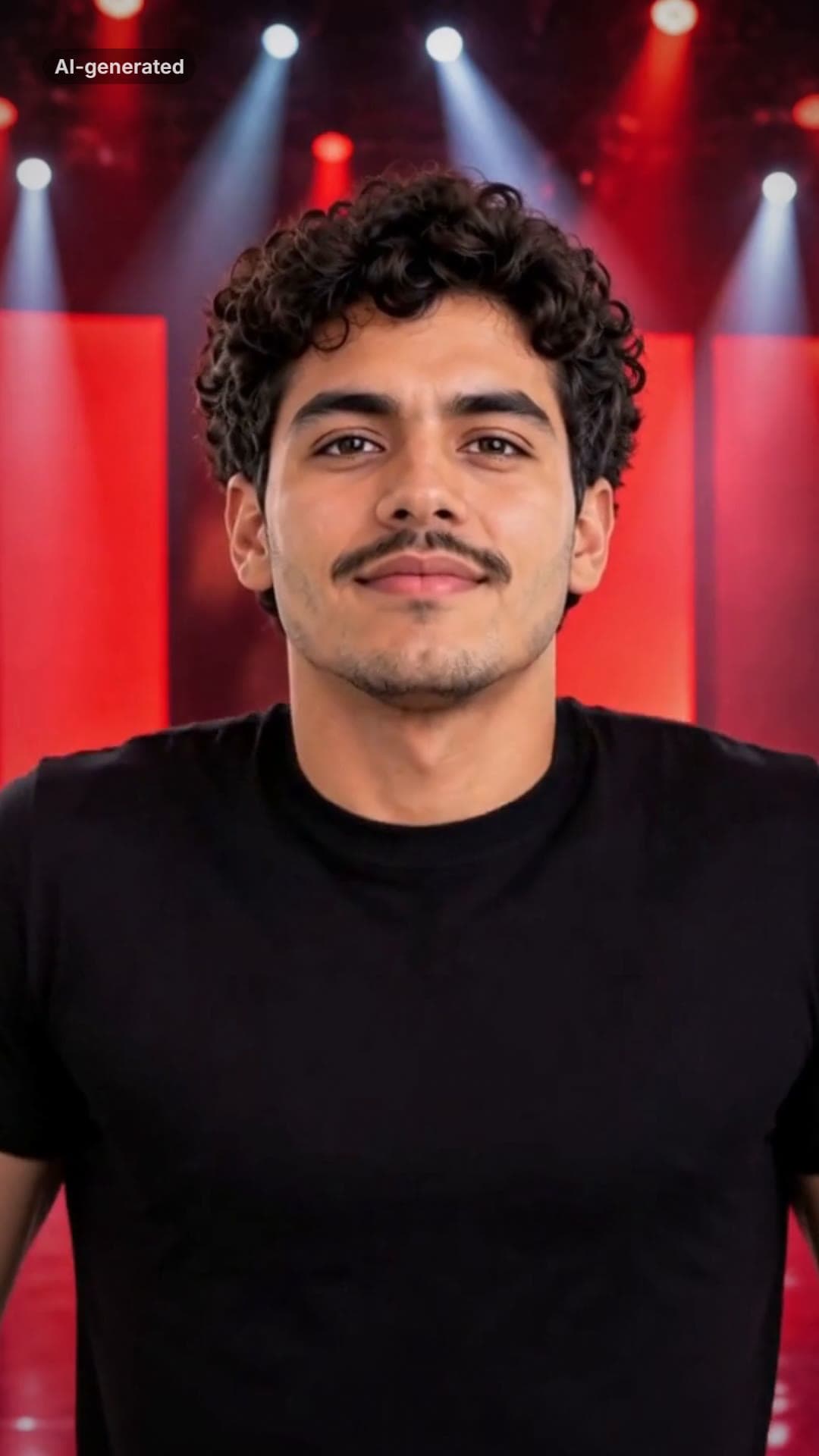 AI-generated sample
ATEEZ BAD AI Dance Generator From One Photo
One photo. You on a red-lit stage: the routine, the chest pop, the closing look.
1 photo · 15.8s · 80 credits
Make yours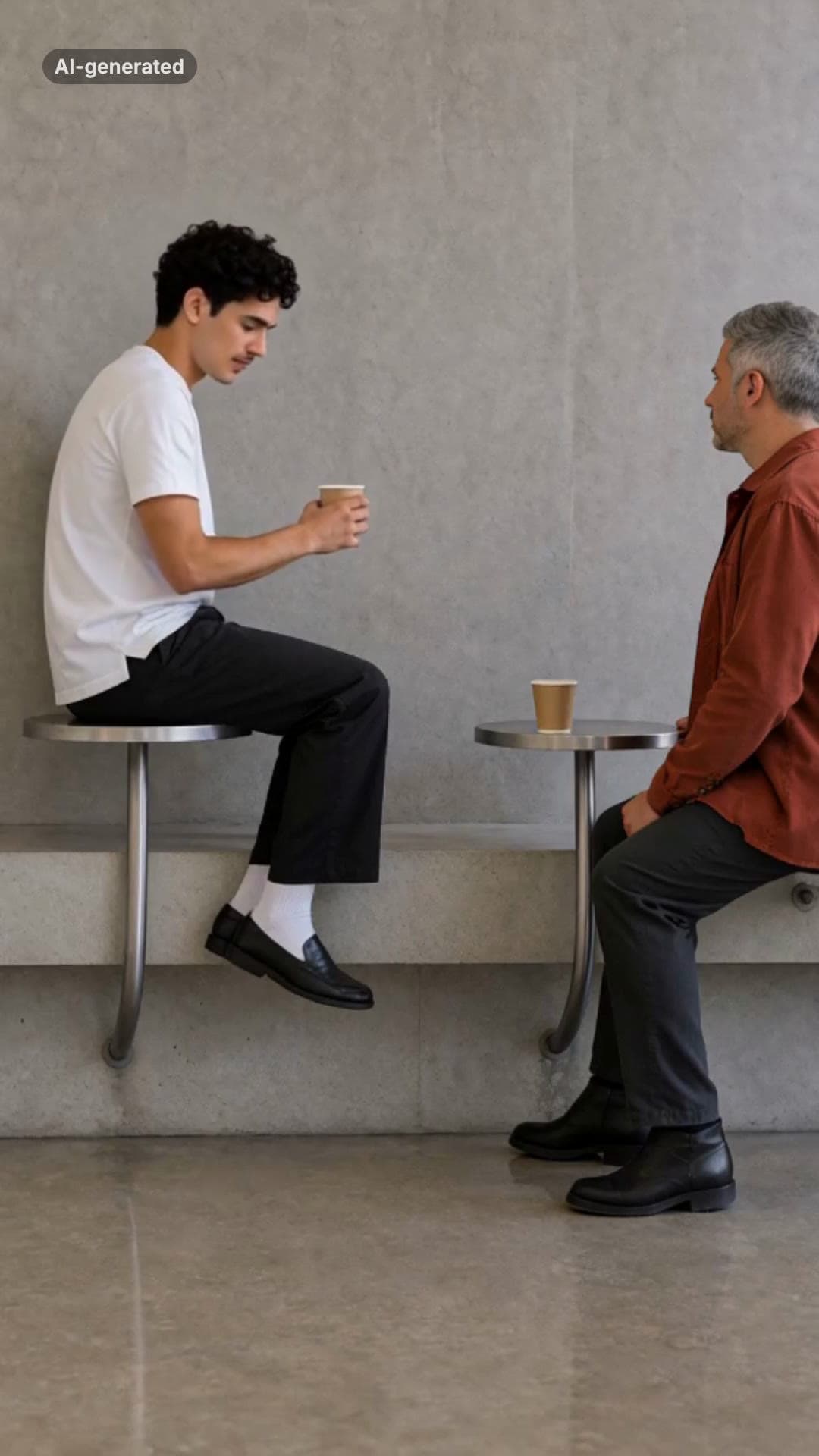 AI-generated sample
Fancy Cafe AI Video Generator
One photo. The wrong seat, the slow realisation, the very casual recovery.
1 photo · 15s · 80 credits
Make yours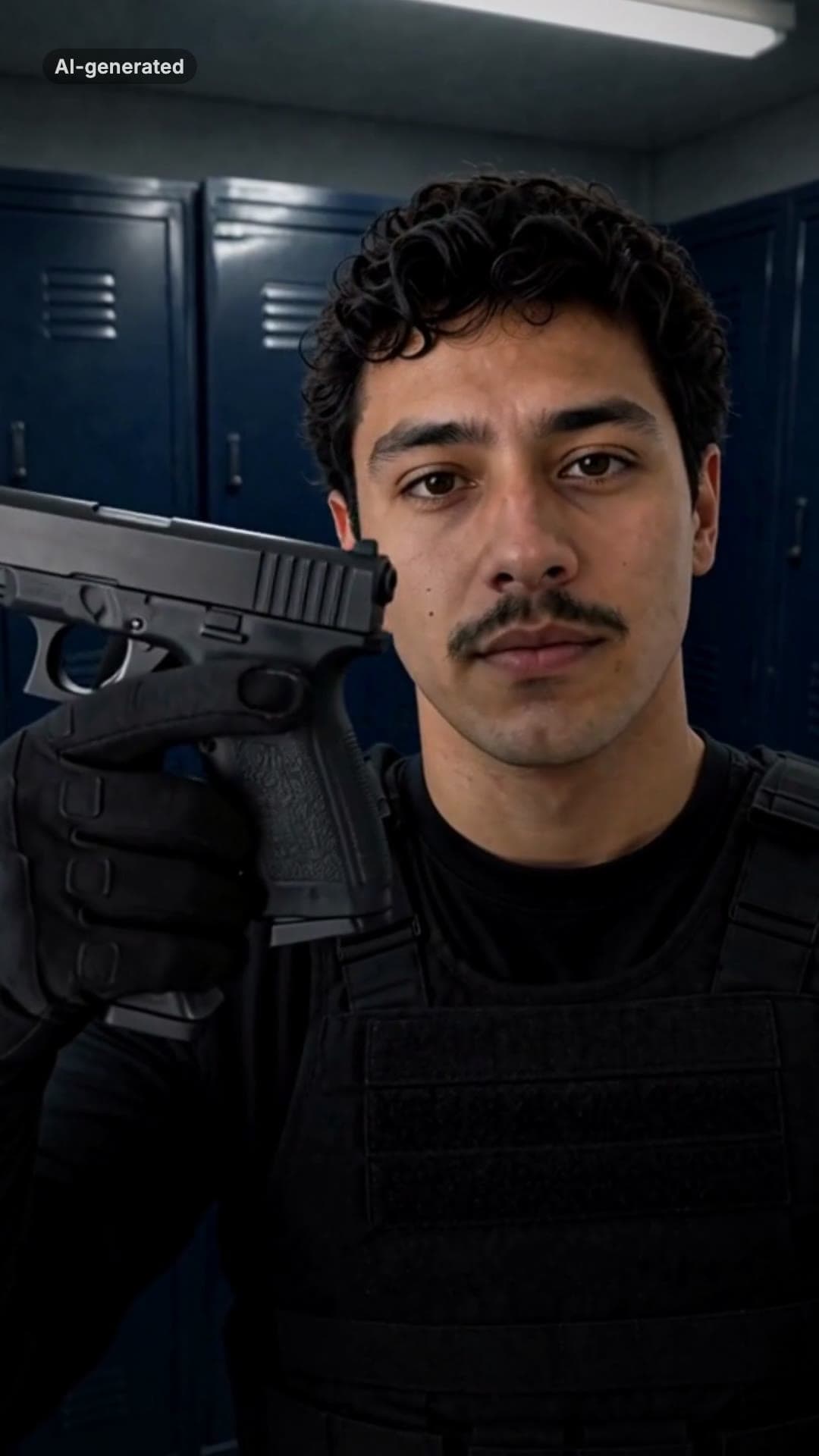 AI-generated sample
End of Watch AI Template: Locker Room Scene
One photo puts you in the locker scene: the gear, the flash, the partner behind you.
1 photo · 10s · 80 credits
Make yours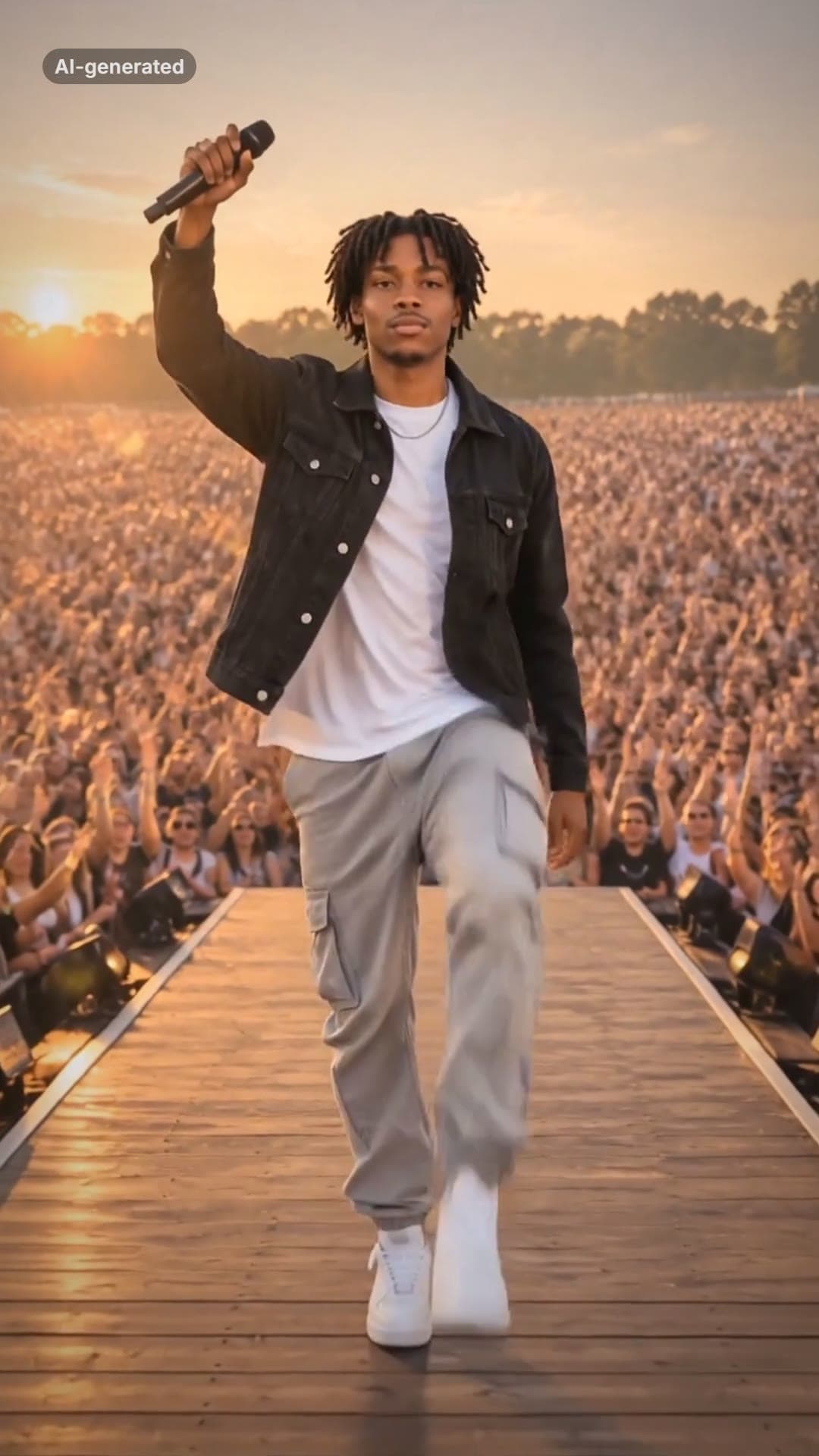 AI-generated sample
Lil Yachty Walkout AI Video Generator
One photo. Backstage, the crowd, then the high-step down the catwalk.
1 photo · 16s · 80 credits
Make yours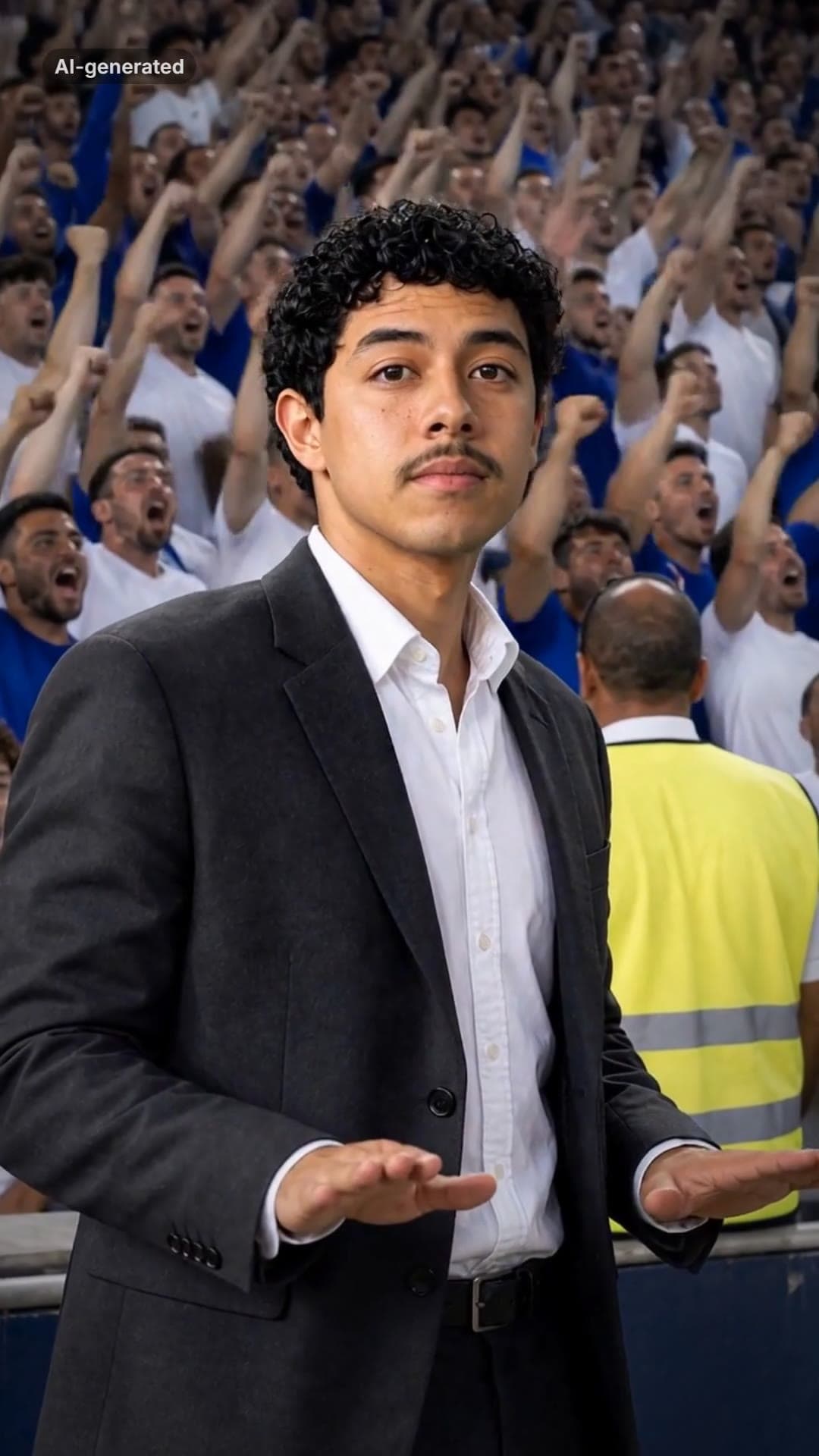 AI-generated sample
Stadium Calm Down AI Video Template
One photo. A roaring stadium, a dark suit, and you pressing both palms down: calm down.
1 photo · 16s · 80 credits
Make yours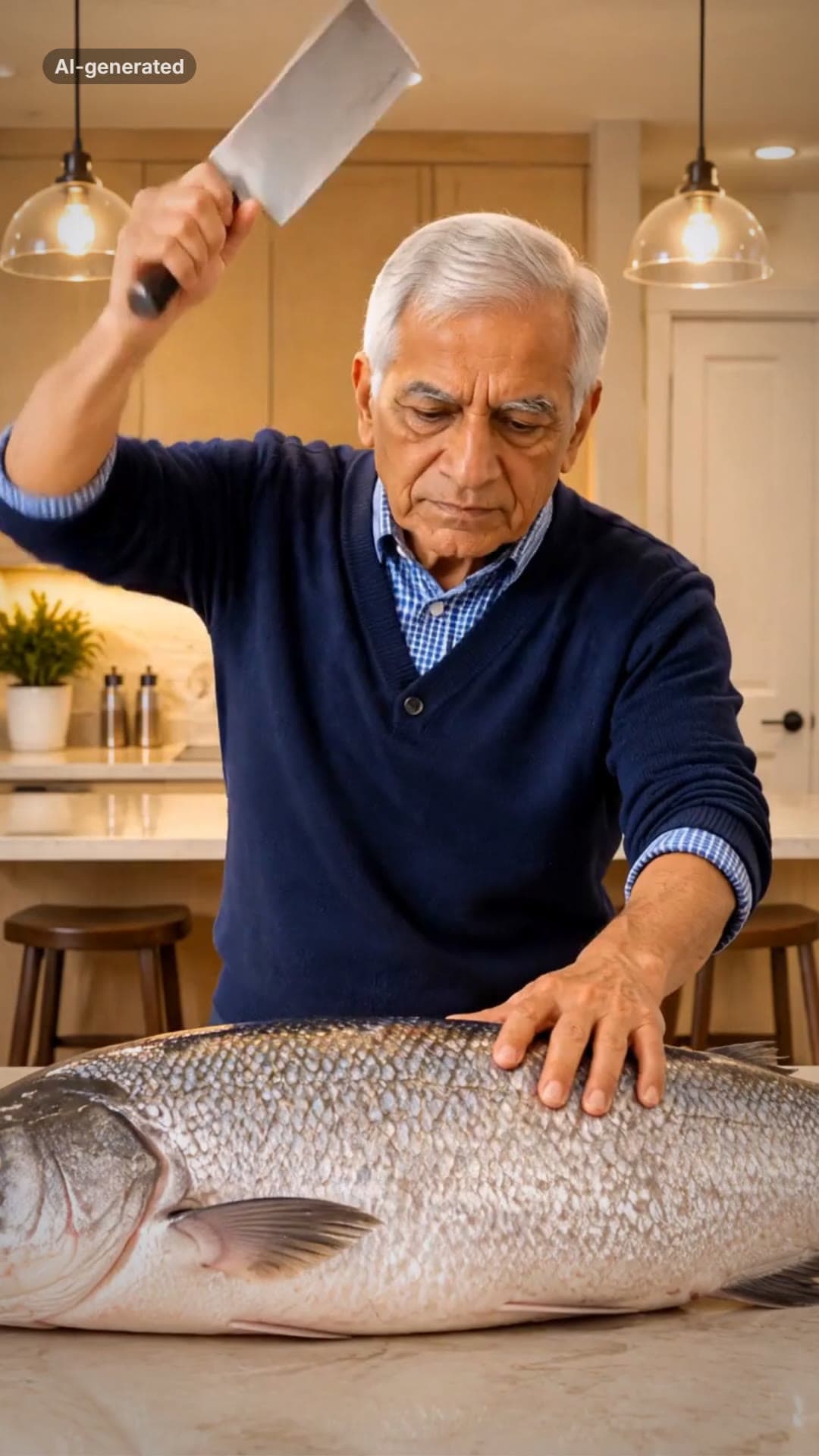 AI-generated sample
Grandpa Said He'd Handle Dinner AI Video
One photo. A fish bigger than you, a kitchen cleaver and a dead-serious face.
1 photo · 16s · 80 credits
Make yours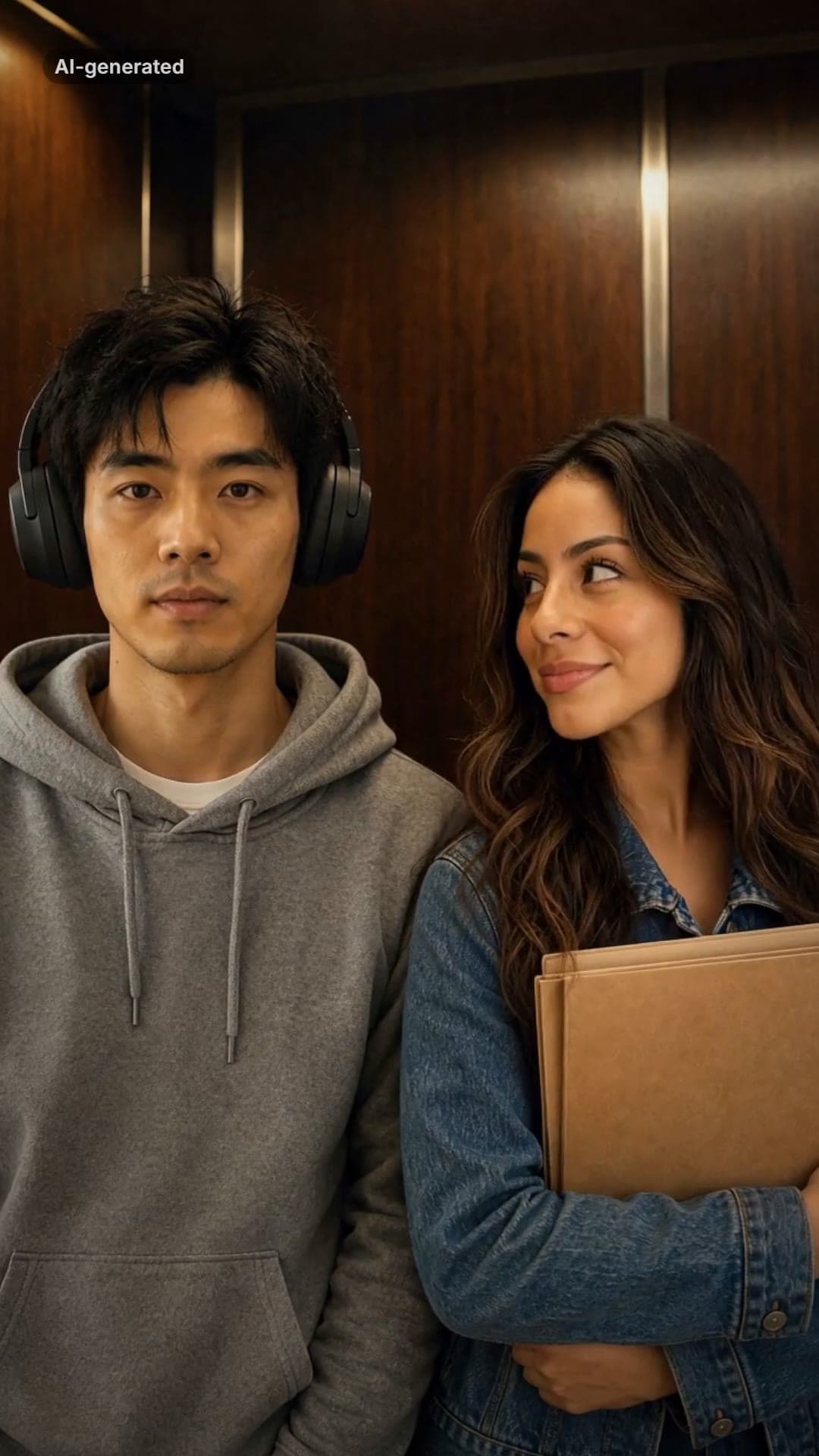 AI-generated sample
I Love The Smiths Trend: Meaning + Make Yours
Two photos. Big headphones, an old elevator and the line that leaves them speechless.
2 photos · 16s · 80 credits
Make yours AI-generated sample
AI Dunk Video Generator: Dunk in a Pro Game
One full-body photo. Everyday clothes, a packed pro arena, a one-handed dunk and a roar.
1 photo · 16s · 80 credits
Make yours AI-generated sample
La Mujer del Pelotero AI Dance Video
One photo. The sway, the bat swing and the claps, in a kitchen at night.
1 photo · 10s · 80 credits
Make yours AI-generated sample
It's My Life Dog AI Video Generator
One pet photo. It sings in the front seat, stares, and puts on its sunglasses.
1 photo · 14.2s · 80 credits
Make yours