
AI-generated video · TikTok trend
The AI rap duo trend, starring the two of you
Updated
Two of you, one hanging microphone, a studio painted one solid colour. The first of you raps two bars of an original verse, the other takes the last two, and a boom-bap beat rolls underneath the whole time. Upload a photo of each of you, pick the voice you rap in, and get it back as one vertical take with the rap already in it.
80 credits · about 12s, 9:16
Make your Rap Duo video
Upload a photo of each person: the one who raps first, then the one who raps second. Pick a voice, which both of you rap in, and you get one 12-second take with the verse and the beat already in it, ready to post.
Checking your credit balance…
One Rap Duo video costs 80 credits. Credits are refunded if generation fails.
1. Who raps first
One person, face clear and looking at the camera, waist up if you can. They stand on the left and rap the first two bars.
2. Who raps second
One person, face clear and looking at the camera, waist up if you can. They stand on the right and rap the last two bars.
80 credits per video · refunded if it fails
The scene
Trading bars
Side by side at one hanging mic in a cobalt-blue studio: the first of you raps two bars, then the other takes the last two, both nodding on the beat.
What the AI rap duo trend is
Two photos go in, and the two people in them come back as a rap duo: side by side in a bare studio painted one solid colour, one microphone hanging between them, trading bars of a verse into it with completely straight faces. It started on TikTok in mid-September 2026 and peaked in the last two weeks of that month, with pairs of cats, best friends, couples, mothers and daughters and film characters all getting their turn at the mic.
The wave began by copying one recorded studio performance and its song, and most of the early videos used that song. This page does not: it takes only the format, the one-colour studio, the hanging mic and the two of you passing the verse back and forth, and gives it an original verse and beat. Nothing in the video names, shows or imitates the original performance or anyone in it.
How this generator makes yours
The video is one continuous take. First a still is drawn from your two photos, the first of you on the left and the second on the right, both from the waist up in a cobalt-blue studio with the microphone hanging between you. Then a video model that makes sound and picture together sets it moving: the verse, the voice and the beat are written into the same take, so each mouth moves with its own words instead of with a song laid on top afterwards.
Each finished video runs 12 seconds at 1080 by 1920, with its own sound at full volume and a small AI-generated label in the corner. Before you generate, you pick a voice, male or female, and both of you rap in it, so it works best when the same voice suits you both. It takes a few minutes and costs 80 credits from a credit pack or paid plan.
The verse, the voice and the beat
The verse is four bars written for this page, two each. The first of you raps "Two of us, one mic, and the red light is on, blue walls glowing and we rocking till the dawn." and the second answers with "You bring the rhythm and I bring the rhyme, side by side and we land it every single time." No names, no disses and no swearing, so it is safe to post anywhere and it will not get your video muted.
The beat and the delivery are made fresh for every video, so no two come back exactly alike: the tempo, the drums and the flow change a little each time, and the model decides where each word lands. That is also why there are no lyric captions burned in. The song the trend first used is not in the file and is not ours to give you; the sound in your video is its own, and you post it as it is.
How to make a Rap Duo video yourself
You do not need this page to make one. This is how the video is put together, with the prompts for its one shot, so you can build it with any picture model and image-to-video model you like.
Step 1
Draw one still from both photos
Use a picture model that takes reference photos and send both at once, naming the first as image 1 on the left and the second as image 2 on the right. Ask for the two of you from the waist up, bodies running out of the bottom of the frame, faces to the lens, lips slightly parted, a microphone hanging between you level with your chins, and one solid colour behind.
Step 2
Write the verse into the motion prompt
Give the still to an image-to-video model that makes sound with the picture. Put the four bars in quotes, say who raps which two, name the voice and the beat, and ask for lips and jaw moving with every syllable. Swap "female" for "male" in both places for a male voice. Keep it to about twelve seconds.
Step 3
Keep it to one take and post it with its own sound
Use the clip as it comes back: one shot, no cuts. A second clip would arrive with a different beat and different voices, so the verse would change halfway through. Do not lay a song over it either; the rap is the sound, and it only matches the mouths because it was made with them.
The shot, second by second
| Time | Shot |
|---|---|
| 0–12s | Trading bars Both of you from the waist up at one hanging mic: the one on the left raps the first two bars, then the one on the right takes the last two. |
The prompts
The whole video is one shot, made in two steps. Give its still prompt to a picture model with the photos listed with it as references, then give the picture it draws to an image-to-video model with the motion prompt. Add these endings to both prompts: they set the look and keep the faces the same from the first frame to the last.
End of every still prompt
Keep each person's face, facial features, skin tone, hairstyle and build exactly as in their reference photo, so they are instantly recognisable. Keep each person the same gender and age as in their photo; never swap who is who. Photorealistic still from a live studio music performance video, vertical 9:16 frame, bright, even, soft studio lighting, crisp and sharp on both faces, clean saturated colour. No text, no captions, no watermark, no logos.
End of every motion prompt
One continuous shot with no cuts. Keep the people looking exactly as in the first frame. No text.
0–12sTrading bars
Photos to attach, in orderImage 1: Who raps firstImage 2: Who raps secondStill prompt
A medium shot of two people standing upright side by side, close together, their shoulders almost touching, seen from the waist up and filling the frame: their heads and faces in the upper half of the frame, their bodies running down out of the bottom of the frame, both faces large and sharp. On the left of the picture is the person in image 1, in their own clothes from image 1; on the right of the picture is the person in image 2, in their own clothes from image 2. Both stand facing the camera in a three-quarter view, their faces turned toward the lens so each face is seen from the front, mouths in full view, their hands down by their sides. Hanging in the air between their two faces, level with their chins and covering neither face, is a single plain black studio microphone with no logo, badge or writing on it, its grille pointing down at the floor, held only by its thin black cable, which runs from the top of the microphone straight up and out of the top of the frame. Nothing is below the microphone: no stand and no cable underneath it. Both have serious, focused expressions, lips slightly parted, as if about to rap. Behind them is a bare studio painted one solid, saturated deep cobalt blue, a seamless cobalt-blue wall, evenly lit, with no furniture, no equipment and no writing. The blue wall is all there is behind them, edge to edge, with no lights, lamps, ceiling or rig anywhere in the picture. Nobody else is in the picture.
Motion prompt
The two of them trade bars into the hanging microphone, rapping a verse in a confident female voice with a tight, rhythmic rap flow, over boom-bap drums and a deep 808 bass. The one on the left raps the first two lines, their lips and jaw moving in sync with every syllable, while the one on the right nods to the beat with their mouth closed: "Two of us, one mic, and the red light is on, / blue walls glowing and we rocking till the dawn." Then the one on the right takes over and raps the last two lines, also in a female voice, their lips and jaw moving in sync with every syllable, while the one on the left nods to the beat with their mouth closed: "You bring the rhythm and I bring the rhyme, / side by side and we land it every single time." Both heads nod on the beat the whole time. Neither of them smiles or laughs at any point: serious, focused expressions throughout. The camera holds still on both of them as framed in the first frame, both faces in view the whole time, with only a slight handheld sway: no zoom, no push-in.
Where it goes wrong
A rap made separately will not match the mouths
Generating the rap on its own and laying it over a silent clip looks wrong within a second: the mouths move, but never with the words. Write the verse, the voice and the beat into the motion prompt and let one model make the picture and the sound together.
Tell the one waiting to keep their mouth shut
Say only who raps which lines and the model often moves both mouths to one voice. Say that whoever is not rapping nods to the beat with their mouth closed, in both halves, and the mouths switch over where the words do.
Hold the camera, and hang the microphone the right way
Left to itself the camera can push in on one face and lose the other for most of the verse: ask for both faces in view the whole time, no zoom. Do not write that the microphone hangs upside down either, or the whole picture can come back upside down; say it hangs on a cable from above.
Only people who said yes
Use your own photos or photos of people who agreed. Do not use celebrities, real rappers, the performers the trend first copied, or anyone who has not agreed to be in the video: a realistic video of a real person rapping words they never said can hurt them, and platforms take it down.
Label it as AI-generated
Switch on TikTok's AI-generated content label before you post. A realistic clip of two people rapping a verse they never recorded is exactly the kind people ask about, and viewers trust a post that says so.
Or skip all of it
Upload a photo of each person above and get the finished video back in a few minutes: drawn, animated, cut and scored, with the AI label already on it.
How to post it on TikTok with its own sound
Step 1
Download your video
Save the MP4 to your phone. It is already vertical, 1080 by 1920, so TikTok will not crop it.
Step 2
Post it with its own sound
Upload it as it is and keep Original sound at full volume: the verse and the beat are in the video, so there is no trend sound to add. Other people can then use your sound, with your two voices on it.
Step 3
Leave the music off
Do not add a song from TikTok's library on top: it would fight the beat and drown the verse. If you want words on screen, put them in your caption or a text sticker away from the two faces.
Step 4
Label it as AI-generated
Before posting, open More options and switch on the AI-generated content label. TikTok asks creators to label realistic AI-generated video, and viewers trust a post that says so.
Questions about the Rap Duo generator
What is the AI rap duo trend?
A TikTok trend from September 2026: two photos become a rap duo, standing side by side in a one-colour studio and trading bars of a verse into one hanging microphone with straight faces. Pairs of cats were the biggest hit, followed by best friends, couples and film characters.
How do I make an AI rap duo video?
Upload a photo of each of you, the one who raps first and then the one who raps second, pick a male or female voice, and generate. You get one 12-second vertical take in a few minutes, with the verse, the voice and the beat already in it, ready to post with its own sound.
Is there a prompt for the AI rap duo trend?
Yes, on this page: in the section on making one yourself there is the prompt for the still and the prompt that sets it moving, verse and all. Here you do not need them. Whichever way you make it, write the verse into the motion prompt so the sound is made with the picture, and keep it to one take.
Can I choose the voice?
Yes: male or female, picked before you generate, and both of you rap in it. The words are the same either way. The beat and the delivery are made fresh each time, so two videos in the same voice still come back a little different.
Is the song from the trend in the video?
No. The early videos used a released song that is not ours to put in your file. Yours has an original four-bar verse and a beat made with the picture, so the mouths match the words. Post it with its own sound, and do not turn it down.
How much does an AI rap duo video cost?
80 credits for one finished video, from a credit pack or paid plan. If a video fails to generate, the credits go straight back to your balance.
Can I use a photo of someone else?
Only of someone who has agreed to be in the video. Before you generate, you confirm that both photos are of you or of people who said yes. Do not upload photos of celebrities, real rappers or anyone who has not agreed: a realistic video of a real person rapping words they never said, made without their consent, can hurt them, and it breaks our terms.
What photos work best?
One person per photo, face clearly visible and looking roughly at the camera, in good light, ideally from the waist up, since both of you are seen from the waist up at the mic. Put the one who raps first in the first slot. Avoid sunglasses, hands over the mouth, heavy filters and group photos.
What happens to my photos?
They are used only to draw the still, and we delete them from our storage as soon as your video is finished or fails. The finished video stays in your account so you can download it again.
Every video on this page, and every video made here, is AI-generated: the people in it are drawn by an AI model from the photos uploaded.
More trends
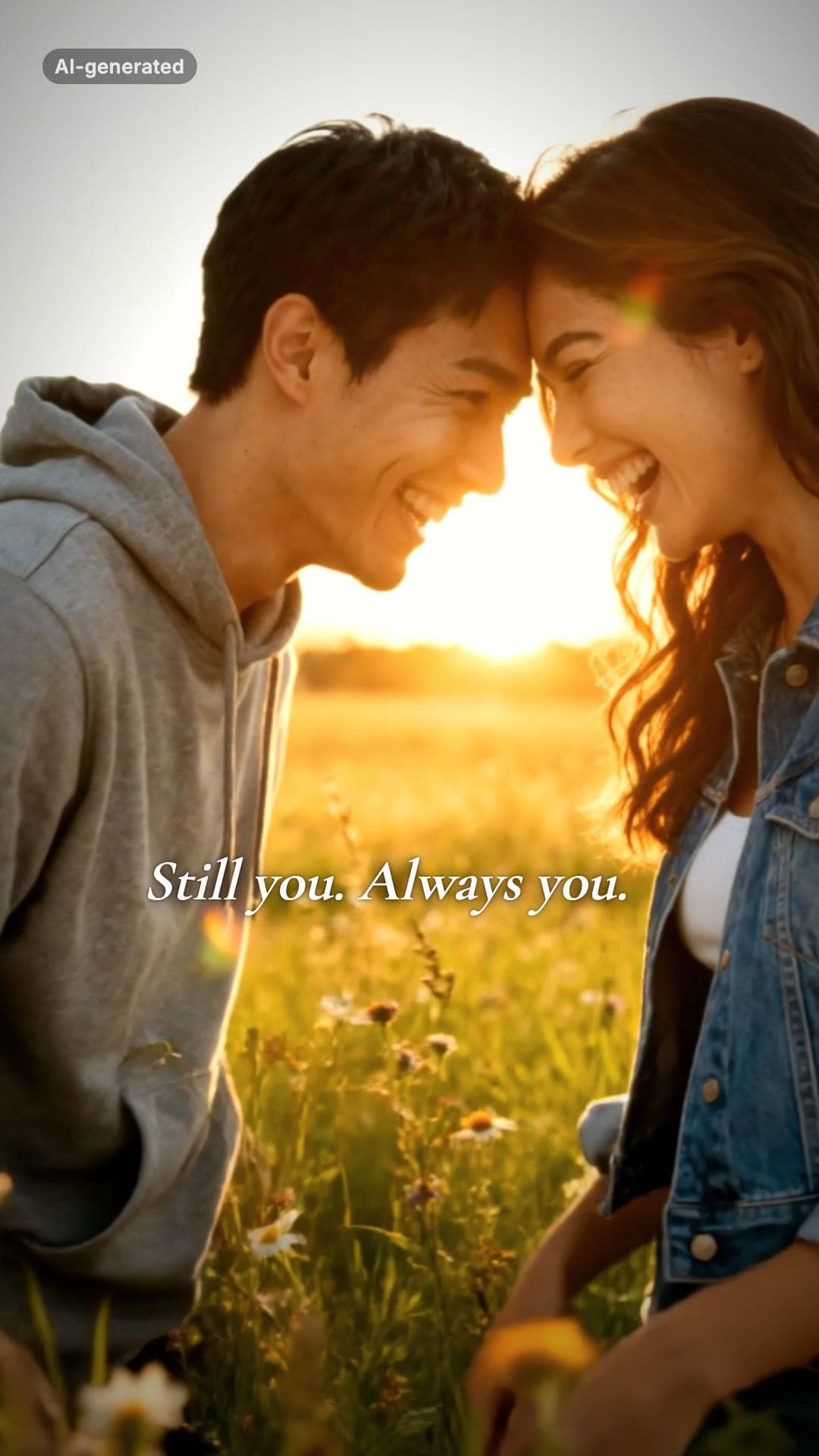 AI-generated sample
AI Zombie Couple Video Maker
Two photos. One of you has turned, the other cannot pull the trigger.
2 photos · 18s · 80 credits
Make yours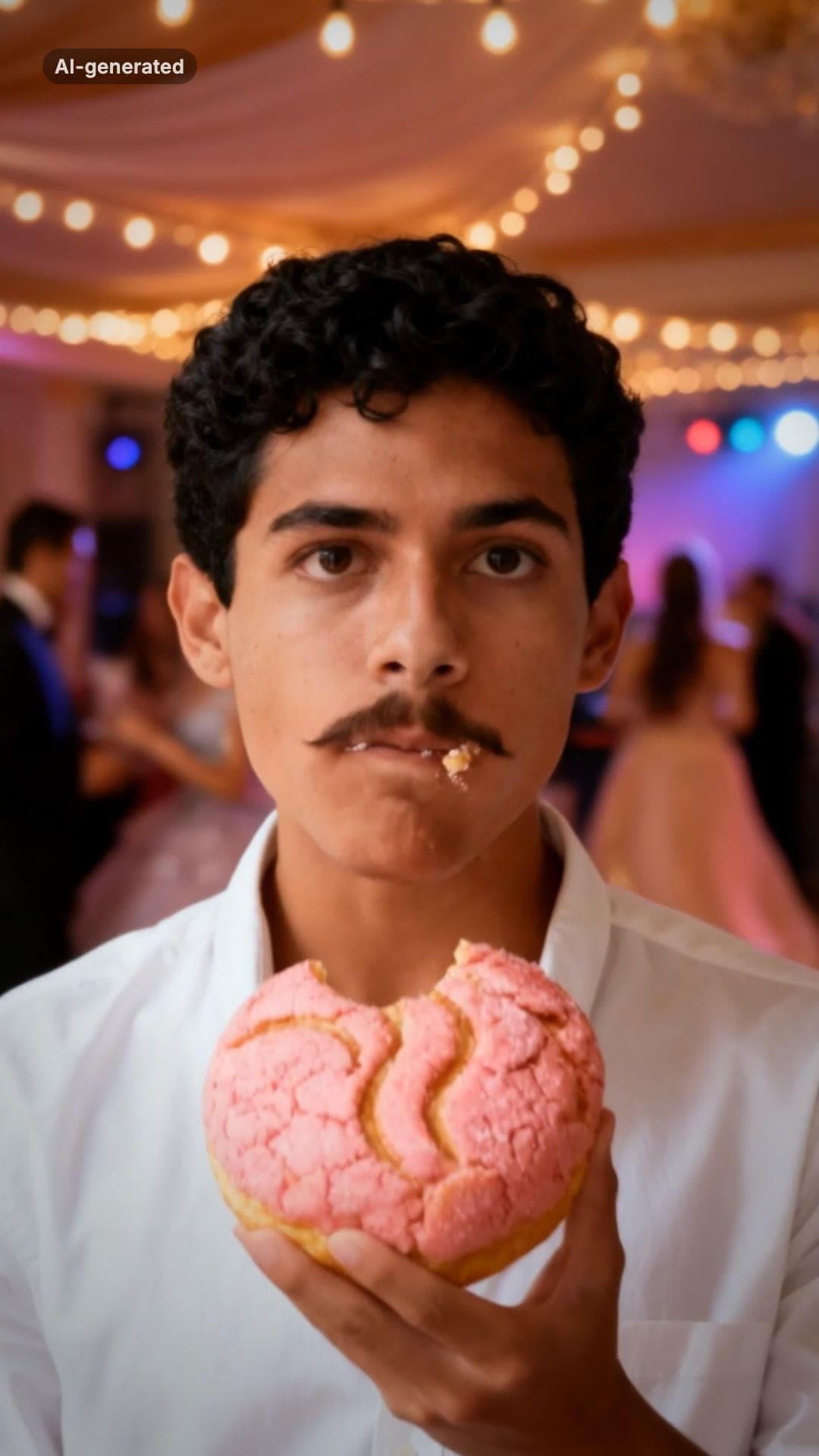 AI-generated sample
Baby Wow Guy Meme AI Video Maker
One photo. Dance up to the camera, bite the concha, stare, dance back.
1 photo · 15s · 80 credits
Make yours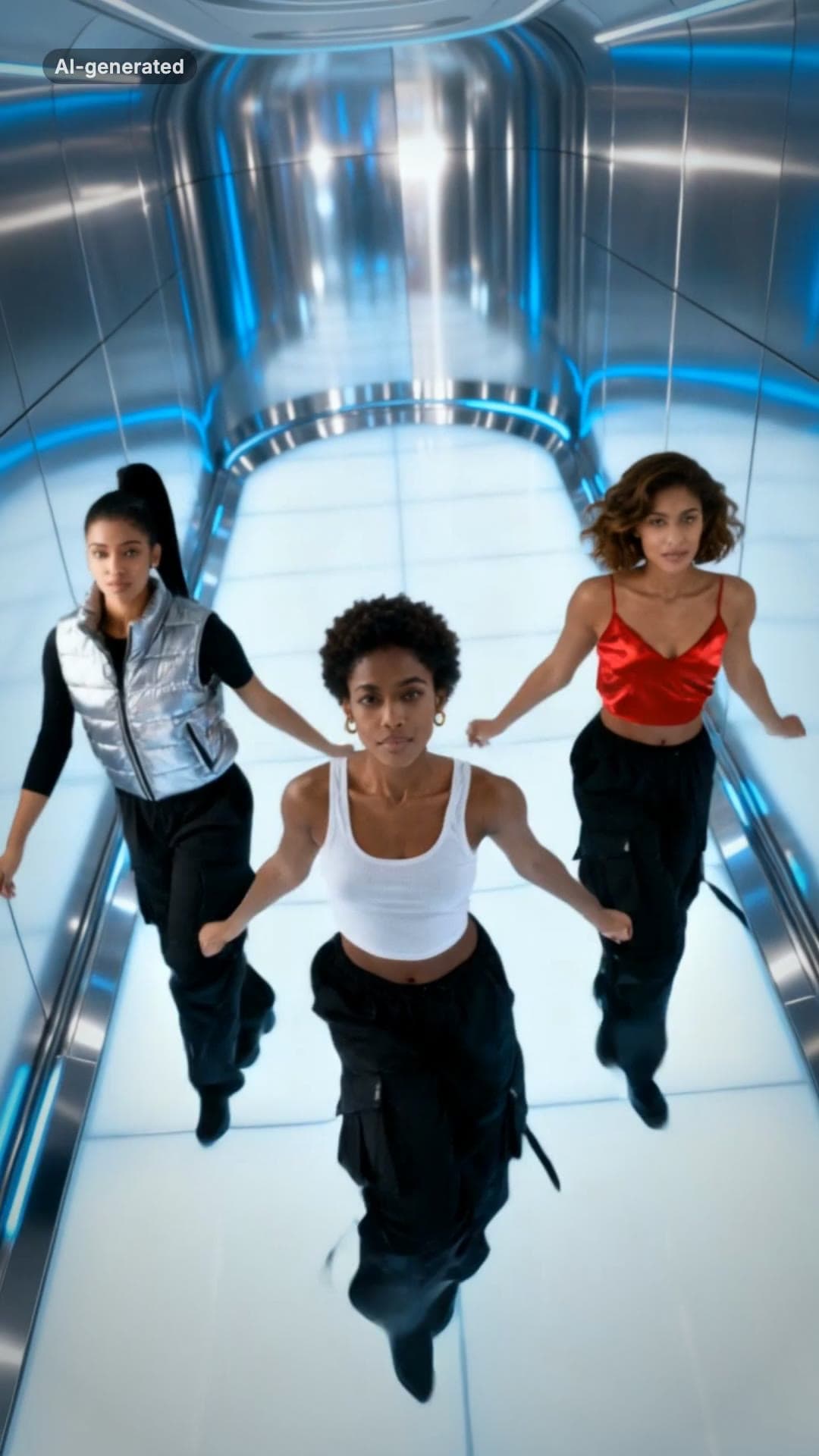 AI-generated sample
No Scrubs TikTok Trend AI Video Maker
Three photos. Elevator intro, two close-ups, then all three of you dancing in sync.
3 photos · 17s · 80 credits
Make yours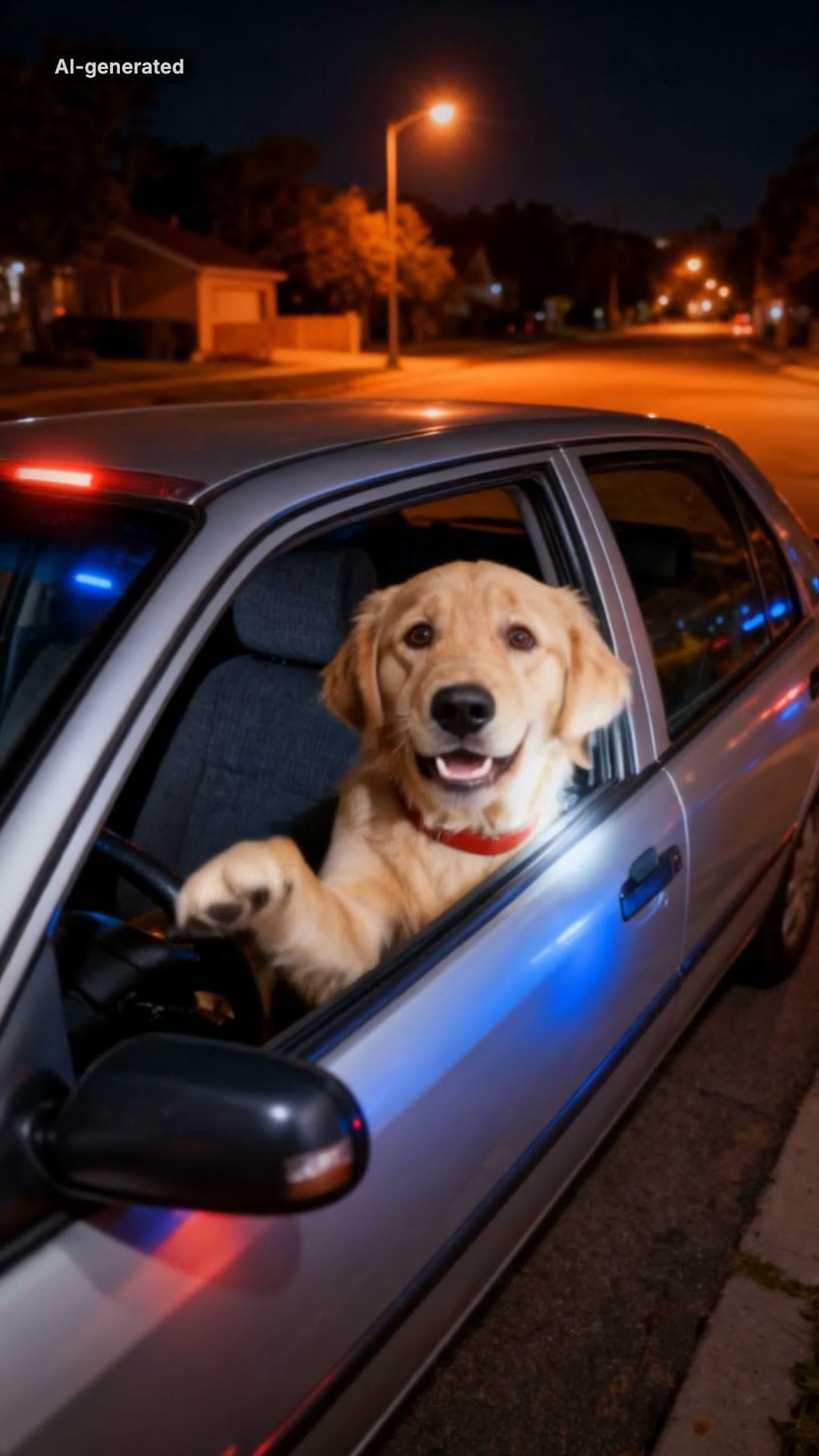 AI-generated sample
What Stop Sign Meme AI Video Maker for Pets
One pet photo. Pulled over, window down: "Stop sign? What stop sign?"
1 photo · 11s · 80 credits
Make yours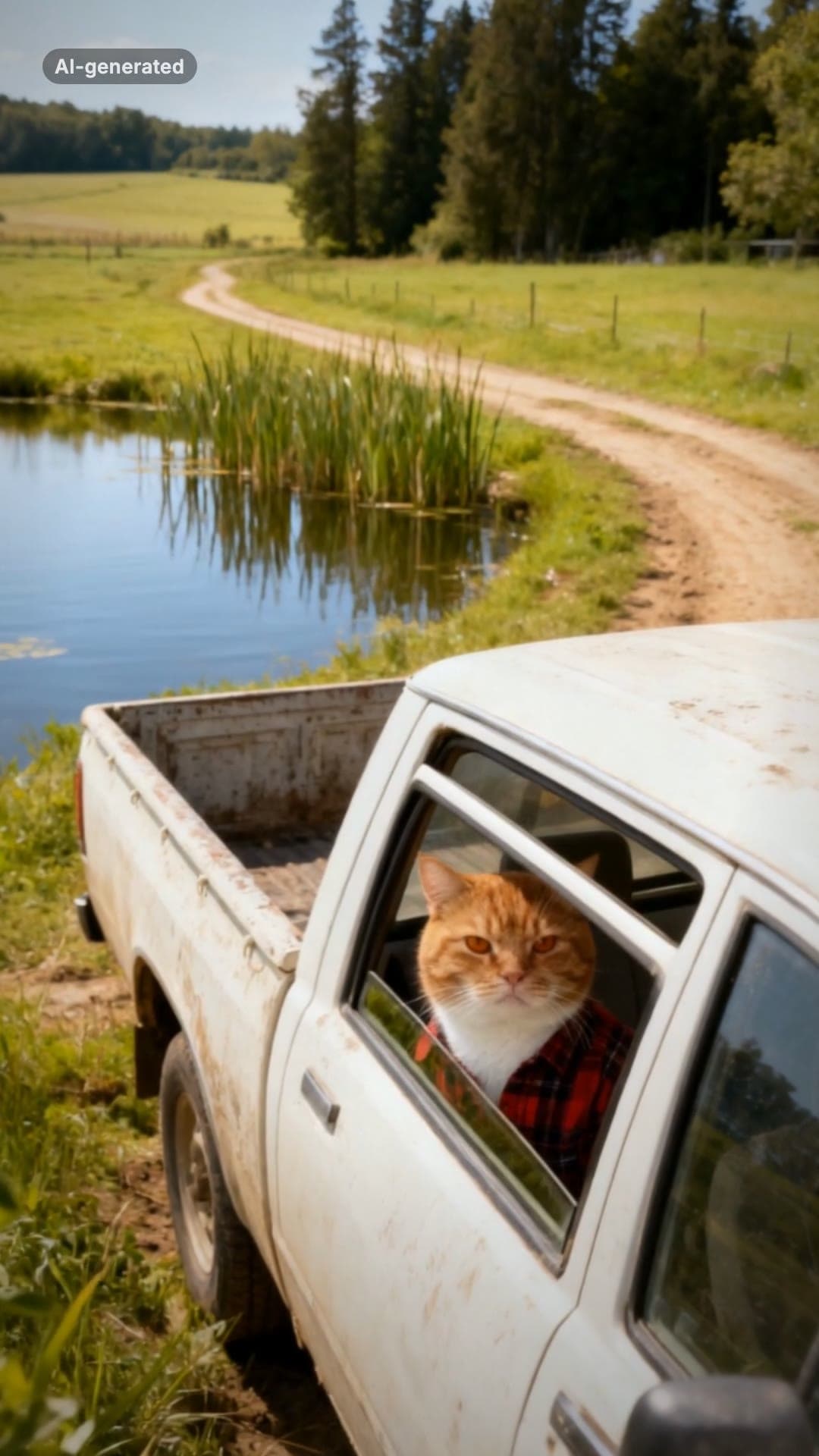 AI-generated sample
Hit the Road Dude AI Video Template for Pets
One pet photo. Pull up, roll the window down, stare, then hit the road.
1 photo · 16s · 80 credits
Make yours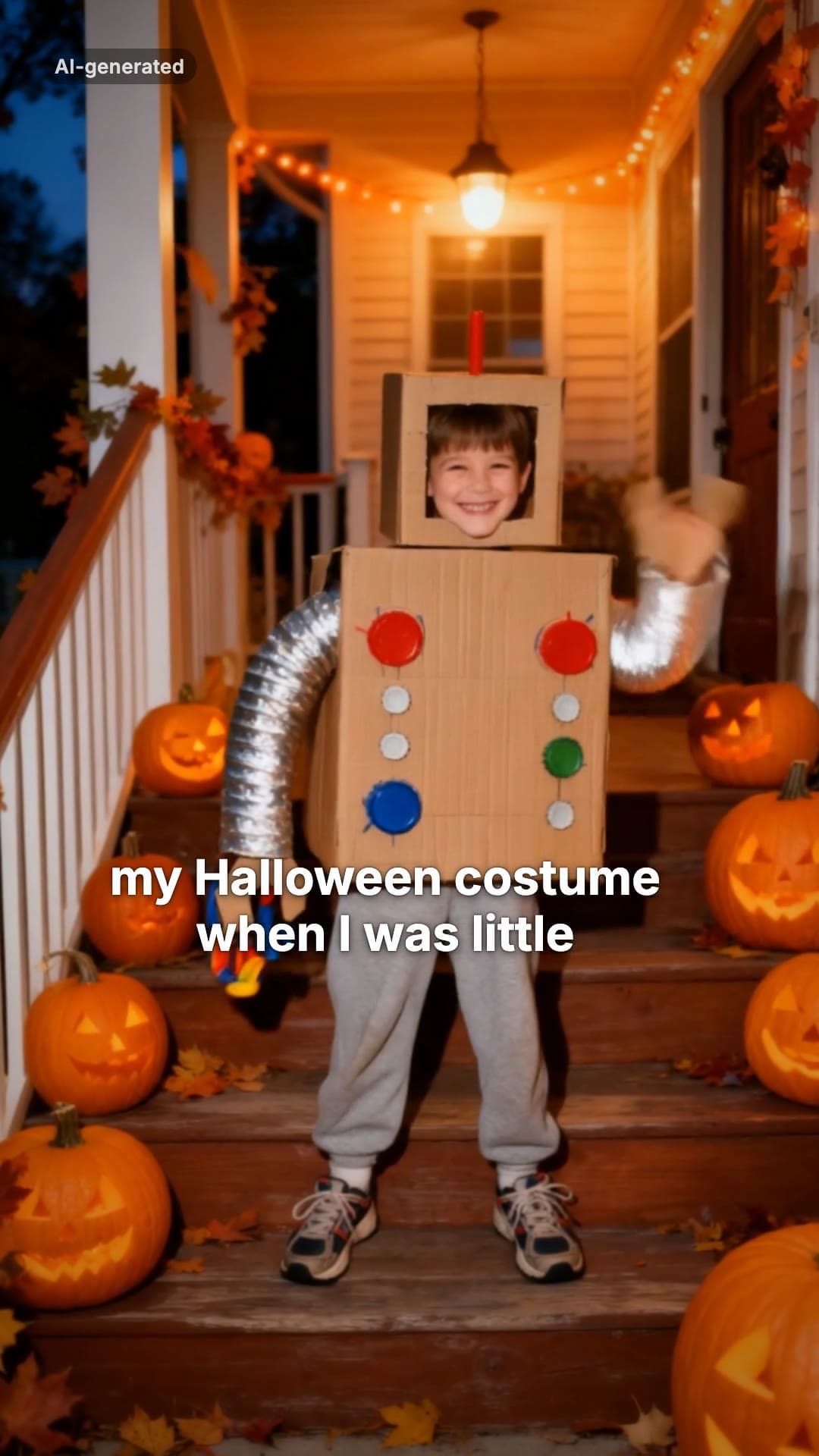 AI-generated sample
I'm Sorry I Lied AI Halloween Costume Trend
One childhood photo. The perfect costume, the apology, then the real one.
1 photo · 16s · 80 credits
Make yours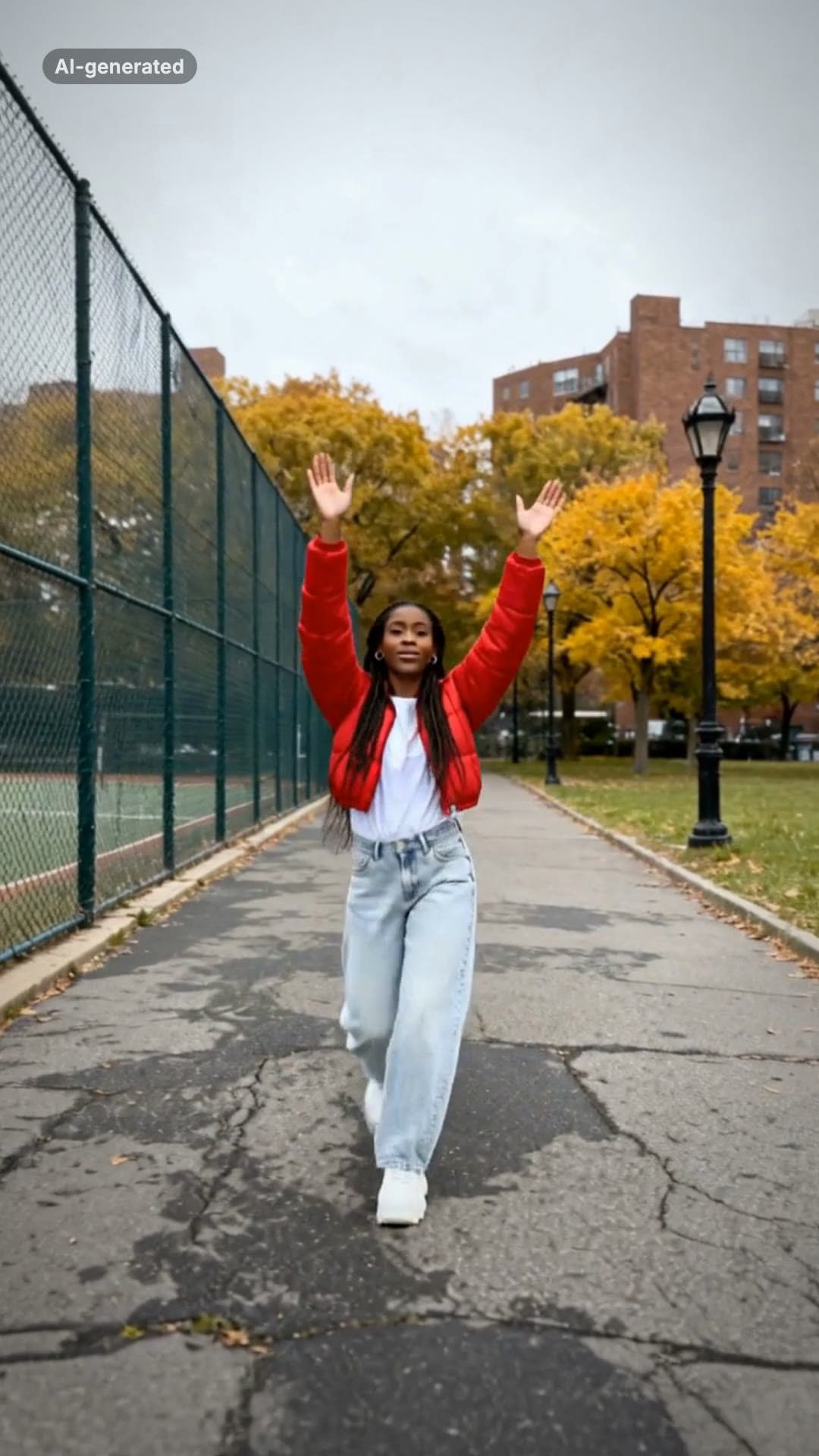 AI-generated sample
Fergie Baby AI Trend: Gate Walk Video Maker
One full-body photo. Out of the park gate, down the path on the beat, arms up, freeze.
1 photo · 16s · 80 credits
Make yours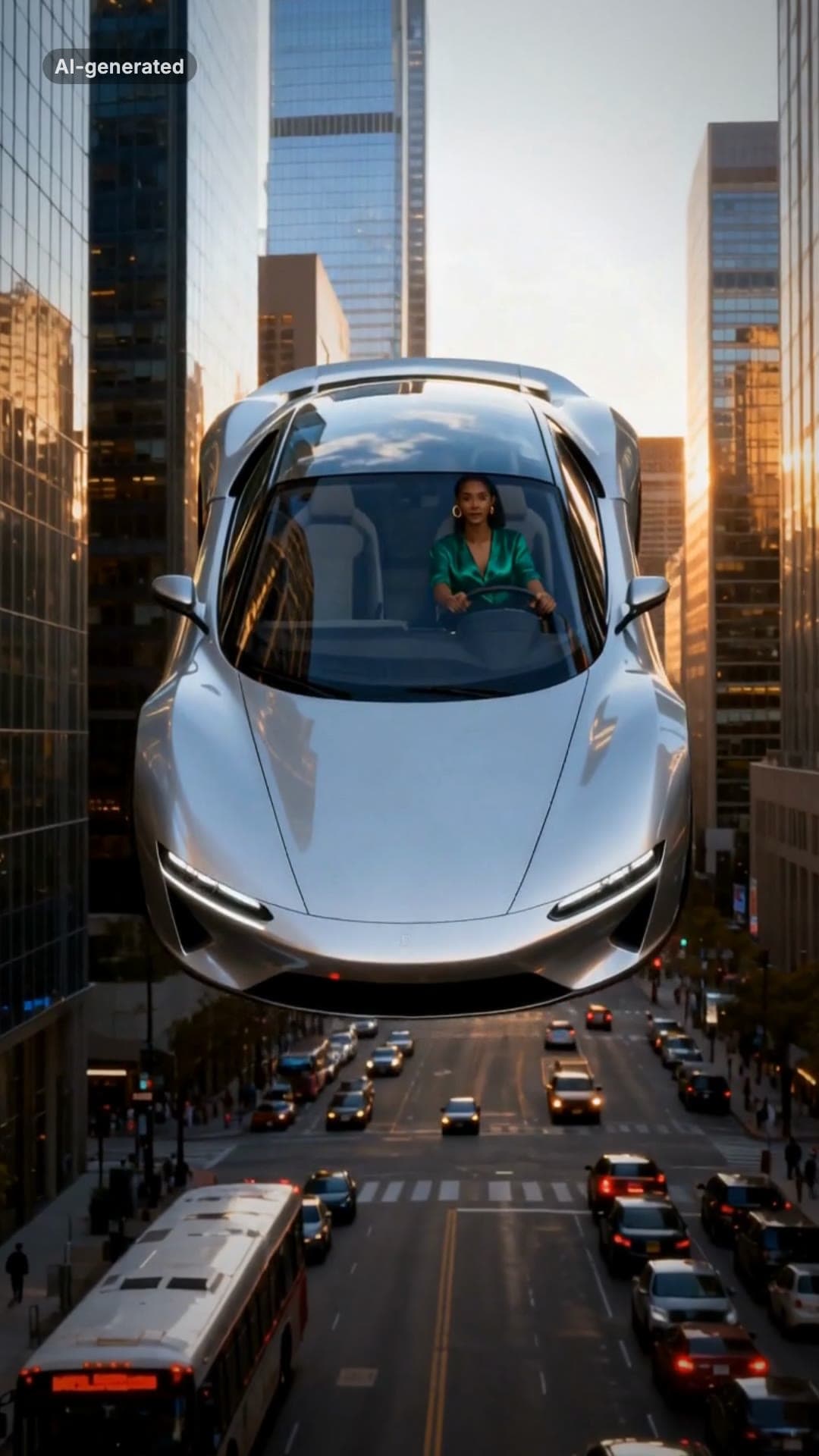 AI-generated sample
Flying Car AI Video: Day 1 of Owning Trend
One photo. Stuck in traffic, press a button, lift off over the city.
1 photo · 16s · 80 credits
Make yours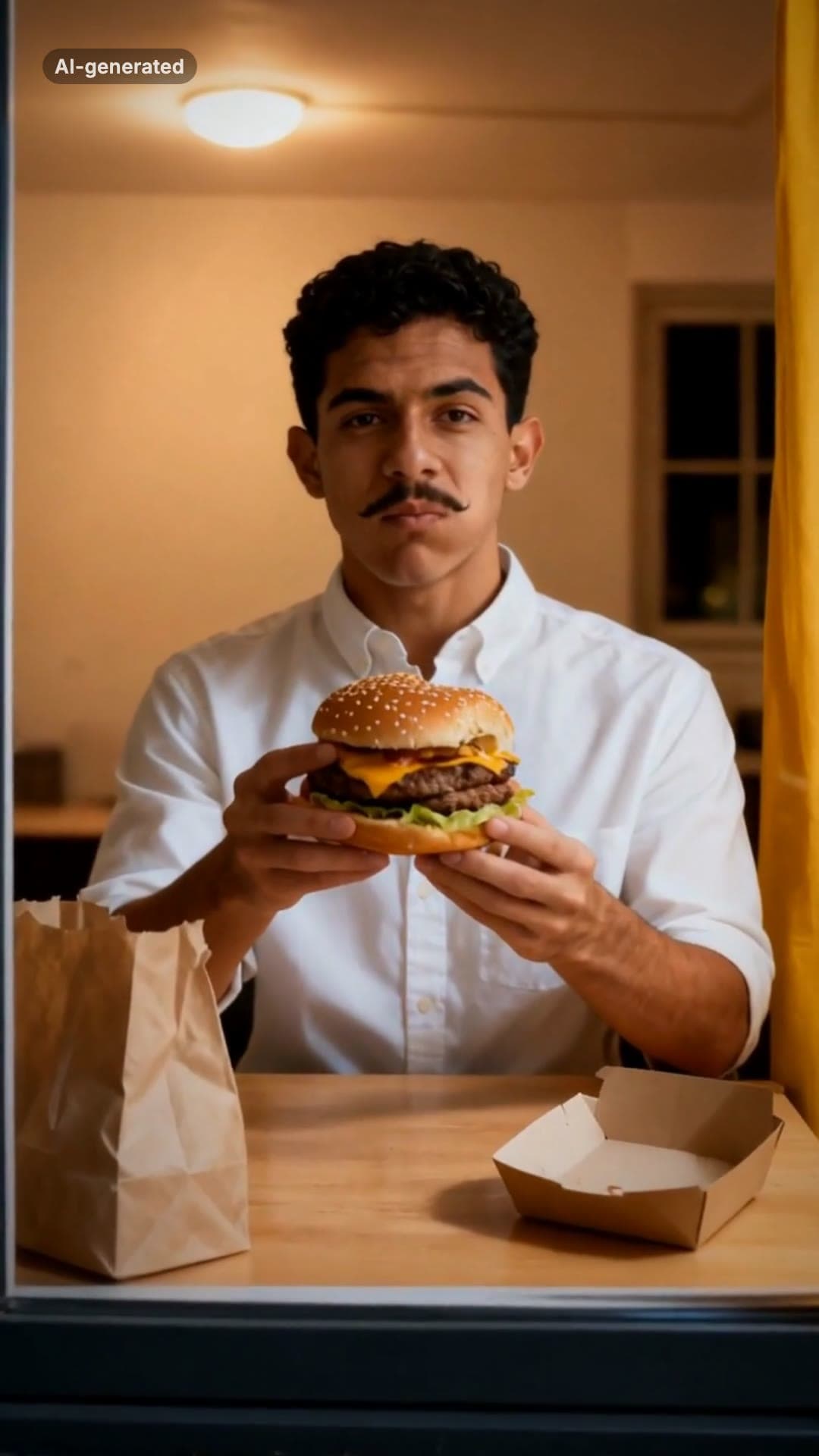 AI-generated sample
Window Peeper AI Filter Video Maker
One photo. Caught mid-burger in a lit window, you stare back and shut the curtain.
1 photo · 16s · 80 credits
Make yours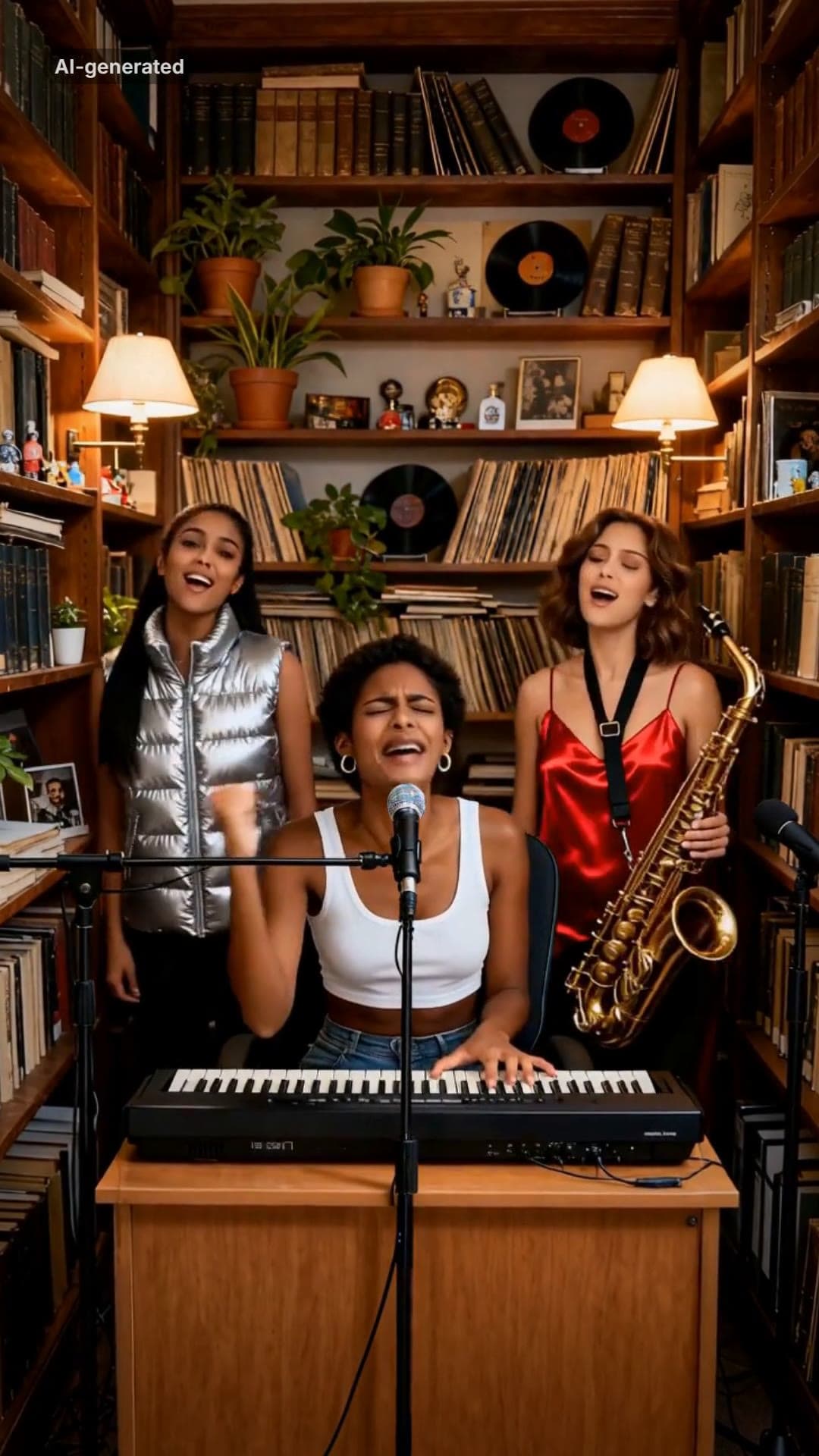 AI-generated sample
Outstanding AI Video Meme Maker
Three photos. A desk concert: belt it, crack up, take the sax solo, fists up.
3 photos · 18.75s · 80 credits
Make yours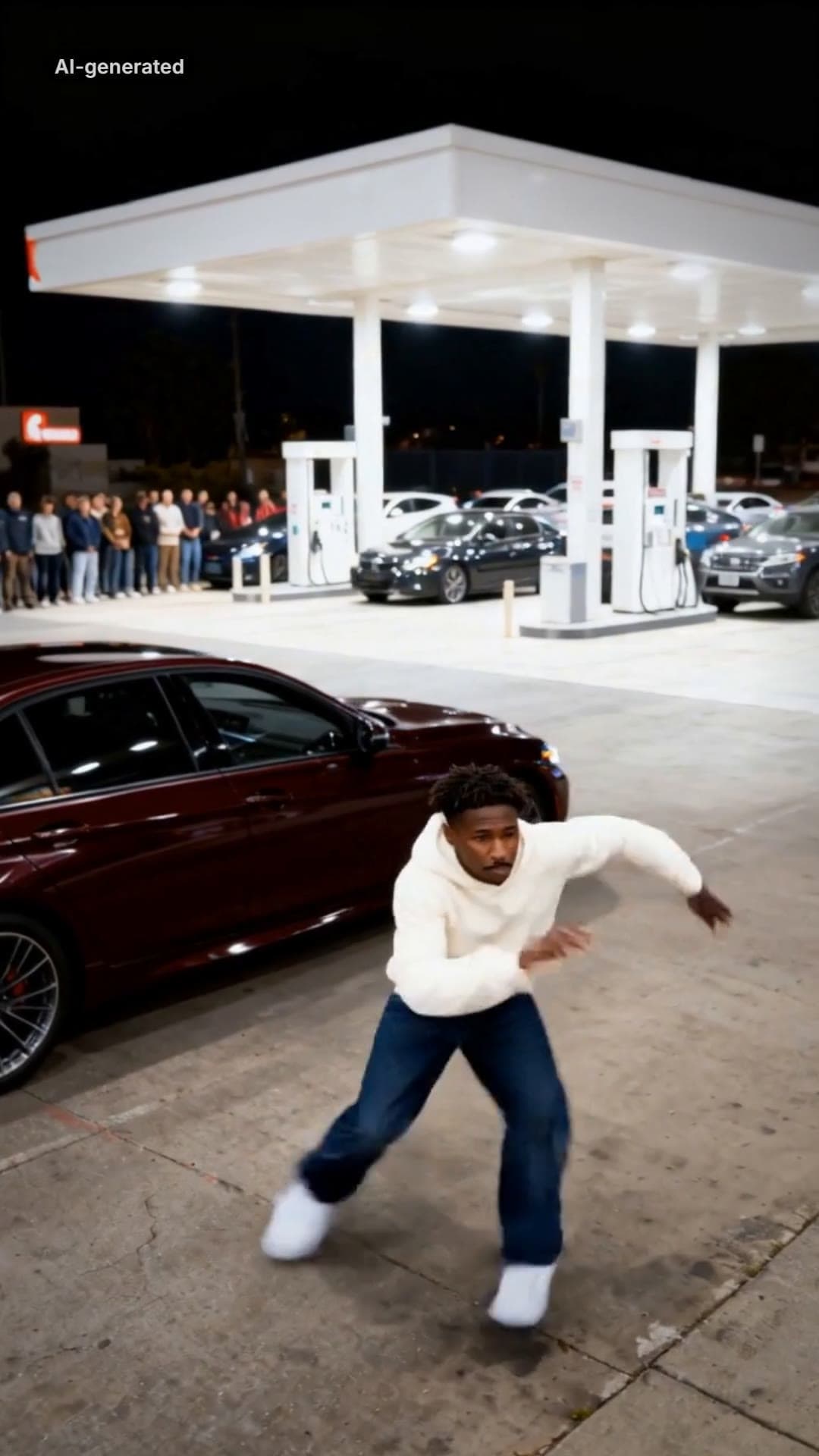 AI-generated sample
Mop Dance AI Trend: Car Meet Video Maker
One full-body photo. Out of the car at a late-night car meet and straight into the Mop.
1 photo · 16s · 80 credits
Make yours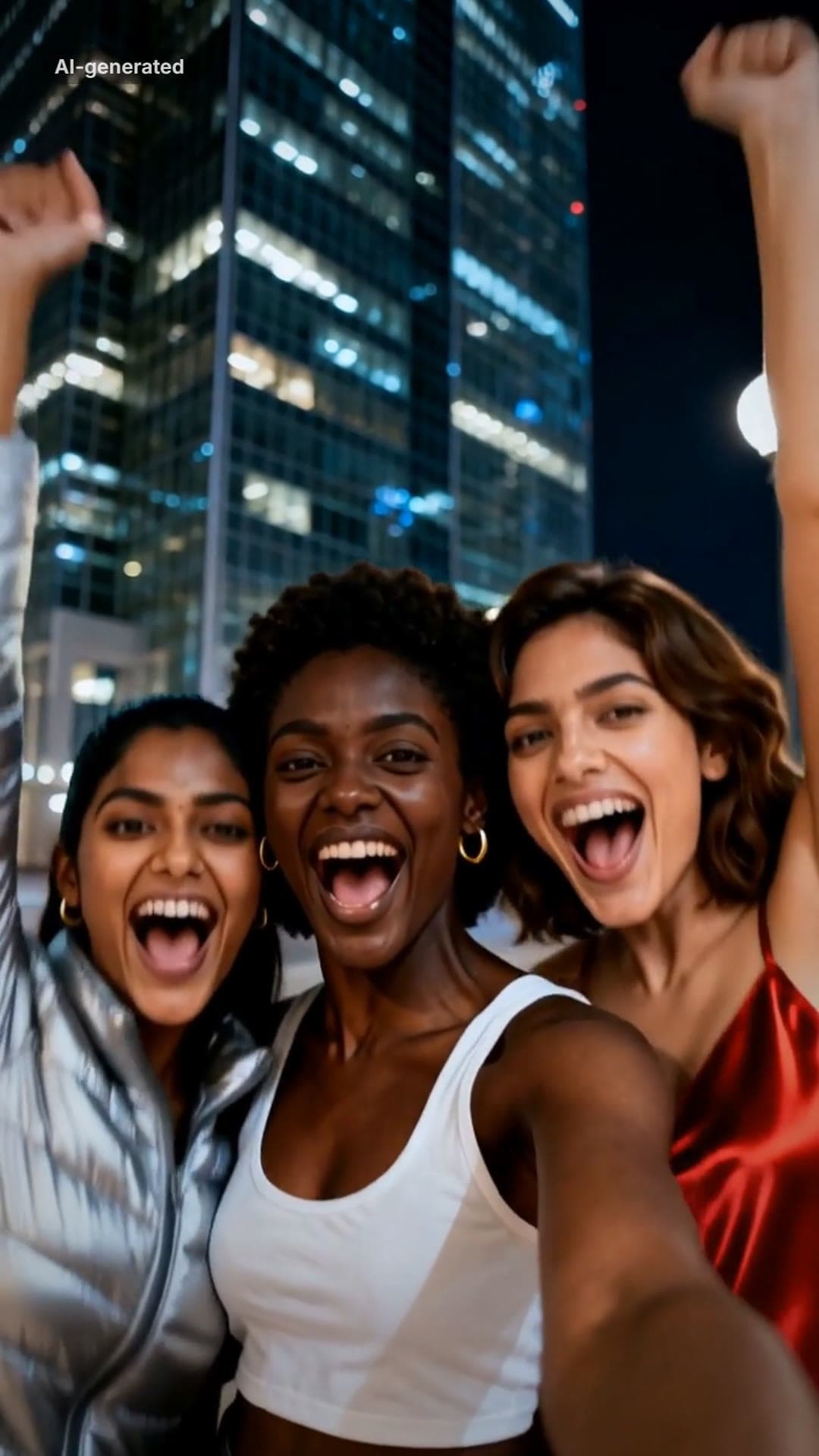 AI-generated sample
Gangnam Style AI Video With Your Friends
Three photos. A night-street selfie, a dance solo each, then all three back in.
3 photos · 18s · 80 credits
Make yours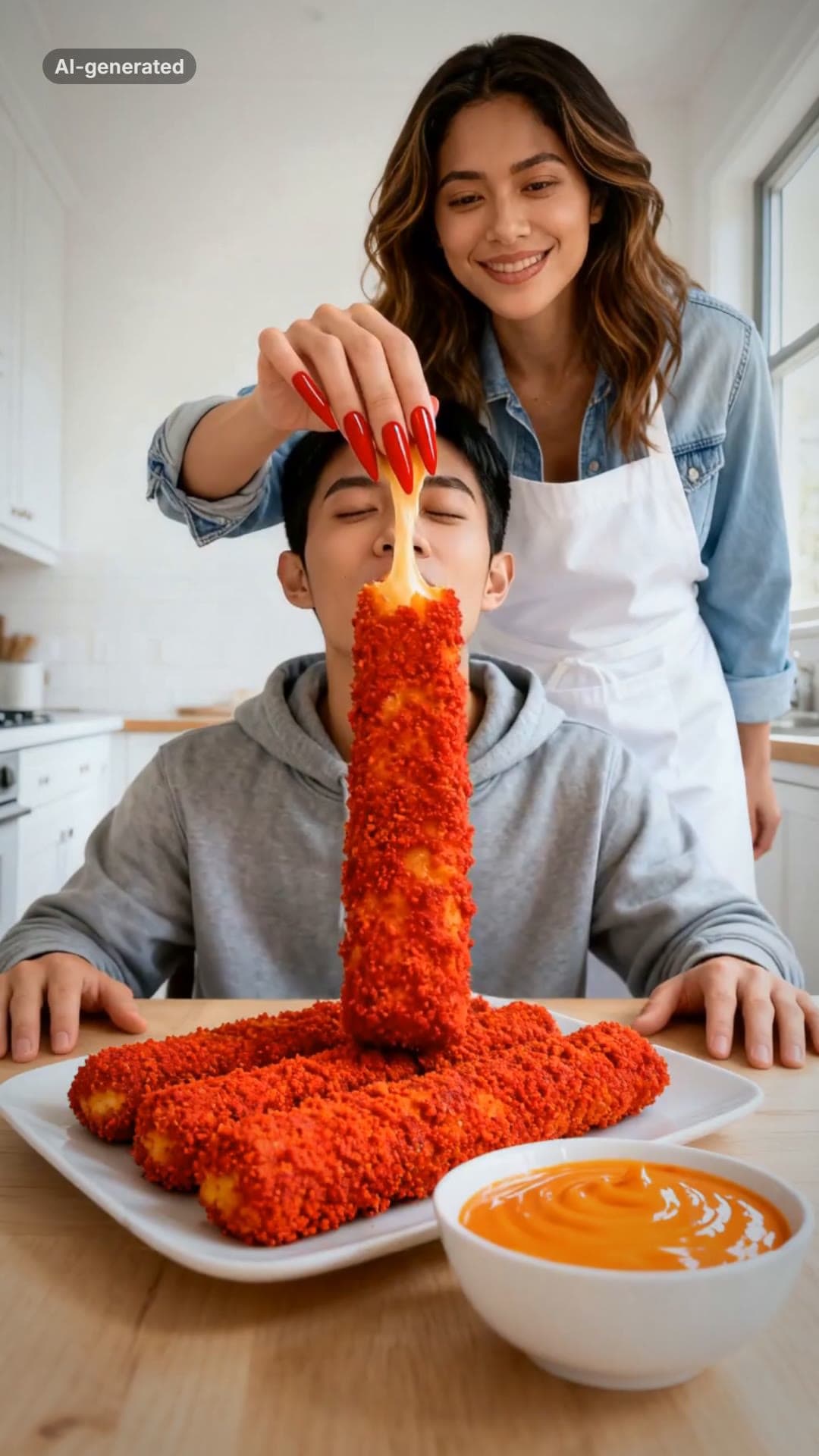 AI-generated sample
Your Dinner Is Ready AI Meme Video Maker
Two photos. One of you hand-feeds the other a giant spicy cheese stick in long red nails.
2 photos · 16s · 80 credits
Make yours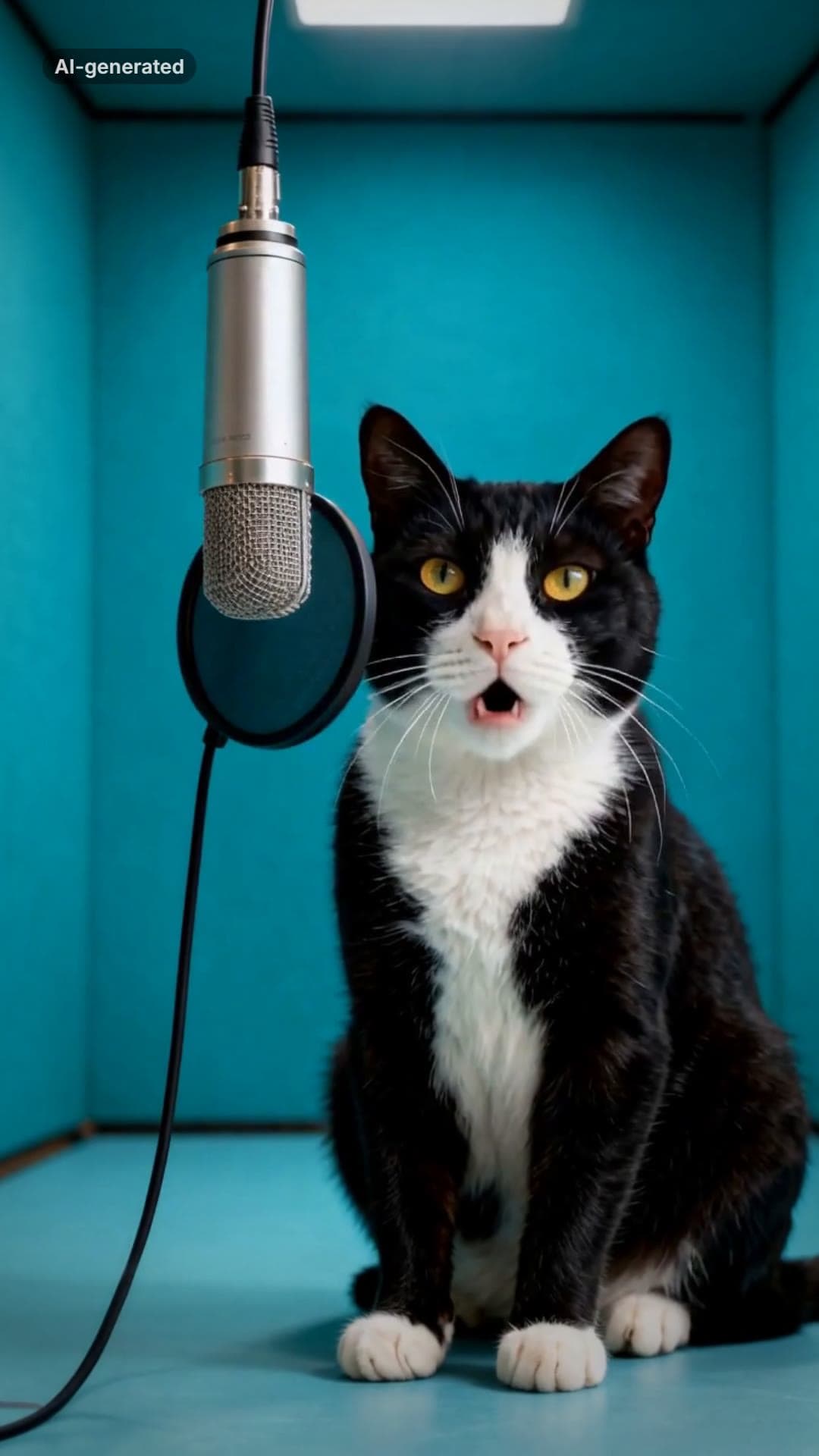 AI-generated sample
AI Cat Rap Video: Make Your Cat or Dog Rap
One pet photo. Your cat or dog raps four bars into a hanging studio mic.
1 photo · 10s · 80 credits
Make yours