
AI-generated video · TikTok trend
The locker scene trend, starring you
Updated
The close stare. The gear right up to the lens. The flash and the salute. One photo puts you in a blue locker room wearing plain black gear, showing each prop with a completely straight face. Six quick cuts, with you as the only person on screen.
80 credits · about 14s, 9:16
Make your locker scene video
Upload one clear photo of yourself. See your opening scene free in about a minute, then get all 6 shots cut into one video, ready to post.
Your photo
One adult, looking at the camera, face clear and evenly lit. A head-and-shoulders photo is enough.
Takes about a minute · nothing to pay to see it
The 6 scenes
1. The stare
You lean toward the lens in a blue locker room, face clear and expression serious.
2. The gear
A sideways black prop is held beside your face, close enough to fill the foreground.
3. The flash
A white flash brings in the flashlight close-up.
4. Knife to cuffs
The knife lowers and the handcuffs rise into its place, with your face still in view.
5. The radio
You lift the radio below your chin and turn it slightly toward the camera.
6. The salute
The capped red canister lowers, an empty hand salutes, and you hold the stare.
What the locker scene AI trend is
The locker scene trend is a serious-looking equipment check turned into a joke: someone looks straight into a close handheld camera and brings each piece of gear up to the lens. The blue lockers, the oversized foreground objects and the abrupt changes of prop make the format recognisable. The surprise is seeing a familiar face taking the whole routine so seriously.
It is often searched as the End of Watch AI template or End of Watch locker scene AI, after the locker-room scene in the 2012 film. Versions were already circulating in 2023, before the photo-based remakes. People also adapt the format for work, gym equipment and pets. This template makes the single-adult version, with one round of gear and no background partner.
What your photo becomes
Use a sharp photo with one adult facing the camera. Your head and shoulders fill the opening shot so you can check the likeness in the free blurred preview. The scene adds a plain black shirt, utility vest and gloves; your own clothing does not have to match. Keep your face uncovered and avoid sunglasses, strong filters and photos with another person beside you.
The finished video is 14 seconds in vertical 9:16: a close stare, a sideways prop pistol, a flashlight flare, a prop knife exchanged for handcuffs, a radio, then a capped red canister and a short salute. Everything is displayed as a prop, with no firing or spraying. The extra time gives the changes room to finish; this is a new six-shot take rather than an exact copy of an 11-second horizontal edit.
Choose the sound when you post
The download has no sound. The film dialogue and the music used in meme edits are not included. The 2023 edits are often associated with Twirlanta, while later remakes use different uploads and excerpts. Choose a locker-scene post with the sound you want, open its sound page and use the available in-app version when you publish.
These cuts follow the visual sequence, not a measured timestamp in one particular sound upload. Start your chosen excerpt on the opening stare, then preview the flash and the final salute before posting. A different sound may need trimming. The room and outfit are drawn anew from your photo, with plain lockers and no real agency markings; the film footage and its cast do not appear in your generated video.
How to make a locker scene video yourself
You do not need this page to make one. This is how the video is put together, with the prompts for every shot, so you can build it with any picture model and image-to-video model you like.
Step 1
Draw the opening face first
Use one clear photo of an adult who agreed to appear. Draw the first chest-up still with the face fully visible, plain black gear and blue lockers. Check the face, hands and blank clothing before using this still as the visual reference for the remaining shots.
Step 2
Give each prop its own still
Use the same photo for every still, and add the approved opening frame as an appearance reference to keep the room and outfit consistent. Copy each still prompt below, then add the shared still ending. Keep each prop beside the face so the equipment does not hide who is in the video.
Step 3
Animate, cut and check the changes
Animate each approved still using its motion prompt and the shared motion ending. Trim the six clips to the durations below and join them with hard cuts, adding a brief white flash at 4.5 seconds as the flashlight shot begins. Watch the knife-to-cuffs change and the last salute at normal speed, then choose the sound and add the AI disclosure when you post.
The shots, second by second
| Time | Shot |
|---|---|
| 0–2.5s | The stare Open close on your face with the lockers behind you and hold a deadpan stare. |
| 2.5–4.5s | The gear Show the side of the black prop beside your face, keeping its muzzle toward the edge of the frame. |
| 4.5–5.5s | The flash Flash white into the flashlight close-up, then hold the light beside your face. |
| 5.5–8.5s | Knife to cuffs Lower the prop knife and bring the closed handcuffs up beside your cheek. |
| 8.5–10.5s | The radio Show the plain black radio in both hands with its antenna upright and your face visible. |
| 10.5–14s | The salute Lower the capped red canister, give a quick two-finger salute and hold the final look. |
The prompts, shot by shot
Each shot is made in two steps. Give its still prompt to a picture model with your photo as the reference, then give the picture it draws to an image-to-video model with the motion prompt. Add these endings to every prompt: they set the look and keep the faces the same from shot to shot.
End of every still prompt
Keep each person's face, facial features, skin tone, hairstyle and build exactly as in their reference photo, so they are instantly recognisable. Keep each person the same gender and age as in their photo; never swap who is who. Everyone is dressed: where their photo shows no clothes or only bare shoulders, they wear a plain crew-neck T-shirt that covers their shoulders. A candid frame from close handheld footage, slightly wide-angle, mild grain, flat cool light, clear background, vertical 9:16. The scene fills the frame, with no border or camera visible. No text, no captions, no watermark, no logos.
End of every motion prompt
One continuous shot with no cuts. Keep the people looking exactly as in the first frame. No text.
0–2.5sThe stare
Still prompt
A chest-up close shot: the head and shoulders of the person in the reference photo fill the frame. They stand in a dim locker room with plain dark blue metal lockers and cool overhead fluorescent light, no stickers, labels or writing, wearing a plain black long-sleeved shirt, black utility vest and black gloves, no badge, patch or logo. Chin level, eyes straight into the lens, mouth closed, hands below frame. Their whole face is uncovered. Only this person is in view. They do not smile.
Motion prompt
They lean slightly toward the lens, turn their head a little, then look straight into it, deadpan. Slight handheld sway. They do not smile, speak or mouth words. The same blue lockers and cool overhead light remain throughout.
2.5–4.5sThe gear
Still prompt
A chest-up close shot of the person in the reference photo in a dim locker room with plain dark blue metal lockers and cool overhead fluorescent light, no stickers, labels or writing, wearing a plain black long-sleeved shirt, black utility vest and black gloves, no badge, patch or logo. Beside their cheek they hold a plain black prop pistol sideways, its full side visible, muzzle pointing toward the left edge away from the lens, index finger straight outside the trigger guard. Their eyes face the lens. Their whole face is uncovered. Only this person is in view. They do not smile.
Motion prompt
They bring the sideways prop a little closer to show its side, then hold it still beside their face, muzzle kept toward the left edge, finger outside the trigger guard. Nothing fires. Slight handheld sway. They do not smile, speak or mouth words. The same blue lockers and cool overhead light remain throughout.
4.5–5.5sThe flash
Still prompt
A chest-up close shot of the person in the reference photo in a dim locker room with plain dark blue metal lockers and cool overhead fluorescent light, no stickers, labels or writing, wearing a plain black long-sleeved shirt, black utility vest and black gloves, no badge, patch or logo. They hold a small plain black flashlight beside their cheek, its light aimed just below the lens, eyes on the camera. Their whole face is uncovered. Only this person is in view. They do not smile.
Motion prompt
Immediately the flashlight tilts toward the lens and gives one brief white flare, then tilts down so their face is visible again. No other movement. They do not smile, speak or mouth words. The same blue lockers and cool overhead light remain throughout.
5.5–8.5sKnife to cuffs
Still prompt
A chest-up close shot of the person in the reference photo in a dim locker room with plain dark blue metal lockers and cool overhead fluorescent light, no stickers, labels or writing, wearing a plain black long-sleeved shirt, black utility vest and black gloves, no badge, patch or logo. They display a short plain prop knife vertically beside their shoulder, its flat side toward the lens and its tip above their hand. A pair of closed metal handcuffs rests in their other hand below their chest. Their whole face is uncovered. Only this person is in view. They do not smile.
Motion prompt
Immediately they lower the prop knife out of view and lift the closed handcuffs beside their cheek, showing both metal loops to the lens, then hold still. The two objects stay separate and never change shape. Slight handheld sway. They do not smile, speak or mouth words. The same blue lockers and cool overhead light remain throughout.
8.5–10.5sThe radio
Still prompt
A chest-up close shot of the person in the reference photo in a dim locker room with plain dark blue metal lockers and cool overhead fluorescent light, no stickers, labels or writing, wearing a plain black long-sleeved shirt, black utility vest and black gloves, no badge, patch or logo. They hold a small plain black handheld radio at chest height in both gloved hands, antenna upright, blank front facing the lens. Their whole face is uncovered. Only this person is in view. They do not smile.
Motion prompt
They raise the radio just below their chin and turn it slightly to show its side, keeping their face visible, then hold. Slight handheld sway. They do not smile, speak or mouth words. The same blue lockers and cool overhead light remain throughout.
10.5–14sThe salute
Still prompt
A chest-up close shot of the person in the reference photo in a dim locker room with plain dark blue metal lockers and cool overhead fluorescent light, no stickers, labels or writing, wearing a plain black long-sleeved shirt, black utility vest and black gloves, no badge, patch or logo. They hold a small plain red spray canister beside their cheek, cap on, with their other hand relaxed at chest height, eyes on the lens. Their whole face is uncovered. Only this person is in view. They do not smile.
Motion prompt
Immediately they lower the capped canister out of view, raise two fingers of their empty hand to their temple in a short salute, then lower the hand and hold the stare. No spray is released. The camera stays close and still. They do not smile, speak or mouth words. The same blue lockers and cool overhead light remain throughout.
Where it goes wrong
A hidden face cannot keep its likeness
Keep the whole face visible in the opening still, with no mask or hat casting a shadow across it. Move props beside the cheek rather than across the eyes.
Gear can merge during a handover
Check that the knife and cuffs stay separate and that hands do not grow extra fingers. Lower one object before lifting the other, and redo that clip if either changes shape.
The room can change between cuts
Repeat the plain blue lockers, cool overhead light and plain black outfit in every still. Reuse the approved first still as an appearance reference for each later image.
The salute can get trimmed off
Begin the last motion with lowering the canister and raising the empty hand. Keep enough of the clip for the salute to finish before the final hold.
Use people who agreed to appear
Use your own photo or an adult who agreed to appear. Do not use celebrities, strangers or children, and do not ask for the appearance of the actor from the film.
Disclose the generated scene
Turn on the AI-generated content label when posting. Review the hands, face and every piece of gear before sharing; the scene should read as a fictional prop display.
Or skip all of it
Upload one photo above and get the finished video back in a few minutes: drawn, animated and cut, with the AI label already on it.
How to post it on TikTok with the trend sound
Step 1
Pick the locker-scene sound you want
Open a locker-scene video on TikTok, tap the sound name and tap Use this sound, then choose your download from Upload. Twirlanta is associated with the 2023 edits, but sound uploads and available excerpts vary; the song and film dialogue are not in your file.
Step 2
Check the flash and salute
Start the selected excerpt on your opening stare. Preview all 14 seconds and adjust the excerpt so the flash and final salute feel right. The six cuts follow the gear sequence, so they are not guaranteed to land on the beats of every sound upload.
Step 3
Label it as AI
Turn on TikTok's AI-generated content label before publishing. Use your own photo, or another adult's only as long as they agreed to appear, and check the final video before sharing.
Questions about the locker scene generator
What is the locker scene AI trend?
It is the close-up gear-check meme: a serious stare in a locker room, equipment shown to the lens one piece at a time, quick cuts and a final salute. The AI version puts the person from an uploaded photo into a newly generated take.
How do I make an End of Watch AI template video?
Upload one clear adult photo here and see a free blurred opening still. If you want the full video, unlock the six-shot locker-scene take. It runs 14 seconds in vertical 9:16, with you alone in plain black gear. Add your chosen sound when posting.
Is there a locker scene prompt?
Yes. The build-it-yourself section has a still prompt and a motion prompt for each of the six shots, plus the shared endings, timings and editing steps.
Can I use a pet photo or make a duo?
This template takes one adult photo and makes the single-person version. Pet and duo remakes exist, but they are not options in this generator.
Does the file include Twirlanta or the movie sound?
No. The file is silent. Choose the sound you want with Use this sound on TikTok and preview its timing against the opening stare, flash and salute.
Is this footage from End of Watch?
No. The scene is newly generated from your photo. It uses the locker-room equipment-check format, with a made-up room and plain clothing, without film footage, cast likenesses or agency insignia. angles.video is not affiliated with the film or its makers.
How much does a locker scene video cost?
The blurred opening preview is free. The full video costs 80 credits from a credit pack or paid plan. If generation fails, your credits go straight back to your balance.
Can I use other people's photos?
Only use a photo of another adult with their consent and permission to use the image. Do not use celebrities, strangers or children. The sample actor is fictional and AI-generated.
What kind of photo works best?
One adult looking at the camera, face sharp and evenly lit. A head-and-shoulders photo is enough. Avoid sunglasses, masks, heavy filters and group photos; the opening shot needs to make your face easy to recognise.
Every video on this page, and every video made here, is AI-generated: the people in it are drawn by an AI model from the photos uploaded.
More trends
 AI-generated sample
AI Zombie Couple Video Maker
Two photos. One of you has turned, the other cannot pull the trigger.
2 photos · 18s · 80 credits
Make yours AI-generated sample
Baby Wow Guy Meme AI Video Maker
One photo. Dance up to the camera, bite the concha, stare, dance back.
1 photo · 15s · 80 credits
Make yours AI-generated sample
No Scrubs TikTok Trend AI Video Maker
Three photos. Elevator intro, two close-ups, then all three of you dancing in sync.
3 photos · 17s · 80 credits
Make yours AI-generated sample
What Stop Sign Meme AI Video Maker for Pets
One pet photo. Pulled over, window down: "Stop sign? What stop sign?"
1 photo · 11s · 80 credits
Make yours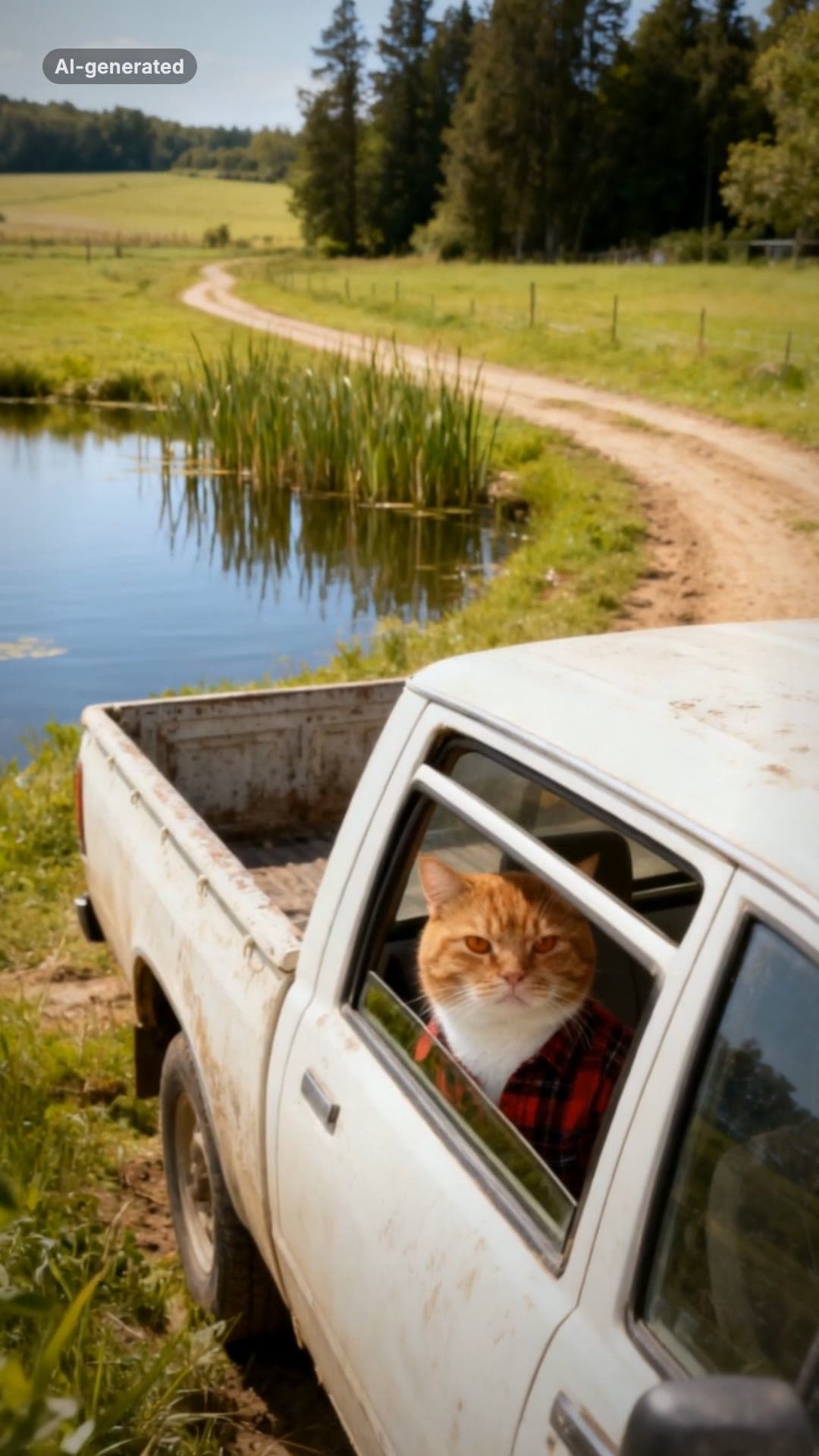 AI-generated sample
Hit the Road Dude AI Video Template for Pets
One pet photo. Pull up, roll the window down, stare, then hit the road.
1 photo · 16s · 80 credits
Make yours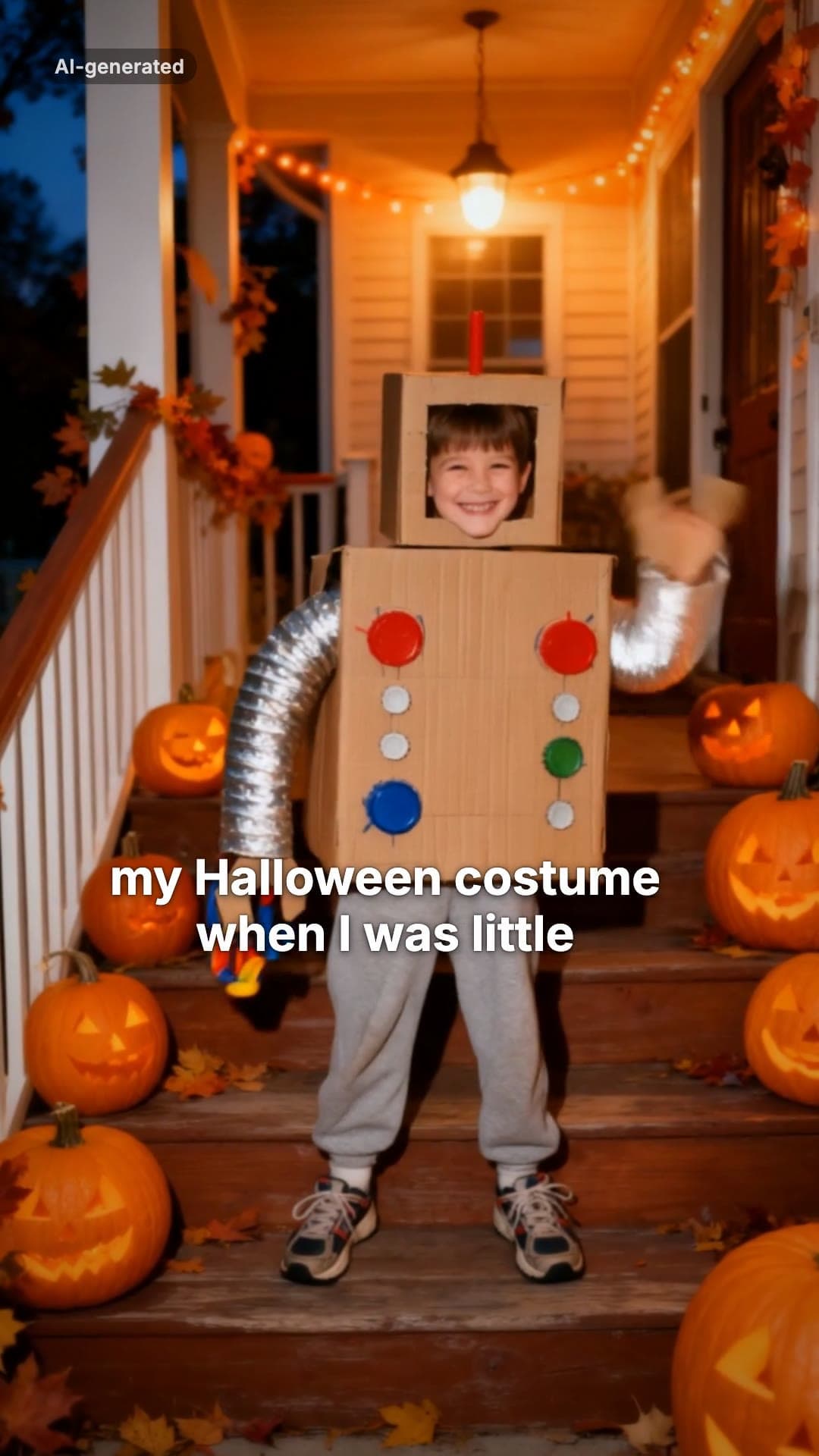 AI-generated sample
I'm Sorry I Lied AI Halloween Costume Trend
One childhood photo. The perfect costume, the apology, then the real one.
1 photo · 16s · 80 credits
Make yours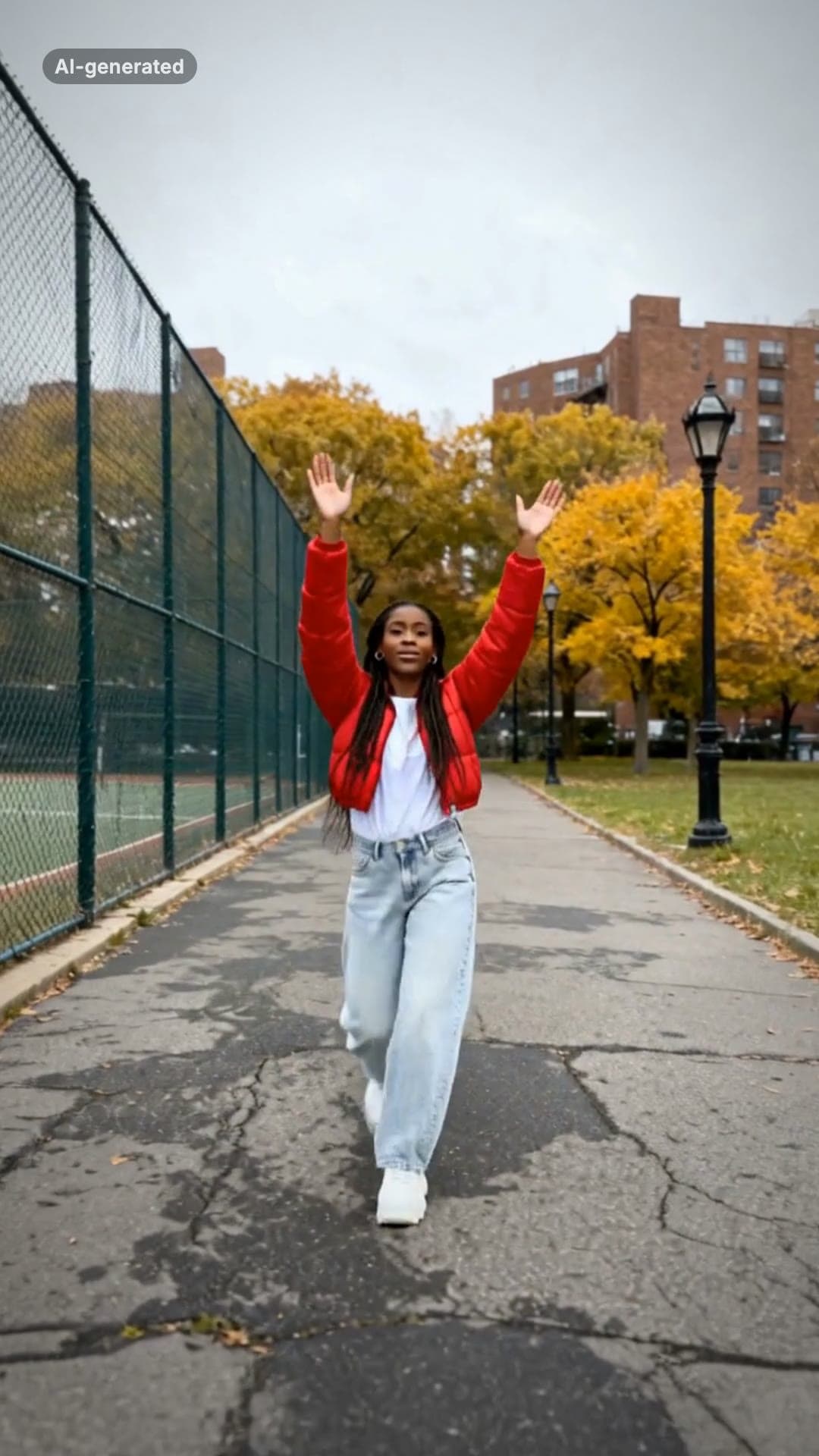 AI-generated sample
Fergie Baby AI Trend: Gate Walk Video Maker
One full-body photo. Out of the park gate, down the path on the beat, arms up, freeze.
1 photo · 16s · 80 credits
Make yours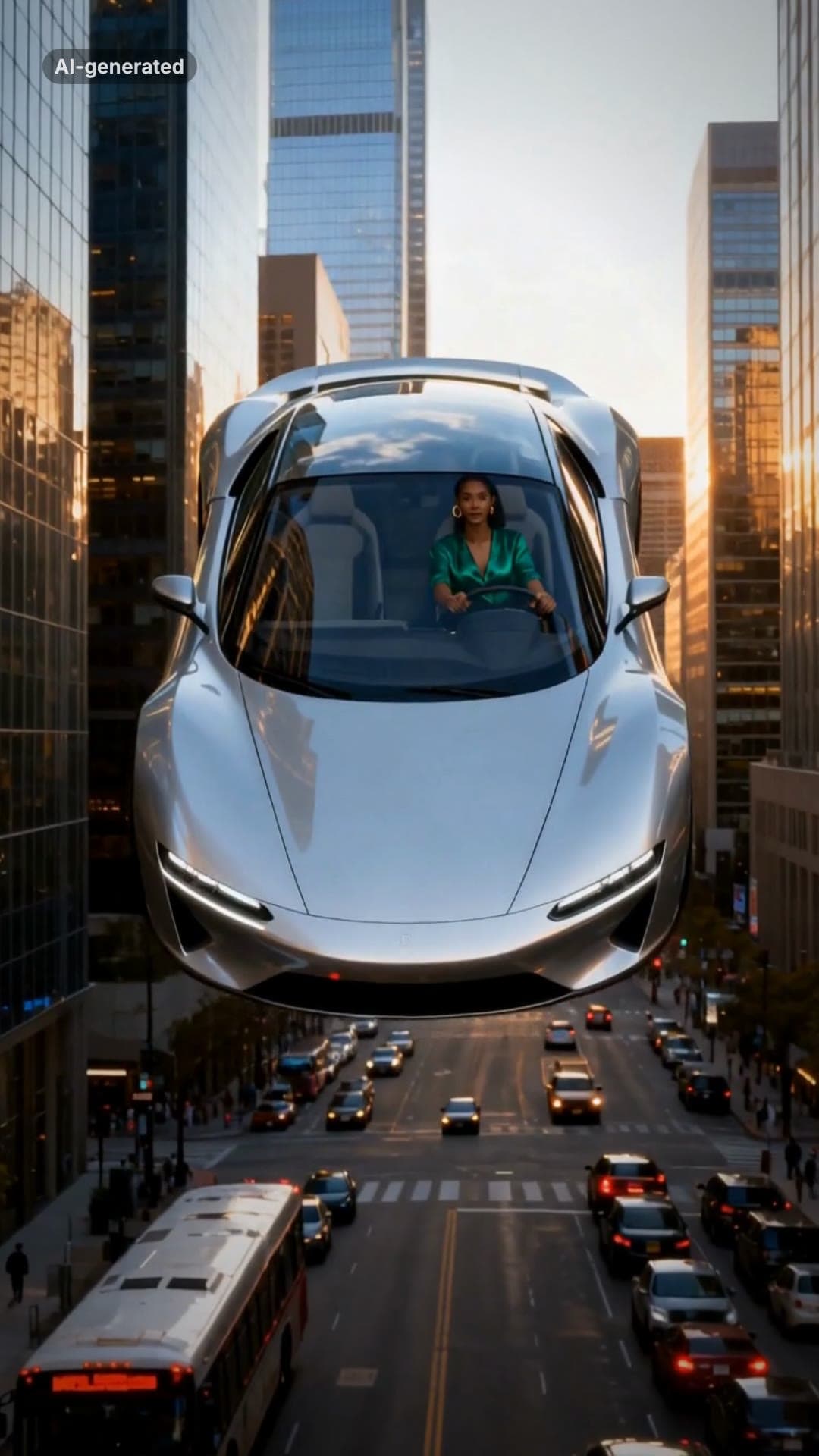 AI-generated sample
Flying Car AI Video: Day 1 of Owning Trend
One photo. Stuck in traffic, press a button, lift off over the city.
1 photo · 16s · 80 credits
Make yours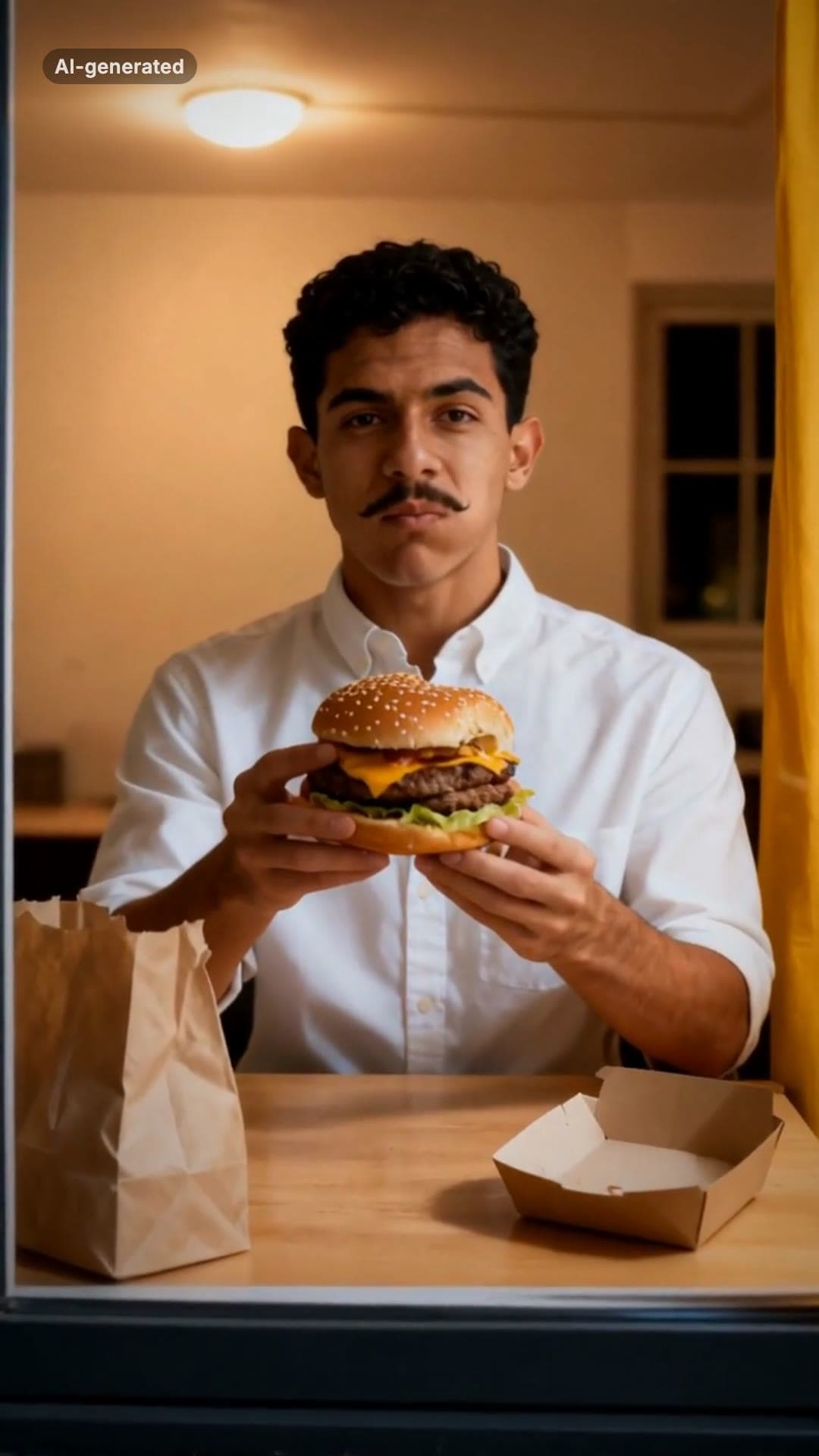 AI-generated sample
Window Peeper AI Filter Video Maker
One photo. Caught mid-burger in a lit window, you stare back and shut the curtain.
1 photo · 16s · 80 credits
Make yours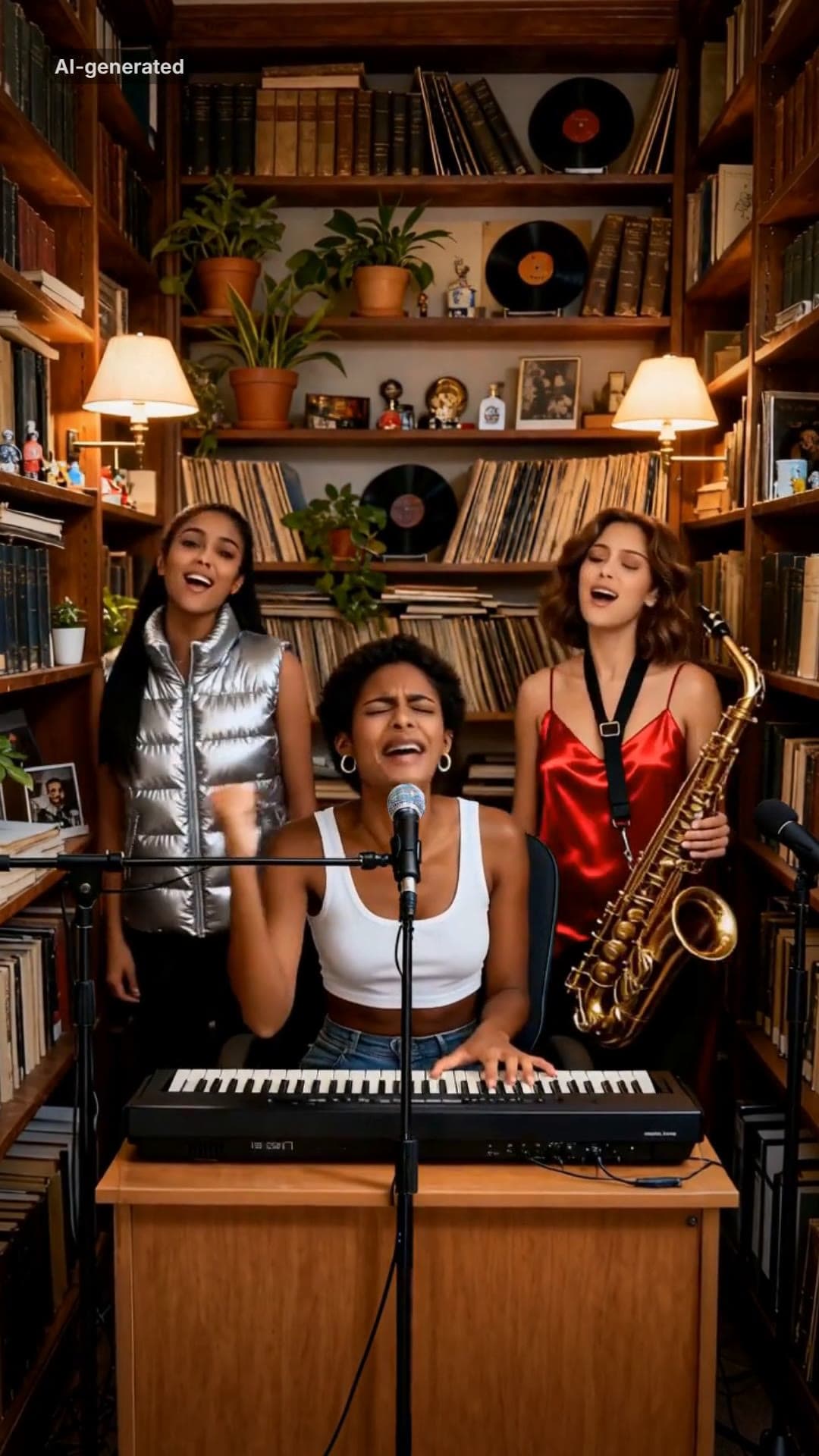 AI-generated sample
Outstanding AI Video Meme Maker
Three photos. A desk concert: belt it, crack up, take the sax solo, fists up.
3 photos · 18.75s · 80 credits
Make yours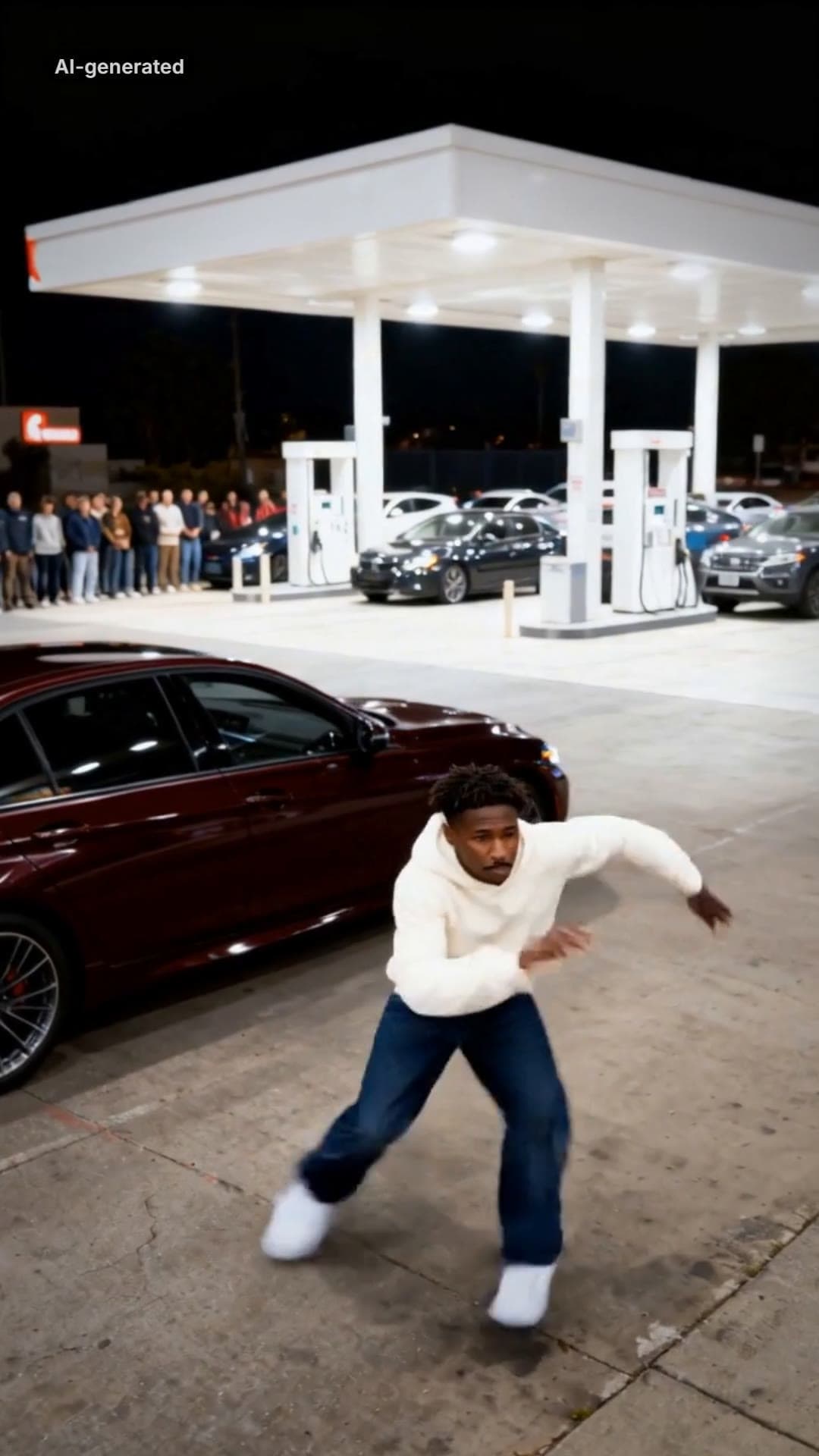 AI-generated sample
Mop Dance AI Trend: Car Meet Video Maker
One full-body photo. Out of the car at a late-night car meet and straight into the Mop.
1 photo · 16s · 80 credits
Make yours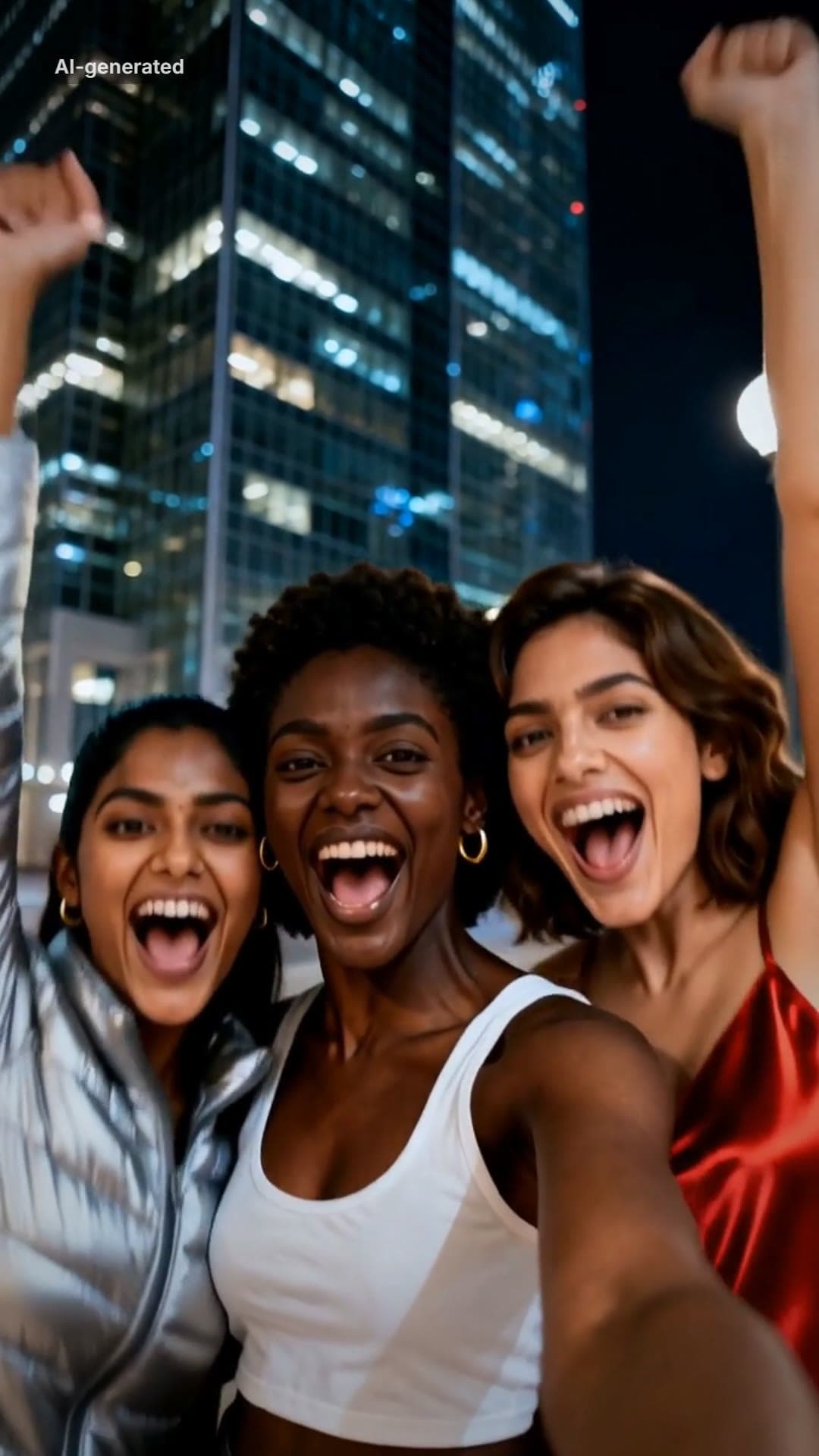 AI-generated sample
Gangnam Style AI Video With Your Friends
Three photos. A night-street selfie, a dance solo each, then all three back in.
3 photos · 18s · 80 credits
Make yours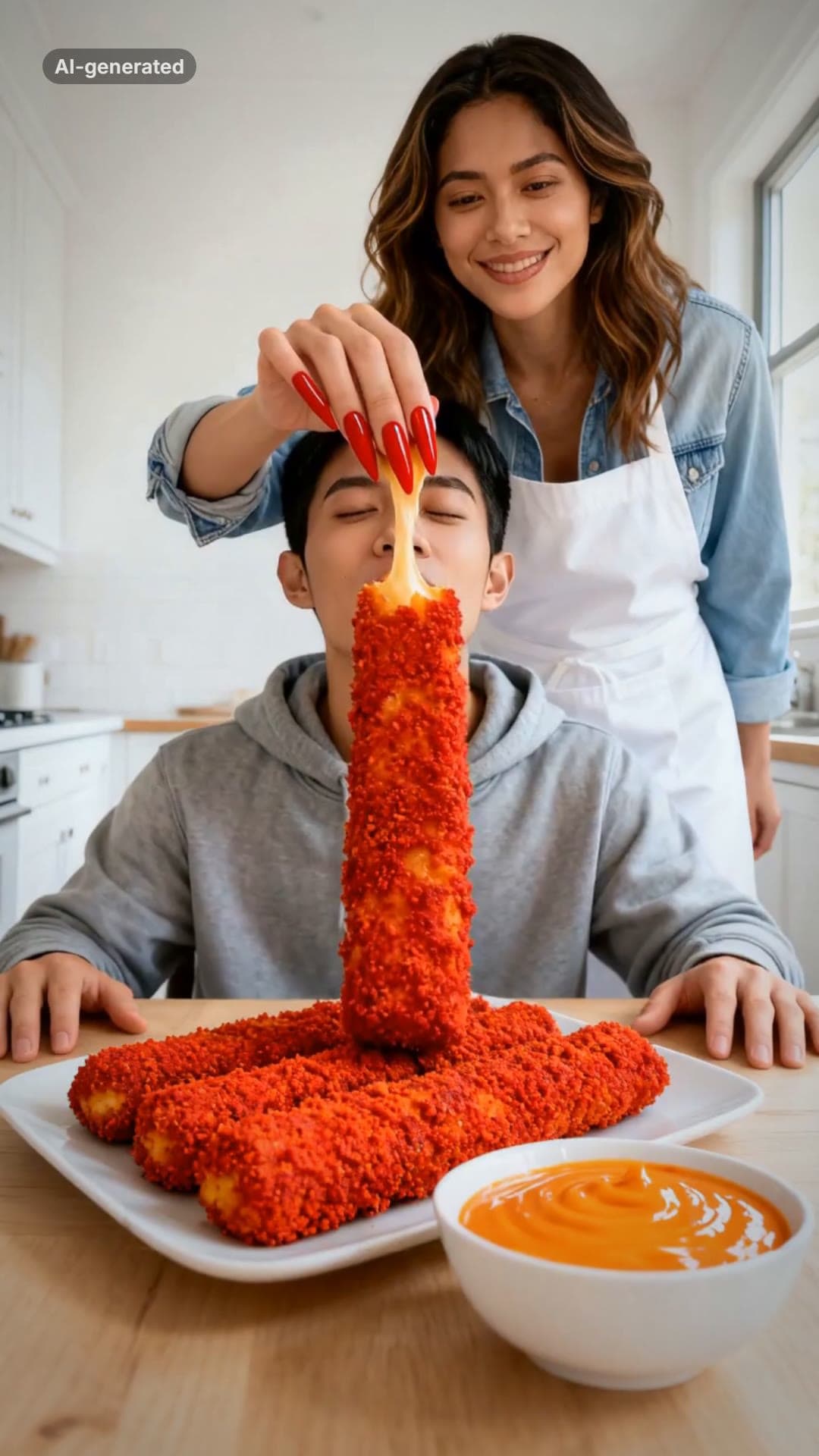 AI-generated sample
Your Dinner Is Ready AI Meme Video Maker
Two photos. One of you hand-feeds the other a giant spicy cheese stick in long red nails.
2 photos · 16s · 80 credits
Make yours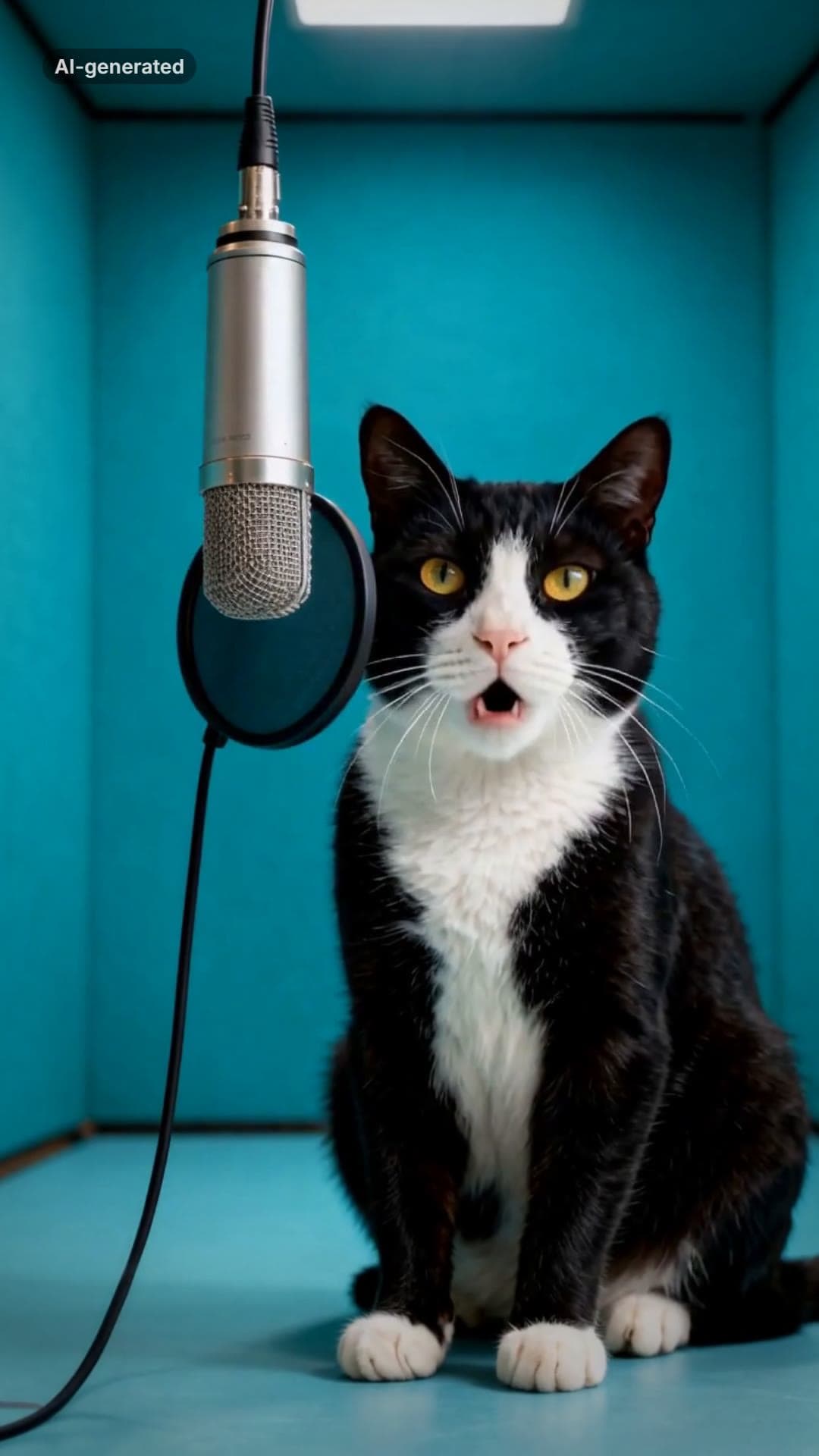 AI-generated sample
AI Cat Rap Video: Make Your Cat or Dog Rap
One pet photo. Your cat or dog raps four bars into a hanging studio mic.
1 photo · 10s · 80 credits
Make yours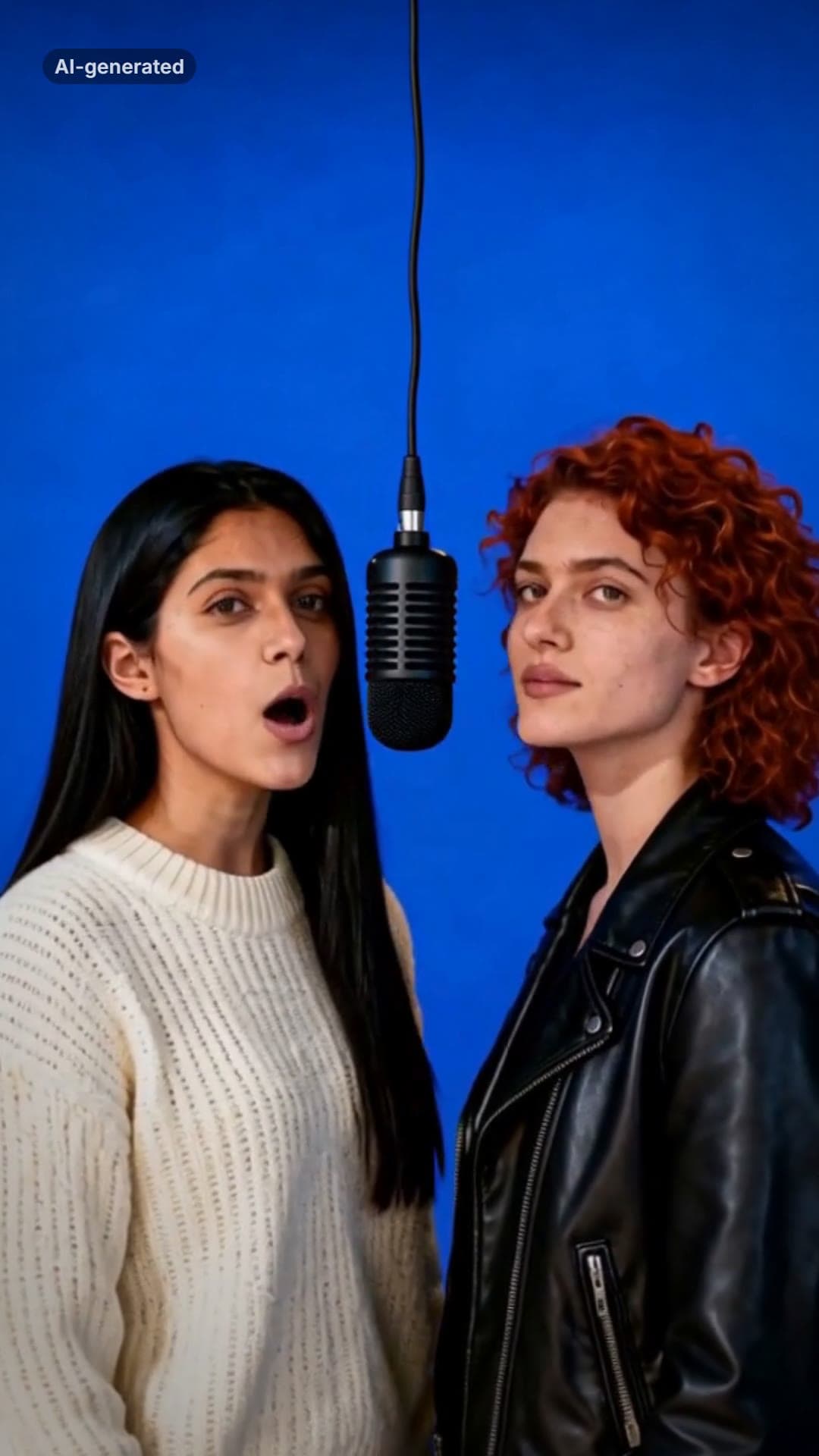 AI-generated sample
AI Rap Duo Generator: Two Photos, One Verse
Two photos. The two of you trade bars of an original verse at one hanging mic.
2 photos · 12s · 80 credits
Make yours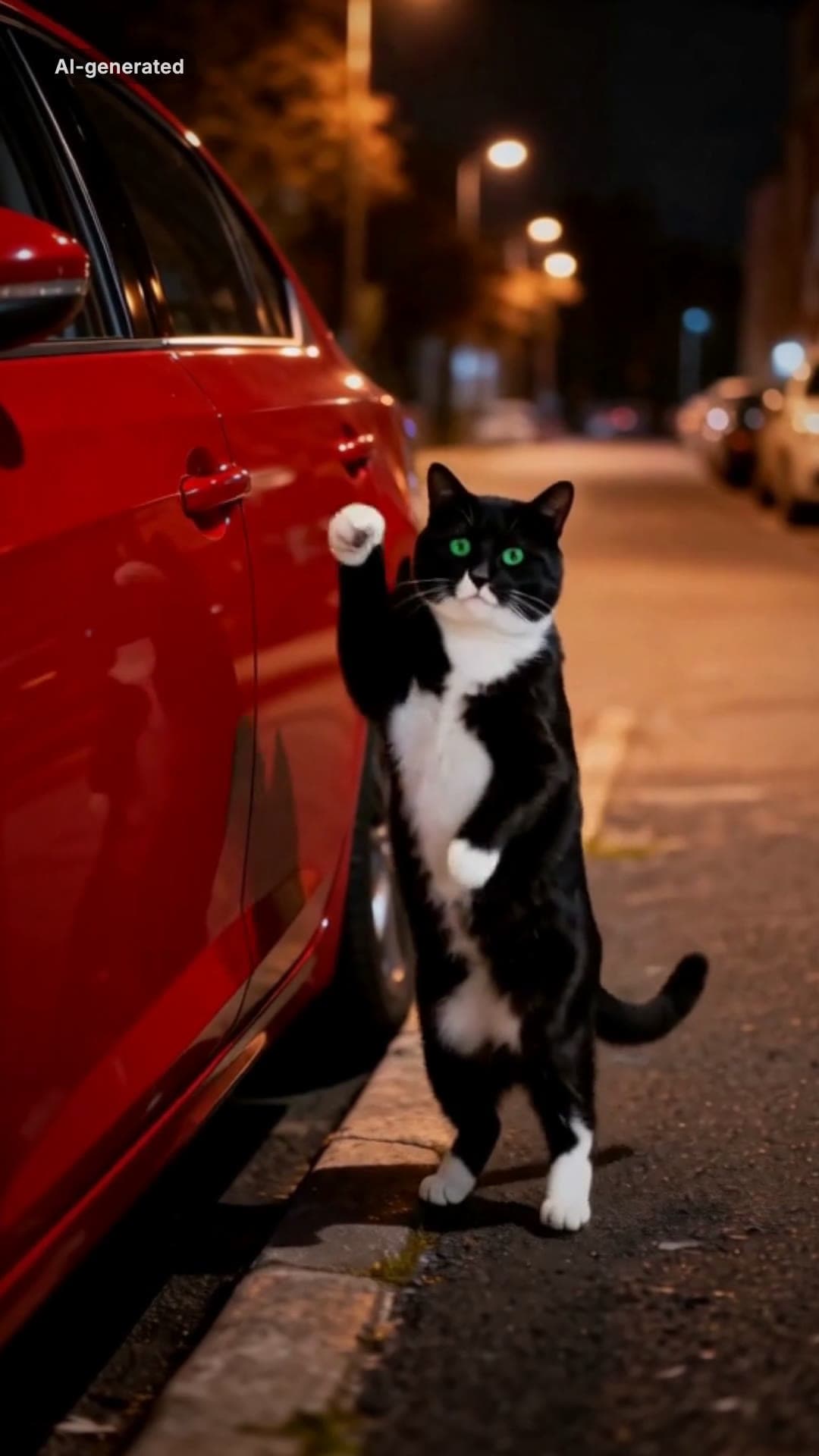 AI-generated sample
Car Alarm Dance AI Video Template for Pets
One pet photo. A red car, a night street and a very serious little dancer.
1 photo · 12s · 80 credits
Make yours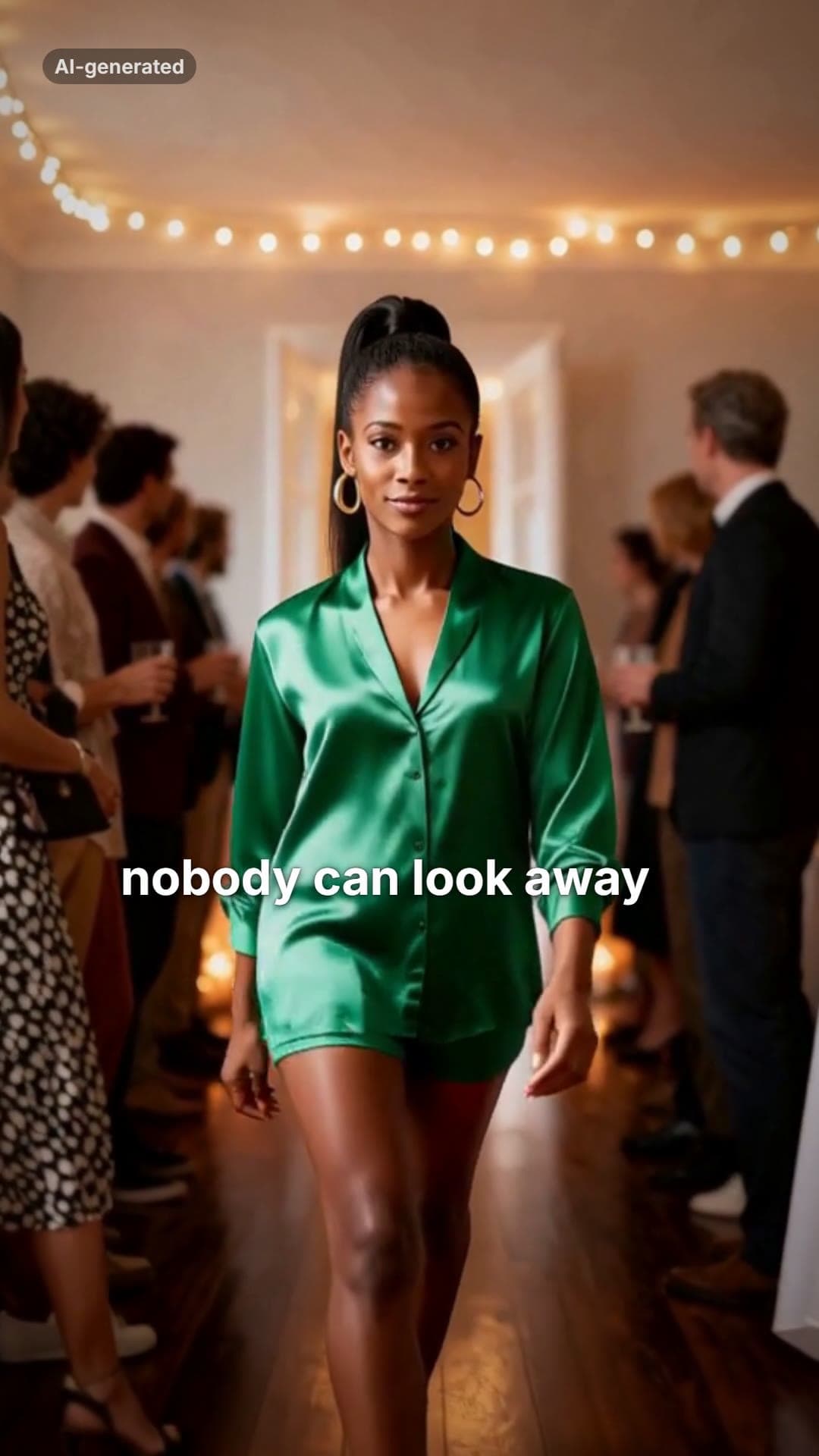 AI-generated sample
Then I Walk In Meme AI Video Maker
One photo. The doors open, the party goes quiet, and you walk in with a straight face.
1 photo · 16s · 80 credits
Make yours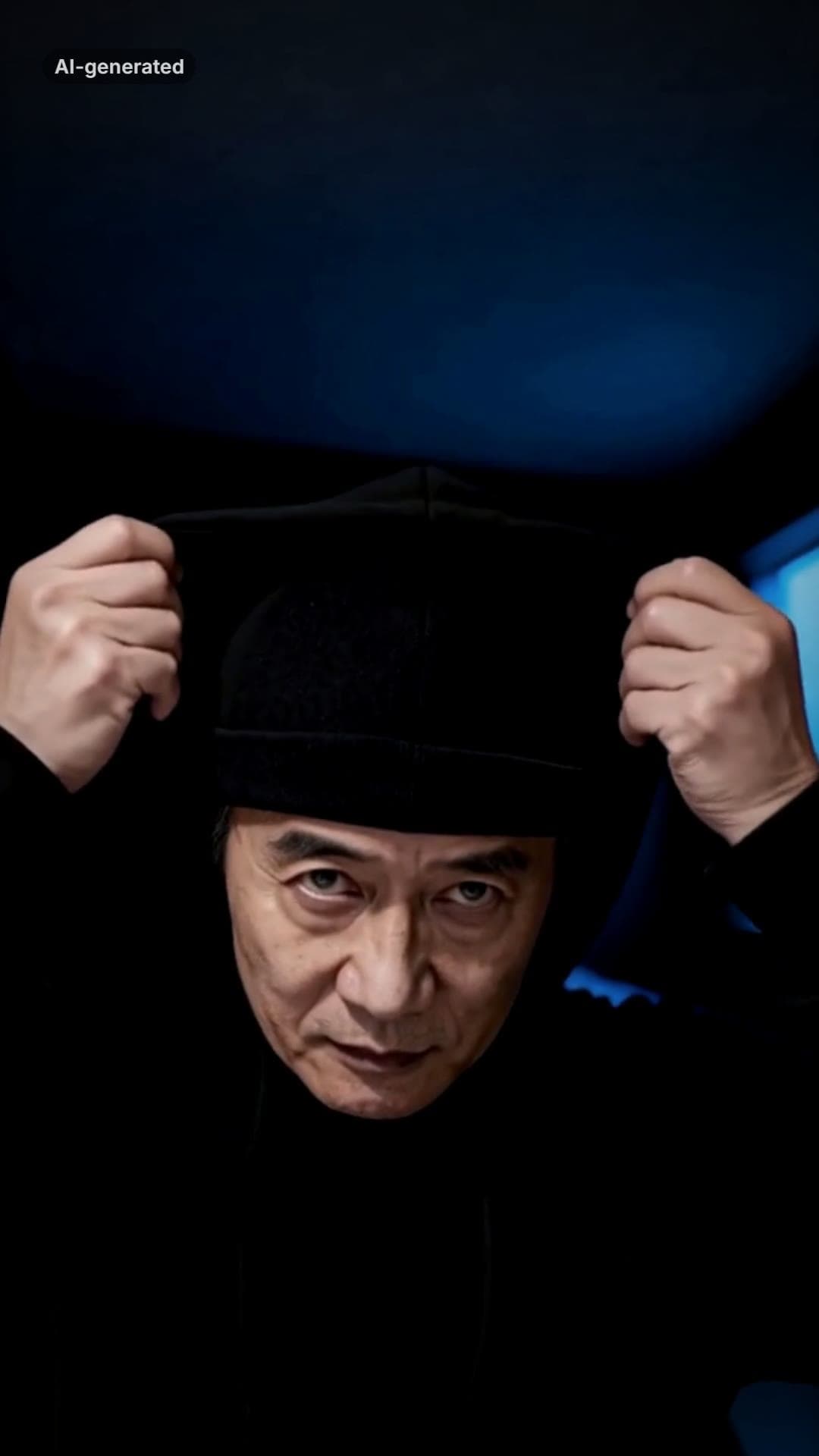 AI-generated sample
Skull Cap Trend AI: Glow-Up Video Maker
One photo. A goofy before, the cap goes on, the lights go down and the stare comes out.
1 photo · 13.5s · 80 credits
Make yours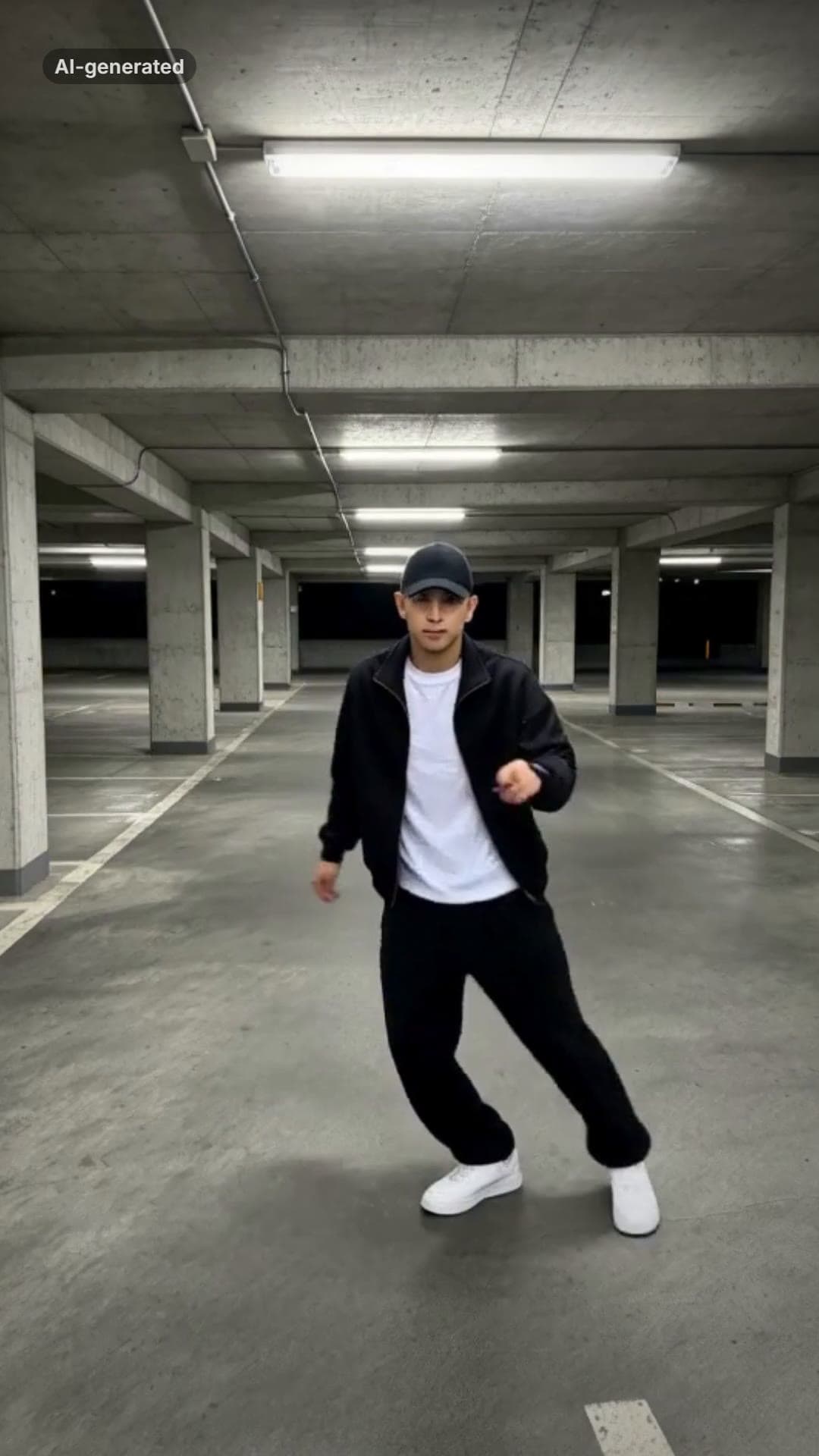 AI-generated sample
Smooth Criminal AI Dance Trend Video Maker
One full-body photo. A brim flick, a glide, the pops and a freeze in a night car park.
1 photo · 15s · 80 credits
Make yours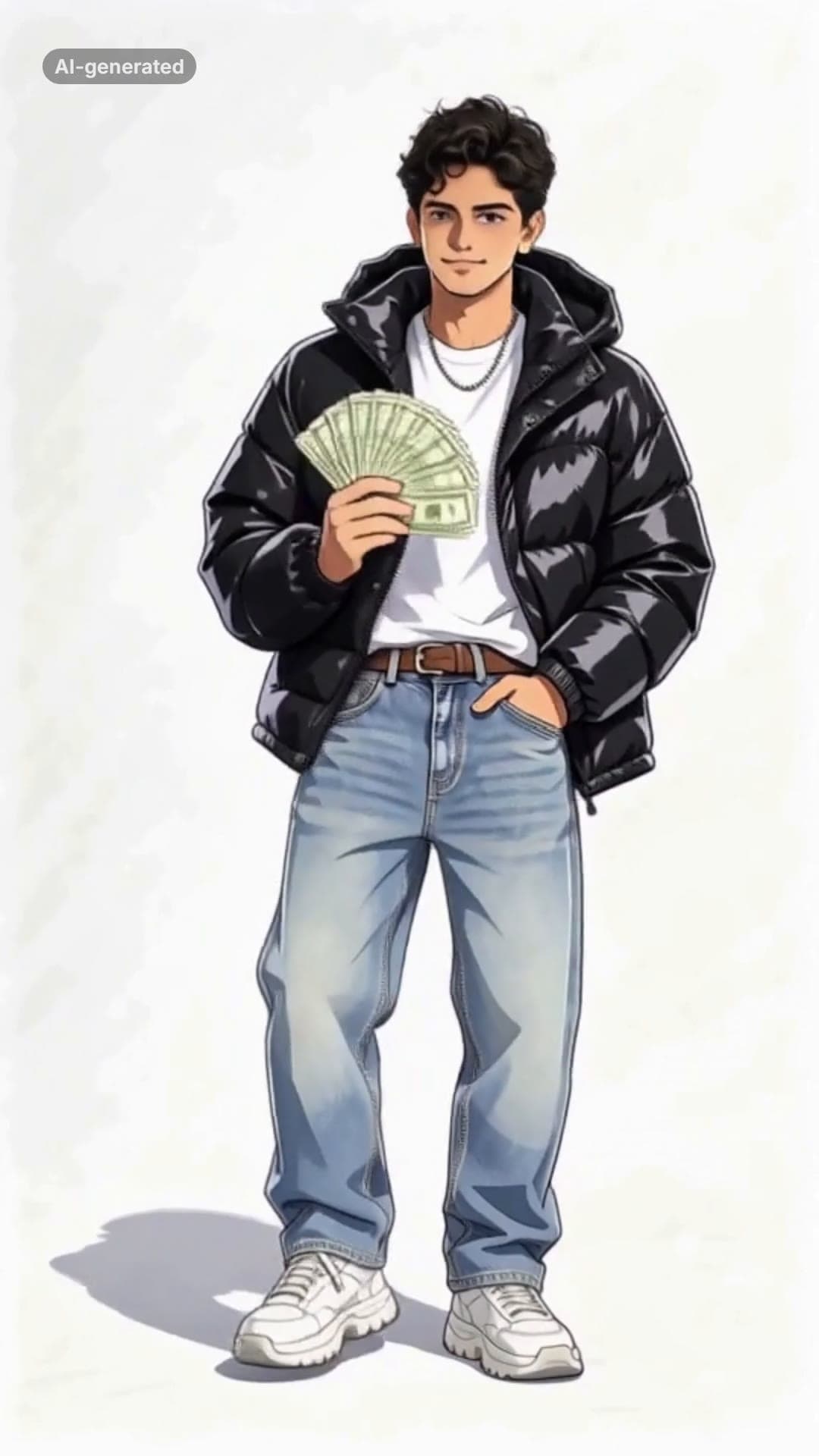 AI-generated sample
Wassup in a Minute AI: Your Anime Sway Edit
One photo. You as an anime character in streetwear, swaying on white in four poses.
1 photo · 14.12s · 80 credits
Make yours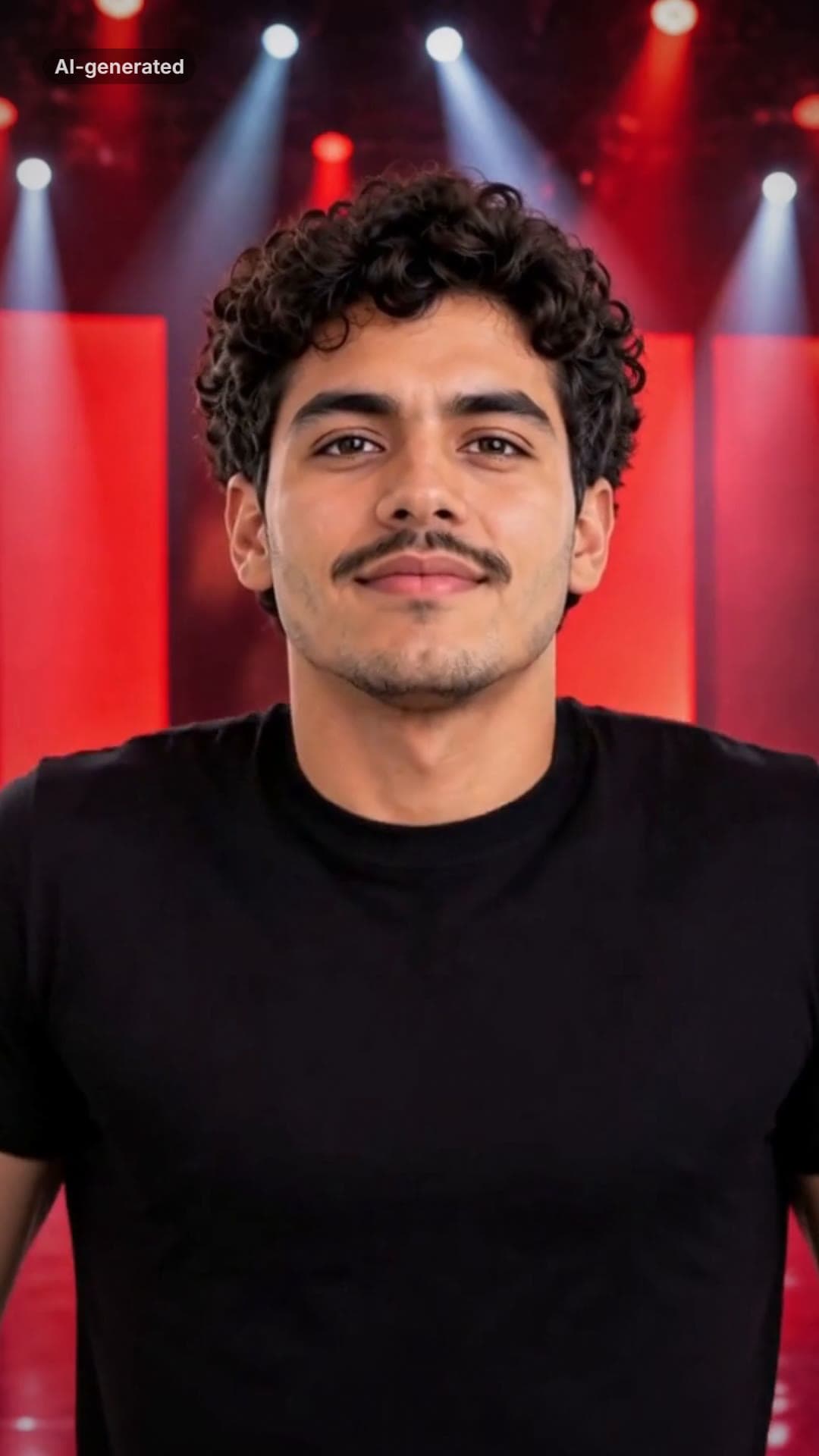 AI-generated sample
ATEEZ BAD AI Dance Generator From One Photo
One photo. You on a red-lit stage: the routine, the chest pop, the closing look.
1 photo · 15.8s · 80 credits
Make yours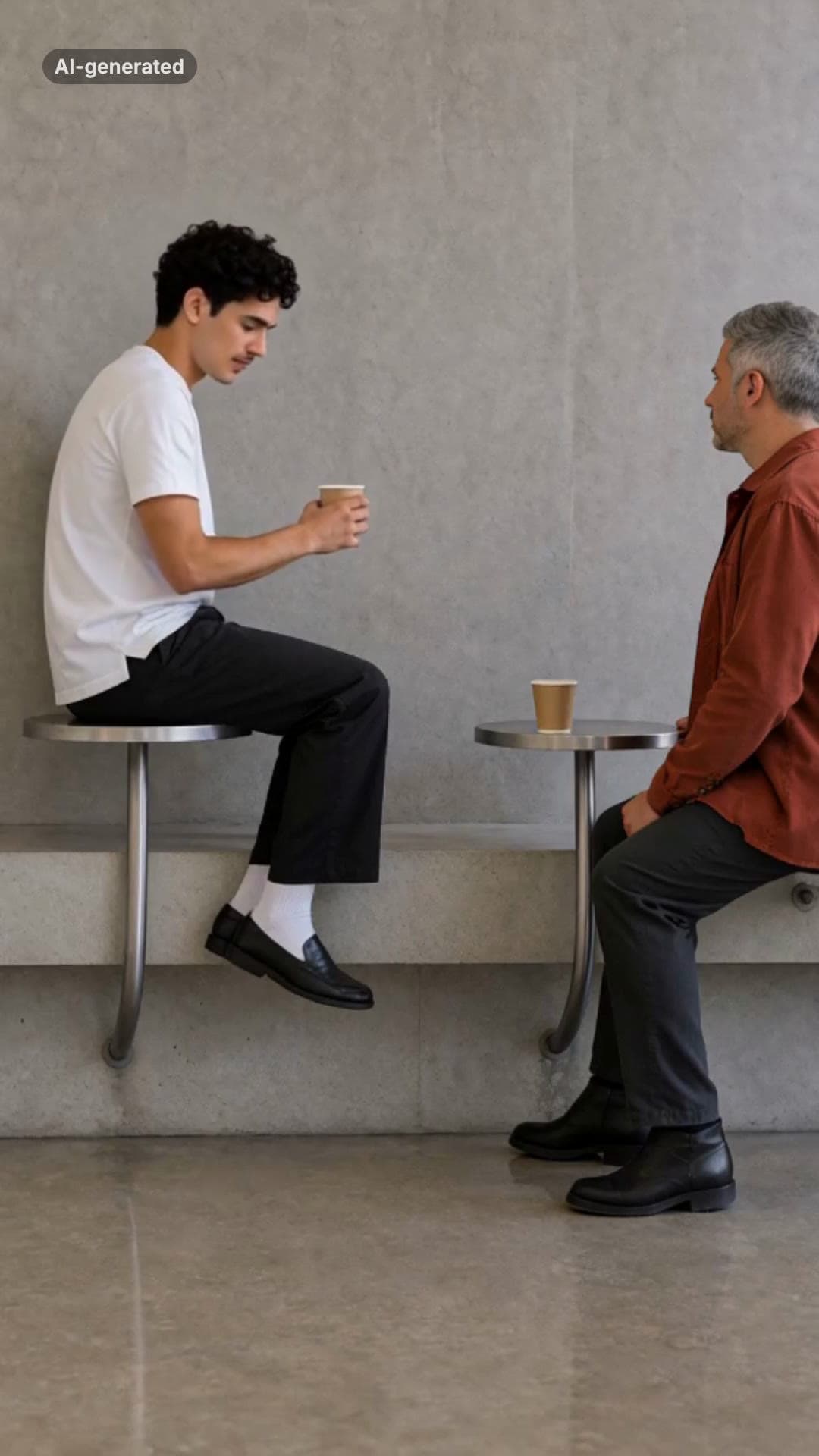 AI-generated sample
Fancy Cafe AI Video Generator
One photo. The wrong seat, the slow realisation, the very casual recovery.
1 photo · 15s · 80 credits
Make yours