
AI-generated video · TikTok trend
The window peeper AI trend, with you in the window
Updated
Late at night someone across the street zooms in on the one lit window in a dark apartment block. Inside it is you, halfway through a burger, and you have noticed. You chew, you stare, you wag a finger and you shut the curtain. Upload one photo and get the whole thing back as a vertical video, ready for TikTok.
80 credits · about 16s, 9:16
Make your window peeper video
Upload one clear photo of yourself. You get all five shots cut into one video in a few minutes, ready to post.
Checking your credit balance…
One window peeper video costs 80 credits. Credits are refunded if generation fails.
You
One person, face clear and looking at the camera. This is who is in the window.
80 credits per video · refunded if it fails
The 5 scenes
1. The lit window
Night, and a dark apartment block across the street with one window lit. The camera finds it and zooms in on you, eating alone at a table.
2. The bite
Through the glass, from outside: you take a big bite of a burger, chew, and your eyes come up from it to the camera.
3. The stare
Closer. Cheeks full, burger in both hands, you chew slowly and stare dead into the lens without blinking. No smile.
4. No.
On your feet behind the table, still chewing, you glare at the camera and wag one finger: no.
5. Curtains
You grab the curtain and pull it across the window in one move. The curtain, glowing from inside, is the last thing anyone sees.
What the window peeper trend is
It started with one AI video posted to TikTok on 20 October 2026 and was a CapCut template within days, shared under #windowpeeperfilter. Late at night, someone films a dark apartment block from across the street and zooms in on the only lit window. Inside, a person sits at a table with a takeaway bag and takes a huge bite of a burger, then looks up, sees the camera and stares straight back into it, cheeks full, without blinking. They stand up, wag a finger at the lens and yank the curtain shut. The whole thing lasts about fifteen seconds.
The joke is that the window peeper gets caught. The person filming expected to watch someone who did not know, and the one in the window turns out to have known the whole time and is not impressed. That turn only works if the face in the window is one people recognise, which is why the template swaps in a photo: the remakes star the poster, their friends, their grandmother, and the more ordinary the burger, the better the stare.
How this generator makes yours
The video is made as five shots from one photo: the lit window from across the street, the bite, the stare, the finger and the curtain, each a little closer than the one before, so your face fills more of the frame as the stare goes on. Every shot is seen from outside through the glass, the way the trend films it. Each one starts as a still picture drawn from your photo, so you are the same person in all five, and a video model then sets it moving.
Each finished video runs 16 seconds at 1080 by 1920, with an original instrumental made for this template, low and creeping, that goes quiet for the stare and lands a hit as the curtain closes, and a small AI-generated label in the corner. It looks like grainy night footage zoomed in from across the street rather than a film. It takes a few minutes and costs 80 credits from a credit pack or paid plan.
The sound, the burger and the window
The sound on the trend is the original post's audio, which TikTok matches to a library track, "Horizon Under Carnival - shorts 12" by Nocturith. It is not ours to put in a video we make for you, and we did not make a track that imitates it, so the file comes with our own instrumental and you add the trend sound on TikTok when you post. TikTok handles the licence for sounds in its own library, and posting with the sound lists your video with every other one on the trend.
Nothing in the video belongs to anyone else either. The takeaway bag and the burger box are plain, with no fast-food logo on them, and the building and the room are made up. The window is drawn by the AI too: the trend is a staged scene, and filming into a real neighbour's window is not the trend at all. It is an invasion of their privacy, and in many places a crime.
How to make a window peeper video yourself
You do not need this page to make one. This is how the video is put together, so you can build it with any picture model and image-to-video model you like.
Step 1
Draw one still per shot from your photo
Use a picture model that takes a reference photo and draw five stills from the same photo: the lit window from across the street, the bite, the stare, the finger and the curtain. Describe the room, the table, the bag and the curtain the same way every time, or the room changes between shots.
Step 2
Frame every close shot with the window
Say first that the picture looks in from outside at night, with the window frame round all four edges and its outside ledge along the bottom, and only then who is in the room. Told only that it is "seen from outside", a picture model often draws the room from inside instead.
Step 3
Animate each still, then cut
Give each still to an image-to-video model with one line about what moves: the bite, the slow chew, the finger, the curtain pulled across. Keep the view fixed from outside with a slight handheld wobble, trim the clips to two to four seconds, lay them end to end at 9:16 with hard cuts, and add the sound on TikTok.
The shots, second by second
| Time | Shot |
|---|---|
| 0–2.5s | The lit window A night shot from across the street of a dark apartment block, zooming slowly in on the one lit window where you sit eating. |
| 2.5–6s | The bite A shot from outside through the closed window of you at the table taking a big bite of a burger, your eyes coming up to the camera as you chew. |
| 6–10s | The stare A closer shot through the glass of you chewing with full cheeks, staring dead into the lens without blinking or smiling. |
| 10–12.5s | No. A shot through the glass of you standing behind the table, glaring at the camera and slowly wagging one raised finger from side to side. |
| 12.5–16s | Curtains A shot through the glass as you grab the curtain and pull it across the window in one move, ending on the closed curtain glowing from inside. |
Where it goes wrong
Keep the camera outside
The commonest miss is a still taken from inside the room: you in front of a window, or out on the far side of an open one, looking in, with the table and the food in the foreground. Frame the shot with the window, describe the person before the room, and say the room is on the far side of the glass.
Only one window in the room
Say "the window" about anything in the room, the table pushed up against it or the curtain at its side, and the model may add a second window behind you and film that one from inside. Call it the glass you are looking through, and say the back wall is bare.
Draw the curtain shot without the curtain in hand
A still of someone gripping a curtain is usually drawn the way people close their curtains, from inside with their back to you. Draw them standing behind the table facing the glass, and put the reach for the curtain in the motion instead.
Keep the stare deadpan
Left to itself, a video model has the person grin at the camera, which kills the joke. Say in every shot that they do not smile, and have them hold the burger still and chew slowly while they stare.
Leave the logos off
The original has a fast-food chain's bag on the table. Ask for a plain brown paper bag and a blank burger box, with no logo, print or writing: someone else's trademark has no place in your video.
Only people who said yes
Use your own photo or one of someone who agreed. Do not use celebrities, or anyone who has not agreed to be in the video: a realistic video of a real person made without their consent can hurt them, and platforms take it down. Never film a real window.
Label it as AI-generated
Switch on TikTok's AI-generated content label before you post. A realistic clip filmed into someone's window is exactly the kind people ask about, and viewers trust a post that says so.
Or skip all of it
Upload one photo above and get the finished video back in a few minutes: drawn, animated, cut and scored, with the AI label already on it.
How to post it on TikTok with the trend sound
Step 1
Download your video
Save the MP4 to your phone. It is already vertical, 1080 by 1920, so TikTok will not crop it.
Step 2
Start from the trend sound
Open a window peeper video on TikTok, tap the sound name at the bottom, then tap Use this sound and pick your video from Upload. Most are posted from CapCut templates that keep the original post's sound, so any of them fits.
Step 3
Turn our track down, add your caption
In Volume, turn Original sound to zero so only the trend sound plays. The trend posts usually carry just a tag and a question mark, so tag whoever is in the window, as long as they agreed to it.
Step 4
Label it as AI-generated
Before posting, open More options and switch on the AI-generated content label. TikTok asks creators to label realistic AI-generated video, and viewers trust a post that says so.
Questions about the window peeper generator
What is the window peeper AI trend?
A TikTok trend that started on 20 October 2026: an AI video, filmed as if from across the street at night, zooms in on one lit window where someone is eating a burger. They look up, stare straight into the camera while they chew, wag a finger at it and pull the curtain shut. It spread as a CapCut template under #windowpeeperfilter, with each remake putting a different face in the window.
Is there a window peeper filter or prompt?
On TikTok it is a CapCut template rather than a camera filter. Here you do not need a prompt: upload a photo and the five shots are already written. To make it yourself, follow the shot list and the pitfalls on this page, shot by shot: the camera outside the window, the stare deadpan, and the curtain pulled in the last shot.
Why is it called window peeper?
A window peeper is someone who looks into other people's windows. In the video that is whoever is filming, and the joke is on them: the person in the window has seen them, stares them down and shuts the curtain. Nobody's real window is filmed; the building, the room and the person in it are all drawn by AI.
How much does a window peeper video cost?
80 credits for one finished video, from a credit pack or paid plan. If a video fails to generate, the credits go straight back to your balance.
Is the trend sound in the video?
No. The trend sound is matched by TikTok to a library track that we have no licence to put in your file, so the video comes with an original instrumental made for this template. Add the trend sound on TikTok when you post, and turn our track down to zero.
Can I use a photo of someone else?
Only of someone who has agreed to be in the video. Before you generate, you confirm that the photo is of you or of someone who said yes. Do not upload photos of celebrities or of anyone who has not agreed: a realistic video of a real person made without their consent can hurt them, and it breaks our terms.
What photo works best?
One person, face clearly visible and looking roughly at the camera, in good light. The stare is a close shot through the glass, so the face matters more than the outfit: a head-and-shoulders photo works better than a full-body one taken from far away. Avoid sunglasses, heavy filters and group photos.
What happens to my photo?
It is used only to draw the five shots, and we delete it from our storage as soon as your video is finished or fails. The finished video stays in your account so you can download it again.
How long does it take?
Usually three to six minutes: about a minute to draw the five shots, a few minutes for the video model to animate them, and under a minute to cut them together. You can leave the page open and the video appears when it is ready.
Every video on this page, and every video made here, is AI-generated: the people in it are drawn by an AI model from the photos uploaded.
More trends
All AI video trends AI-generated sample
AI Zombie Couple Video Maker
Two photos. One of you has turned, the other cannot pull the trigger.
2 photos · 18s · 80 credits
Make yours AI-generated sample
Bby Wow Guy AI Video Maker
One photo. Dance up to the camera, bite the concha, stare, dance back.
1 photo · 15s · 80 credits
Make yours AI-generated sample
No Scrubs TikTok Trend AI Video Maker
Three photos. Elevator intro, two close-ups, then all three of you dancing in sync.
3 photos · 17s · 80 credits
Make yours AI-generated sample
What Stop Sign Meme AI Video Maker for Pets
One pet photo. Pulled over, window down: "Stop sign? What stop sign?"
1 photo · 11s · 80 credits
Make yours AI-generated sample
Hit the Road Dude AI Video Template for Pets
One pet photo. Pull up, roll the window down, stare, then hit the road.
1 photo · 16s · 80 credits
Make yours AI-generated sample
I'm Sorry I Lied AI Halloween Costume Trend
One childhood photo. The perfect costume, the apology, then the real one.
1 photo · 16s · 80 credits
Make yours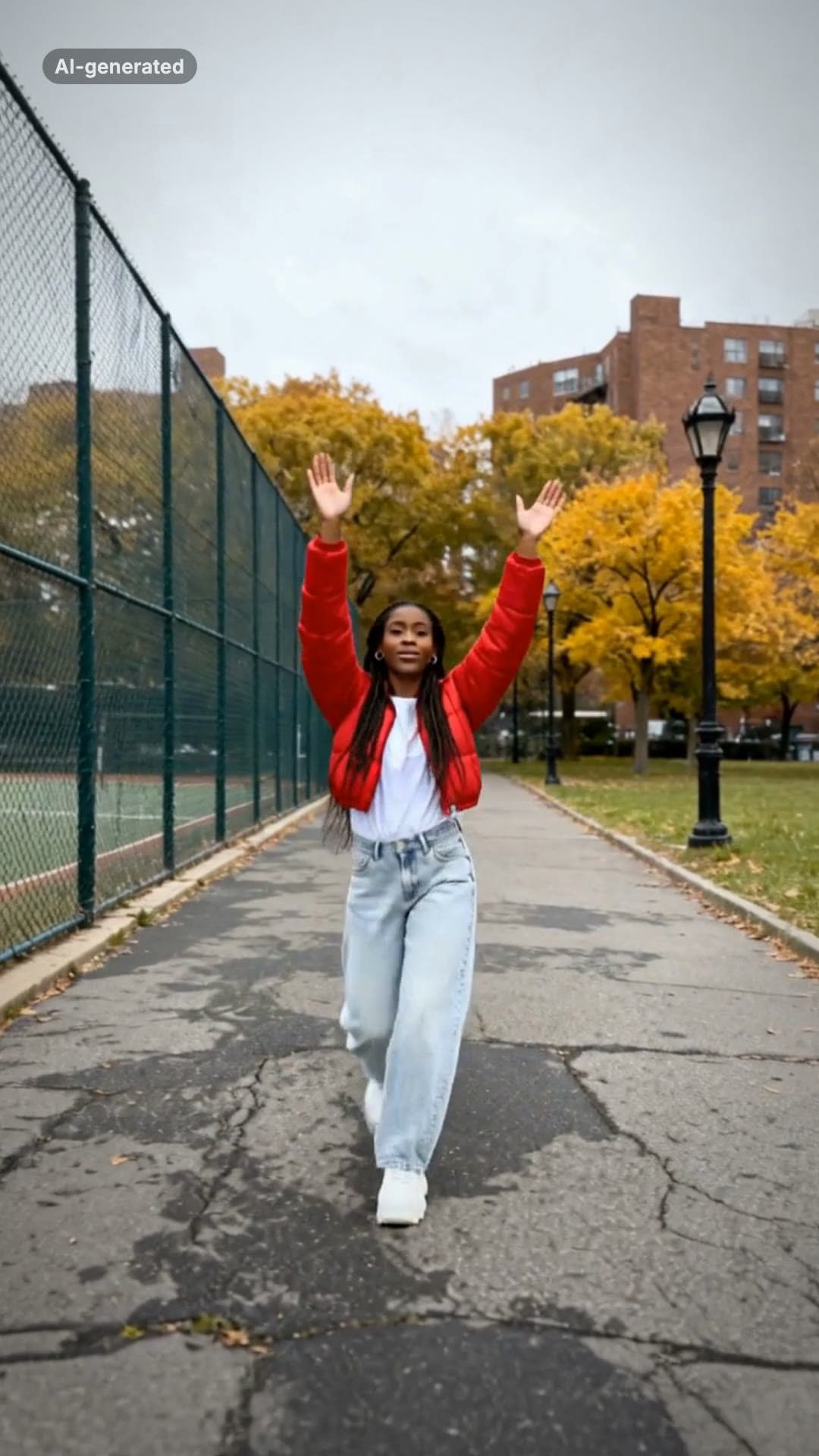 AI-generated sample
Fergie Baby AI Trend: Gate Walk Video Maker
One full-body photo. Out of the park gate, down the path on the beat, arms up, freeze.
1 photo · 16s · 80 credits
Make yours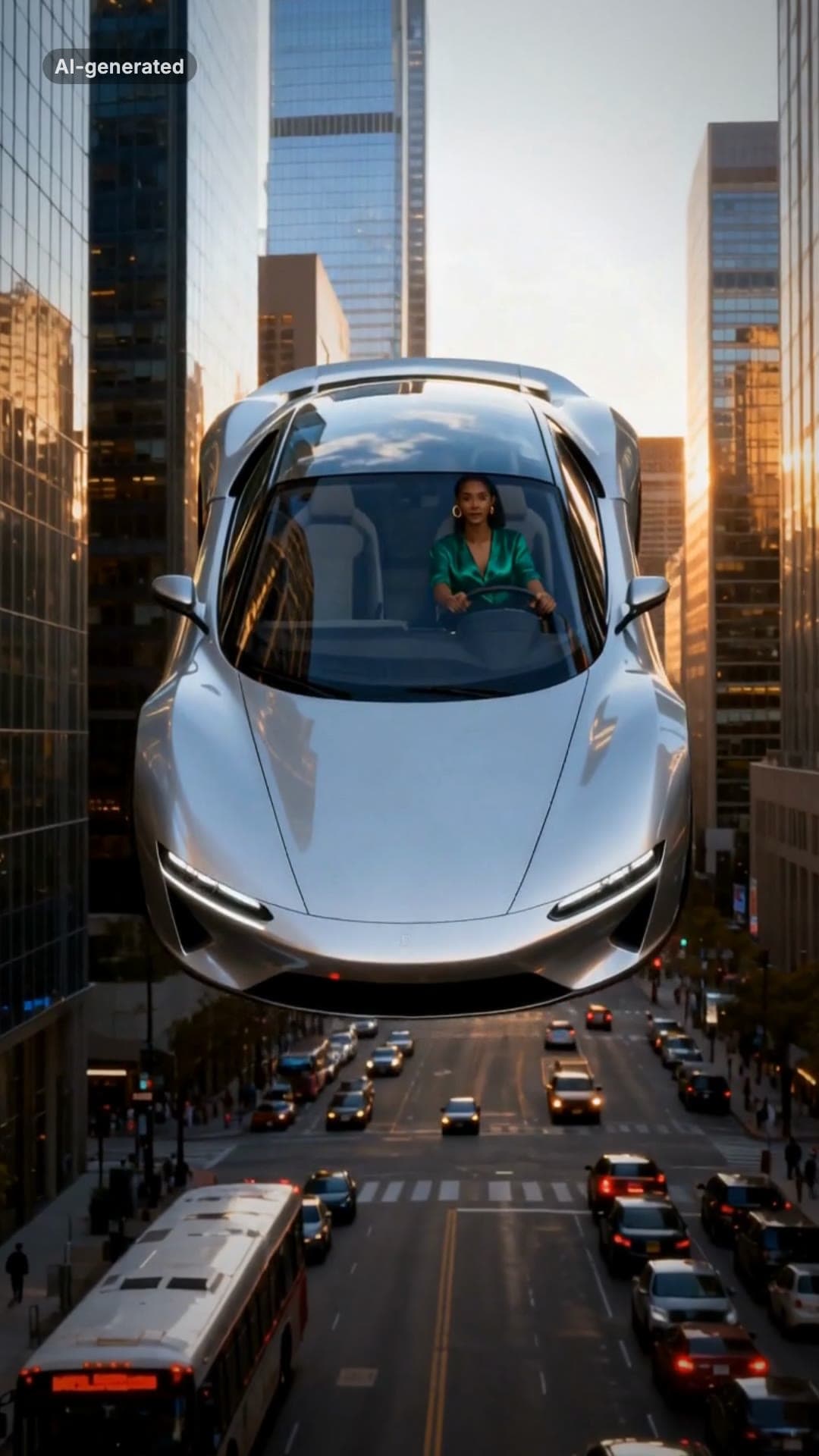 AI-generated sample
Flying Car AI Video: Day 1 of Owning Trend
One photo. Stuck in traffic, press a button, lift off over the city.
1 photo · 16s · 80 credits
Make yours