
AI-generated video · TikTok trend
The Fergie Baby AI trend, starring you, from one full-body photo
A chain-link gate swings open and out you walk, down the park path toward a camera that backs away ahead of you, every step on the beat. Hands up by your head, then both arms up, then you stop dead and point at the lens. Upload one full-body photo and get the gate walk back as a vertical video, ready for the trend sound.
80 credits · about 16s, 9:16
Make your Fergie Baby video
Upload one full-body photo of yourself. You get all five shots cut into one video in a few minutes, ready to post.
Checking your credit balance…
One Fergie Baby video costs 80 credits. Credits are refunded if generation fails.
You, head to toe
One person, the whole body in frame from head to shoes, face clear. This is who walks out of the gate.
80 credits per video · refunded if it fails
The 5 scenes
1. The gate
A chain-link gate in the fence round a park ballfield swings open, and you step out onto the path.
2. The walk
Down the path toward the camera, a bounce in every step and your shoulders rocking, while the camera backs away ahead of you.
3. Hands up
Still stepping on the beat, both hands go up beside your head, elbows out, shoulders rocking side to side.
4. Arms up
Both arms go straight up overhead, chin up, and you keep walking.
5. The freeze
You stop dead, point straight at the lens and hold it, as if someone hit pause.
What the Fergie Baby trend is
Fergie Baby is a rapper from Harlem, New York. On 26 September 2026 he posted a 90-second clip on his own TikTok to tell fans his album was ready: he walks out through the chain-link gate of a park ballfield and down the path toward a camera that backs away ahead of him, rapping over his own track as he goes, his hands up by his head. By mid-October people were using AI to put themselves in his place, and the walk spread under his name as the Fergie Baby trend, also called the gate walk.
It has nothing to do with Fergie, the singer from the Black Eyed Peas: the name is his, and so is the sound, which is his own rap from the clip. What people copy is the walk. It works because it is pure confidence with nothing to hide behind, one person, a gate and a path, and a camera that keeps backing away as if it cannot keep up. Doing it for real takes a park, a friend willing to walk backwards and some nerve; with AI it takes one photo.
How this generator makes yours
The video is made as five shots from one full-body photo: out of the gate, the walk, hands up by your head, both arms up and the freeze. Each shot starts as a still picture drawn from your photo, so your face and your outfit stay the same from the gate to the last frame, and a video model then sets it moving with the camera backing away ahead of you. The stills are drawn to look like a friend filmed it on an overcast afternoon, handheld and a little soft, because a polished version would stop being the meme.
Each finished video runs 16 seconds at 1080 by 1920, with an original hip-hop instrumental made for this template and a small AI-generated label in the corner. There are no captions burned in, so any text on top is yours to add on TikTok. It takes a few minutes and costs 80 credits from a credit pack or paid plan.
Cut on the beat, with the sound left for you
The walk is a one-take clip, but ours is five shots, so the cuts have to feel like part of the beat rather than jumps. We measured the tempo of the track in the original clip at about 104 beats a minute, which makes a bar about 2.3 seconds. The gate gets one bar, the walk two, the hands two and the arms one, and the freeze runs to the end, so every cut falls on the first beat of a bar. Each shot is also framed differently from the one before, wide at the gate and close for the freeze, so a cut reads as an edit and not as a glitch.
The sound itself is not in the file. It is Fergie Baby's own rap and belongs to him and his label, so we do not put it in a video we make for you, and we did not make a sound-alike either: the instrumental in the file is ours, at the same tempo so the cuts still land on its beat. You add his sound on TikTok when you post, as everyone on the trend does, which also lists your post under the sound with every other video on the trend. angles.video is not affiliated with Fergie Baby or his label.
How to make a Fergie Baby video yourself
You do not need this page to make one. This is how the video is put together, so you can build it with any picture model and image-to-video model you like.
Step 1
Draw one still per shot from a full-body photo
Use a picture model that takes a reference photo and draw five stills from the same full-body photo: in the gate, mid-walk, hands up by the head, arms overhead, and stopped pointing at the lens. Describe the park, the fence and the path the same way every time so the place does not change between shots.
Step 2
Animate each still with the camera backing away
Give each still to an image-to-video model with one line about what moves, and say outright that the camera moves backwards at the walker's pace so they stay head to toe in the frame. Ask for one continuous handheld shot with no cuts, and for the last one, a nod and then a dead freeze.
Step 3
Cut a bar apart on the beat
Find the tempo of the sound first: about 104 beats a minute, so a bar is about 2.3 seconds. Trim the gate to one bar, the walk and the hands to two bars each, the arms to one, and let the freeze run to the end. Lay them end to end at 9:16 with hard cuts and add the sound on TikTok when you post.
The shots, second by second
| Time | Shot |
|---|---|
| 0–2.3s | The gate A wide shot from the path as you push the chain-link gate open with one hand and step out, the camera already backing away. |
| 2.3–6.9s | The walk A full-body shot of you walking down the park path on the beat, arms loose and head nodding, the camera backing away at your pace. |
| 6.9–11.5s | Hands up A head-to-knees shot of you stepping toward the lens with both hands up beside your head, elbows out, rocking side to side. |
| 11.5–13.8s | Arms up A full-body shot from slightly below as you keep walking with both arms straight up overhead. |
| 13.8–16s | The freeze A head-to-waist close shot of you stopped on the path, pointing into the lens, one nod, then frozen still. |
Where it goes wrong
Use a full-body photo, not a selfie
Most of the video shows you head to toe. From a head-and-shoulders photo the model has to make up your trousers and shoes, and with each still drawn on its own it can make them up differently every time. One photo with your whole body in it, in good light, keeps the outfit the same from the gate to the freeze.
Tell the camera to back away
Ask only for a walk toward the camera and a video model can let you walk straight into the lens until your face fills the frame, which is not the trend. Say that the camera moves backwards ahead of you at the same pace, so the walk stays a walk.
Keep the mouth shut and the path empty
The sound goes on later, so any mouthing in the clips will not match it: say that nobody talks or raps. And say nobody else is on the path, or a picture model may fill an empty park with passers-by who wander through your shot.
Change the framing at every cut
Five shots framed the same way cut together like a glitch in one take: you jump a step forward and the trees jump with you. Frame each shot differently, wide for the gate and close for the freeze, so every cut looks like it was meant. Say what is out of frame too: asked only for head to knees, ours came back full length.
Only people who said yes
Do not use celebrities, Fergie Baby himself, or anyone who has not agreed to be in the video. A realistic video of a real person made without their consent can hurt them, and platforms take it down.
Label it as AI-generated
Switch on TikTok's AI-generated content label before you post. Realistic AI video of people is expected to carry it, and viewers trust a post that says so.
Or skip all of it
Upload one photo above and get the finished video back in a few minutes: drawn, animated, cut and scored, with the AI label already on it.
How to post it on TikTok with the trend sound
Step 1
Download your video
Save the MP4 to your phone. It is already vertical, 1080 by 1920, so TikTok will not crop it.
Step 2
Start from the Fergie Baby sound
Open any Fergie Baby trend video on TikTok, tap the sound name at the bottom, then tap Use this sound and pick your video from Upload.
Step 3
Line the cuts up with the beat
The cuts fall a bar apart. Watch the cut to both arms up: if it does not land on a beat, tap the scissors by the sound and nudge its start until it does. Then in Volume, turn Original sound to zero so only the trend sound plays.
Step 4
Label it as AI-generated
Before posting, open More options and switch on the AI-generated content label. TikTok asks creators to label realistic AI-generated video, and viewers trust a post that says so.
Questions about the Fergie Baby generator
What is the Fergie Baby trend?
A TikTok trend from October 2026 in which people use AI to do the walk from a clip by the Harlem rapper Fergie Baby: out through the chain-link gate of a park ballfield, down the path toward a camera that backs away, hands up by the head, both arms up, then a stop. It is also called the gate walk.
Who is Fergie Baby?
A rapper from Harlem, New York, signed to EMPIRE. He posted the original clip on his own TikTok on 26 September 2026 to tell fans his album was ready. He is not Fergie, the singer from the Black Eyed Peas, and the trend has nothing to do with her.
What song is in the Fergie Baby trend?
His own. The sound is Fergie Baby rapping over his own track in the clip, listed on TikTok as his original sound, and his caption on the clip promotes "Uptown Shooters & Bronx Bombers". It is not "Fergalicious" or any other Fergie song.
Is this made with Fergie Baby?
No. angles.video is not affiliated with Fergie Baby, his label or Fergie the singer, and none of them has endorsed it. The video shows you, not him: nothing we make draws him, his sound is not in the file, and the music under it is an original instrumental made for this template.
How much does a Fergie Baby video cost?
80 credits for one finished video, from a credit pack or paid plan. If a video fails to generate, the credits go straight back to your balance.
Can I use a photo of someone else?
Only of someone who has agreed to be in the video. Before you generate, you confirm that the photo is of you or of someone who said yes. Do not upload photos of celebrities, of Fergie Baby, or of anyone who has not agreed: a realistic video of a real person made without their consent can hurt them, and it breaks our terms.
What photo works best?
One person standing, the whole body in frame from head to shoes, face clearly visible and looking roughly at the camera, in good light. Most of the video shows you head to toe, so a full-body photo works much better than a selfie. An outfit that stands out against a grey path helps; avoid sunglasses, heavy filters and group photos.
What happens to my photo?
It is used only to draw the five shots, and we delete it from our storage as soon as your video is finished or fails. The finished video stays in your account so you can download it again.
How long does it take?
Usually three to six minutes: about a minute to draw the five shots, a few minutes for the video model to animate them, and under a minute to cut them together. You can leave the page open and the video appears when it is ready.
Every video on this page, and every video made here, is AI-generated: the people in it are drawn by an AI model from the photos uploaded.
More trends
All AI video trends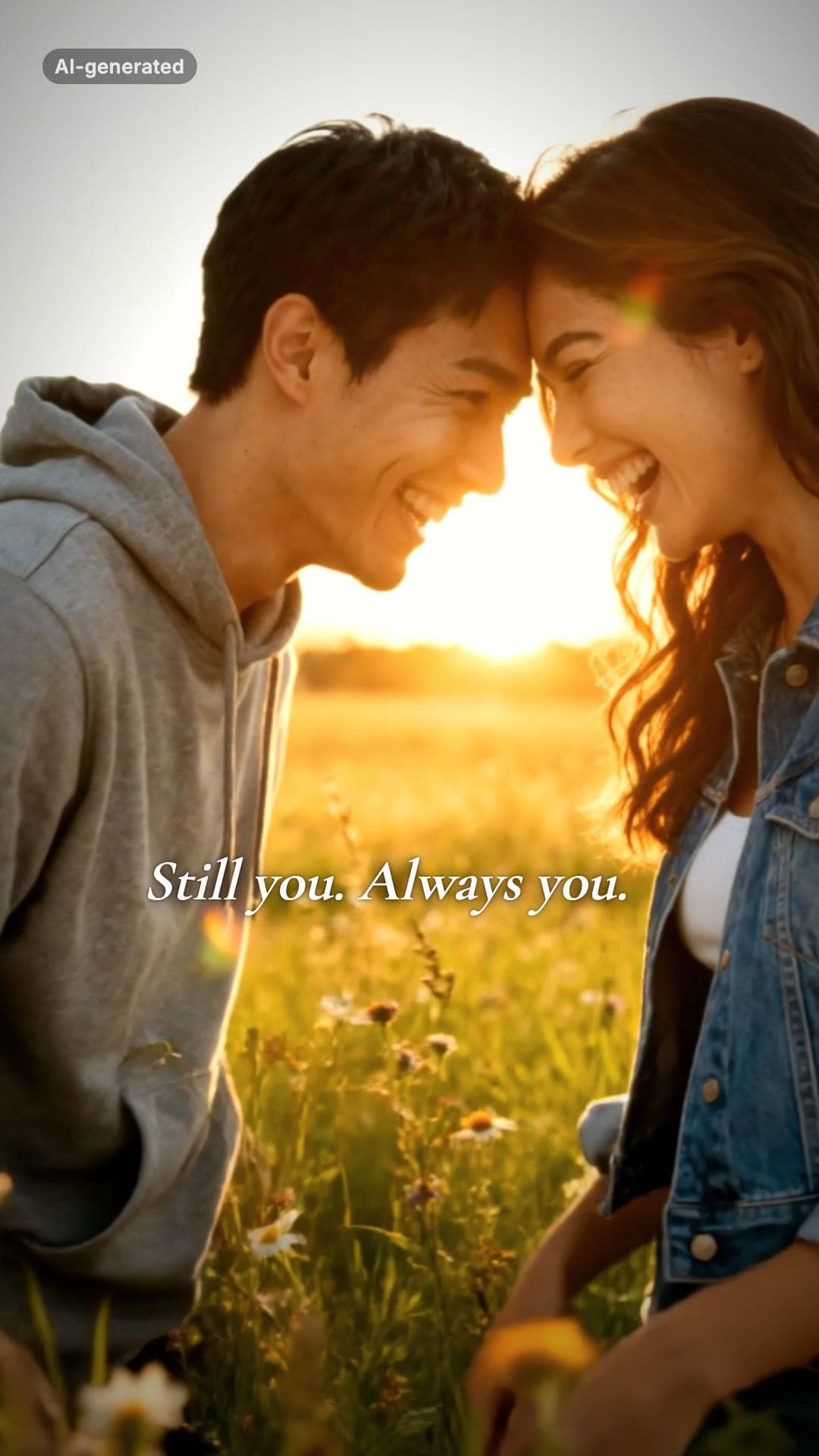 AI-generated sample
AI Zombie Couple Video Maker
Two photos. One of you has turned, the other cannot pull the trigger.
2 photos · 18s · 80 credits
Make yours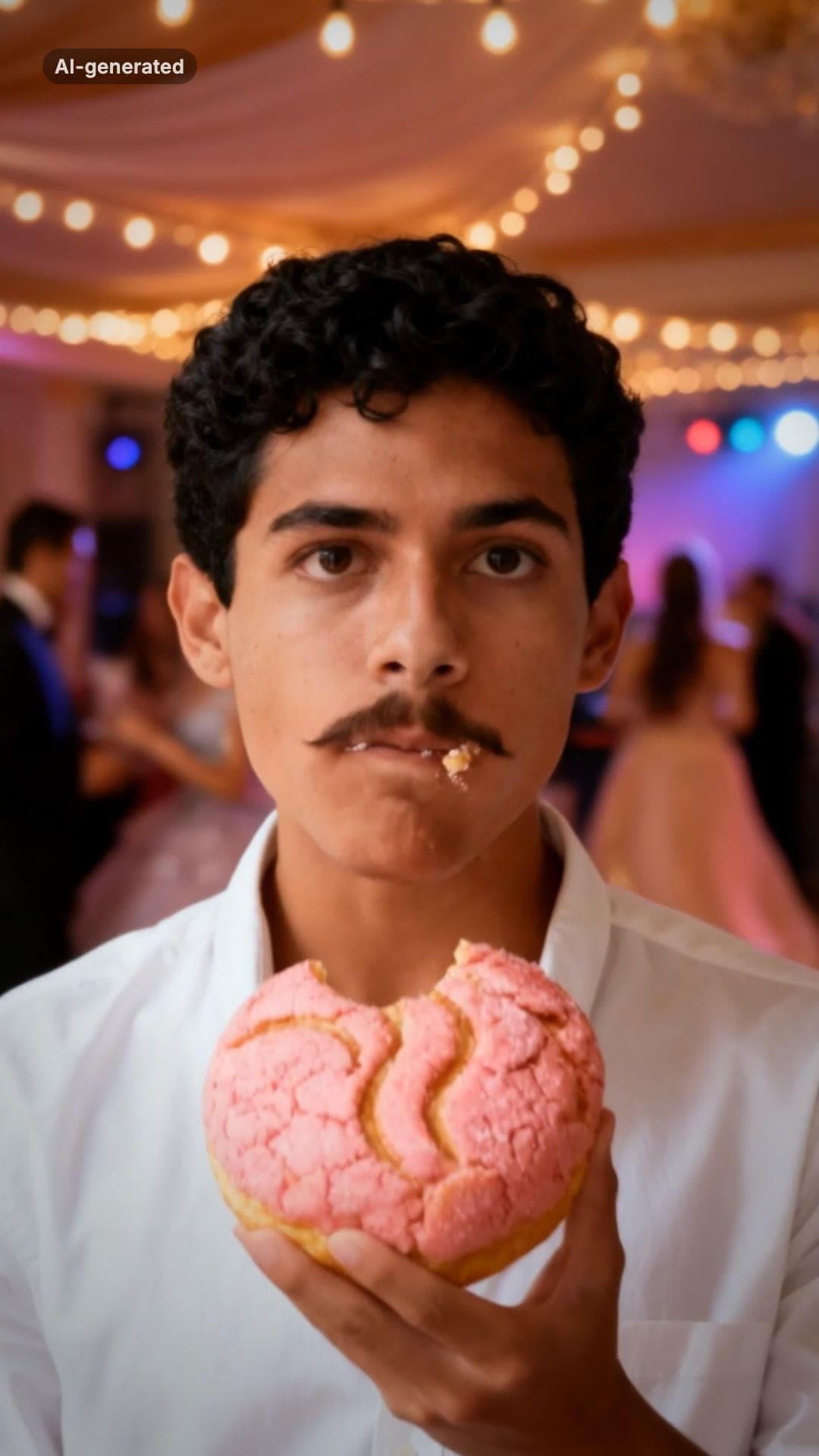 AI-generated sample
Bby Wow Guy AI Video Maker
One photo. Dance up to the camera, bite the concha, stare, dance back.
1 photo · 15s · 80 credits
Make yours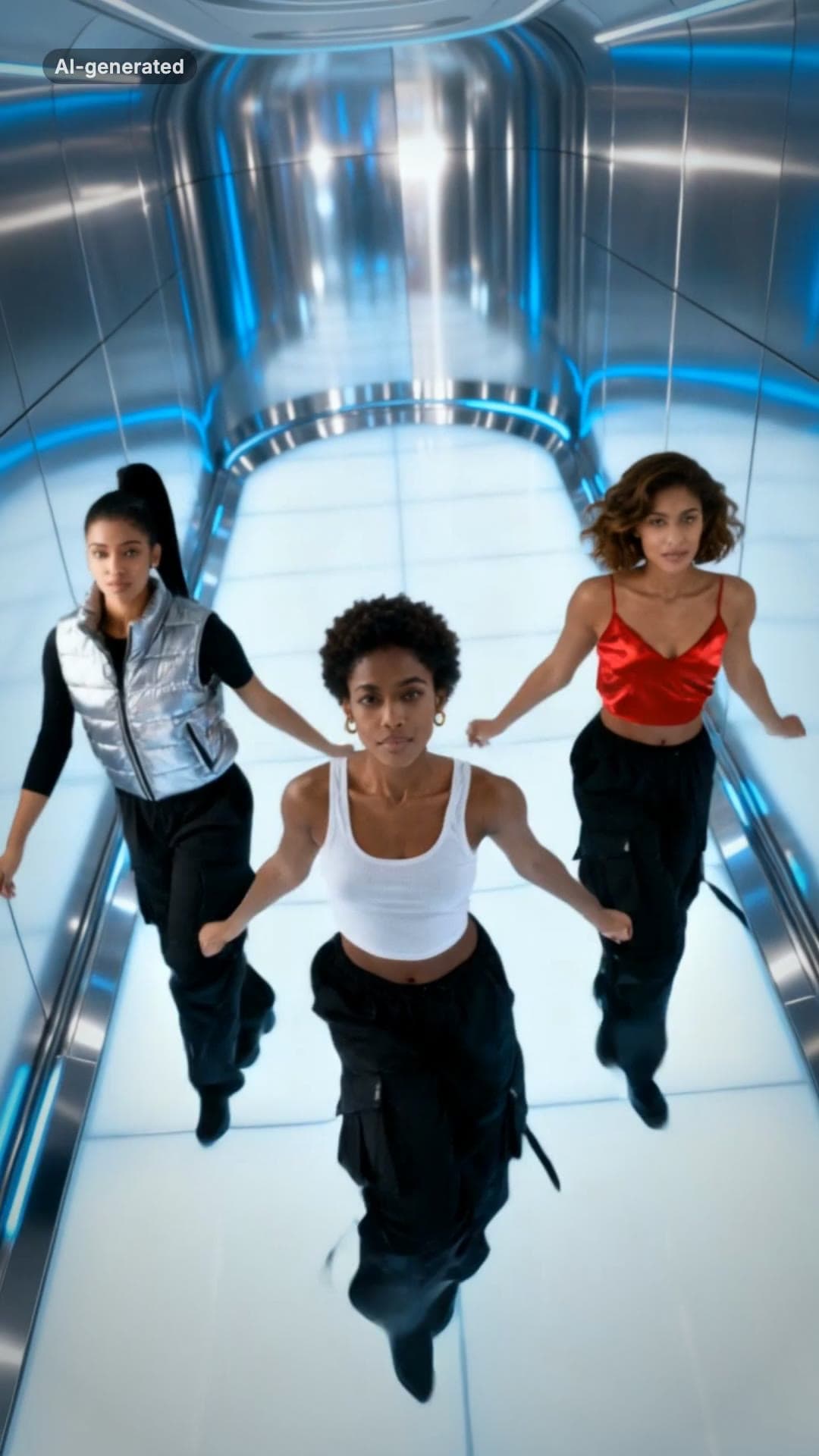 AI-generated sample
No Scrubs TikTok Trend AI Video Maker
Three photos. Elevator intro, two close-ups, then all three of you dancing in sync.
3 photos · 17s · 80 credits
Make yours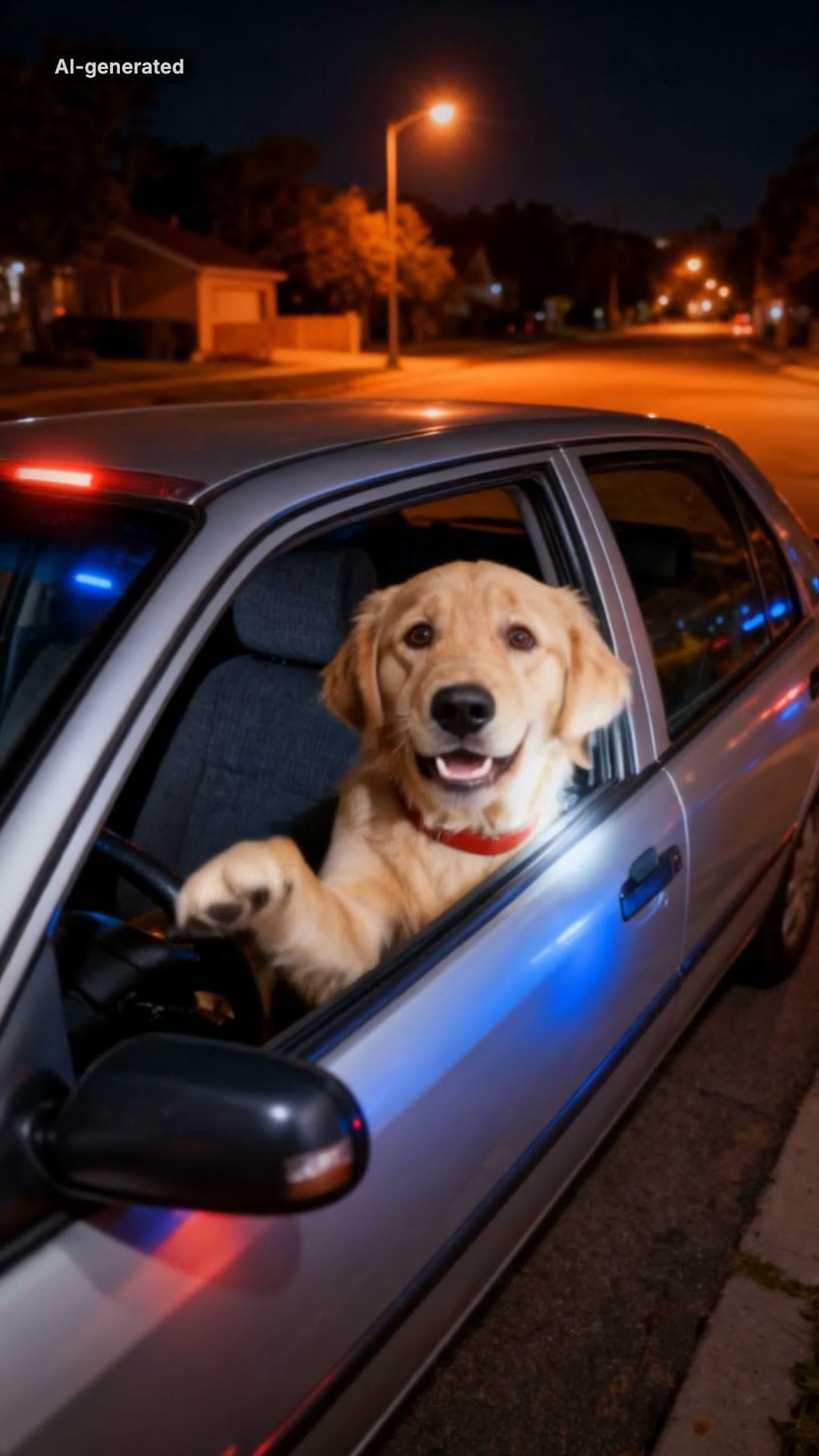 AI-generated sample
What Stop Sign Meme AI Video Maker for Pets
One pet photo. Pulled over, window down: "Stop sign? What stop sign?"
1 photo · 11s · 80 credits
Make yours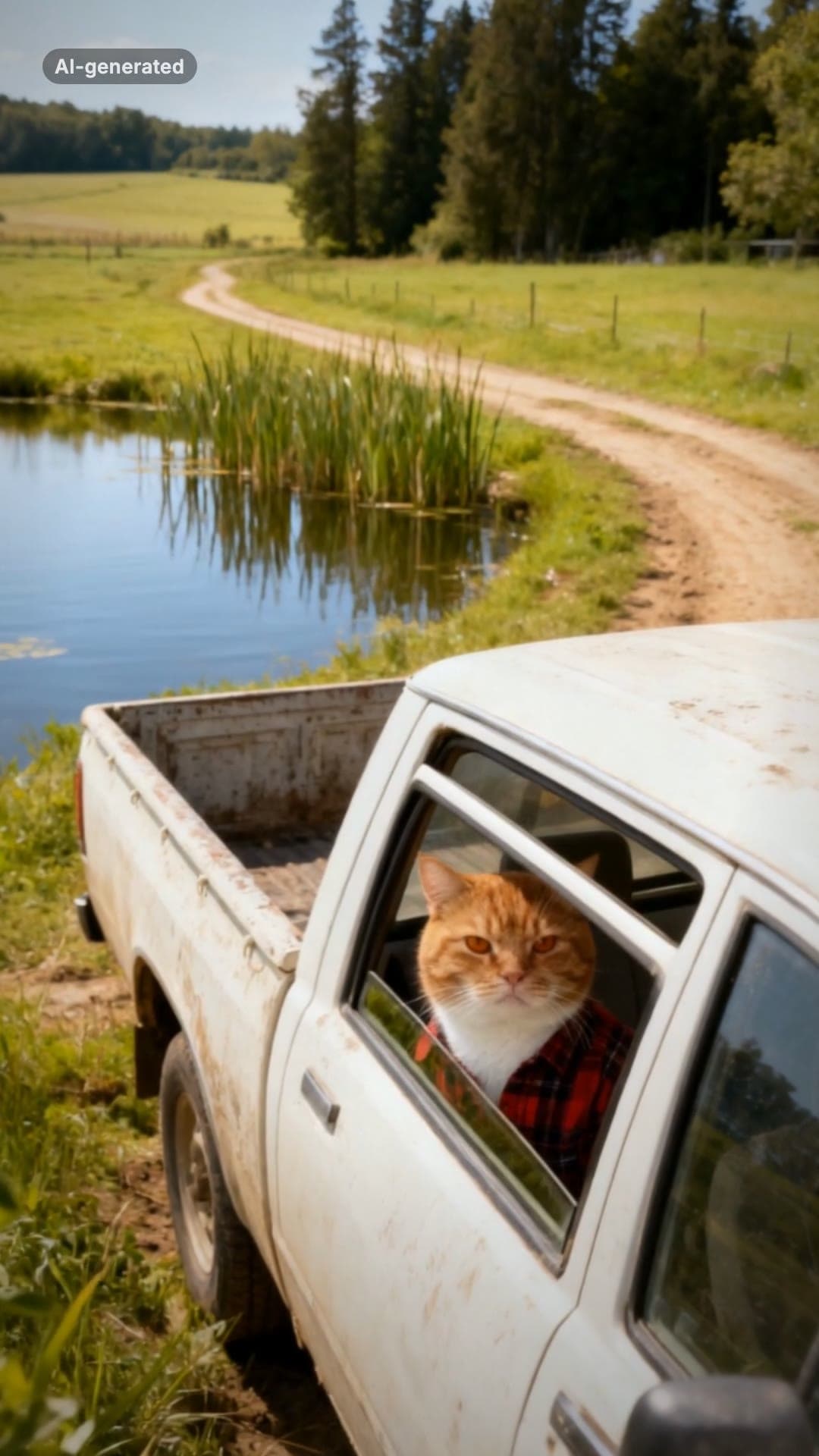 AI-generated sample
Hit the Road Dude AI Video Template for Pets
One pet photo. Pull up, roll the window down, stare, then hit the road.
1 photo · 16s · 80 credits
Make yours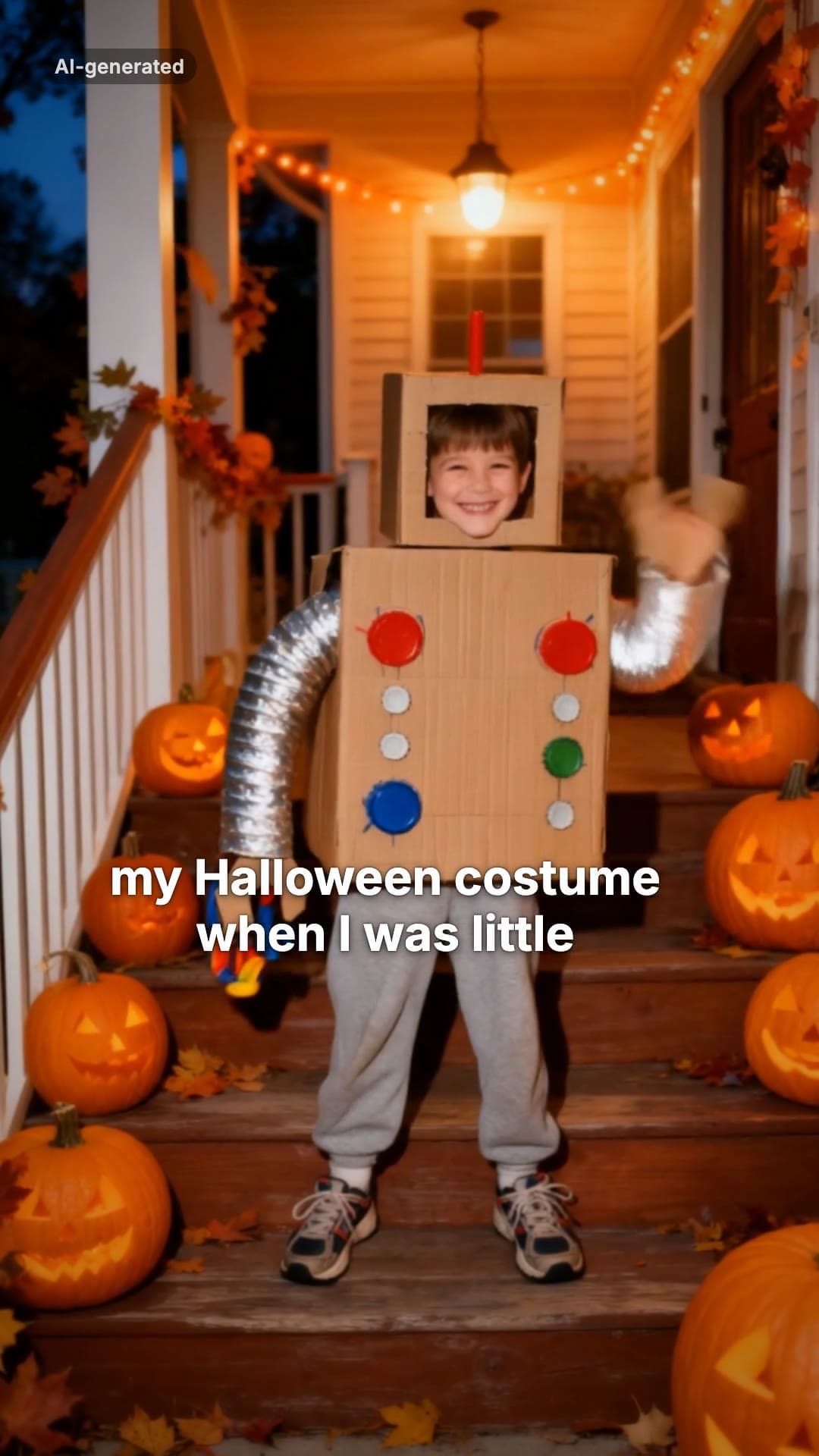 AI-generated sample
I'm Sorry I Lied AI Halloween Costume Trend
One childhood photo. The perfect costume, the apology, then the real one.
1 photo · 16s · 80 credits
Make yours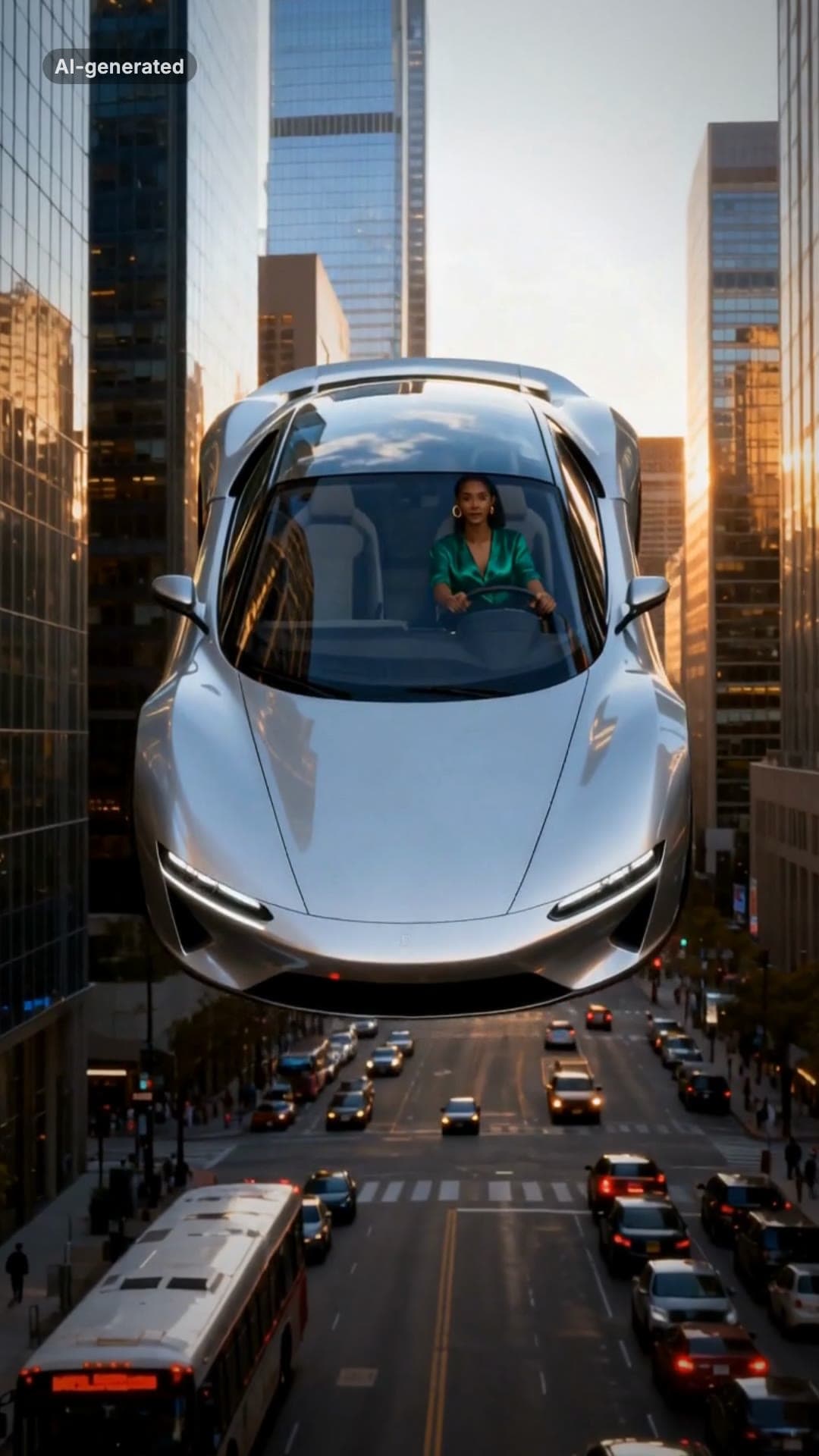 AI-generated sample
Flying Car AI Video: Day 1 of Owning Trend
One photo. Stuck in traffic, press a button, lift off over the city.
1 photo · 16s · 80 credits
Make yours