
AI-generated video · TikTok trend
The I'm Sorry I Lied trend, made from your childhood costume photo
Your childhood Halloween costume the way you tell it: flawless, on a porch full of glowing pumpkins. Then the apology, then the photo your mom actually took. Upload one costume photo from when you were little and get the whole reveal back as a vertical video, ready for the trend sound.
80 credits · about 16s, 9:16
Make your I'm Sorry I Lied video
Upload one photo of you as a child in your Halloween costume. You get the perfect version, the apology and your real photo cut into one video in a few minutes.
Checking your credit balance…
One I'm Sorry I Lied video costs 80 credits. Credits are refunded if generation fails.
You, as a child
Your Halloween costume photo from when you were little, the more homemade the better. One child, whole costume in the picture.
80 credits per video · refunded if it fails
The 3 scenes
1. The perfect one
You, at the same age, in a flawless version of your costume on a porch lit by jack-o’-lanterns, under the words “my Halloween costume when I was little”.
2. The confession
The same picture goes blurred and dark behind the apology: “I’m so sorry… I lied”.
3. The real one
Your photo exactly as you uploaded it, homemade costume and all. Nothing redrawn, nothing written on it.
What the I'm Sorry I Lied trend is
It is a three-slide TikTok photo post. The first slide is a picture-perfect photo of the poster as a child in their Halloween costume, captioned like a fond memory. The second is the same picture, blurred, with an apology along the lines of "I'm so sorry… I lied". The third is the real photo: the cardboard helmet, the bin-bag cape, the costume somebody's mom made the night before. The perfect one was made with AI, and the gap between the two is the joke.
The format started in August 2026 as an anniversary post, with an edited couple photo walked back one slide at a time, and took off in the last weeks of October once people turned it on their childhood costumes: a homemade Roman soldier helmet got millions of views in a day. It works because everyone has that photo, and because the real costume is always funnier, and more loved, than the perfect one.
How this generator makes yours
You upload one photo, your childhood costume photo. Only the first shot is made by AI: a still drawn from your photo, the same child at the same age in a flawless, well-made version of the same costume on a Halloween porch, then set moving for a few seconds with a small wave and flickering pumpkins. The apology is that still again, blurred and darkened, and the last shot is your photo exactly as you uploaded it, shown whole rather than cropped, because a redrawn real photo would be a second lie and the joke would be gone.
Each finished video runs 16 seconds at 1080 by 1920, with the two lines of the trend lettered the way TikTok letters a photo post, an original instrumental made for this template and a small AI-generated label in the corner. It takes a few minutes and costs 80 credits from a credit pack or paid plan.
It changes the costume, not the kid
The person in the photo is a child, and commenters on the trend have been quick to call out AI versions that made the kid look older, slimmer or styled like an adult. This generator is written to change the costume, the props and the background and nothing else. The child keeps their own face, hair, height and build at the age they are in the photo, with no retouching and no makeup beyond face paint that was part of the costume. The perfect costume is a loose, fully covering children's costume of the kind sold for kids, and any toy sword or wand stays a toy.
Use a photo of yourself as a child, or of your own child if you are their parent or guardian, and no one else's. Before you generate, you confirm that it is. The video carries an AI-generated label in the corner, and before you post you switch on TikTok's own AI-generated content label too: the first slide is made by AI, and the whole point of the trend is that people know which one is real.
Why the video comes with its own music
The posts on this trend use well-known songs and other creators' original sounds, which belong to their owners, so we cannot put them in a video we make for you, and we did not make a track that imitates any of them. What is in the file is an original instrumental written for this template: soft guitar and piano that take the perfect costume completely seriously, which is the joke. On TikTok you add the trend sound yourself when you post, and TikTok handles the licence for sounds in its own library.
Adding the sound on TikTok is also what lists your post with every other video on the trend, which is how trend posts get found. A file with music baked in is treated as an original sound with no link back to the trend, so it would miss the people already watching it.
How to make an I'm Sorry I Lied video yourself
You do not need this page to make one. This is how the video is put together, so you can build it with any picture model and image-to-video model you like.
Step 1
Draw the perfect version from your photo
Use a picture model that takes a reference photo, and ask for the same child at the same age and in the same pose, in a well-made version of the same costume on a Halloween porch at dusk. Describe the costume's colours and parts rather than naming it in one word, and say that only the costume, the props and the background change.
Step 2
Set it moving, gently
Give the still to an image-to-video model and ask for very little: a small wave, flickering pumpkins, a slow push-in, the child facing the camera the whole time. Six seconds is plenty. A twirl or a turn of the head makes the model draw the face again, and it comes back as someone else.
Step 3
Cut the three slides together
At 9:16, put the clip first with the setup line, then a blurred, darkened copy of its first frame with the apology in the middle, then your original photo shown whole over a blurred copy of itself so nothing is cropped. Use hard cuts and add the trend sound on TikTok when you post.
The shots, second by second
| Time | Shot |
|---|---|
| 0–6s | The perfect one A full-body shot of the same child on a porch lit by jack-o’-lanterns at dusk, in a flawless, well-made version of the same costume, waving. |
| 6–9.5s | The confession The first shot’s still, blurred and darkened, with “I’m so sorry… I lied” in bold white letters across the middle. |
| 9.5–16s | The real one The original photo exactly as it was taken, shown whole over a blurred copy of itself, with no words on it. |
Where it goes wrong
Change the costume, not the child
Ask for a "perfect" version and a model will happily improve the child too: older, slimmer, taller, smoother skin. Say outright that the face, hair, height, build and age stay exactly as in the photo and that nothing is retouched. A kid who looks like someone else is not your childhood photo any more.
Keep it a kids' costume
Say the costume is a loose, fully covering children's costume: nothing tight, short, cropped or revealing, no heels, no grown-up styling. Toy props stay toys, so a cardboard sword becomes a better toy sword, never a real-looking weapon.
Describe the costume, do not just name it
Named in one word, a costume comes back as the most typical version of that word rather than yours. Say its colours and its parts, and that the perfect one is neatly finished, or the tape and cardboard edges of the real one leak into it.
Leave the real photo alone
Do not run the real photo through a filter, an upscaler or a picture model, and do not crop it to fill a vertical frame: an old landscape snapshot cropped to 9:16 loses half the costume. Show it whole, as it is. It is the punchline.
Only your own childhood photo
Use a photo of yourself as a child, or of your own child if you are their parent or guardian. Not another family's child, not celebrities, not anyone who has not agreed to be in it. Children cannot say yes for themselves, and platforms take these down.
Label it as AI-generated
Switch on TikTok's AI-generated content label before you post. The first slide is made by AI, the trend is about owning up to that, and viewers trust a post that says so.
Or skip all of it
Upload one photo above and get the finished video back in a few minutes: drawn, animated, cut and scored, with the AI label already on it.
How to post it on TikTok with the trend sound
Step 1
Download your video
Save the MP4 to your phone. It is already vertical, 1080 by 1920, so TikTok will not crop it.
Step 2
Start from the trend sound
Open any I'm Sorry I Lied costume video on TikTok, tap the sound name at the bottom, then tap Use this sound. Or pick the sound under Add sound when you upload.
Step 3
Turn our track down, name the costume
Pick your video from Upload. In Volume, turn Original sound to zero so only the trend sound plays. In the caption, say what you were meant to be: the real photo lands harder once people know.
Step 4
Label it as AI-generated
Before posting, open More options and switch on the AI-generated content label. TikTok asks creators to label realistic AI-generated images and video, and viewers trust a post that says so.
Questions about the I'm Sorry I Lied generator
What is the I'm Sorry I Lied trend?
A TikTok photo post in three slides: an AI-made, perfect photo of you as a child in your Halloween costume, the same picture blurred with "I'm so sorry… I lied", then the real photo of the homemade costume. It began as an anniversary post in August 2026 and spread with childhood costumes in October.
How much does an I'm Sorry I Lied video cost?
80 credits for one finished video, from a credit pack or paid plan. If a video fails to generate, the credits go straight back to your balance.
Does the AI change how I looked as a kid?
It is written not to. Only the costume, the props and the background change: you keep your face, hair, height and build at the age you were, with no retouching and nothing that makes you look older. The perfect costume is a loose, fully covering kids' costume.
Is my real photo changed?
No. The last shot is your photo exactly as you uploaded it, shown whole over a blurred copy of itself so a landscape snapshot is not cropped. Nothing is drawn on it or over it.
Can I use a photo of my child, or of someone else?
A photo of your own child, if you are their parent or guardian. Not anyone else's child: children cannot consent for themselves, and before you generate you confirm that the photo is of you or of your own child. No celebrities, and no one who has not agreed to be in it.
What photo works best?
One child, the whole costume in the picture and the face clearly visible. Old prints are fine: photograph or scan them flat, in good light, without glare. The more homemade the costume, the better the reveal.
What happens to my photo?
It is used to draw the perfect version and is cut into your video as the last shot, then deleted from our storage as soon as your video is finished or fails. The finished video stays in your account so you can download it again.
How long does it take?
Usually two to five minutes: under a minute to draw the perfect version, a few minutes for the video model to animate it, and under a minute to cut the video together. You can leave the page open and the video appears when it is ready.
Every video on this page, and every video made here, is AI-generated: the people in it are drawn by an AI model from the photos uploaded.
More trends
All AI video trends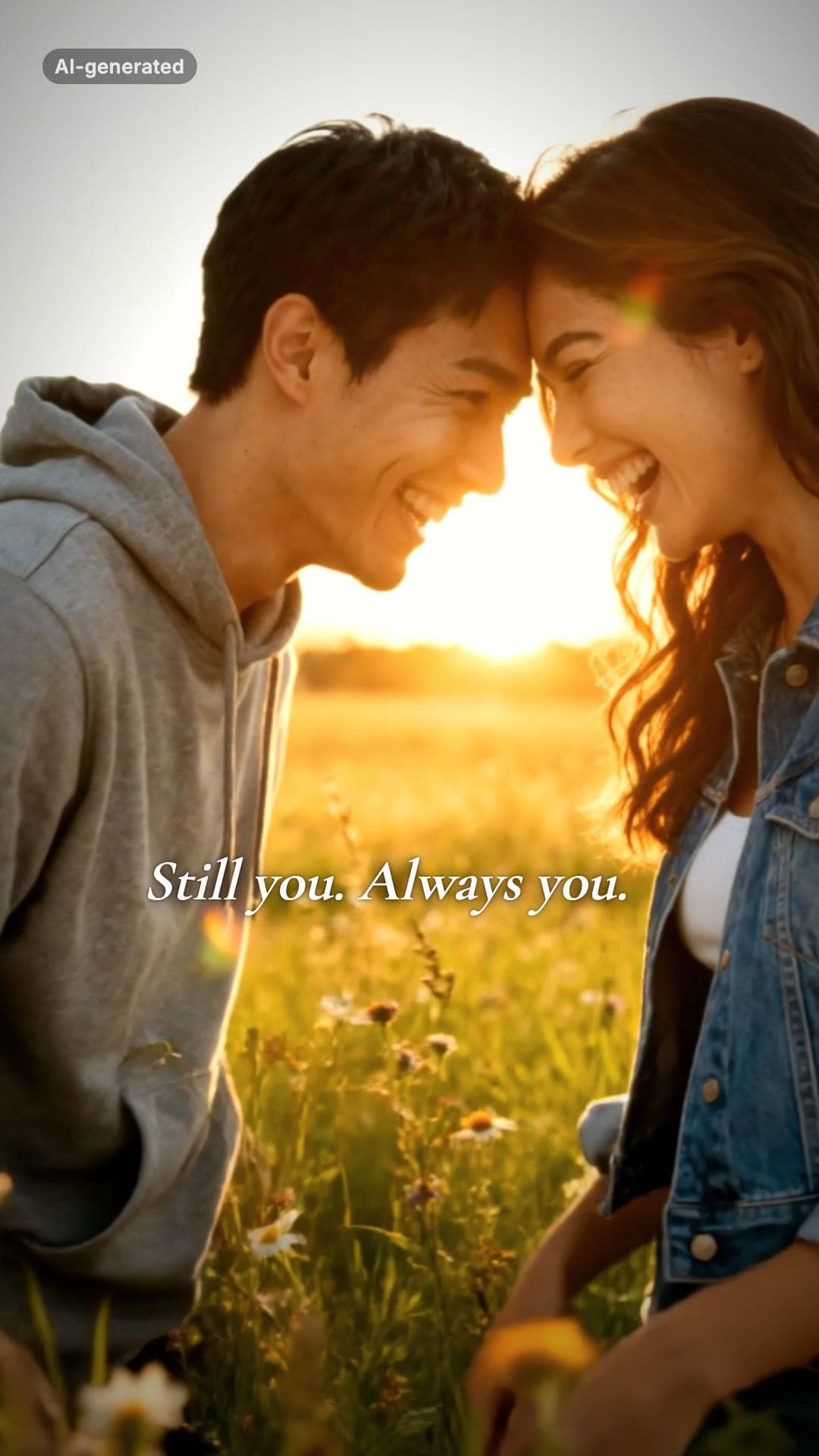 AI-generated sample
AI Zombie Couple Video Maker
Two photos. One of you has turned, the other cannot pull the trigger.
2 photos · 18s · 80 credits
Make yours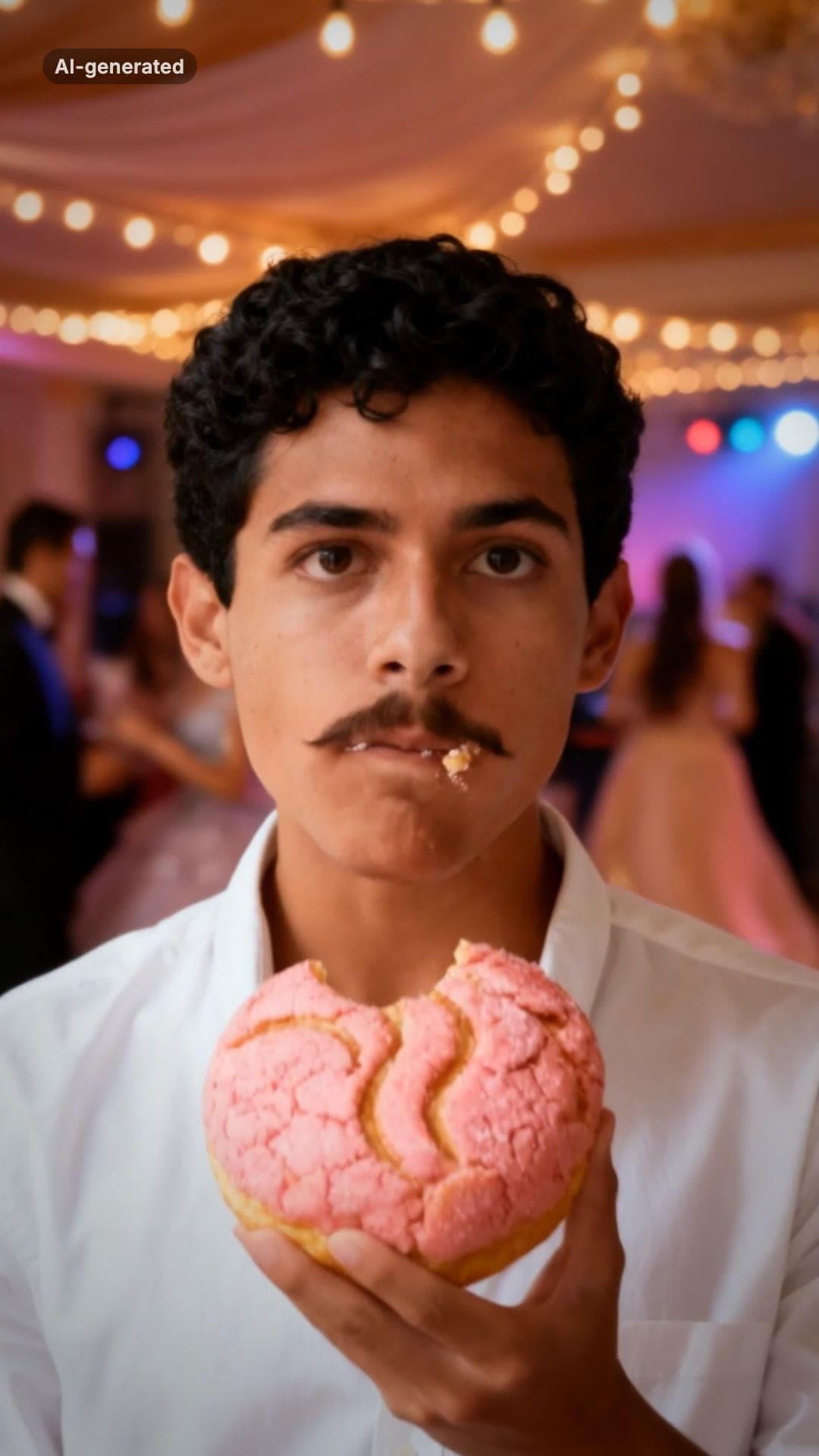 AI-generated sample
Bby Wow Guy AI Video Maker
One photo. Dance up to the camera, bite the concha, stare, dance back.
1 photo · 15s · 80 credits
Make yours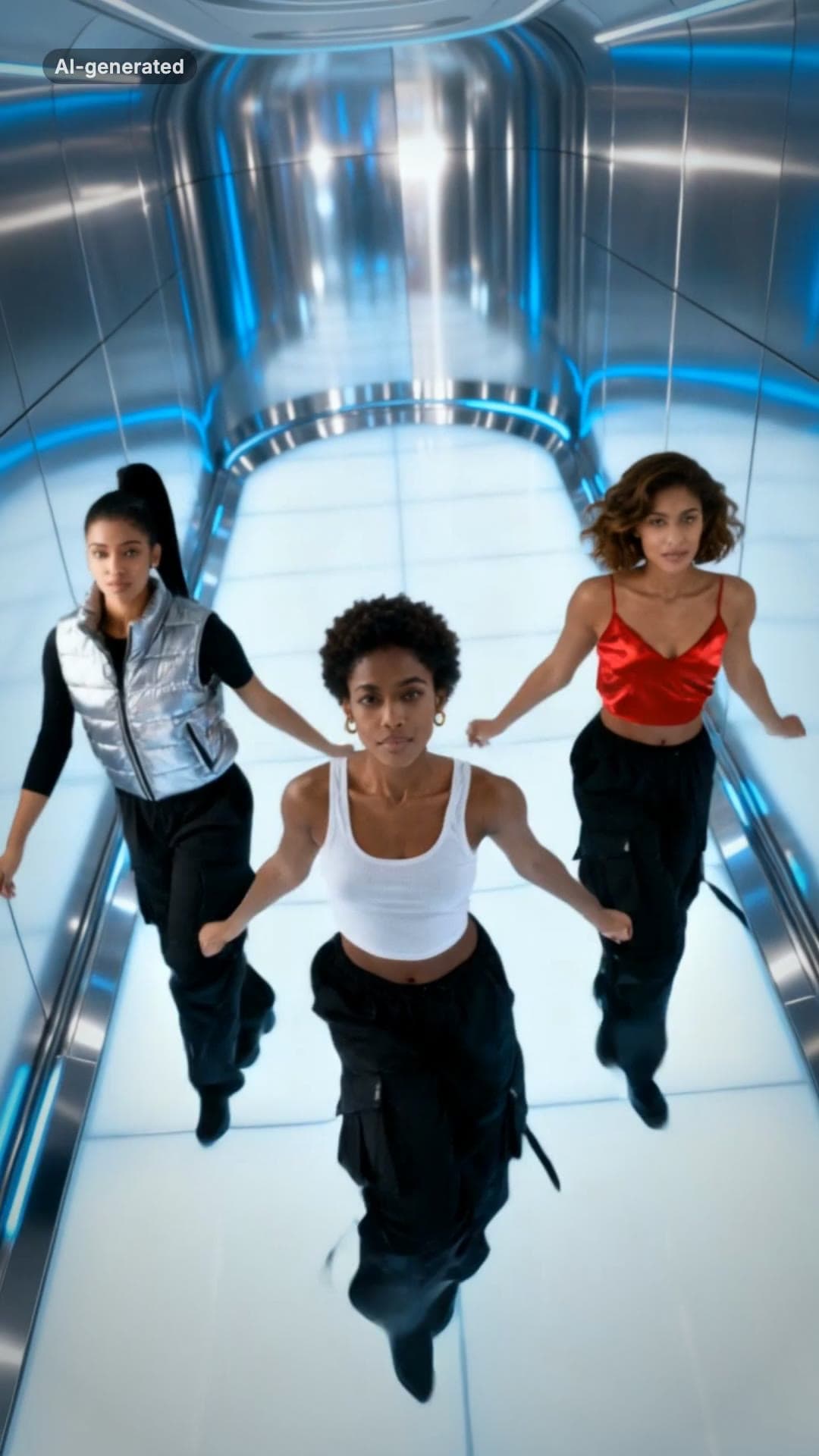 AI-generated sample
No Scrubs TikTok Trend AI Video Maker
Three photos. Elevator intro, two close-ups, then all three of you dancing in sync.
3 photos · 17s · 80 credits
Make yours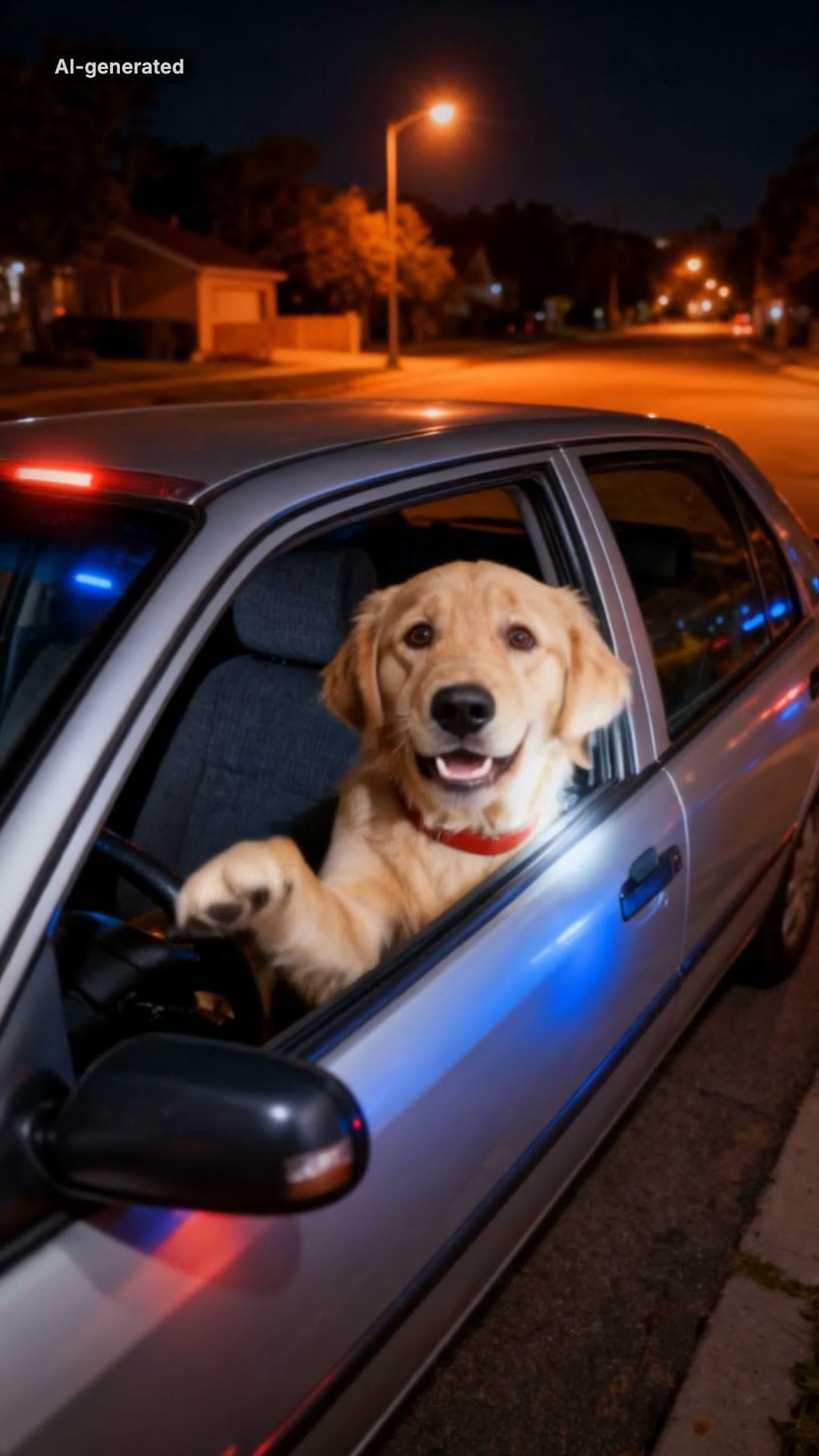 AI-generated sample
What Stop Sign Meme AI Video Maker for Pets
One pet photo. Pulled over, window down: "Stop sign? What stop sign?"
1 photo · 11s · 80 credits
Make yours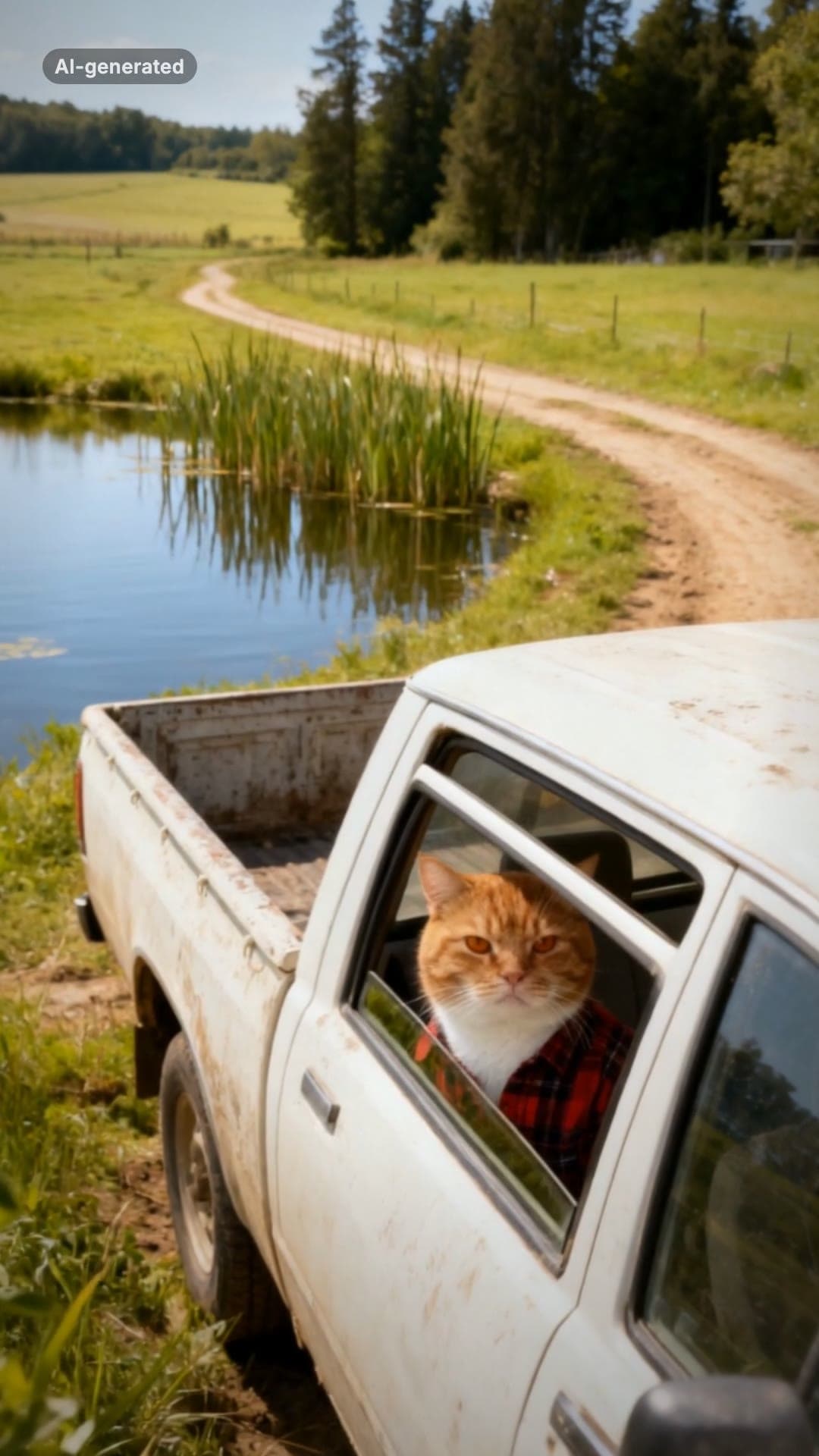 AI-generated sample
Hit the Road Dude AI Video Template for Pets
One pet photo. Pull up, roll the window down, stare, then hit the road.
1 photo · 16s · 80 credits
Make yours