
AI-generated video · TikTok trend
The flying car AI trend, with you at the wheel
Stuck in traffic, you glance back at the camera, press one button, and the car lifts straight out of the jam and flies off over the city while you barely look up. Upload one photo and get the whole thing back as a vertical video, ready for TikTok.
80 credits · about 16s, 9:16
Make your flying car video
Upload one clear photo of yourself. You get all five shots cut into one video in a few minutes, ready to post.
Checking your credit balance…
One flying car video costs 80 credits. Credits are refunded if generation fails.
You
One person, face clear and looking at the camera. This is who drives the car.
80 credits per video · refunded if it fails
The 5 scenes
1. Stuck
Bumper-to-bumper traffic downtown, seen from the back seat. You glance back at the camera, bored, and turn back to the road.
2. The button
From the passenger seat, your face in full view: without a flicker of expression you press one glowing button, and the car starts to hum.
3. Lift-off
The car rises straight up out of the jam, the stuck cars and the bus left below, and you sit calmly behind the windscreen.
4. Over the city
From outside, the silver car flies between glass towers high above the streets and banks into a wide, easy turn.
5. Day 1
Back on your face from the passenger seat, clouds and rooftops in the window: a glance at the camera, a small shrug, eyes back on the road.
What the flying car trend is
In mid-October 2026 Tesla showed its new Roadster lifting off the road on thrusters, hovering and flipping before it came back down. Within a day people were posting AI videos captioned "Day 1 of owning a Roadster": a camera fixed behind the front seats, the driver stuck in a traffic jam, and then the car lifting straight up out of the jam and flying off over the city while the driver never so much as reacts. Searches for a flying car AI video took off with it.
The joke is the calm. Everyone has sat in that traffic and wished they could just go up, and the driver in these videos does exactly that with the face of someone on their thousandth commute. Later versions land the car on the moon, strap rocket boosters to it or have it steal a parking spot, but the first one, the calm lift out of traffic, is the one people know, and it lands best when the bored face at the wheel is yours.
How this generator makes yours
The video is made as five shots from one photo: stuck in the jam, the button, the lift-off, the car over the city and a last look at you. The jam is filmed from the back seat, the way the trend films it; the button and the ending are filmed from the passenger seat, so your face is seen whole; and the lift-off and the flight are filmed from outside, so the car is seen in the air. Each shot starts as a still picture drawn from your photo, so you are the same person in all five, and a video model then sets it moving.
Each finished video runs 16 seconds at 1080 by 1920, with an original electronic instrumental made for this template and a small AI-generated label in the corner. It looks like real footage on a sunny afternoon rather than a film or a video game, because the more ordinary it looks, the funnier the lift-off is. It takes a few minutes and costs 80 credits from a credit pack or paid plan.
Not a Tesla, and nothing to do with Tesla
The trend is named after Tesla's car, but the car in your video is not one. It is a made-up silver two-seater with no badge, logo or writing anywhere on it, inside or out, and nothing we make draws Tesla's car, its badge or its name. This page and the videos made here have nothing to do with Tesla, which has not made, approved or sponsored any of it; "Day 1 of owning a Roadster" is only the name the trend goes by.
The video has no words on it either. The caption that makes it the trend is yours to add on TikTok, along with a sound: most flying car videos are posted from CapCut templates with their own sound, so you can pick one you like from a video on the trend or keep our track. Writing the caption yourself also lets you make it your own, whether that is day 1 with the new car, day 400 of the same commute or a joke only your friends will get.
How to make a flying car video yourself
You do not need this page to make one. This is how the video is put together, so you can build it with any picture model and image-to-video model you like.
Step 1
Draw one still per shot from your photo
Use a picture model that takes a reference photo and draw five stills from the same photo: the jam, the button, the lift, the car over the city and the ending. Describe the car the same way in every one, its colour, its shape and its glass roof, or it turns into a different car between shots.
Step 2
Say which seat it is filmed from
The trend's view is someone in the back seat filming forward between the front seats, and the face is best seen from the passenger seat. Describe each still from inside as a photo taken from that seat, in an ordinary cabin: told where a camera is fixed, or that the car is a sports car flying over the city, a picture model draws the car from outside with the roof off. The lift-off reads best from outside, from in front, with the jam below.
Step 3
Animate each still, then cut
Give each still to an image-to-video model with one line about what moves and one about what does not: the driver stays calm, and only this car leaves the road. Trim each clip to three or four seconds, lay them end to end at 9:16 with hard cuts, and add the caption and the sound on TikTok.
The shots, second by second
| Time | Shot |
|---|---|
| 0–3s | Stuck A shot from the back seat, looking between the front seats past you at the wheel to a jammed city avenue, as you glance back at the camera, bored. |
| 3–5.5s | The button A shot from the passenger seat of you, calm and bored, pressing a single glowing button on the centre console as soft blue light fills the cabin. |
| 5.5–9s | Lift-off A shot from in front and a little above as the car lifts straight up out of the jam, you calm behind the windscreen, the stuck cars dropping away below. |
| 9–12.5s | Over the city A side-on aerial shot from a camera flying alongside as the silver car glides between glass towers high above the city and banks into a turn. |
| 12.5–16s | Day 1 A shot from the passenger seat of you relaxed at the wheel, clouds and rooftops in the window, glancing at the camera with a small, unimpressed shrug. |
Where it goes wrong
Keep the driver calm
Left to itself, a video model may have the driver gasp, grip the wheel or stare out of the window as the car takes off, and that kills the joke. Say in every shot that they stay calm and unbothered, as if it were an ordinary commute.
Say which car leaves the road
In a street full of cars, "the car rises" does not say which one. Say that only this car goes up and that every other car stays on the road, so the jam stays behind.
Leave the badges off
Describe a car of your own rather than a real model. Ask for a minimal electric cabin with one big screen and you may get a real carmaker's dashboard, badge on the steering wheel and all, even with logos ruled out. Describe a cabin no real car has, say the centre of the wheel is blank and that there is no writing anywhere: someone else's trademark has no place in your video.
Keep the driver inside in the outside shots
Seen from outside, the driver tends to come out too big for the car, head sticking out past the roof, or twice, once more standing in the street. Tint the glass so the driver is a small shape behind it, say the roof is closed over their head, and say they appear only once, inside the car.
Show the face from the front at least once
From the back seat all you see of the driver is the back of a head, which could be anyone. Put the glance back in the first shot and cut to the passenger seat for the button and the ending, so the face the video is about is seen whole.
Only people who said yes
Use your own photo or one of someone who agreed. Do not use celebrities, or anyone who has not agreed to be in the video: a realistic video of a real person made without their consent can hurt them, and platforms take it down.
Label it as AI-generated
Switch on TikTok's AI-generated content label before you post. A realistic clip of a car lifting out of traffic is exactly the kind people ask about, and viewers trust a post that says so.
Or skip all of it
Upload one photo above and get the finished video back in a few minutes: drawn, animated, cut and scored, with the AI label already on it.
How to post it on TikTok with the trend sound
Step 1
Download your video
Save the MP4 to your phone. It is already vertical, 1080 by 1920, so TikTok will not crop it.
Step 2
Pick a sound from the trend
Open a flying car video on TikTok whose sound you like, tap the sound name at the bottom, then tap Use this sound and pick your video from Upload. Most are posted from CapCut templates with their own sound, so any of those fits.
Step 3
Add the caption
Add the line the trend is known for as text near the top, such as "Day 1 of owning a flying car", or one of your own. Keep it above the middle of the screen, where TikTok's buttons and caption do not cover it.
Step 4
Turn our track down and label it
If you picked a trend sound, turn Original sound to zero in Volume so only that sound plays. Before posting, open More options and switch on the AI-generated content label, which TikTok asks for on realistic AI video.
Questions about the flying car generator
What is the flying car AI trend?
A wave of AI videos that started in October 2026, after Tesla showed its new Roadster lifting off the road on thrusters. Usually captioned "Day 1 of owning a Roadster", they show a driver stuck in traffic, filmed from behind the seats, whose car lifts straight up out of the jam and flies off over the city while they stay completely calm.
Is this affiliated with Tesla?
No. Angles has nothing to do with Tesla, and Tesla has not made, approved or sponsored this template. The car in the video is a made-up silver sports car with no badge, logo or writing on it, and nothing we make draws Tesla's car or its name.
Is there a prompt for the flying car AI video?
You do not need one here: upload a photo and the five shots are already written. To make it yourself, follow the shot list and the pitfalls on this page, shot by shot: the view from the back seat, the driver calm in every shot, only one car leaving the road, and no badges on it.
How much does a flying car video cost?
80 credits for one finished video, from a credit pack or paid plan. If a video fails to generate, the credits go straight back to your balance.
Can I use my own car?
Not yet. Every video has the same made-up silver sports car, drawn to look the same in all five shots. Some versions of the trend star the poster's own car; this one is about the driver, so it takes one photo of you.
Can I use a photo of someone else?
Only of someone who has agreed to be in the video. Before you generate, you confirm that the photo is of you or of someone who said yes. Do not upload photos of celebrities or of anyone who has not agreed: a realistic video of a real person made without their consent can hurt them, and it breaks our terms.
What photo works best?
One person, face clearly visible and looking roughly at the camera, in good light. The button and the ending are close shots from the passenger seat, so the face matters more than the outfit: a head-and-shoulders photo works better than a full-body one taken from far away. Avoid sunglasses, heavy filters and group photos.
What happens to my photo?
It is used only to draw the five shots, and we delete it from our storage as soon as your video is finished or fails. The finished video stays in your account so you can download it again.
How long does it take?
Usually three to six minutes: about a minute to draw the five shots, a few minutes for the video model to animate them, and under a minute to cut them together. You can leave the page open and the video appears when it is ready.
Every video on this page, and every video made here, is AI-generated: the people in it are drawn by an AI model from the photos uploaded.
More trends
All AI video trends AI-generated sample
AI Zombie Couple Video Maker
Two photos. One of you has turned, the other cannot pull the trigger.
2 photos · 18s · 80 credits
Make yours AI-generated sample
Bby Wow Guy AI Video Maker
One photo. Dance up to the camera, bite the concha, stare, dance back.
1 photo · 15s · 80 credits
Make yours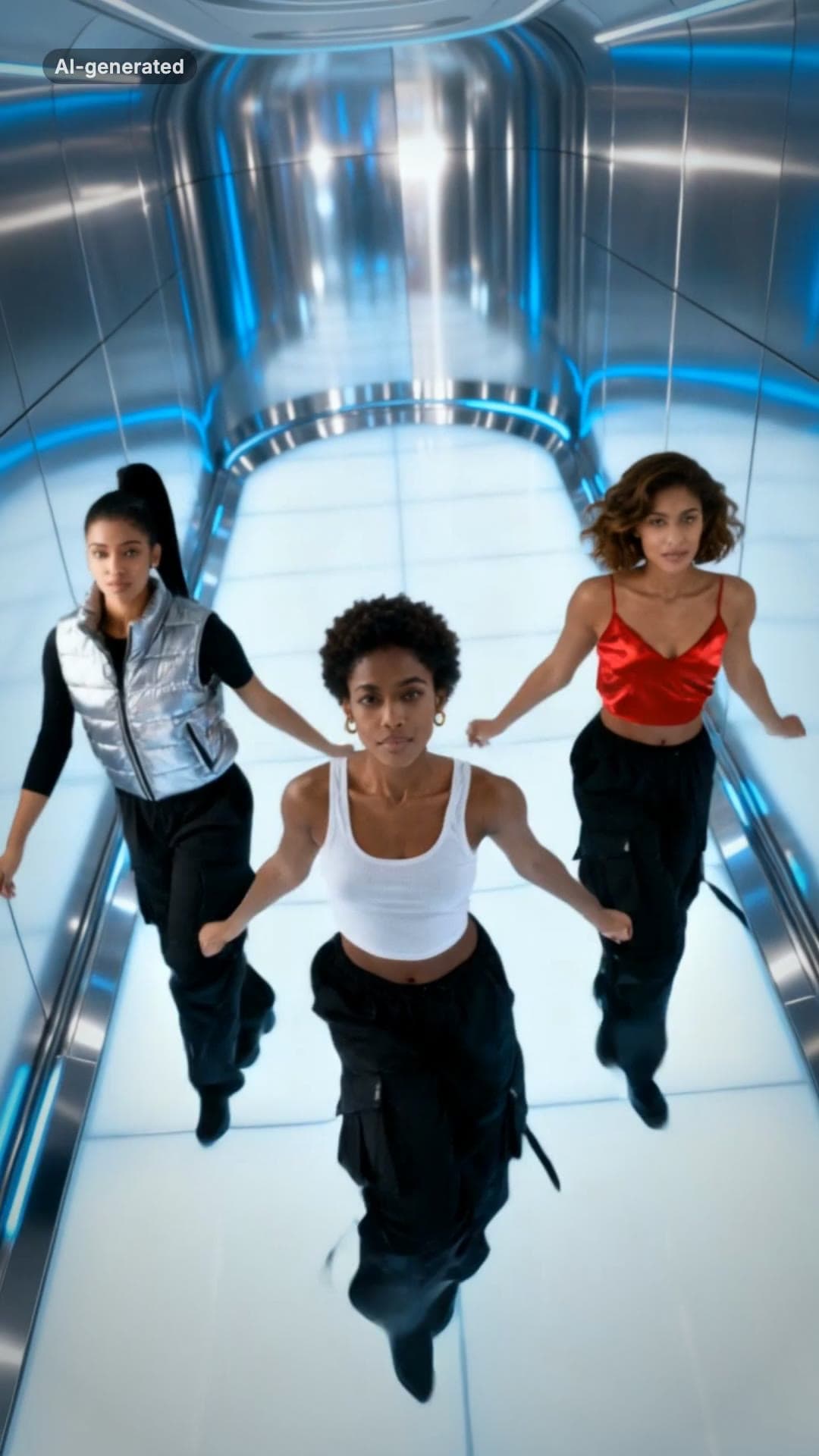 AI-generated sample
No Scrubs TikTok Trend AI Video Maker
Three photos. Elevator intro, two close-ups, then all three of you dancing in sync.
3 photos · 17s · 80 credits
Make yours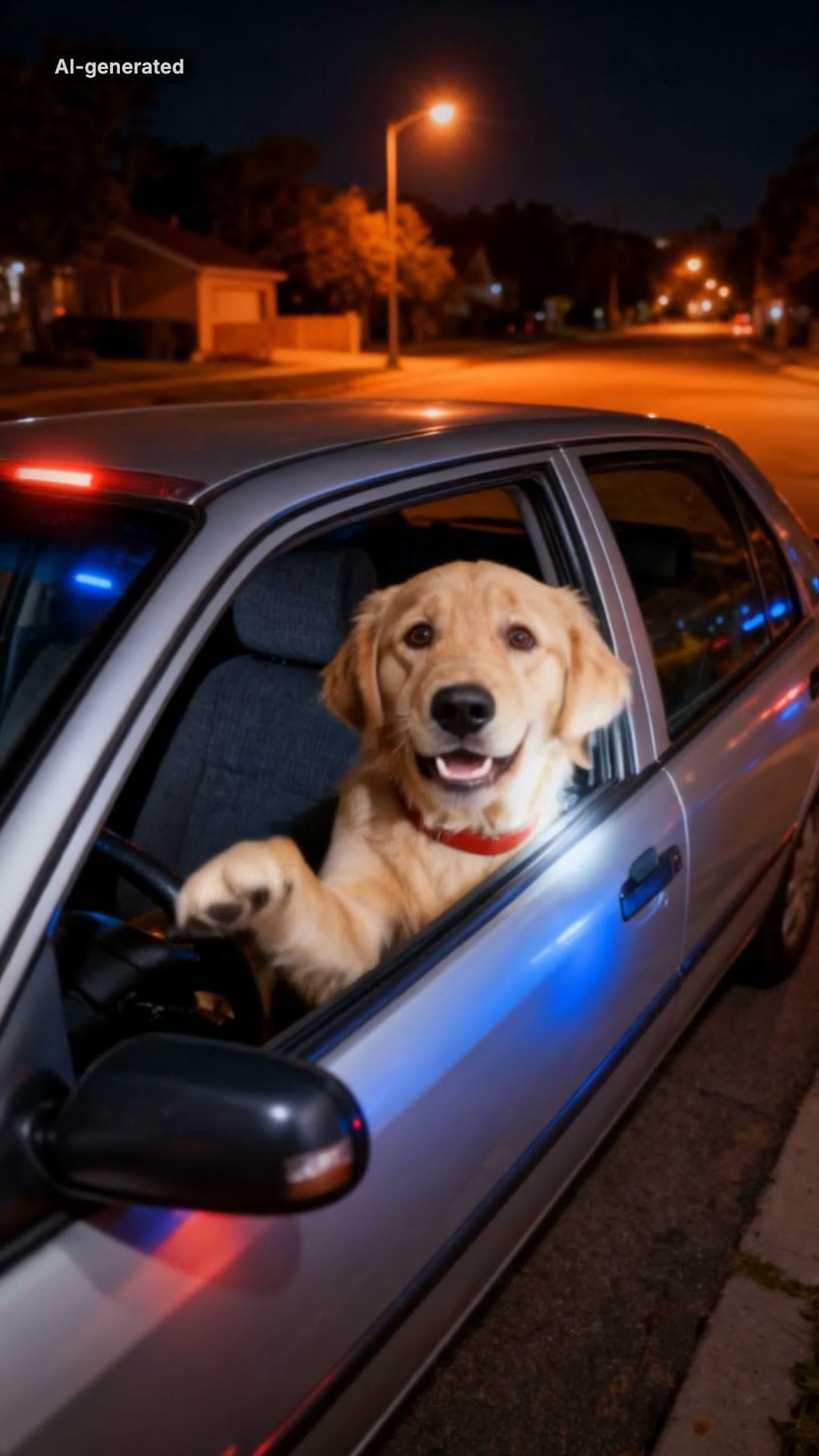 AI-generated sample
What Stop Sign Meme AI Video Maker for Pets
One pet photo. Pulled over, window down: "Stop sign? What stop sign?"
1 photo · 11s · 80 credits
Make yours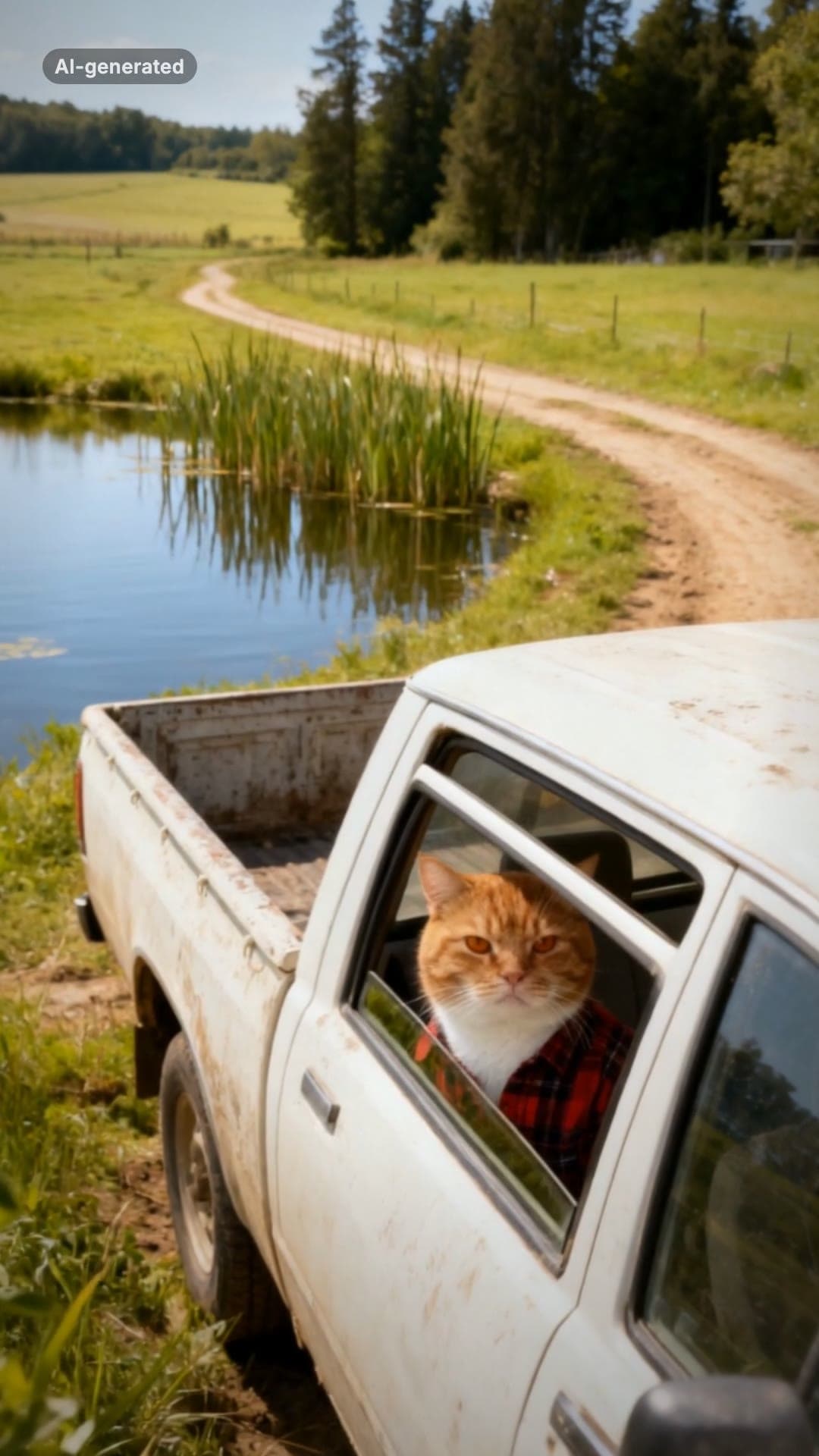 AI-generated sample
Hit the Road Dude AI Video Template for Pets
One pet photo. Pull up, roll the window down, stare, then hit the road.
1 photo · 16s · 80 credits
Make yours AI-generated sample
I'm Sorry I Lied AI Halloween Costume Trend
One childhood photo. The perfect costume, the apology, then the real one.
1 photo · 16s · 80 credits
Make yours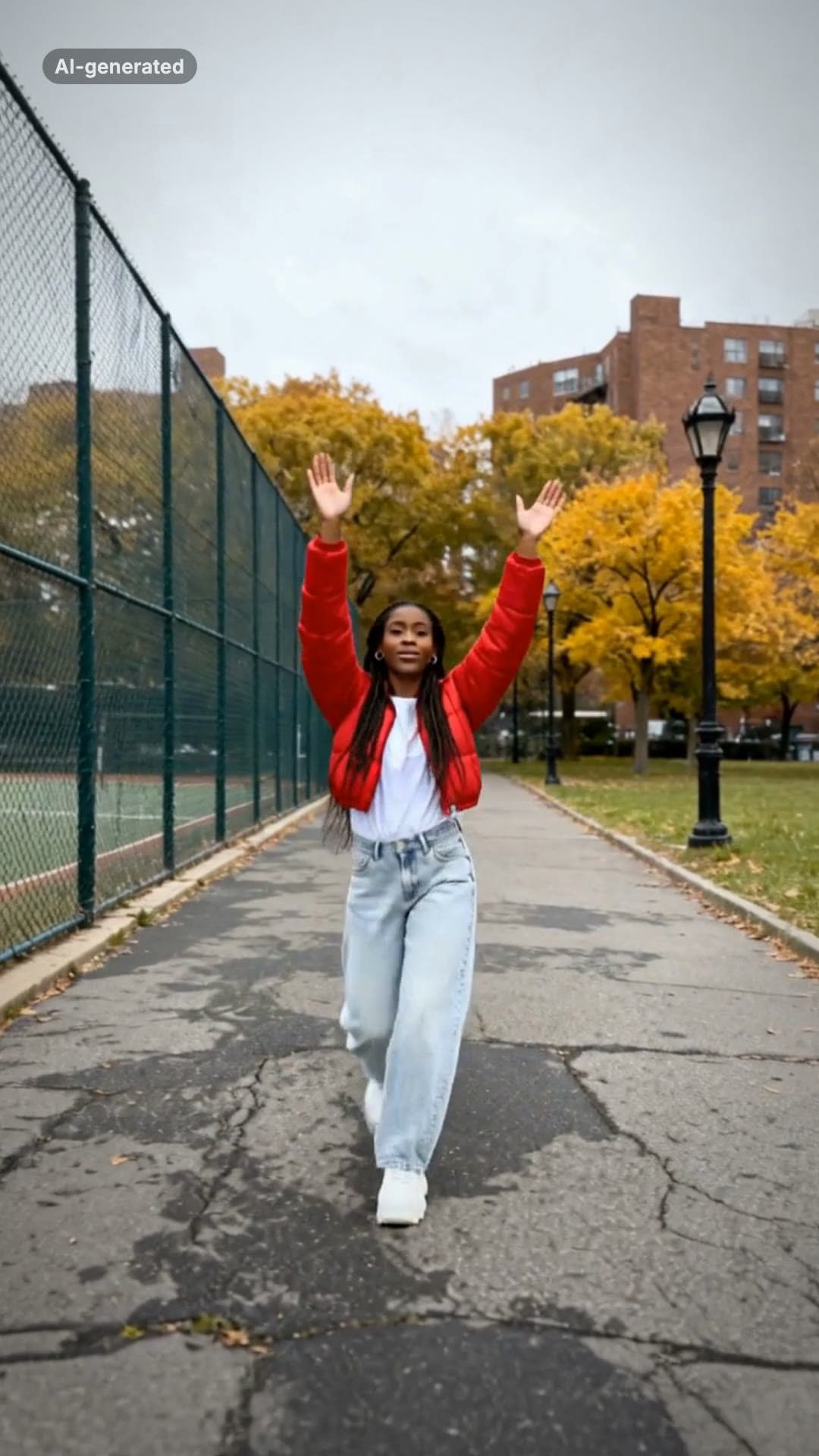 AI-generated sample
Fergie Baby AI Trend: Gate Walk Video Maker
One full-body photo. Out of the park gate, down the path on the beat, arms up, freeze.
1 photo · 16s · 80 credits
Make yours