
AI-generated video · TikTok trend
Monkey Eating Apple AI, starring you
Updated
An AI-generated man with a short fade and a yellow sweatshirt. The original, by user7453115952617. Not made with or affiliated with angles.video. Watch it on TikTok
Samples made with this generator from AI-generated portraits, not real people. The newest was made on .
You at a low stone wall on a sunny forest path, biting into a red apple, and a wild macaque on the wall right beside you that has been watching it. It lunges, grabs your wrist, wrestles you for the apple in a frantic tug of war, wins, and scampers off along the wall with it, while you turn to the camera, frozen, eyes wide and mouth open. Upload one full-body photo and you are swapped in as the one who loses the apple, in your own clothes, for the whole take, cut into three framings, as a 10-second vertical video with a playful track of its own.
- 1 photo
- 10 seconds
- Vertical 9:16
- With music
- Ready in about 15 minutes
- 80 credits
Make your monkey eating apple video
Upload one full-body photo of yourself. You get the whole 10-second Monkey Eating Apple video, with a macaque stealing your apple, in about fifteen minutes, ready to post.
- 1Upload one clear photo.
- 2We swap you into the scene. It takes about fifteen minutes, and we email you when it is ready.
- 3Download it and post it.
You
One adult, the whole body in frame from head to shoes, face clear and looking at the camera. You lose the apple in the clothes in the photo, so wear what you want to be seen in. Short hair comes through best: long hair comes out short.
80 credits per video · refunded if it fails
What the Monkey Eating Apple AI trend is
It is an AI video effect, not a real clip. At the start of November 2026 a CapCut template started going round on TikTok: from one photo, the person in it stands at a wall on a forest path and bites an apple, a macaque on the wall grabs it, there is a tug of war, the monkey wins, and the clip ends on the person staring at the camera in disbelief. The account pushing the template posted it on 1 November, and its second post, the one at the top of this page, passed a million views within two weeks.
Since then the AI video tools have all added a version of it, and people use it on themselves, on their parents and on friends who would never let a monkey near their food. The joke is in the speed of it: one second you are enjoying an apple, the next you are in a wrestling match you lose, and then there is nothing left to do but look at the camera.
What your Monkey Eating Apple AI video looks like
The scene is made once, in a master clip: a made-up woman, generated by AI, at a made-up stone wall with an AI macaque beside her, one continuous handheld take of the bite, the tug of war and the stare. It is cut into three framings. Your photo is swapped in for her in every frame, so your moves and the drift of the camera are exactly those of the master, and the macaque, the wall and the path stay as they are. Your face, hair, skin tone and clothes come from your photo: from a full-body photo you wear the trousers in it too. The woman in the master has very short hair, so short hair comes through best and long hair comes out cut short. The wide middle framing is where the small things slip, a trouser colour, painted nails, glasses: check it, and where the macaque's paws hold the apple in your hands, check the fingers before you post.
Each finished video runs 10 seconds at 1080 by 1920, filling the vertical frame, with a small AI-generated label in the corner and no captions burned in. It comes with a playful track made for this template, which you can keep. It takes about fifteen minutes to make: you can leave the page, and we email you when it is ready. It costs 80 credits from a credit pack or paid plan.
The 3 scenes
0–3.4s · The bite
A little closer at the stone wall: you bite into a red apple while a macaque sitting on the wall beside you watches it, then grabs your wrist.
3.4–7.4s · The tug of war
The whole frame: the macaque goes for the apple in your hands, and the two of you wrestle over it in a frantic tug of war across the top of the wall.
7.4–10s · The stare
Closer again: it snatches the apple and scampers off along the wall, and you turn to the camera, empty-handed and frozen, eyes wide and mouth open, as the camera comes in on your face.
The sound, and the monkey
There is no one sound for this trend: the template posts each carry a different background sound, and people post their versions over whatever they like. So your video comes with an original track of ours, made for this template, a sunny little stroll that turns into a scramble. Keep it, or pick any sound on TikTok with Use this sound and turn ours down. Either way, nothing in the file belongs to anyone else.
The macaque is AI-generated too. No animal was filmed for the master, and nobody from the template posts or the AI remakes is in it: the woman, the monkey and the forest path were made up. In real parks, macaques really do snatch food from visitors, and they can bite; this is a video to make, not a stunt to try. angles.video is not affiliated with TikTok, CapCut or the makers of the template and its remakes.
How to post it on TikTok with the trend sound
Step 1
Download your video
Save the MP4 to your phone. It is already vertical, 1080 by 1920, so TikTok will not crop it.
Step 2
Keep our track, or pick a sound
The video comes with its own playful track, made for it, so you can post it as it is. To use another sound, open a TikTok video that has it, tap the sound name at the bottom, then tap Use this sound and pick your video from Upload.
Step 3
Turn our track down if you change the sound
With another sound added, open Volume and turn Original sound to zero so only the new one plays. Then add a caption: the template posts usually just tag the person who lost the apple.
Step 4
Label it as AI-generated
Before posting, open More options and switch on the AI-generated content label. TikTok asks creators to label realistic AI-generated video, and viewers trust a post that says so.
How to make a monkey eating apple video yourself
You do not need this page to make one. This is how the video is put together, with the prompt, so you can build it with any video model that swaps a person into a reference clip.
Step 1
Make or find a reference take you may use
You need a clip of someone losing an apple to a monkey that you have the right to use. Do not film a real monkey for it: make the take with a video model that animates a picture, from a made-up person at a wall with a macaque beside them, describing the bite, the grab, the tug of war and the stare.
Step 2
Swap yourself in
Give a video model that replaces a person in a reference clip your take, one clear full-body photo of the person to put in and the prompt below. Cut the take into short framings first, punching in for the bite and the stare so the face is bigger there.
Step 3
Check it and post it
Watch it frame by frame: the face should stay the same through the tug of war, the hands should keep five fingers where the monkey grabs them, and the monkey should stay a monkey. Post it at 9:16 with the sound you want, and turn on the AI label.
The shots, second by second
| Time | Shot |
|---|---|
| 0–3.4s | The bite A little closer at the stone wall: you bite into a red apple while the macaque beside you watches, then grabs your wrist. |
| 3.4–7.4s | The tug of war The whole frame: the macaque goes for the apple in your hands and you wrestle over it, pulled back and forth over the wall. |
| 7.4–10s | The stare Closer again: it snatches the apple and scampers off along the wall, and you turn to the lens, frozen in shock, as the camera comes in. |
The prompt
This one is not drawn shot by shot. It is made in one go by a video model that replaces the person in a reference clip with the person in a photo, and keeps the camera, the props and the timing of the clip. Give it your reference clip, your photo as the reference and this prompt.
Prompt
Replace the person at the wall in the reference clip with the person in the photo: their face, hair, skin tone and the clothes they wear in the photo. Keep everything else exactly as in the reference clip: the macaque, the apple, the stone wall, the forest path, the daylight, the framing and the moves and their timing, frame for frame. Nothing on their head. No text.
Where it goes wrong
Where the monkey grabs, the hands get redrawn
The macaque's paws are on the apple in the person's hands for most of the tug of war, so the area being redrawn around the person takes in bits of paw. Fingers can multiply or the paws can lose their fur there. Check the hands in the middle of the clip and pick the take where they read clearly.
A head-and-shoulders photo makes up the trousers
The person is seen from the thighs up in every framing, so a photo that stops at the chest leaves the trousers to be guessed, and each framing guesses differently. Use a photo from head to shoes.
The reference person's hair becomes yours
A model that swaps a person in redraws the outline of the person in your take, hair included. A reference person with long loose hair gives a short-haired person long hair in the wide framing, and a bun leaves a bump on top. Pick someone whose hair is short and close to the head, and check the hair in every framing.
Only people who said yes
Use your own photo or one of someone who agreed. Do not use celebrities, the people from the template posts, or anyone who has not agreed to be in the video: a realistic video of a real person made without their consent can hurt them, and platforms take it down.
Label it as AI-generated
Switch on TikTok's AI-generated content label before you post. A realistic clip of someone being robbed by a monkey is exactly the kind people take at face value, and viewers trust a post that says it is AI.
Or skip all of it
Upload one photo above and get the finished video back in about fifteen minutes: you swapped into the scene and cut, with the AI label already on it.
Questions about the monkey eating apple generator
What is the Monkey Eating Apple AI trend?
An AI video effect that went round TikTok from November 2026: from one photo, you bite an apple at a wall on a forest path, a macaque grabs it, wins the tug of war and runs off with it, and you are left staring at the camera. People make it of themselves, their parents and their friends.
How do I make a Monkey Eating Apple AI video?
Upload one full-body photo of yourself on this page. You are swapped in for the person in a master clip of the scene, a made-up woman and an AI macaque at a made-up stone wall, and in about fifteen minutes you get a 10-second vertical video of the monkey stealing your apple, with a track of its own.
Is the monkey real?
No. The macaque, the wall and the forest path are all AI-generated, and no animal was filmed. Real macaques in parks do grab food from visitors and can bite, so this is one to make, not one to try.
Which sound is it posted with?
There is no single trend sound: the template posts each use a different one. Your video comes with an original track made for it, which you can keep. To use something else, add it on TikTok with Use this sound and turn Original sound to zero.
Why does it take about fifteen minutes?
You are redrawn into every frame of the clip, posed as the person in the master is, with the macaque, the wall and the path kept as they are. You can leave the page; the video waits in My videos and we email you when it is ready.
How much does a Monkey Eating Apple video cost?
80 credits for one finished video, from a credit pack or paid plan. If a video fails to generate, the credits go straight back to your balance.
Can I use a photo of someone else?
Only of an adult who has agreed to be in the video. Before you generate, you confirm that the photo is of you or of someone who said yes. Do not upload photos of celebrities or of anyone who has not agreed: a realistic video of a real person made without their consent can hurt them, and it breaks our terms.
What photo works best?
One adult, the whole body in frame from head to shoes, face sharp and evenly lit, looking at the camera. You lose the apple in the clothes in the photo, so wear what you want to be seen in. Short hair comes through best; long hair comes out cut short, and glasses can come and go between framings. Avoid sunglasses, masks, hats that hide the hair, heavy filters and group photos.
What happens to my photo?
It is used only to swap you into the video, and we delete it from our storage as soon as your video is finished or fails. The finished video stays in your account so you can download it again.
Every video on this page, and every video made here, is AI-generated: the people in it are drawn by an AI model from the photos uploaded.
Make your monkey eating apple video
Upload one full-body photo of yourself. You get the whole 10-second Monkey Eating Apple video, with a macaque stealing your apple, in about fifteen minutes, ready to post.
Each sample also has its own page: Monkey eating apple AI video
More trends
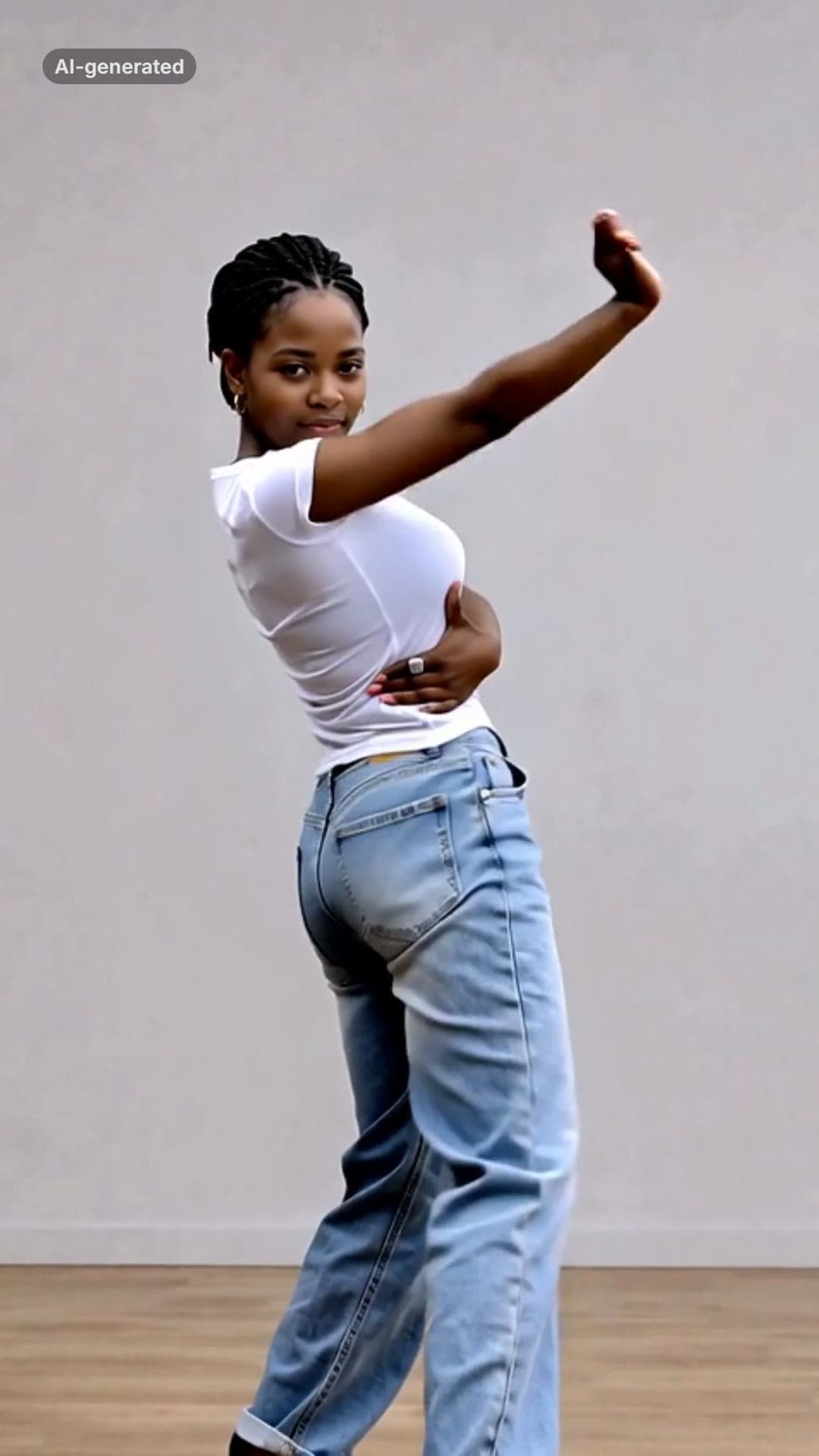 AI-generated sample
Iconic By Mistake AI Dance Video Maker
One photo. You dance the Iconic By Mistake chorus.
1 photo · 14s · 80 credits
Make yours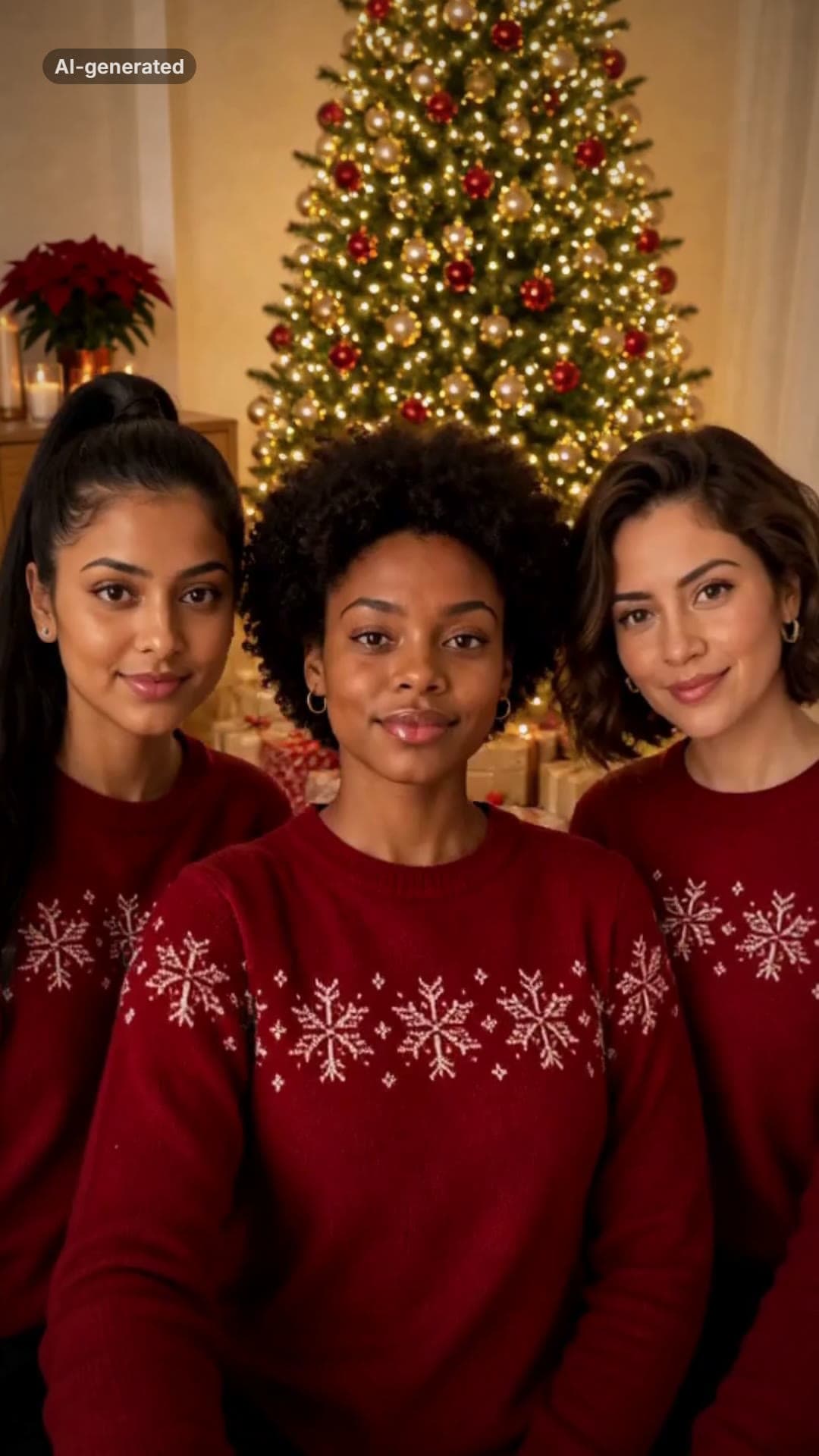 AI-generated sample
Jingle Bell Rock Dance AI Video Maker
Three photos. You and two friends dance the Christmas routine in sync by the tree.
3 photos · 15.8s · 80 credits
Make yours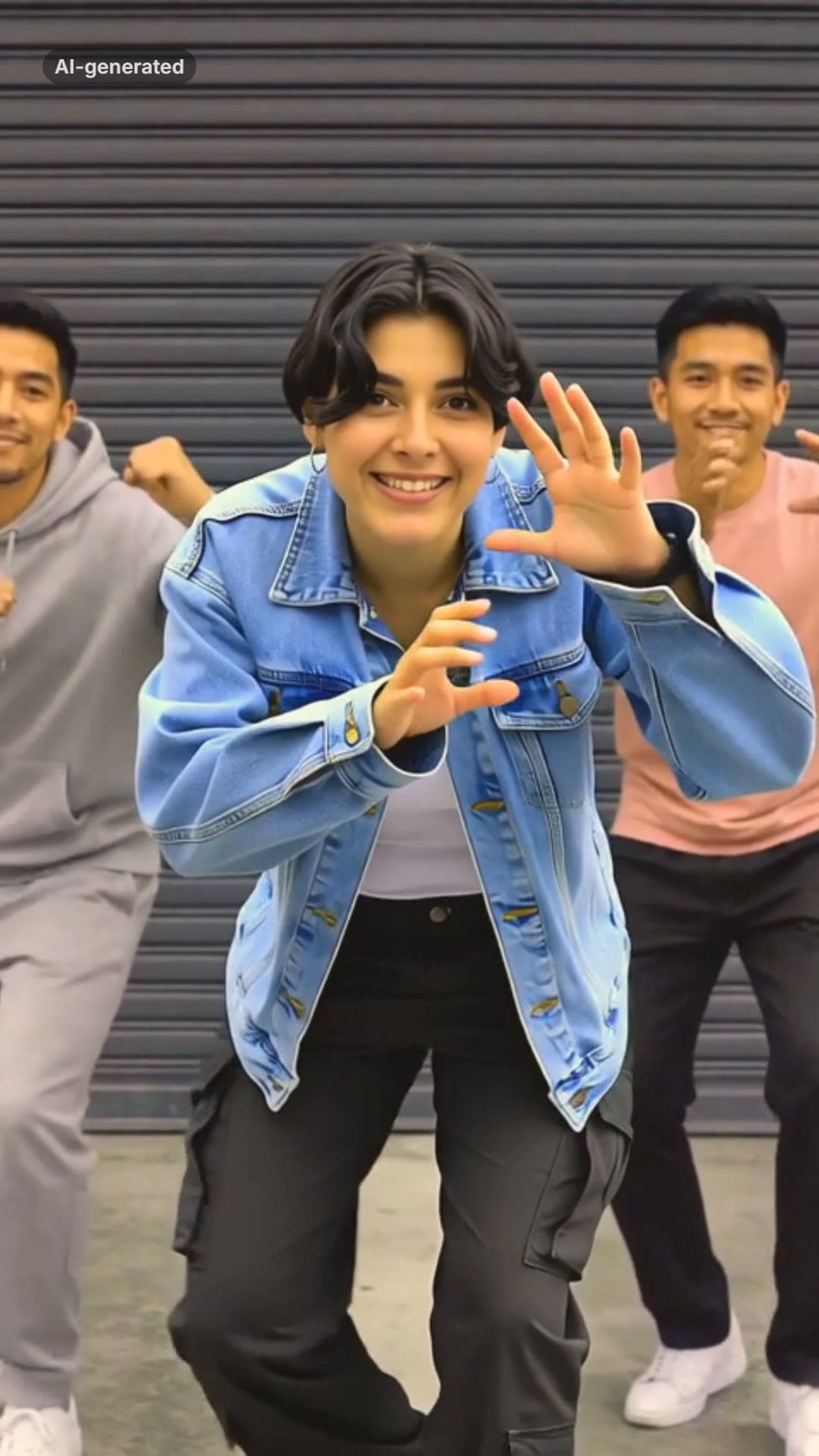 AI-generated sample
Dame Hombro AI Dance Trend From One Photo
One photo. You, leading the Dame Hombro line.
1 photo · 12s · 80 credits
Make yours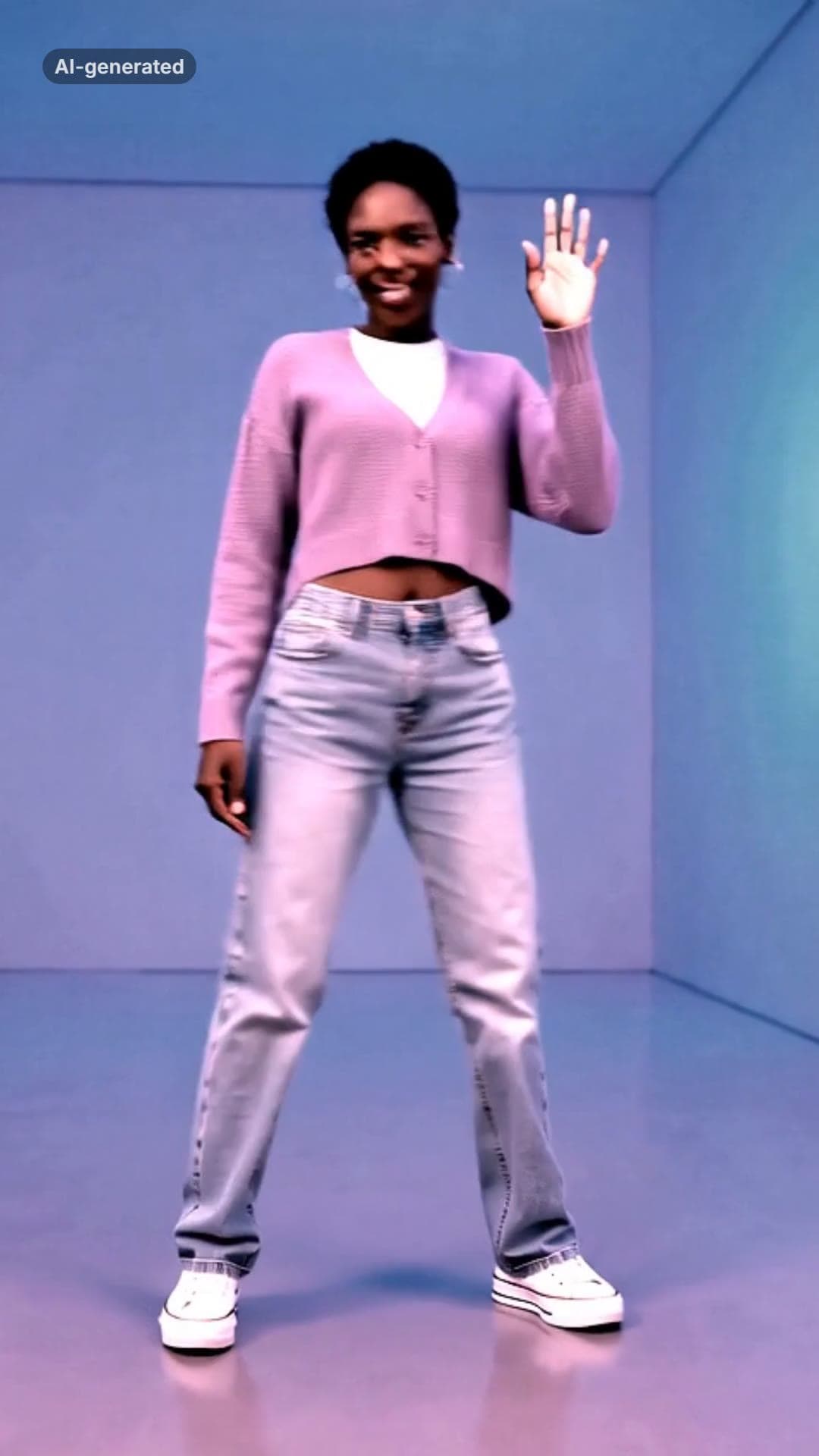 AI-generated sample
Hotline Bling AI Dance Trend From One Photo
One photo. You, doing the dance in the glowing room.
1 photo · 10s · 80 credits
Make yours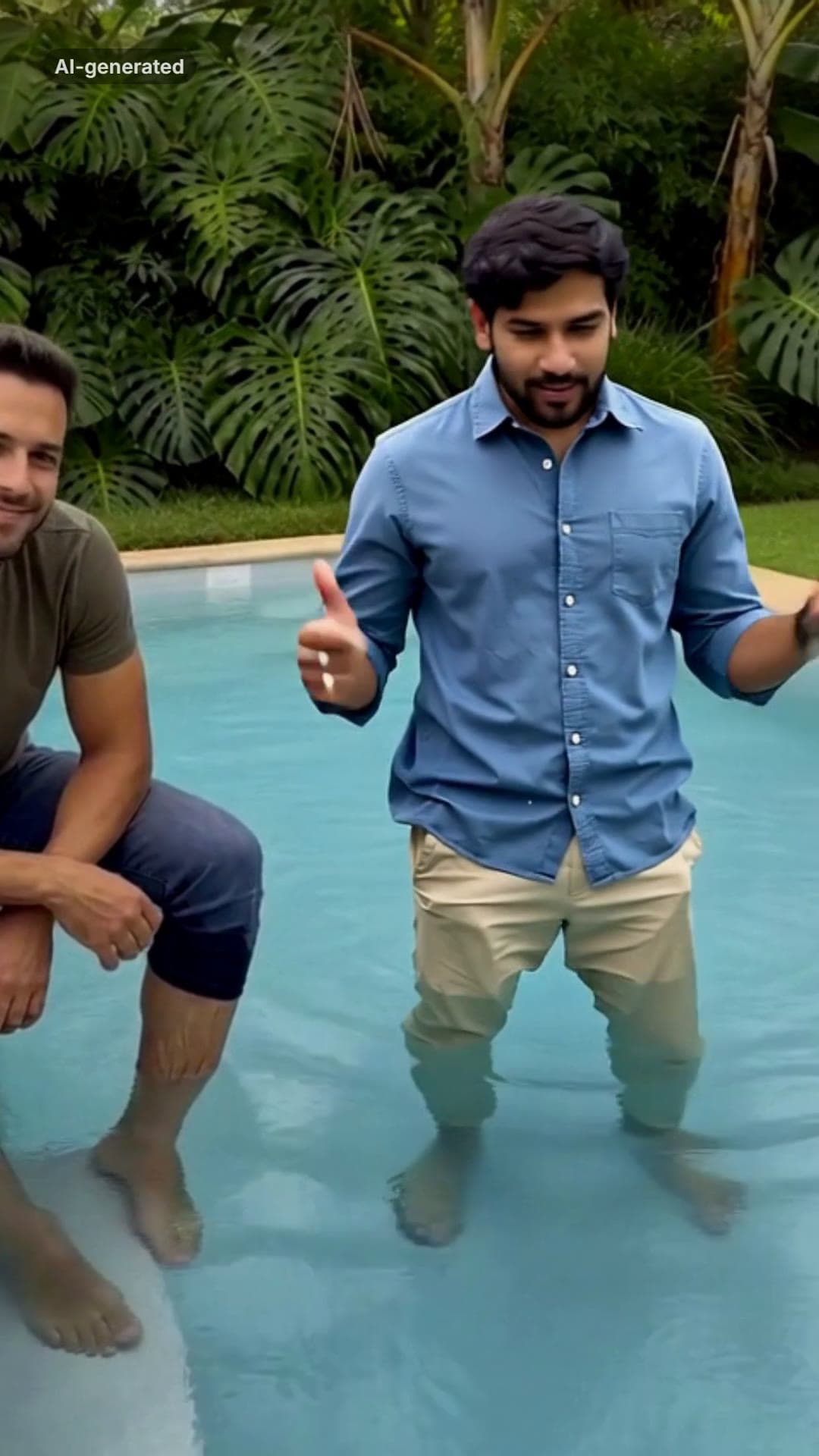 AI-generated sample
Island Boy AI: The Pool Meme From One Photo
One photo. You, fully dressed in the pool, singing the hook.
1 photo · 10s · 80 credits
Make yours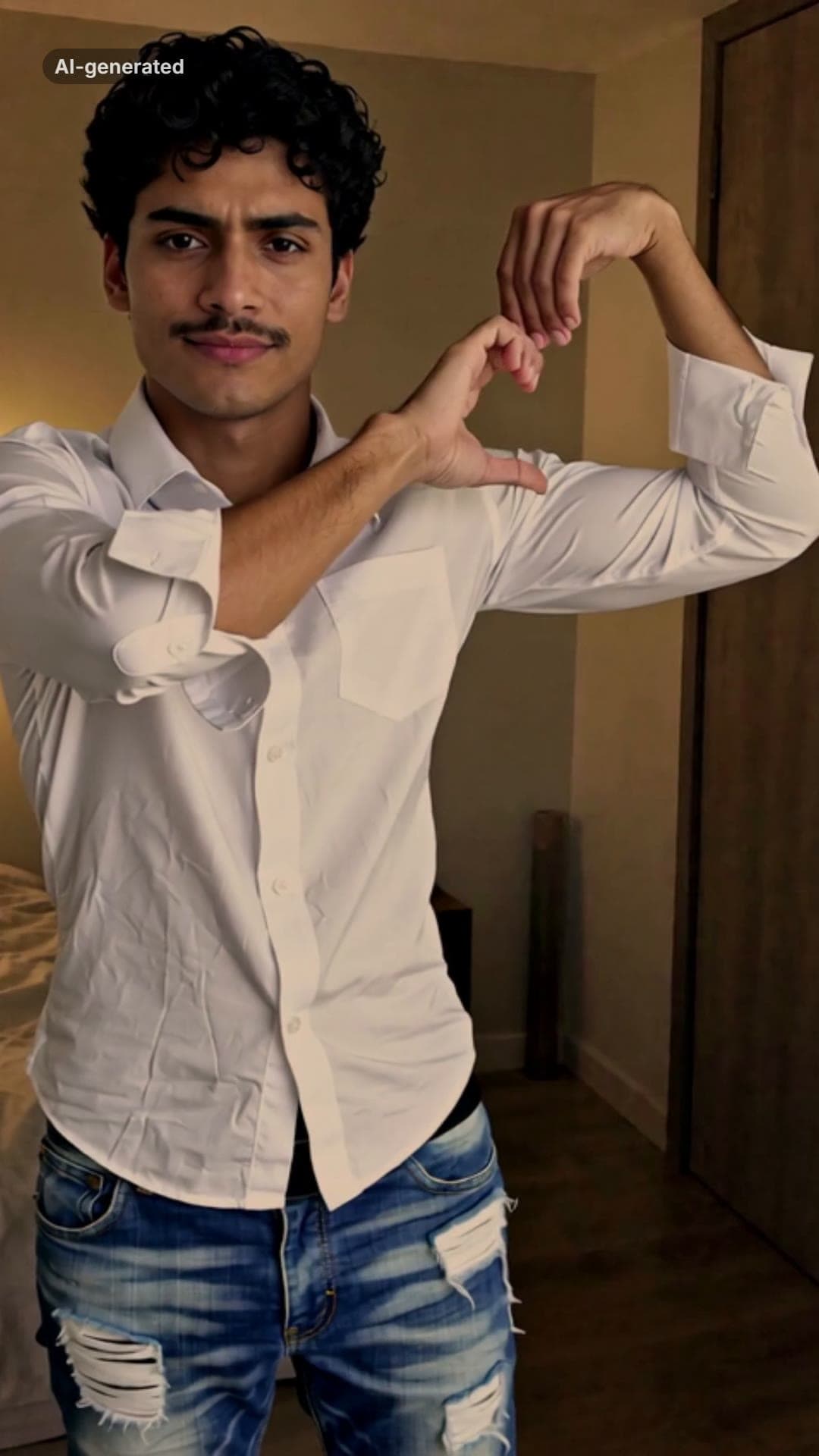 AI-generated sample
Bicep Heart AI: Do the Trend From One Photo
One photo. A shy smile, a flex, and a heart made with your own arm.
1 photo · 10s · 80 credits
Make yours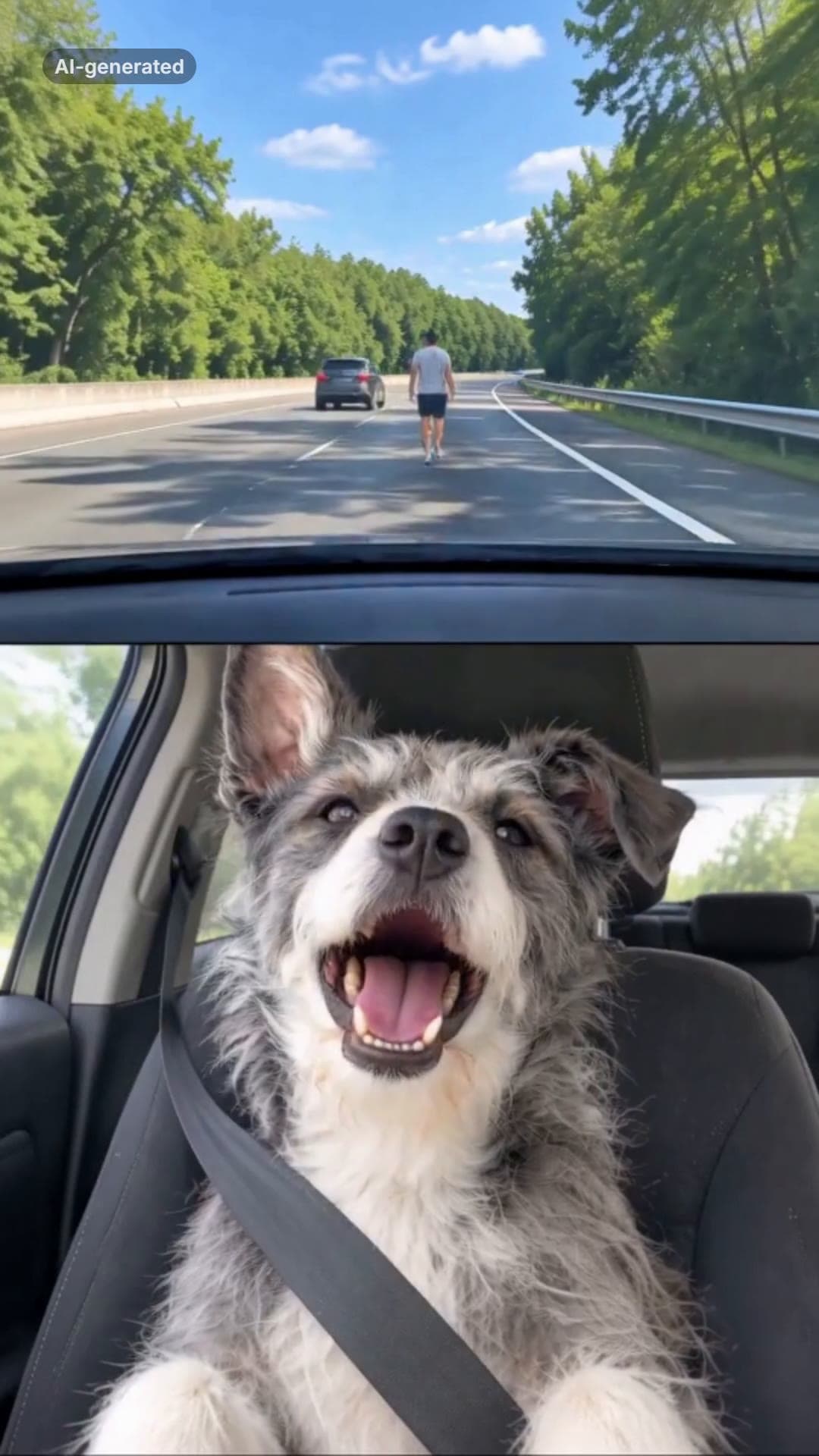 AI-generated sample
It's My Life Dog AI Video Generator
One pet photo. It sings in the front seat, stares, and puts on its sunglasses.
1 photo · 14.2s · 80 credits
Make yours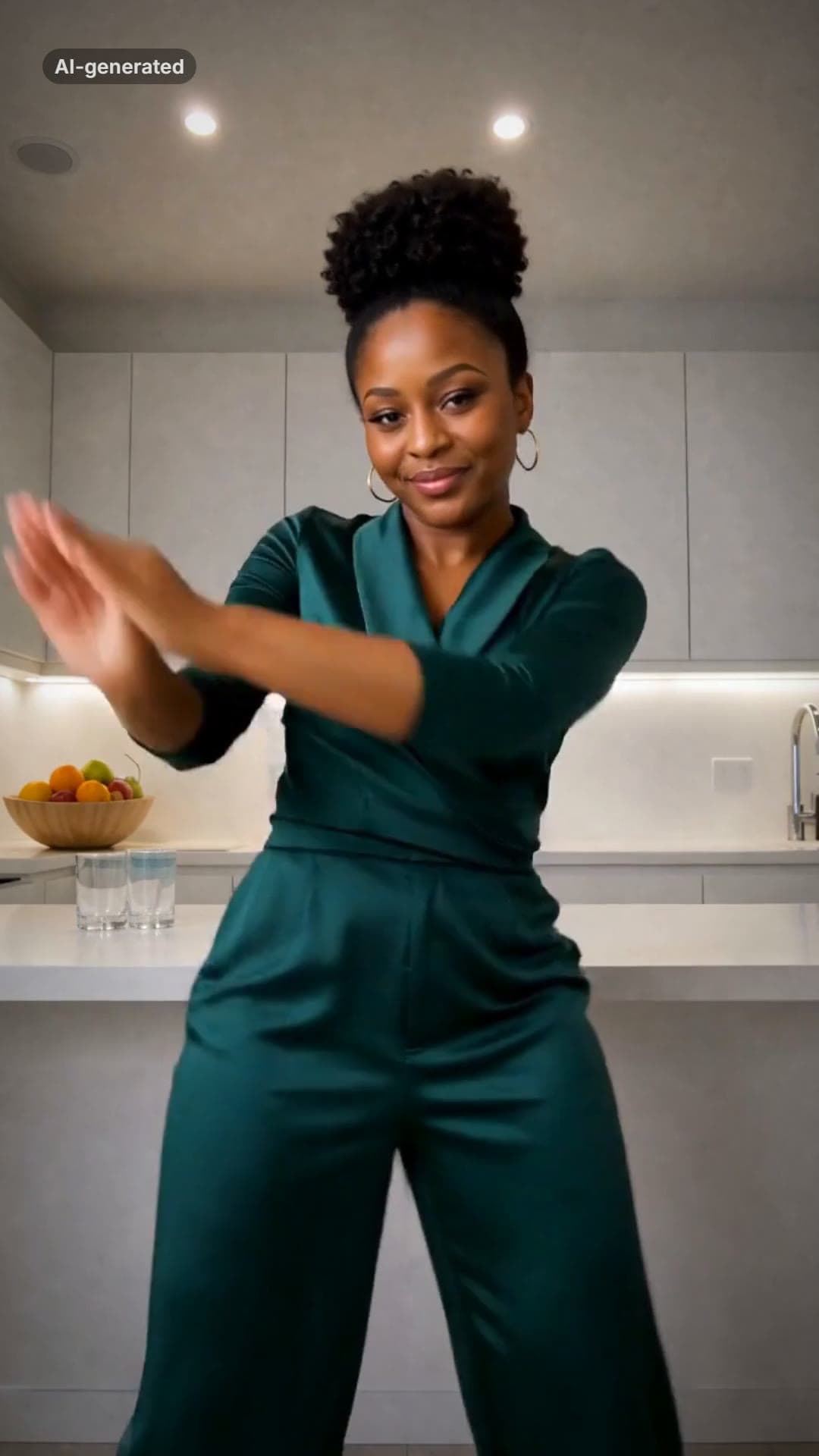 AI-generated sample
La Mujer del Pelotero AI Dance Video
One photo. The sway, the bat swing and the claps, in a kitchen at night.
1 photo · 10s · 80 credits
Make yours